For the most part, iOS’ “multitasking” does a great job of letting you get things done, and many of the apps you’d switch out to on the desktop to perform another task (mail, finding and using a photo) are accessible from the share-sheets within the iOS apps themselves.
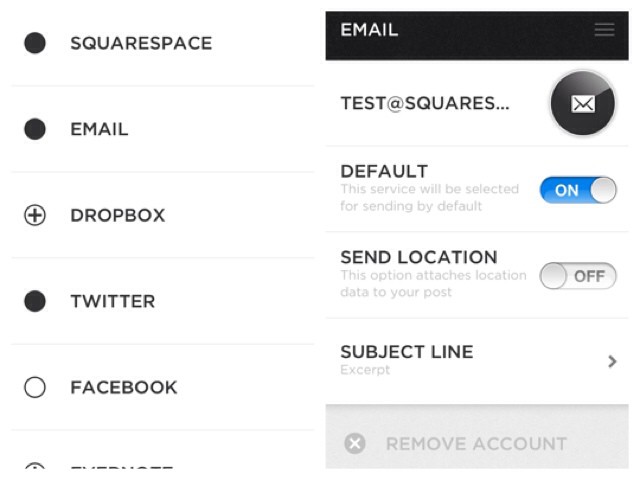
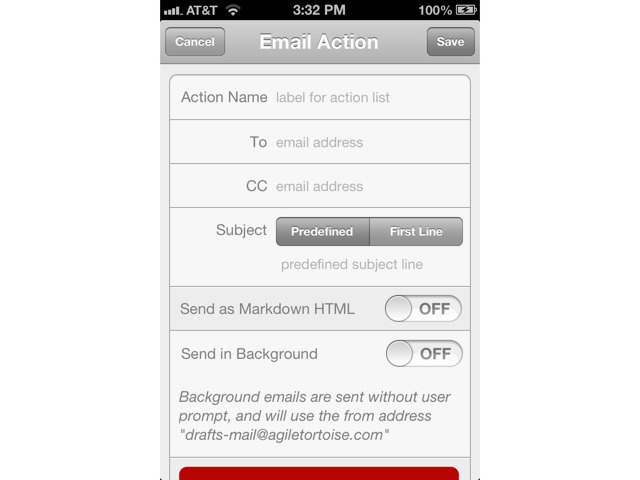
But there’s one thing that constantly bugs me, especially as a user of Launchbar on OS X: There’s no way to make a quick note and save it without leaving the current application. But using a mixture of Twitter, iOS 6, Notification Center, and web services If This Then That (IFTTT) and Dropbox, you can roll your own.
And while the setup takes a little work, once it’s up and running it really is a helluva useful little hack.
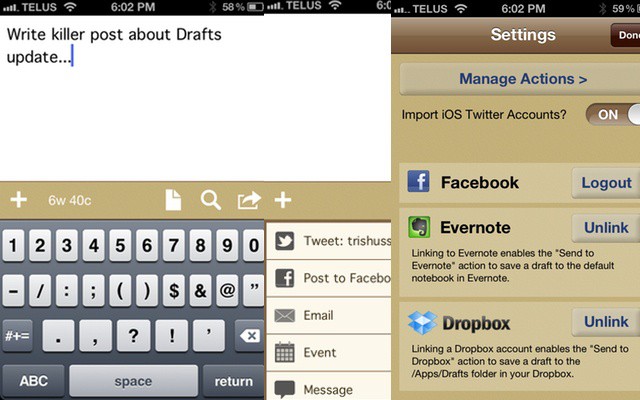
Kicking off this week’s must-have apps roundup is a fantastic text editor called Drafts, which has quickly become my favorite on iOS. We’ve also included a great alternative music app called Ecoute; the latest Facebook app, which has been rewritten from the ground up; and a third-party web browser that prides itself on being super speedy.
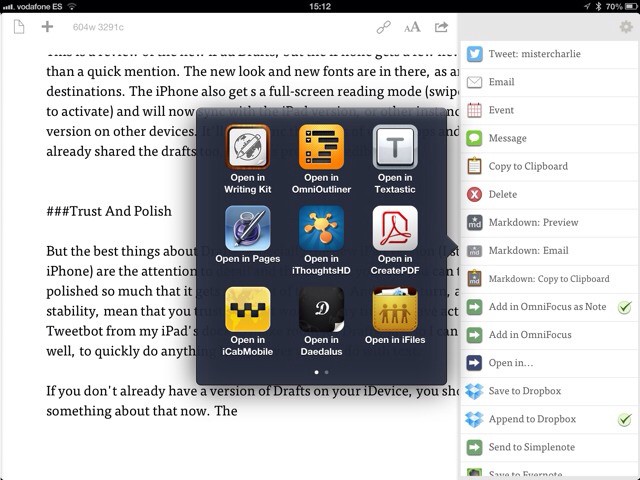
Even if it's not on the list, you can still send text to almost any app.
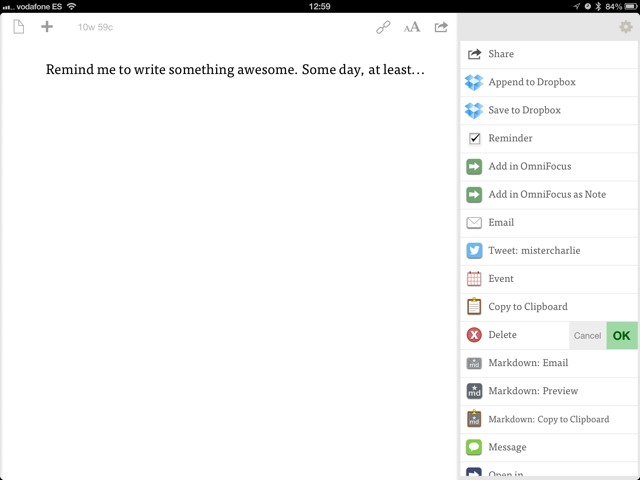
Agile Tortoise has today updated its Drafts app for the iPhone, as well as launching an all-new version for the iPad. I have been using the iPad version for a little while now and it turns out to be pretty fantastic. The iPad app has an all-new UI, and incorporates the additions to the new iPhone app. Let’s take a look:
Check your App store updates people because Drafts was just updated to version 1.2 and includes new actions to post to Facebook, Evernote, create a calendar item, and add to OmniFocus.
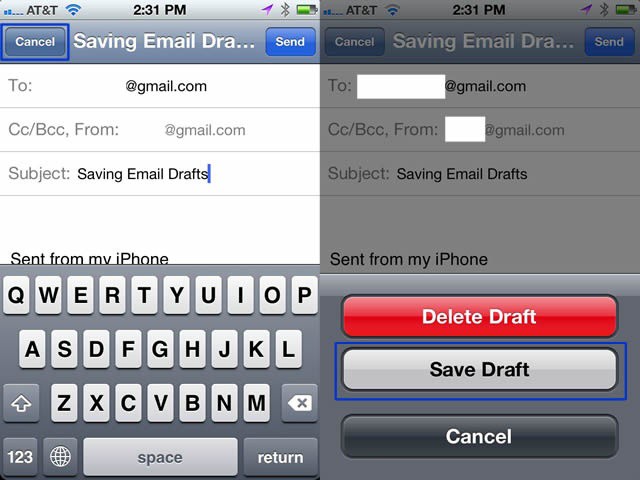
Saved email drafts in iOS are ridiculously cumbersome to get back to. You have to tap all the way back out to the main Mailboxes page, scroll down, tap the mailbox you want, scroll down again, and then tap (finally!) the Drafts folder. This is rather cumbersome, right? Well, we found something that is MUCH faster.
When I first heard about Drafts, I thought “What’s the point?” After all, who needs an app in which to draft messages before sending them off to Twitter, or mailing them, or otherwise disseminating them to the world at large? My Twitter and mail apps take care of that already.
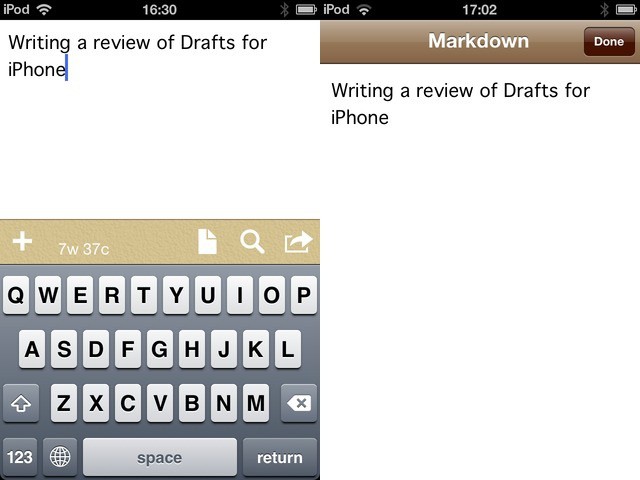
And then I used it, and it has turned into possibly the handiest little note-taking app I have on my iPod Touch.