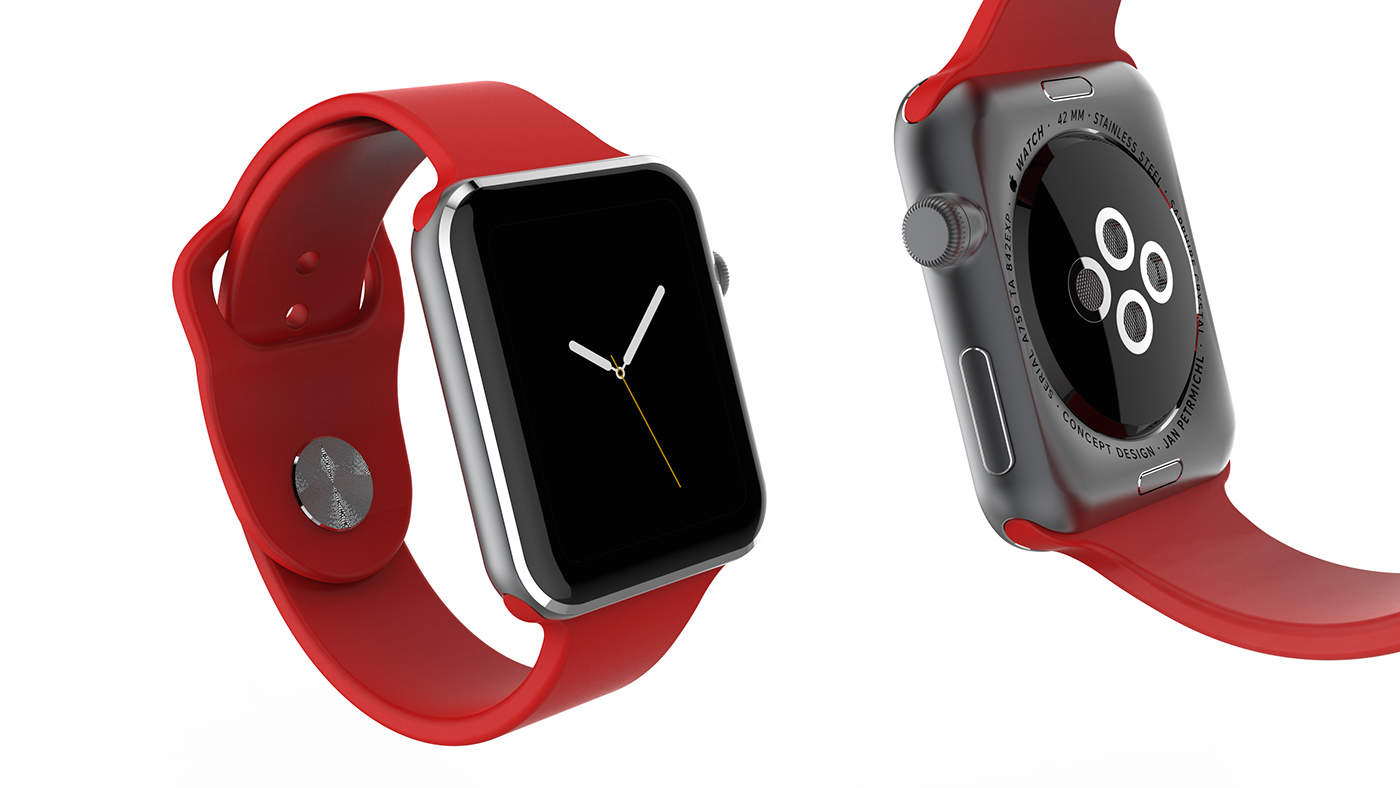
We’ve seen a freaking ton of iWatch concepts over the past few months. Most of them suck. However, Martin Hajek’s new concept is beautiful, even though it’s not very functional.
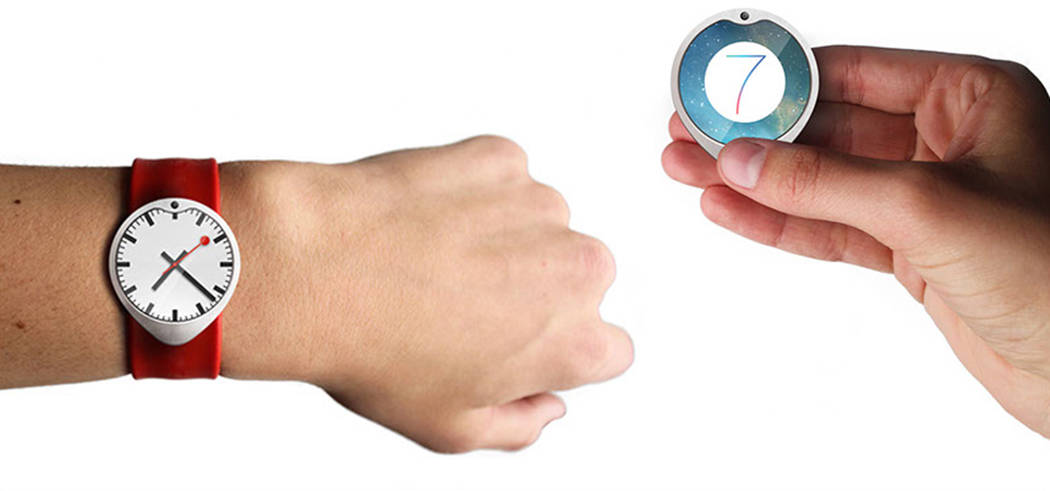
Working for MacUser magazine, Martin created his iWatch concept by focusing on a traditional approach to watch making. The clock-face has a large display that looks like a mini iPad mini, but it’s got the natural touches of a regular watch – like the leather strap and clasp.
The UI doesn’t look like something you could actually use (who’s got fingers tiny enough to tap those Xs in Tweetbot?), but the hardware is great. If Apple does come out with an iWatch later this year, we hope it looks something like this:
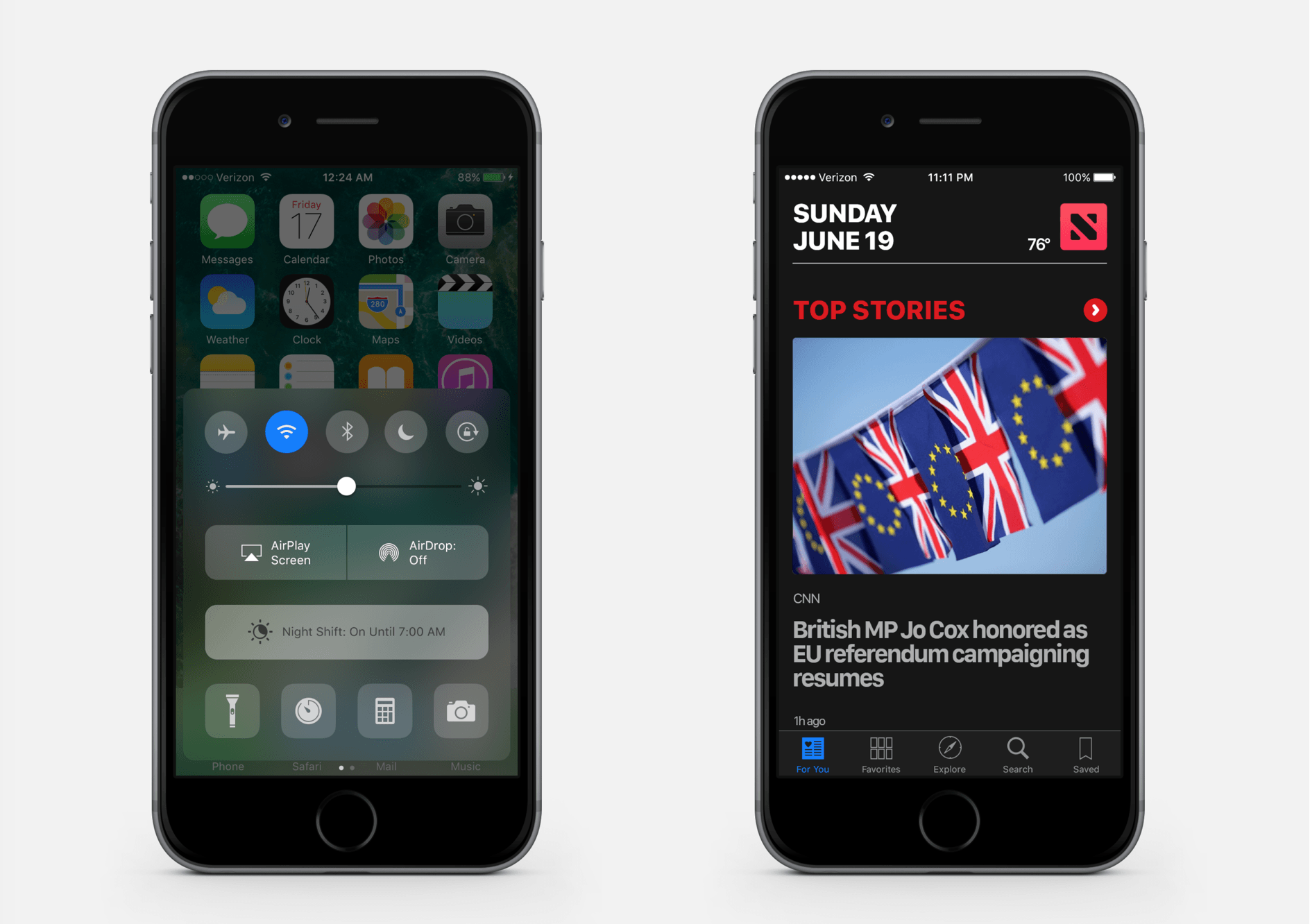
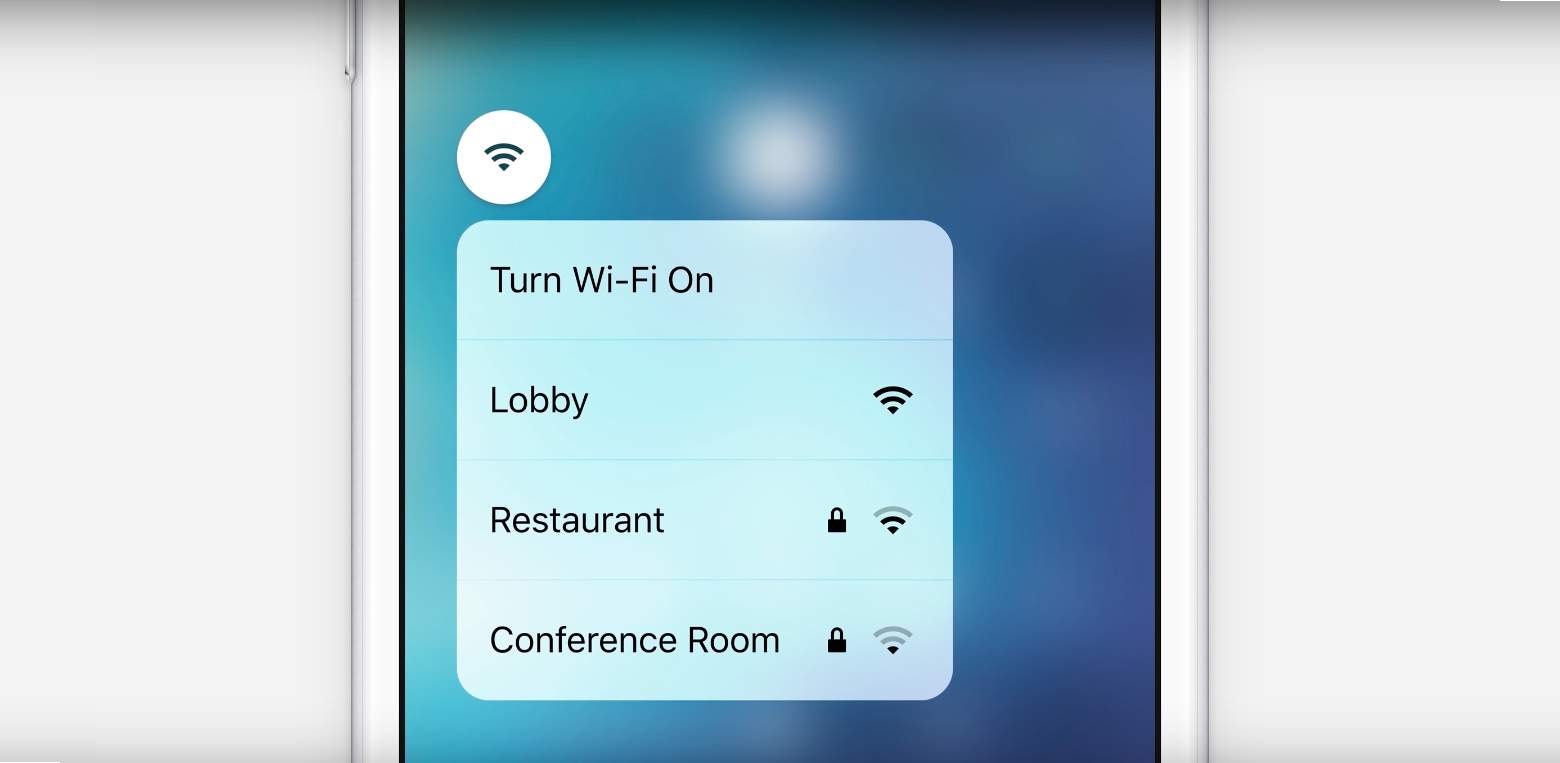
The interface designer behind the Auxo app-switcher concept (@Sentry_NC) has come up with another fantastic idea, this time aiming his attention at the Lock Screen of iOS. In this new concept, iPhone and iPad users would be able to swipe over from the right hand side of their device screen, revealing a host of settings that typically require launching the Settings app for.
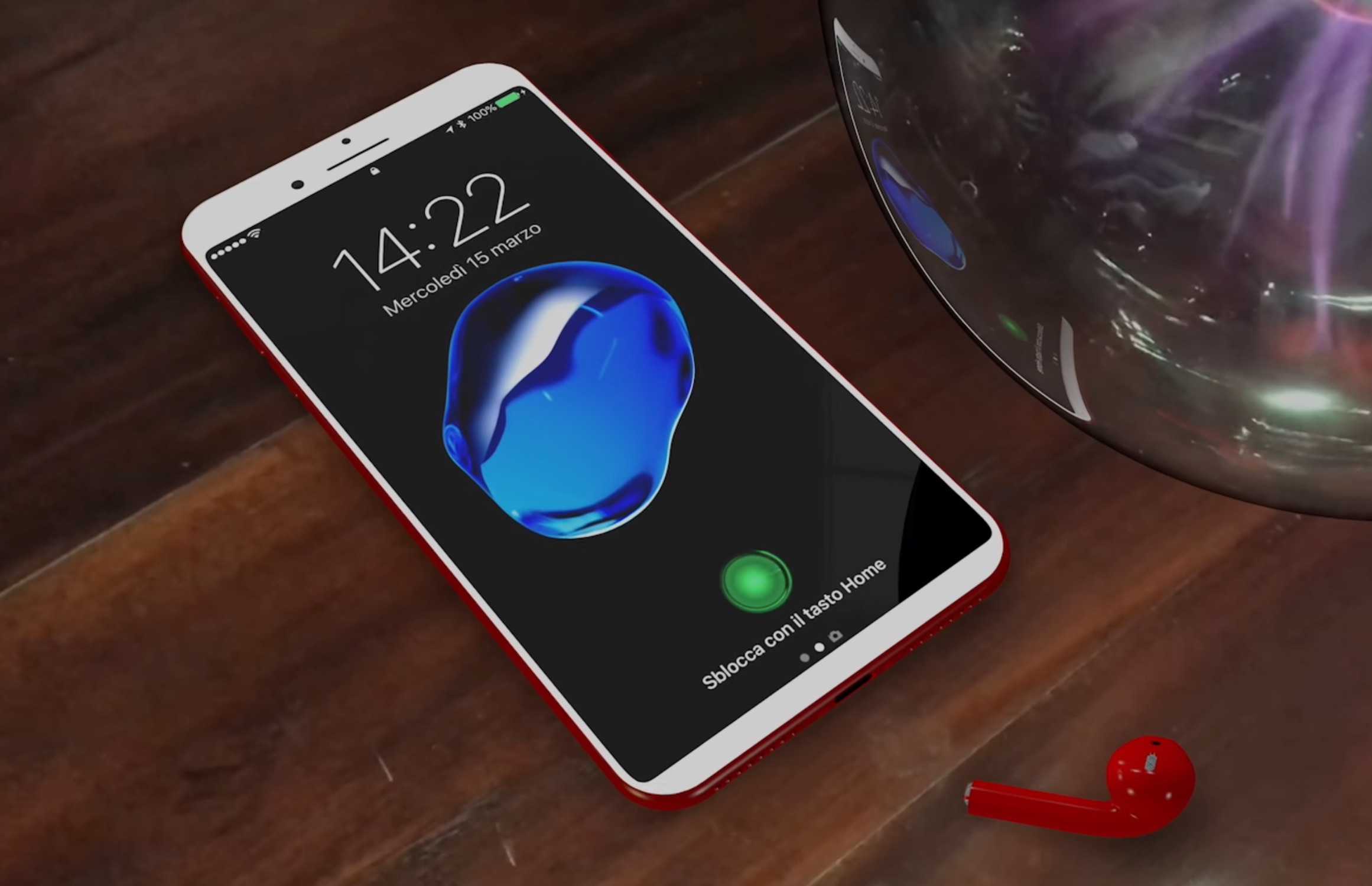
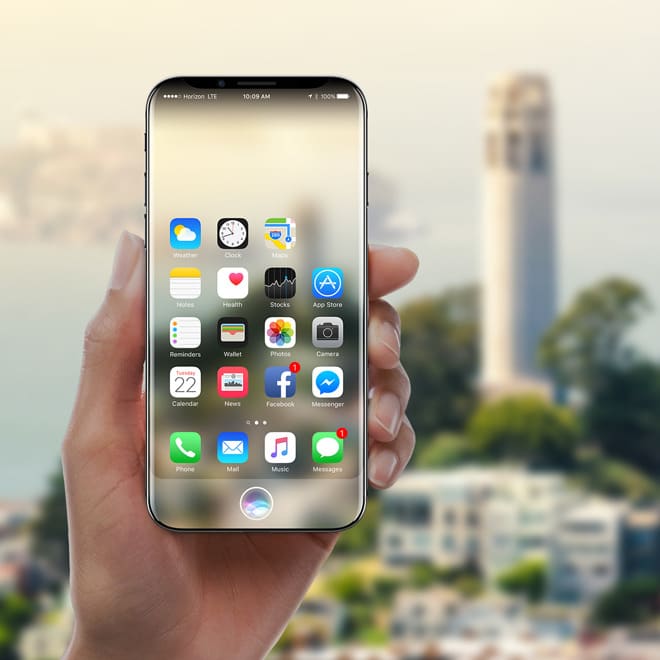
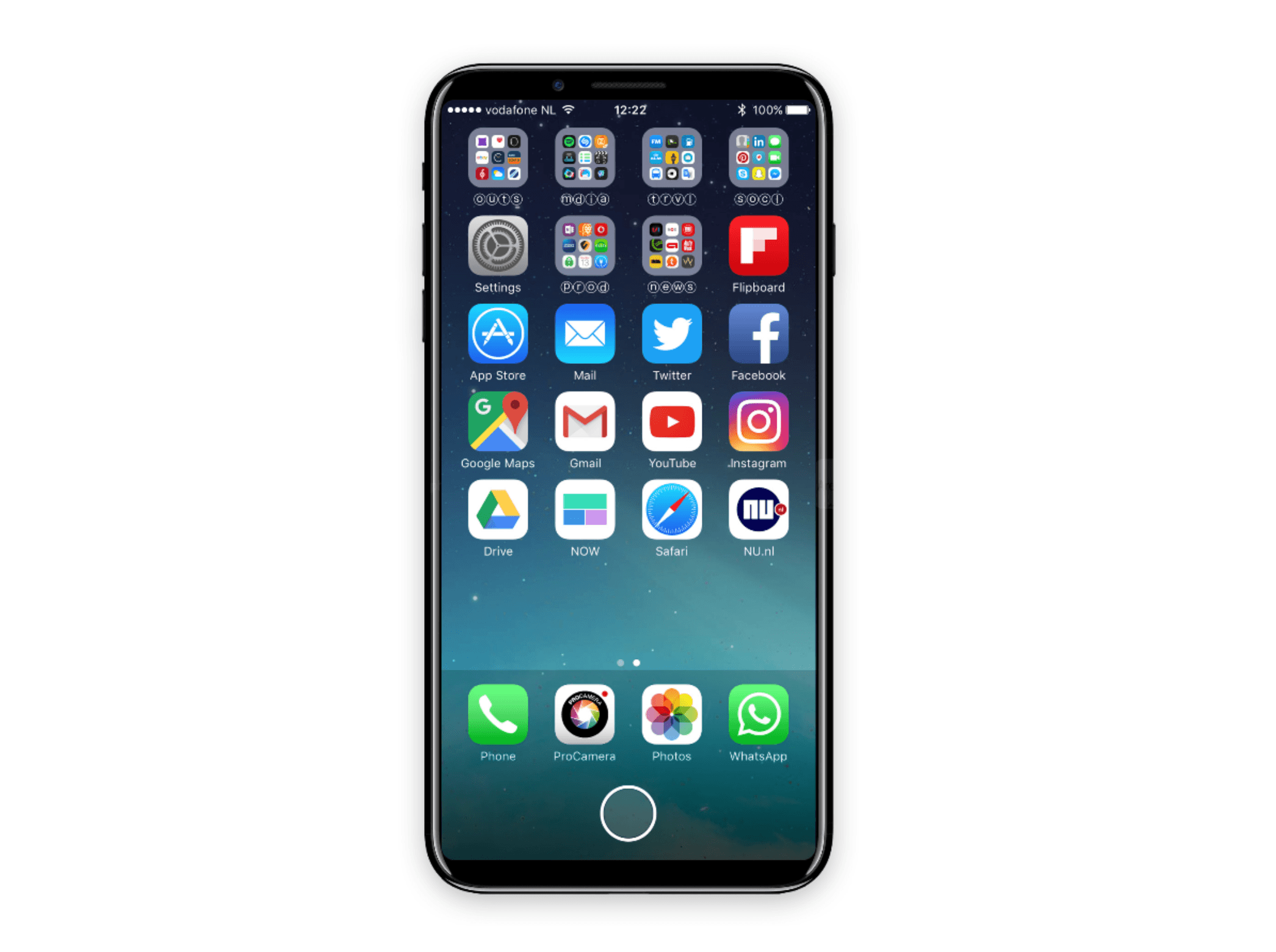
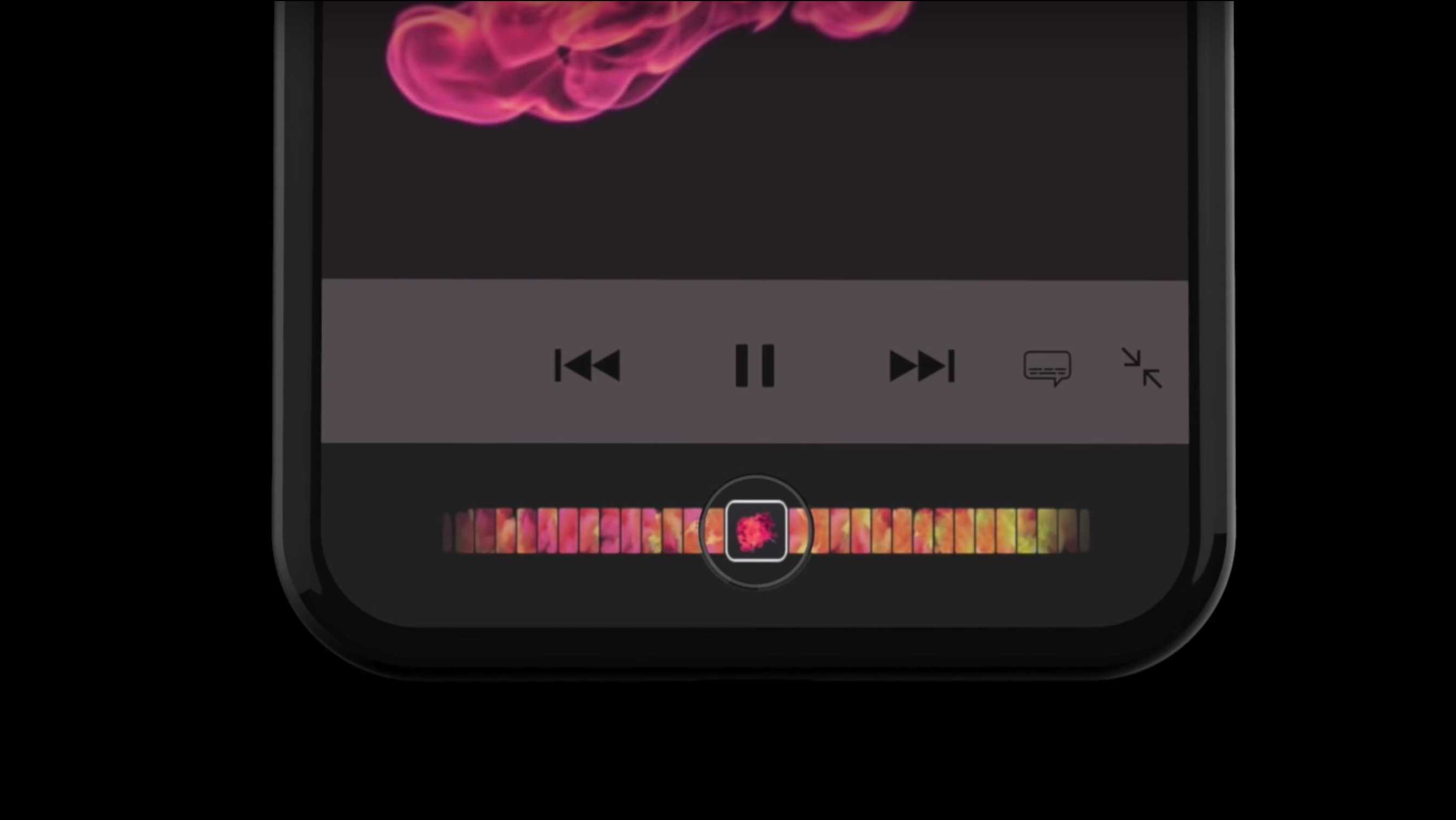
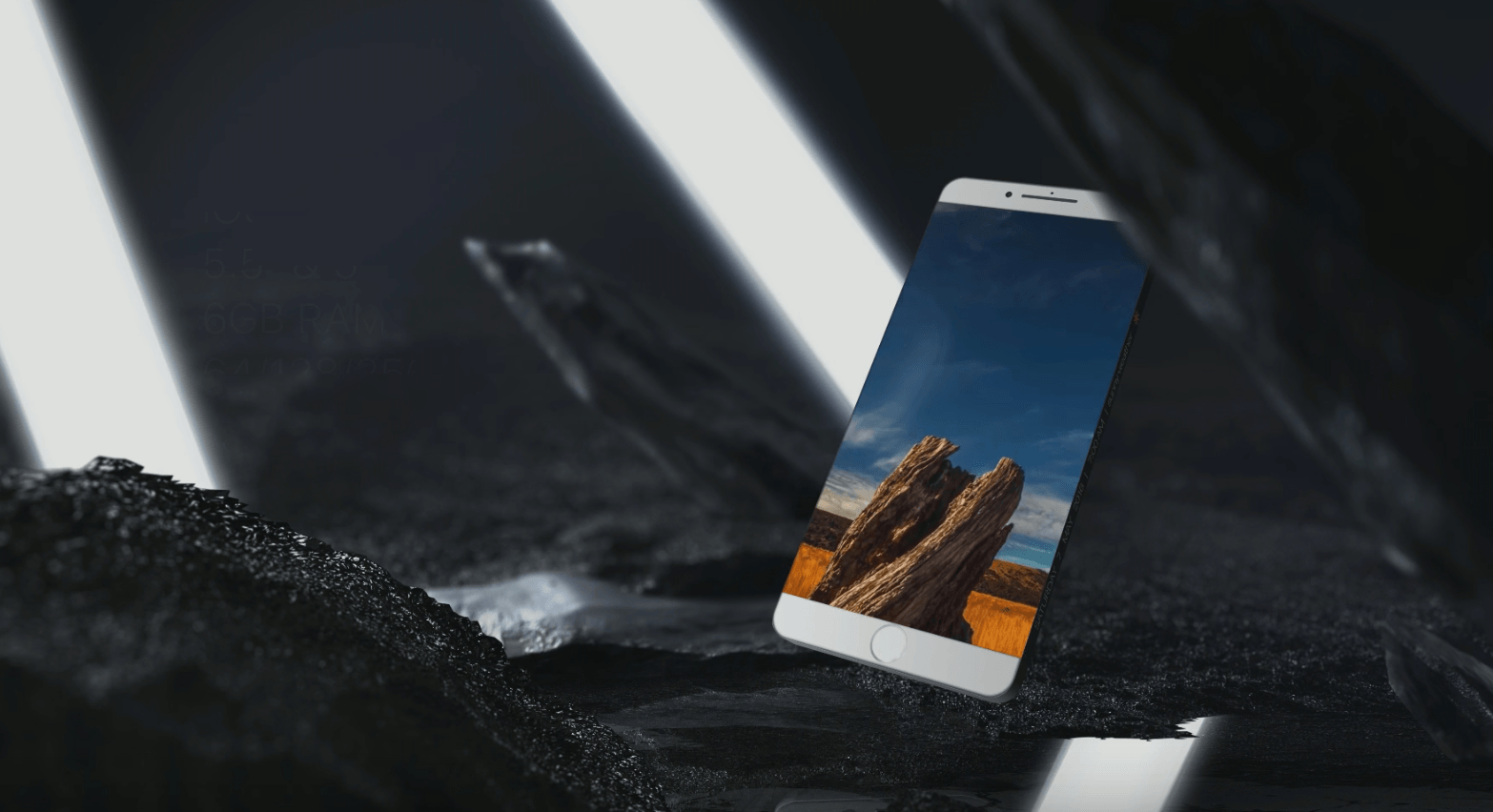
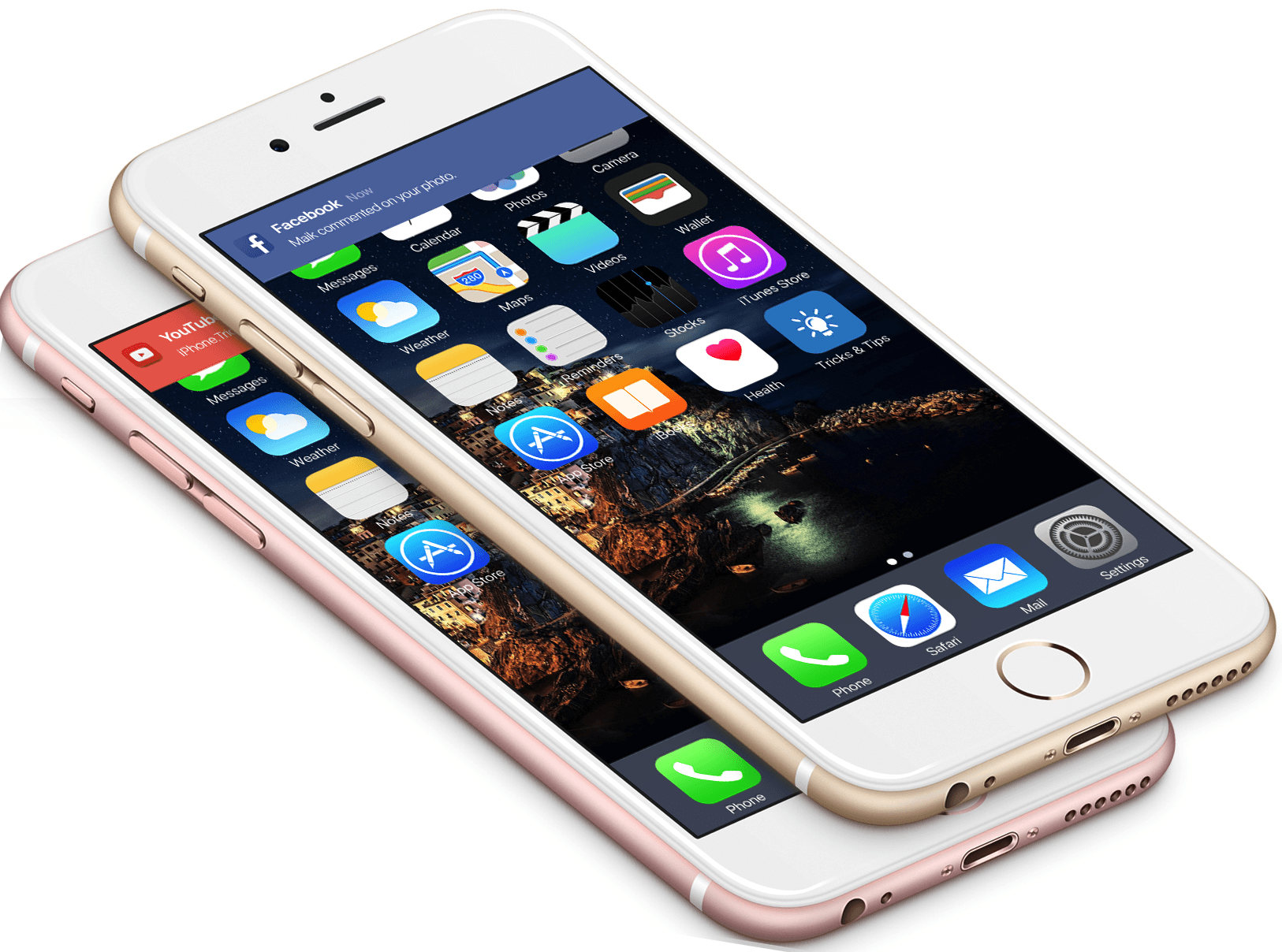
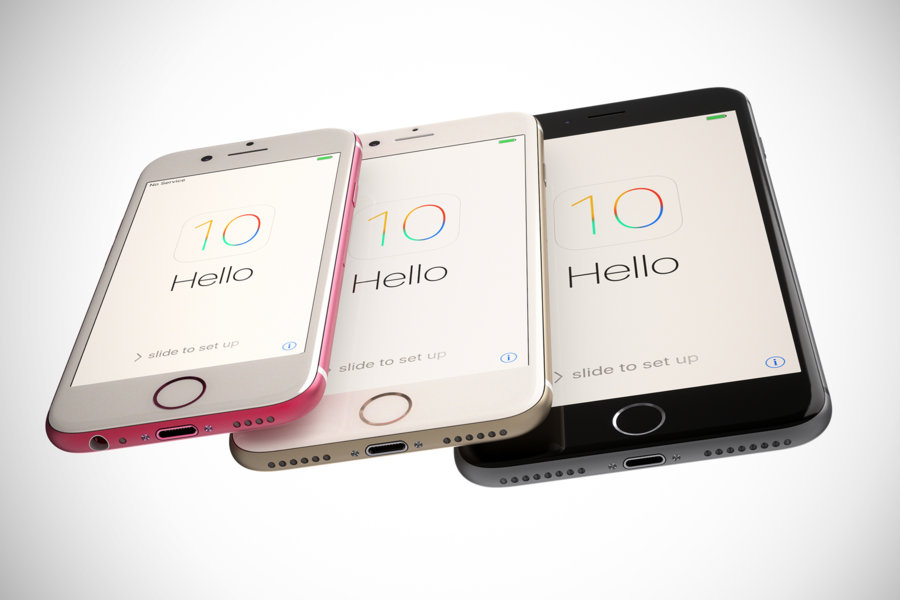
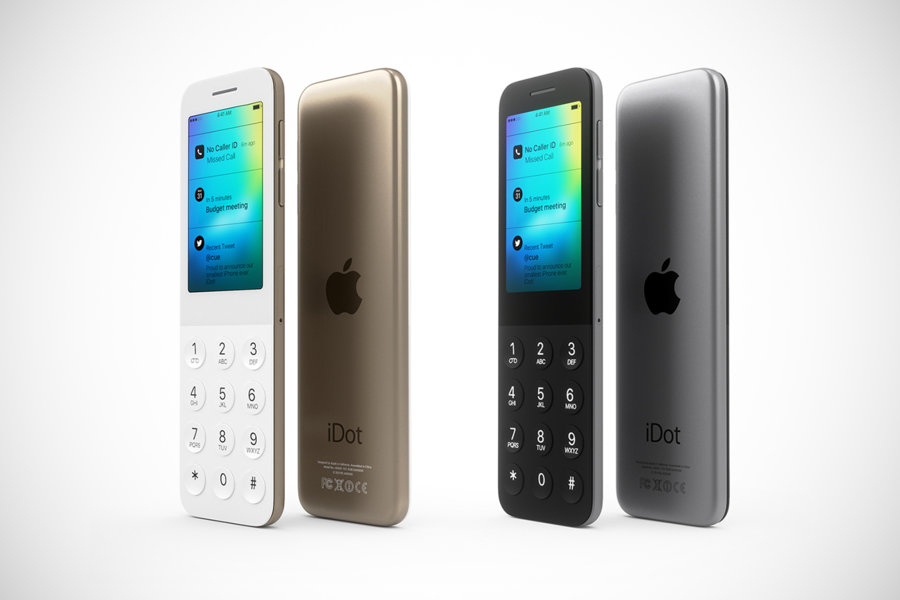
There are a lot of crazy rumors floating around out there about the iPhone 6. It might boast a huge screen, come in different colors, have a polycarbonate body, and maybe even a fingerprint sensor. If you believe even half of those rumors, then this might be Apple’s craziest iPhone yet.
Most of the rumors will probably be proven false, but what if Apple decided to go down a crazy path and actually rip off Samsung’s smartphones? Well, one concept artist decided to dream it up.
Over the last couple months, we’ve seen Apple fanboys’ obsession move away from an Apple TV set, and focus on the iWatch. As rumors have ramped up that Apple might make their own wearable computer very soon, people have wondered what an iWatch might look like.
We’ve seen a lot of concept renderings of iWatches over the past two years, and while many of them have been a bit crazy, some are pretty neat and feasible. We don’t really know much about the iWatch other than it will have a curved glass display and be worn on the wrist, but if you combine a few aspects from each of these concepts, you might get a ballpark idea of what the iWatch will look like.
The iTV, iRadio, and now iWatch. Apple rumors never sleep, and the latest batch of reports reveal that the folks in Cupertino are working on the future of wearable technology, externally dubbed “iWatch.” Little is known about the device, other than it is being designed for the wrist with a curved glass display.
Since iWatch rumors started re-gaining momentum in recent weeks, many have been speculating about how such a device would work.
Auxo, a wonderful app switcher from interface designer Sentry, has become a must-have tweak for jailbroken iPhones since it hit Cydia back in December. But it seems Sentry has plenty of other ideas up his sleeve when it comes to improving the multitasking experience on iOS.
He’s released a new concept for switching between apps on the iPhone that’s unlike anything you’ve seen before. Check out the video below.
Awhile back we showed you a great concept for a redesigned iOS Notes app. The concept was part of Cult of Mac reader and designer Adrian Maciburko’s iOS 7 “Crystal Interface” idea. Now Maciburko has shared a redesigned Game Center interface that does away with the skeuomorphism in iOS 6. No more woodgrain or felt textures.
Sentry, a designer famous for the awesome Auxo tweak that overhauls the multitasking tray on jailbroken iOS devices, has today published a new concept that reinvents the Do Not Disturb feature that Apple introduced to iOS 6. He doesn’t change the feature itself, he just changes the way it’s activated to make it super quick and simple.
Apple’s iOS operating system is great, and I love it. But five years on, there’s certainly some room for improvement all over the place. Take the app switcher, for example: sure, it does its job, but it’s very basic — Apple could a lot more with it. And one developer has proven that with Auxo, the best app switcher ever designed for jailbroken iOS devices.
Auxo doesn’t just look great, displaying live previews of all the apps you have open, but it’s also intuitive and offers lots of innovative new features. It started off as a concept, but after receiving lots of positive feedback, its creator brought it to life. Apple, take note.
Notification Center in iOS and OS X is great in concept but kind of crappy in practice. First off there’s the linen background that doesn’t really make sense when you’re pulling down a curtain for notifications in iOS. There’s also those tiny little X buttons that you have to tap twice to close notifications, and a couple other annoyances that fill up the Notification Center page.
Alex Saretzky decided that Notification Center needs to be spruced up by simply applying Apple UI concepts that have been used in other apps. His new concept for the Notification Center isn’t a complete revision, but more like fine tuning, and it’s something that Apple should implement with iOS 7.