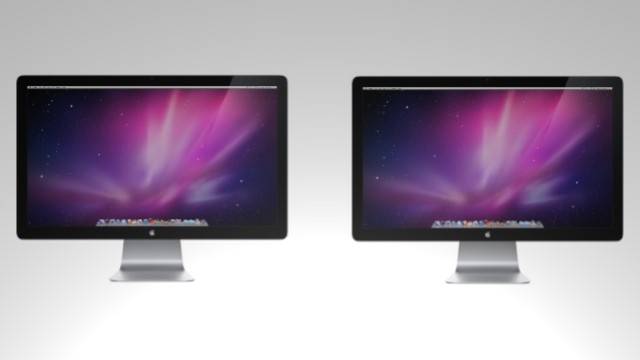
Using multiple monitors with your Mac can greatly increase your productivity and workflow. There are many ways to boost the usefulness of secondary monitors, as I will show you in this video.
You can view my related GeekTool article here, as well as other related how-tos here and here.
39 responses to “How To Use Multiple Monitors To Your Advantage [Video How-To]”
Link doesn’t work for me.
What video? Saw geek tool…thats cool but not related..
So, where’s the video?
i really don’t understand the meaning of this article :S
I dont see a video…
huh? is this emirates spamming you?
where is the video??
… and here I will show you how its works in this non-existent video how-to.
uh there is no video
just sayin
“This author enjoys making videos, but clearly hasn’t learned how to share them over the web…”
Link here: http://youtu.be/le5sjgsMJ9k – until it gets posted.
Link has been fixed. Sorry about that. Problems with the embedded code.
Fixed.
The video was missing. It’s been fixed now.
fixed.
how can you the old white imac as secondary display with a macbook pro?
Still waiting for dual Thunderbolt ports in the MBP line. That is when I get a second monitor
Why? Thunderbolt devices are connected via daisy chain.
Thanks planning on buying a second 27-inch for my mac pro and this tip is very useful
Hey, how do you get your drive icons and folders onto the second screen whilst keeping the menu bar on the first?

