Top stories

Apple Now Accepting iPad Apps, Planning “Grand Opening” of iPad App Store

Apple is now accepting iPad apps for a “grand opening” of the iPad App Store, according to an email just sent to registered developers.
“iPad will begin shipping soon and your opportunity to be part of the grand opening of the iPad App Store starts today,” the email says.
There’s no details about when the store’s grand [...]

Security Expert: “Mac OS X Is Safer, But Less Secure”

20100319-ipwned.jpg

Tech site H-Online has an interesting story today, quoting security expert Charlie Miller about his forthcoming talk at the CanSecWest conference next week.
He says OS X is full of security holes. There are lots more than in Windows, he claims.
And yet: OS X is a safer system to use. Why? Because, in the words [...]

Apple Devotes Entire Home Page To Jerome York Obituary

20100318-york.jpg

If ever you needed a sign that Apple was a different kind of technology company, this is it.
What other computer manufacturer would remove its top-selling, hype-inducing, industry-altering new product from the prime spot on its website home page, and replace it with an obituary to an investor?
This is one of those “Here’s to the [...]

Coming Soon: Steve Jobs, the Sitcom

Fake Steve creator Dan Lyons just signed a deal to bring Steve Jobs to another small screen near you.
The half-hour series called “iCon” is billed by the presser as “a savage satire centering on a fictional Silicon Valley CEO whose ego is a study in power and greed.”
Making sure the barbs prick will be the [...]

How To Make Christmas Snowflake Decorations On Your Mac

20091202-6.jpg

The festive season is so close you can almost taste it. The kids are pestering to put up Christmas decorations; so why not give them something fun to do this year?

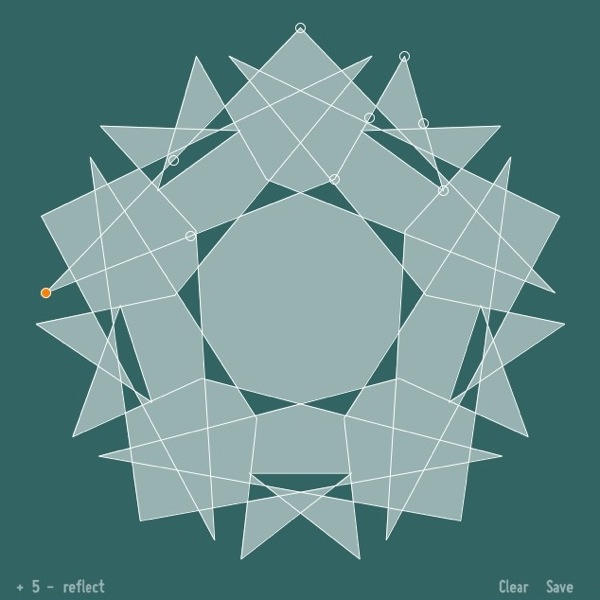
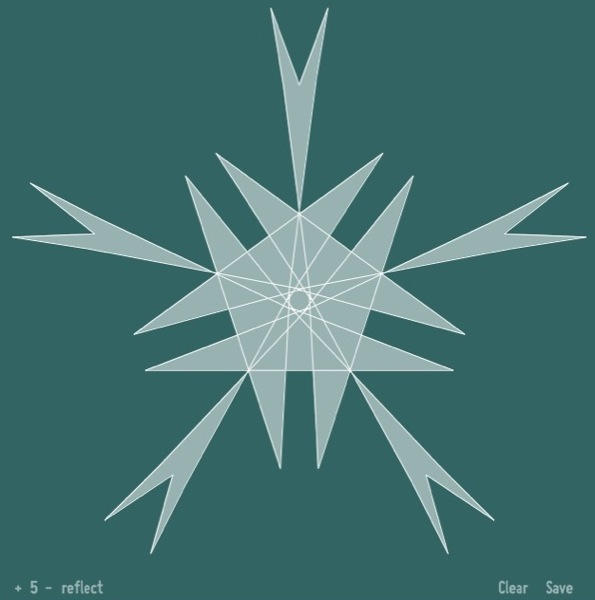
SymmetriSketch is a great free vector drawing application (also available for Windows and Linux users) that lets you play around with symmetry across a 2D plane.
20091202-5.jpg

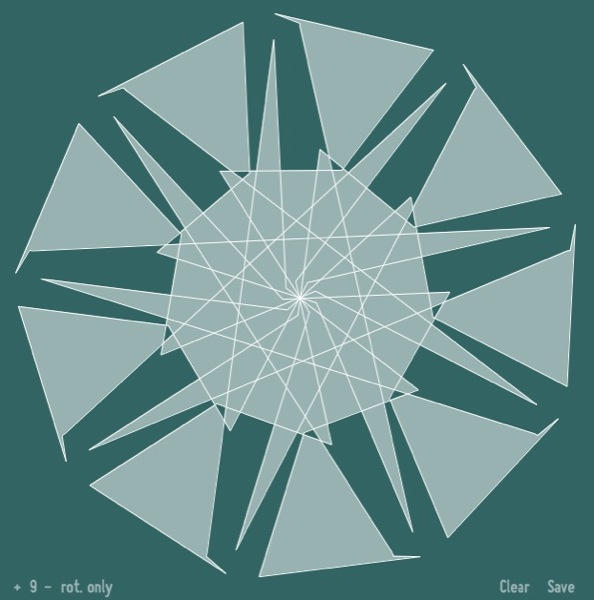
You start with a pentagon and five axes of symmetry. But you can play with the settings (click the controls in the bottom-left corner) and create all sorts of fun patterns and shapes. Switch to rotation-only symmetry to start getting more interesting.
20091202-1.jpg

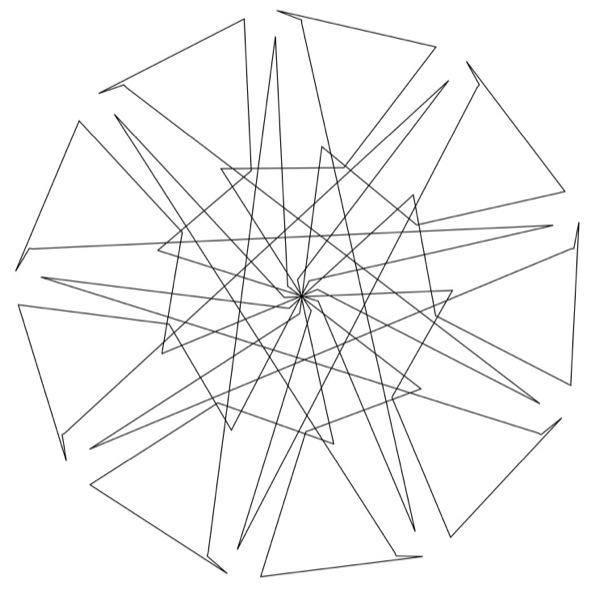
Hit Clear to start over from the beginning; and hit Save to save your creation as a PDF. The PDFs are straight line drawings like this:
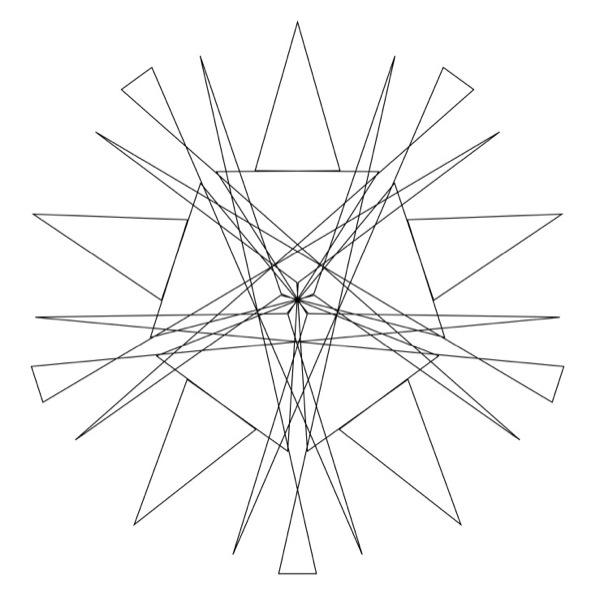
20091202-pdf1.jpg
20091202-pdf2.jpg

Easy to print out, cut out, colour in, and string together all over the house.

One or two things to watch out for: SymmetriSketch is a Java app, so give it a while to get started. Also, saving PDFs can take longer than you would expect, so give the app some time to do this too. The PDF files are saved in the same folder that the application is located in.

If you enjoyed this article:
Subscribe via RSS or email, or follow us on Facebook and Twitter

About the author

gilest

Giles Turnbull is a freelance writer in England. He is a columnist for PA, and has written for the BBC, Guardian, Daily Telegraph, MacUser, Macworld, and The Morning News. He has a blog you can ignore and a Twitter account you needn't follow.

Email the author | Read more posts by Giles Turnbull.

One comment

Add your comment

Name(Required)

Mail (required, but not published)

Website

Comment

Buy Inside Steve's Brain Buy from Amazon.com Buy from Barnes & Noble

