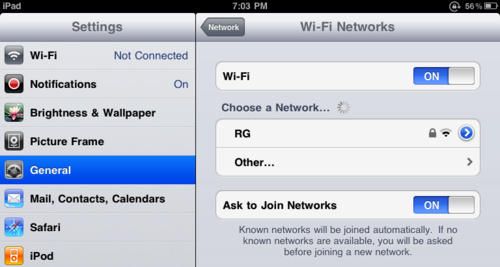
Having some problems with your iPad’s WiFi connection? Apple’s aware of the problem, and has some ideas on how to fix them.
According to Apple, the iPad might not automatically rejoin known WiFi networks using third-party routers that are dual-band capable (802.11 b/g and 802.11 n) when each band’s network uses the same name or use different security settings.
Apple’s recommendation? Try creating separate network names for each separate band’s network (ie: add a G to the end of the name of the 802.11 b/g band) and making sure both bands’ networks use the same security settings.
We’ve been lucky enough to not have this problem, but what about you? Is this solution fixing your problem, or is their a bigger issue afloat?
[via Gizmodo]

John Brownlee is a writer for Fast Company, and a contributing writer here at CoM. He has also written for Wired, Playboy, Boing Boing, Popular Mechanics, VentureBeat, and Gizmodo. He lives in Boston with his wife and two parakeets. You can follow him here on Twitter.

