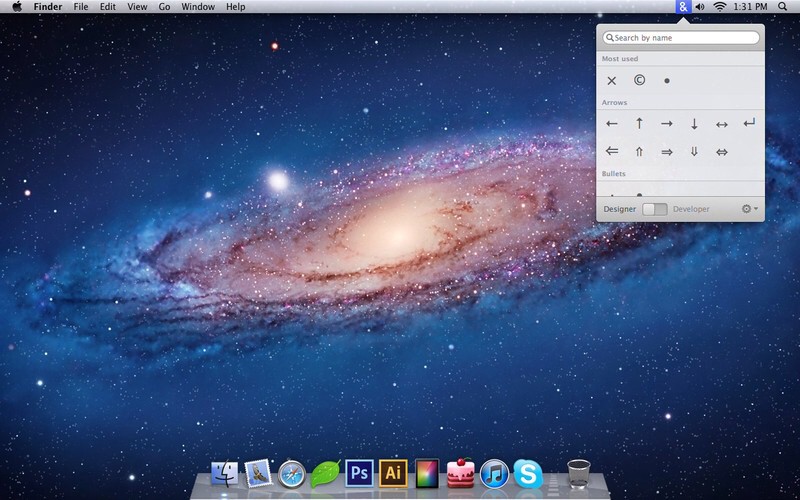
As a tech writer, I know that pressing Option-Y on my keyboard will give me a ¥ symbol, and that Option-K will add a little degree circle˚ to my article. I even know how to add umlauts (handy for death mëtal band names – just press Option-U and then type a letter) and accents (good for clichés – like an umlaut but using Option-E).
But what about the Apple logo, the copyright symbol, or any of those other essential but seldom used characters? That’s what Characters is for.
Characters is a simple Mac app which pops up a search box and lets you find these symbols. Type in the letter “C,” say, and you will be presented with relevant options (like ç or ©). In designer mode, you click to copy the symbol to the clipboard. In developer mode, the HTML coding is copied instead.
It’s simple, it works, and it looks great. And it’s the perfect example of the cheap single-serve apps that were hard to sell before the Mac App Store. Characters is available now for $5.
Source: Characters
Thanks: Gustavs!

Charlie Sorrel writes reviews and how-tos. Follow Charlie on Twitter at @mistercharlie, and at micro.blog on @mistercharlie

