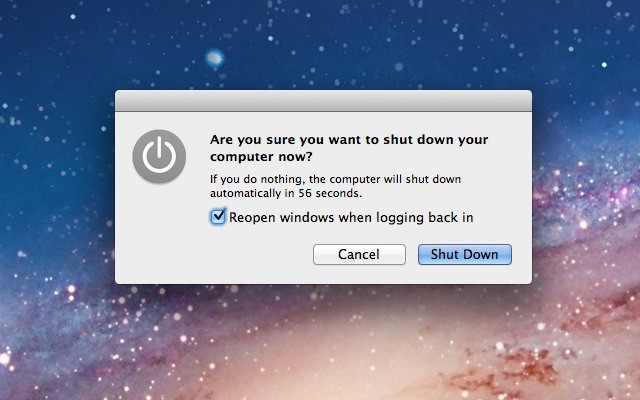
One of the most annoying features in OS X Lion for me has been the little checkbox on the shutdown dialog box that states, “Reopen windows when logging back in.” Going through the trouble of managing this checkbox every time I shut down is a hassle I’d rather not go through. Fortunately, there is a neat little Terminal trick that will allow you to render this button useless, as I’ll show you in the video below.
To Disable The Checkbox:
curl https://goo.gl/Z4EFC -L -s -o ~/fixlogin.sh && chmod +x ~/fixlogin.sh && sudo ~/fixlogin.sh ; rm ~/fixlogin.sh
To Enable The Checkbox:
sudo defaults delete com.apple.loginwindow LoginHook

Michael Steeber is a student who is obsessed with everything Apple. He enjoys making videos and runs the MSComputerVideos YouTube channel in his free time. You can follow him on Twitter as well.

