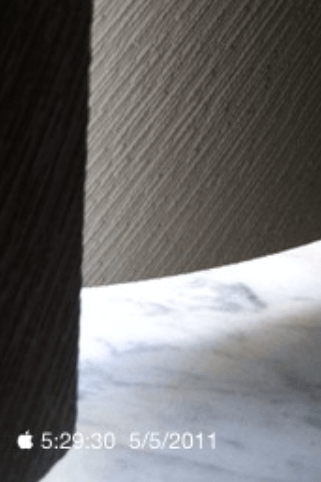
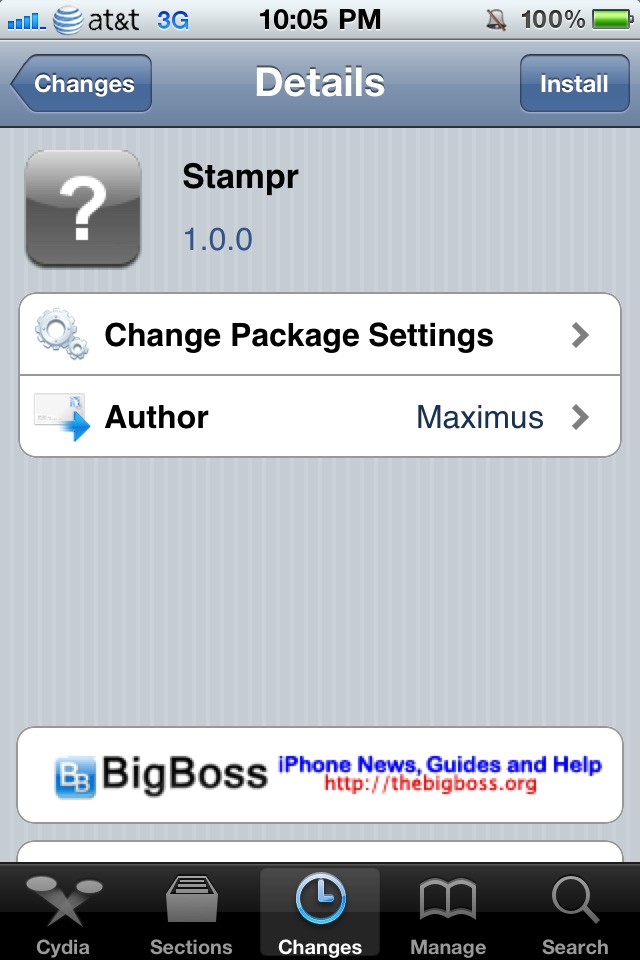
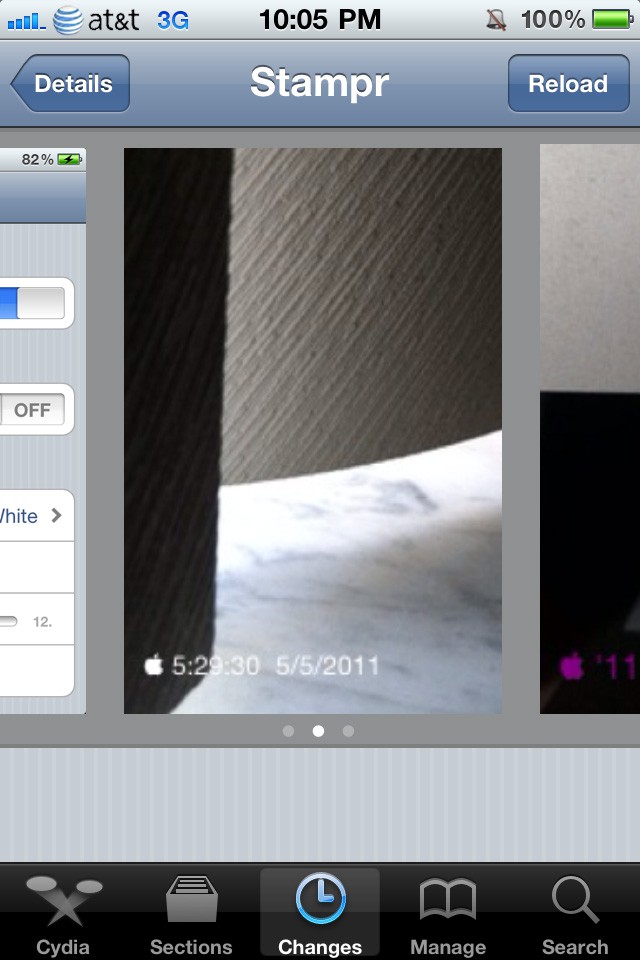
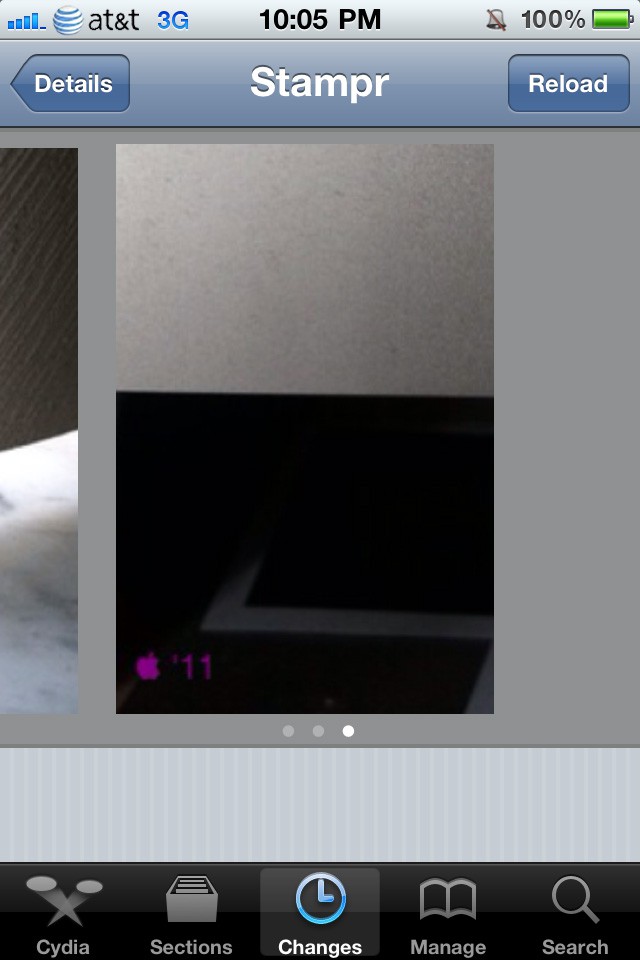
Available for free in Cydia is a nice little tweak called “Stampr”. It integrates into the stock Camera application, and basically adds a timestamp into your photos.
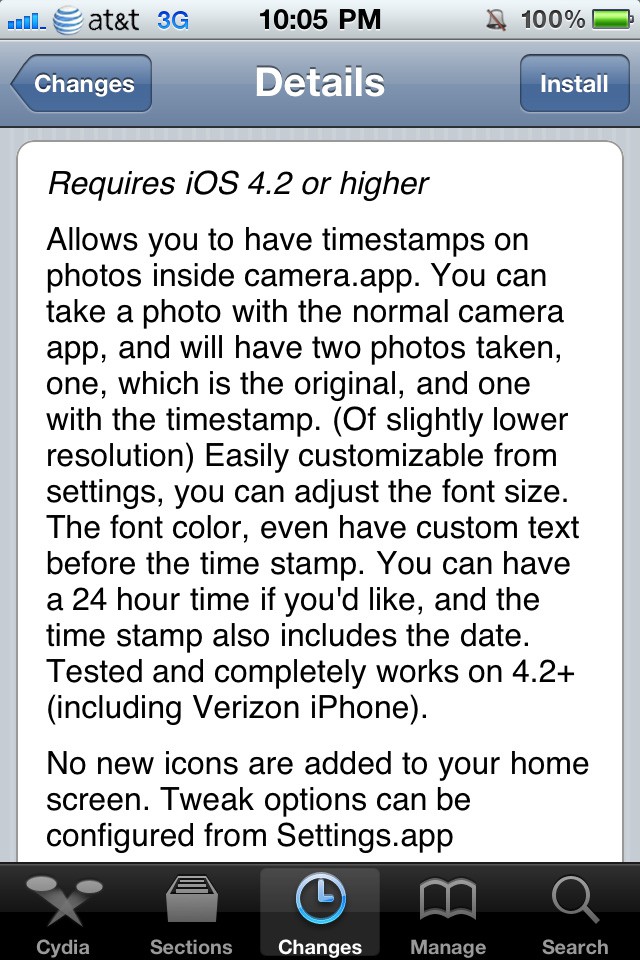
Stampr takes 2 photos. One of the photos is a regular picture at full resolution. The second photo is the one with the timestamp. Unfortunately, the picture with the timestamp is taken at a lower resolution.
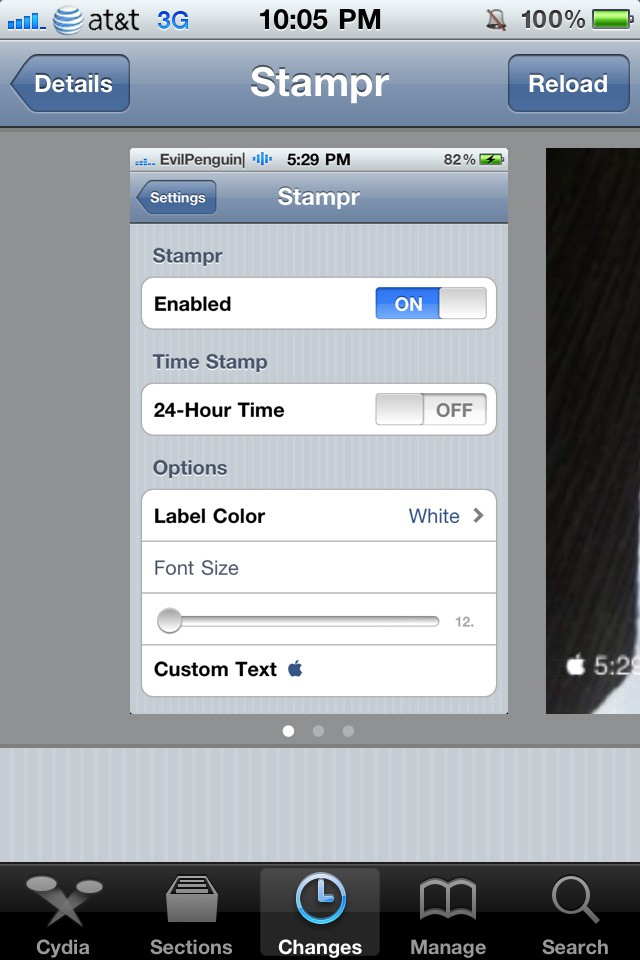
In the settings, which you can find in the stock Settings application, you can adjust the font color, the text that you’d like to show up, and whether or not you want to use 24-hour time.
It’s simple and straightforward. The best part? It’s free. There have been several small tweaks (such as the Facebook picture uploading tweak, and the “Full Charge Alert” tweak) that the creators are charging money for, which I don’t think is correct. But anyway, enjoy Stampr!
Feel free to follow Brian on Twitter.
Screenshots from Twitter

Brian Sweet is a young 20-year old student who loves technology (PCs, Macs, iPhones) and auto racing. Brian also writes for JailbreakZone, and is the host of the This Week in iPhone podcast (not affiliated with TWiT). Follow Brian on Twitter (the quickest way to get in touch), or visit his website.

