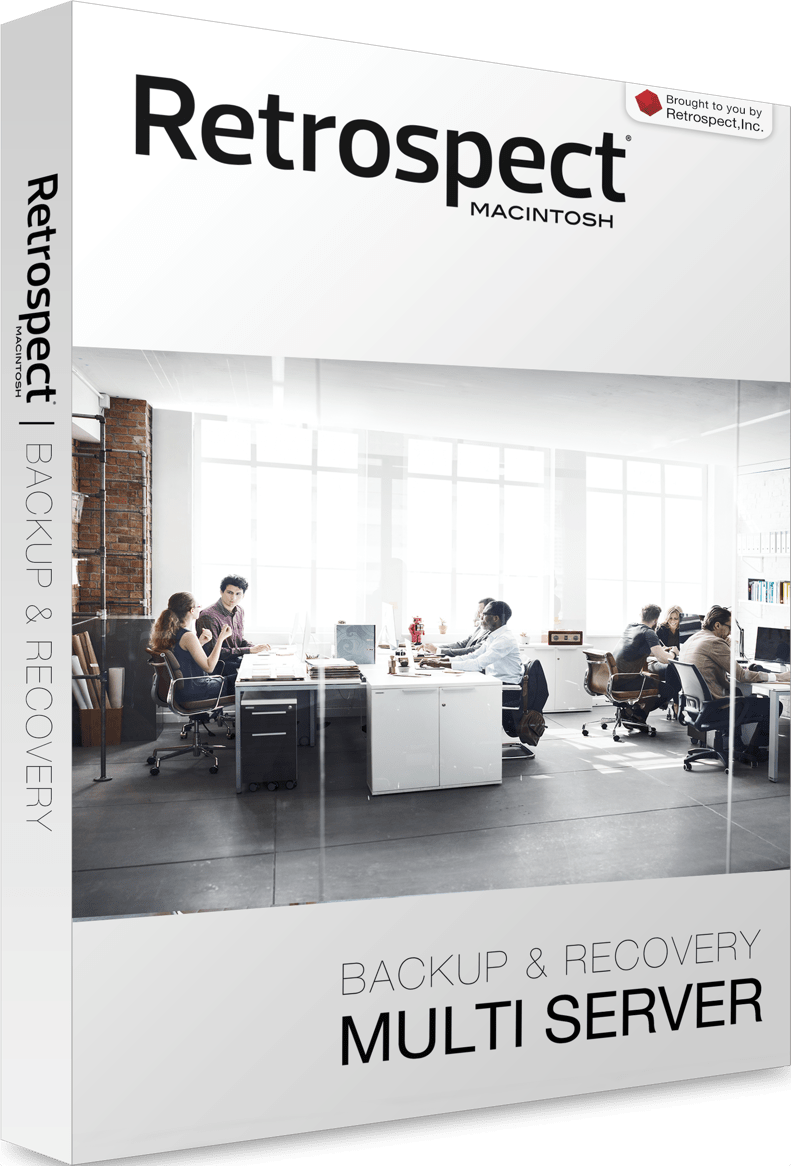
This post is brought to you by Retrospect.
From mom-and-pop shops to international enterprises, businesses of all sizes benefit from straightforward, reliable backup of key data. Even with access to a massive storage system like Amazon S3 or Backblaze B2, having the right agent to facilitate the preservation of your data can save a lot of valuable time and effort.
Retrospect has been a notable backup provider for some time, and it recently added scalable data protection (among other new features). Retrospect achieved an industry first for file-level backup, and is now certified to back up a billion files per backup set, 100 TB of data per backup set, and 50 million files per device.
Retrospect 14.0 for Mac
With the latest release, Retrospect 14.0 for Mac, the service continues to press forward with regard to ease of use and breadth of integration.
Retrospect has long supported S3, Google, Dropbox and other cloud service providers. Among general boosts in performance and resilience, the latest Retrospect update also adds the venerable and popular business-class Backblaze B2 to its list of supported providers. B2 integrates directly with Retrospect’s hybrid data protection, meaning Retrospect can either store a portion of the backed-up data or simply facilitate storing on and retrieving from Backblaze’s servers.
Speaking of integrations, the Mac version of Retrospect now features the same script hook functionality as the Windows version. It’ll support any OS X shell scripting language like Bash or Ruby, meaning organizations with complex or subtle backup needs can craft exactly the types of systems they need, no matter the operating systems, storage providers or server arrangements involved. The same script hooks can also be applied as webhooks for integration with a nearly infinite range of online services like Nagios, Slack and IFTT.
Retrospect also now works with Avid and LTFS, making it perfect for production houses generating terabytes of audio or video data.
Try Retrospect for free
The range of integrations and options offered by Retrospect, not to mention its raw bandwidth and scalability, make it a shoo-in for companies of any size looking to easily safeguard every item. Right now, Retrospect is offering a free 45-day trial. If you’re looking for a sophisticated data-management solution that makes automatic backups a cinch, give Retrospect a try. We bet you won’t look back.

Cult of Mac is your source for news on tech and culture as seen through an Apple lens.


4 responses to “Retrospect makes even the most massive Mac backups simple”
“Retrospect makes even the most massive Mac backups simple”
Totally confused by this “story.” First, the author is listed as “Staff Writer.” Second, the first line (technically a heading, I suppose) is “This post is brought to you by Retrospect.” This looks like an advertisement, pure and simple. If it is, just say so.
I have a LOT of past experience with Retrospect, using it as far bask as System 5(!), all the way forward to struggling with a version for OS X several years ago, and through at LEAST three different companies who tried to rebrand it.
Years ago, pre-OS X, Retrospect worked •great• with DAT tapes, tape arrays, and later with hard disks and even the “new” media DVDs. It was was to use and reliable. However, all later versions were horrible. They were buggy, completely bloated, had a very confusing UI, and worst of all, they were unreliable… something you DON’T want in a backup and archiving program. Each company sold it to the next (not ONE of them honoring previous purchasers with support), and not one version was any better.
I don’t mind CoM hawking product “deals”, but an unnamed writer (read: marketing brochure) talking about what I consider a terrible piece of backup software is something else.
It’s obvious it’s a paid feature (ie. ad) from the disclosure at the
start so I’m not sure what other else you want from the site regarding this.
Appreciate your thoughts on the product though!
That’s as may be, but if these ad-type “features” have been on CofM, I haven’t noticed them. Personally, I feel •no• piece of software, at least something as vital as a backup and archiving software, should be touted without completely vetting first. Just one (experienced) man’s opinion.
I use Crashplan. Cant be more simple than that.