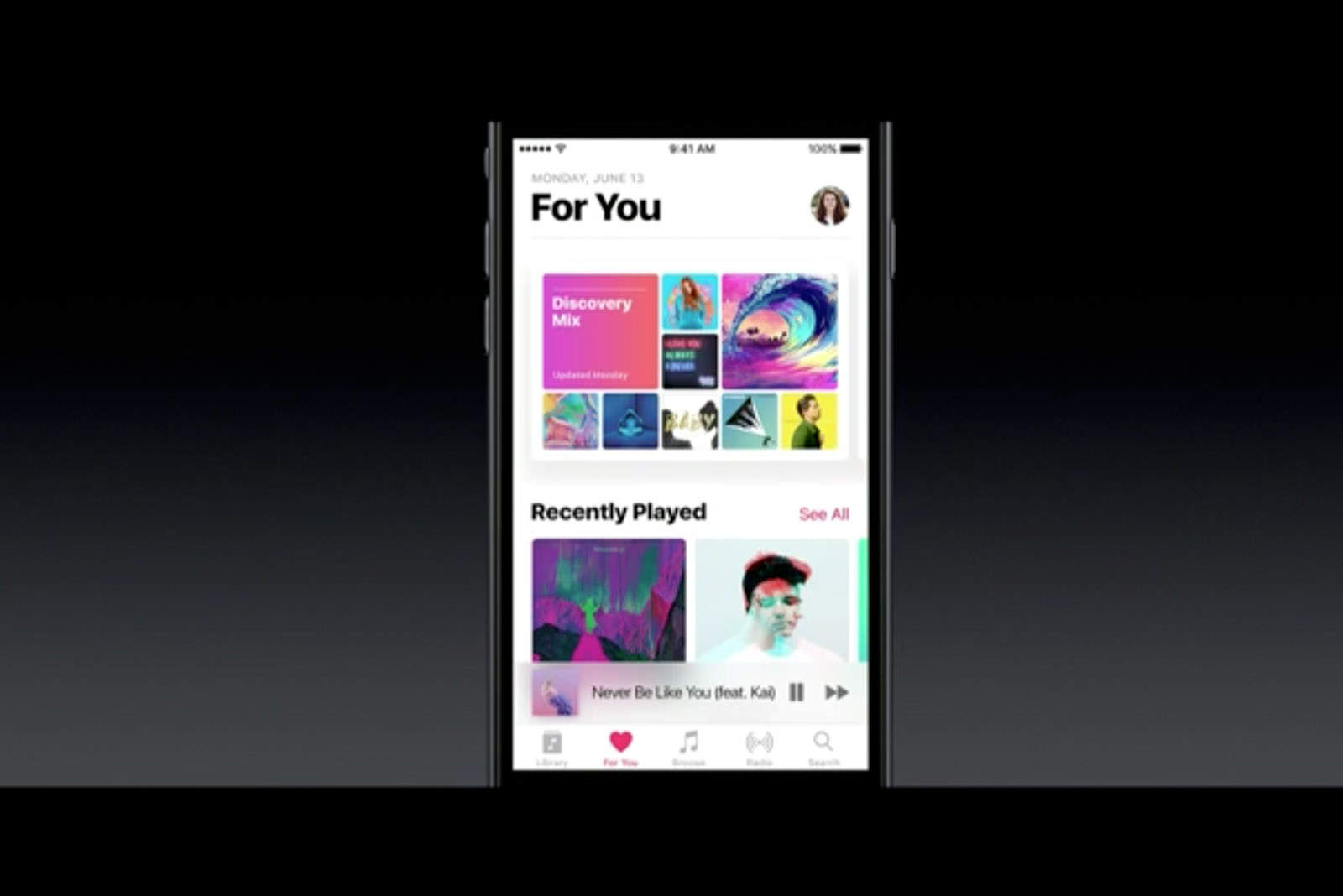
Apple’s stock Music app is getting a big overhaul with iOS 10, and one of the biggest new features to look forward to is the ability to view lyrics while listening to favorite tracks. Here’s what you need to do to find them.
Before we dive into this tutorial, note that Apple doesn’t yet have the lyrics for every song in your library — or even all those available on Apple Music. So you might not see the lyrics option for every song you play. But if it’s there, here’s how you find it.
Screenshot: Cult of Mac
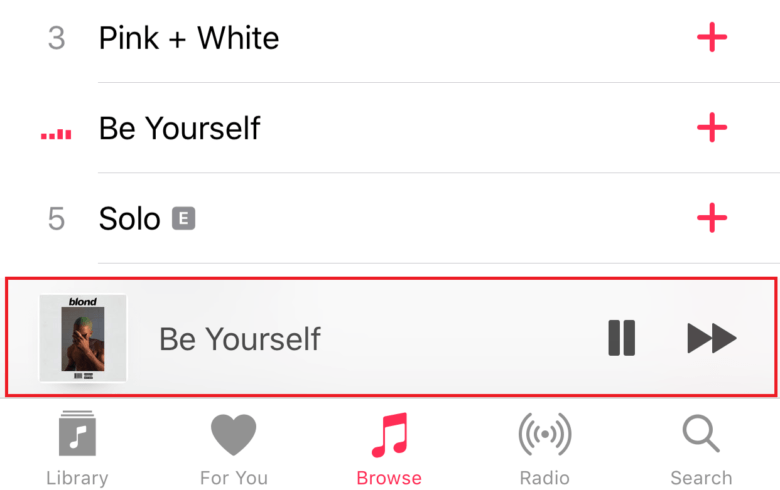
Begin by opening up the Music app and playing the track you want to listen to, then jump into the Now Playing screen by tapping the mini-player at the bottom of the screen.
Screenshot: Cult of Mac
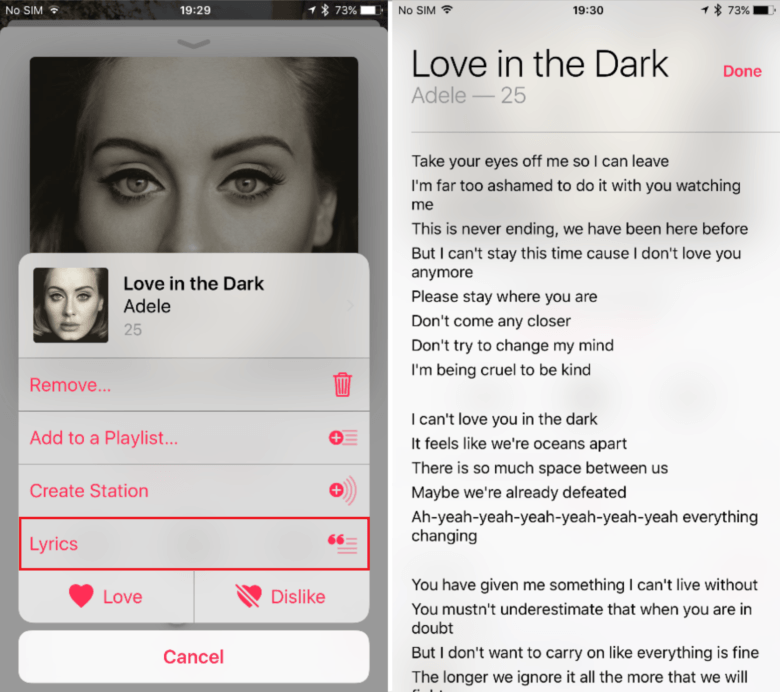
Now open up the options menu by tapping the three dots in the bottom-right corner. If lyrics are available, you’ll see a Lyrics option beneath Create Station — tap this to display them. If lyrics aren’t available, the button just won’t appear. Sing on!

Killian Bell is a freelance writer based in the U.K. He has an interest in all things tech and also covers Android over at CultofAndroid.com. You can follow him on Twitter via @killianbell.


3 responses to “How to view song lyrics in the Music app in iOS 10”
Is it regional? I’m in Canada, latest iOS 10 beta, and I’m not seeing this on the very same song you used in your example.
I can’t see it on the same song too. But I can see it on some ZZ Top’s songs. I don’t know on what it depends on. I live in Czech republic, if lyrics works here, I bet that will work in Canada too.
You can also scroll down below now playing and the lyrics are available before the “Up Next” section.