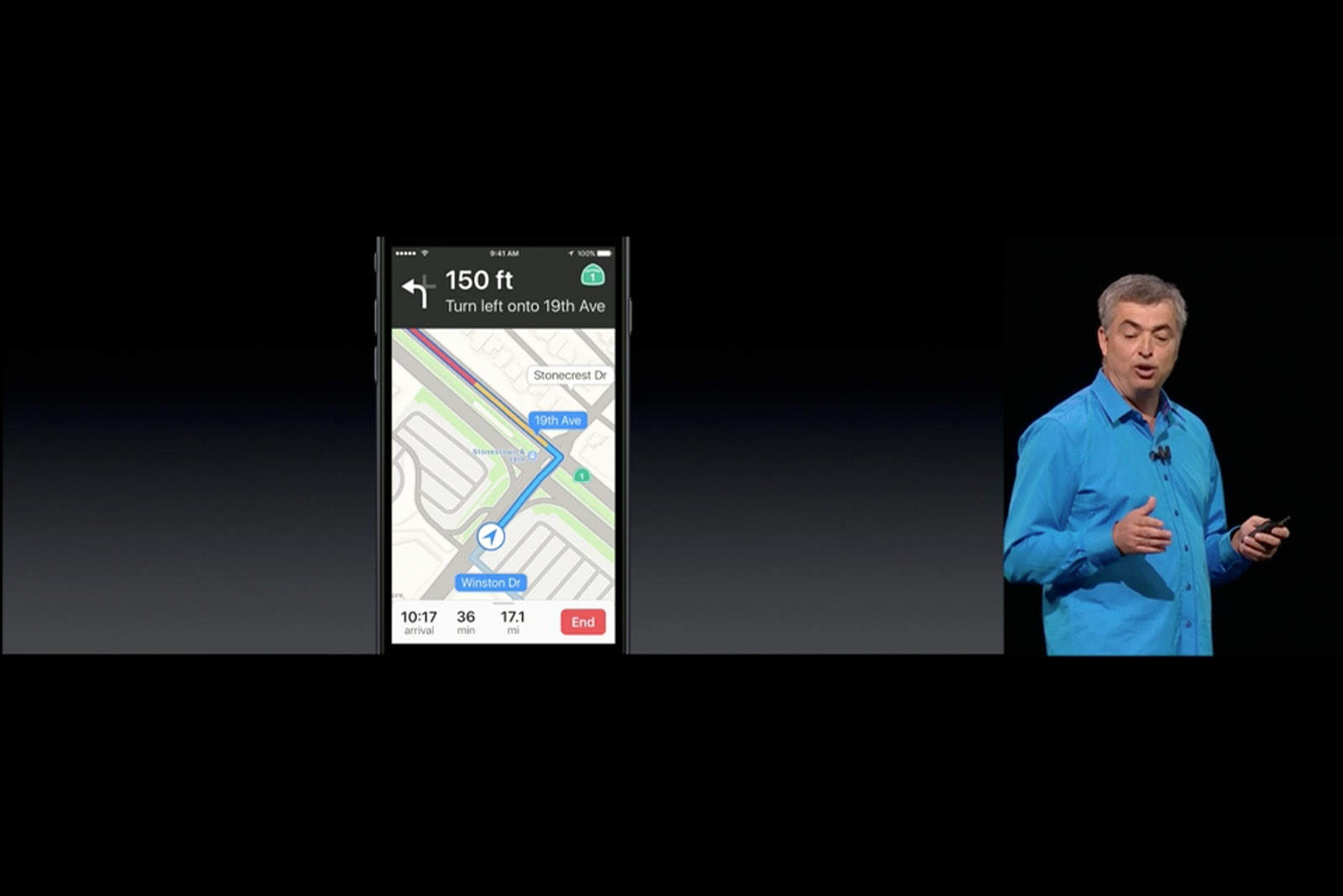
Drivers tired of forking over cash to toll booths on the morning commute are getting some welcomed relief thanks to iOS 10.
Apple Maps didn’t get much stage time during the WWDC 2016 keynote earlier this week, but along with adding proactive route suggestions, Apple has also made it super easy to avoid any toll booths that might be on your route.
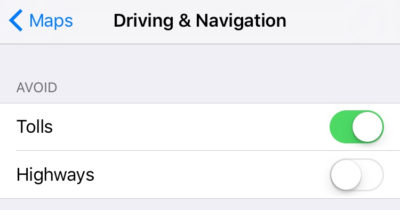
The hidden iOS 10 feature lets drivers choose if they want Apple Maps’ algorithm to avoid tolls or highways if you prefer some slower driving.
When you activate Toll avoidance, Apple Maps will give you multiple route suggestions, one or two without tolls along with one route option with tolls (if there are any in the area). All you have to do to activate it is go to Settings >> Maps >> Driving & Navigation.
The updated version of Apple Maps coming in iOS 10 gives drivers the ability to view pitstops along a route for coffee, gas and food. You can also book reservations for a restaurant, or request an Uber without leaving the app.
To get a closer look at what it’s like using iOS 10, check out our hands-on video:

Buster Hein is a freelance writer who lives in Phoenix, Arizona. Twitter: @bst3r.


8 responses to “iOS 10 will help you save money on the road”
Like google maps has been doing for years? Geez…I’m a longtime Mac guy, but I’m getting tired of people praising them for features that are just copies of Google products. Like all the new photo features.
Problem is only people like you care who comes first. There is much more than that shallow thinking, you know.
Ha! Mac folks always seem to care that Microsoft copied Apple for Windows, and are quick to point out that Android copied iOS. But they get really sensitive when you mention that their version of innovation is now copying things from Google.
To be fair, everyone copied each other ever since the first iPhone existed. Android copied features from Palm Treo and Windows Mobile. iPhone copied Android 1. Then every idea copied back and forth from WindowsPhone-Android-iPhone-TizenOS-so forth.
The only one who made it more fuglier though was Windows with the distracting Live Tiles.
Conversely, some of us are tired of people like you who instinctively shit on everything they do. So there’s that.
Which part of my post didn’t you read? I’ve been an avid Mac user, certified trainer, and stock holder for more than 20 years. In that time I’ve seen them turn from an innovative company that I truly loved to an iterative company, one that slowly builds on their previous successes without taking any big step forward. If it doesn’t worry you that their highest profile improvements are simply implementing features that Google has already popularized, than you’re not a real Apple fan at all.
Sure hope they fix the bug when you move data from iPhone to a Mac since the lat’s and long’s don’t match up on the Mac.
Or you can go iCloud and cloud storage and won’t have much data loss. I moved everything to iCloud/cloud storage and haven’t had issues since.