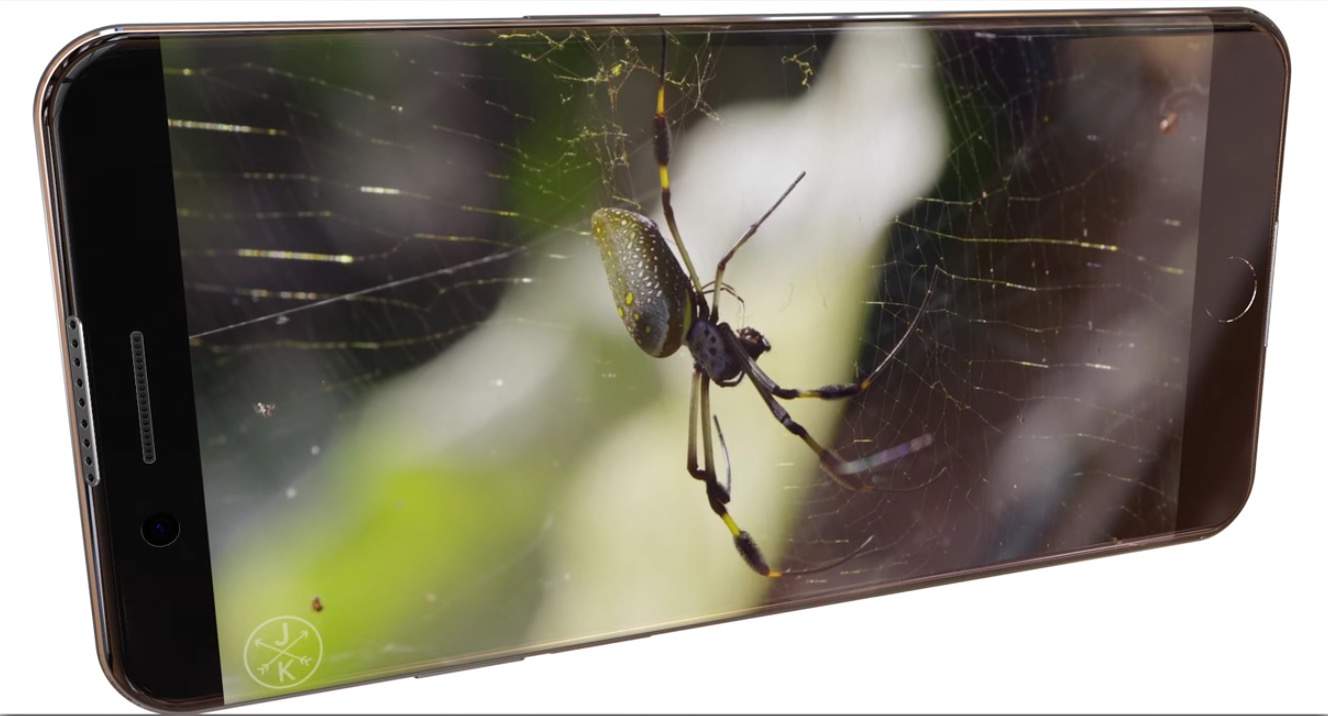
There have been plenty of rumors about Apple creating bezel-less iPhones over the years, and as many concept videos turning those rumors into sci-fi CGI.
This concept’s different, though, in that it’s actually plausible. Meet the iPhone 7 Edge, a concept that takes the concept of the Samsung Galaxy S6 Edge and applies it to the next iPhone.
Ignore the BS, made-up stats of this concept video by SCAVidsHD, and instead just pay attention to the actual form factor:
I like the look, and some of the other details of this concept are nice – for example, the Surround Speakers on the top and bottom. I’m skeptical, though, this bezel-less solution solves any real world problems, which is why I seriously doubt Apple will pursue anything like it in the near-term. What do you think?
Via: iClarified

John Brownlee is a writer for Fast Company, and a contributing writer here at CoM. He has also written for Wired, Playboy, Boing Boing, Popular Mechanics, VentureBeat, and Gizmodo. He lives in Boston with his wife and two parakeets. You can follow him here on Twitter.


4 responses to “This concept turns the iPhone 7’s touchscreen into an infinity edge pool”
Nice edge to edge, but as for that back centered camera, that won’t ever happen
Well one can dream and hope this sexy beast won’t fall down.
With an edge-to-edge display, the screen is much more vulnerable to damage if you drop your phone and the exposed edge strikes a surface. But if you put you phone in a protective case (generally advisable), the lip of the case which protects the edge now interferes with your ability to touch the screen all the way to the edge. For example, try moving an app icon to an adjacent screen by dragging it all the way to the side. There is a good chance that your finger can no longer get close enough to the edge to activate autoscrolling to the adjacent screen. I have this problem now, even with the narrow border.
The screen looks cool, but I feel like most cases will not work with this type of screen. Also, the centered rear-facing camera is not good idea. Personally, I think the centered camera is ugly.