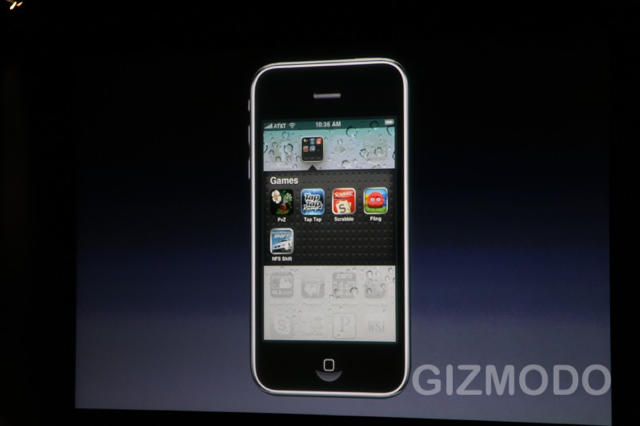
Sick of all your iPhone apps being arranged higgledly-piggledly across multiple screens? iPhone OS 4.0 takes care of that. Now you get folders.
The way it works is you just drag an icon from one app onto another app to create a folder containing both. For example, drag Plants vs. Zombies onto Sword of Fargoal and you create a games folder.
Now, when you want to play a game, all you have to do is tap on the folder, then tap on the game you want.
This is such a brilliantly simple, down-to-earth take on app classification. Say goodbye to the ten horizontal swipes it takes you to get to the end of your iPhone apps: folders will organize everything nicely under a single page.

John Brownlee is a writer for Fast Company, and a contributing writer here at CoM. He has also written for Wired, Playboy, Boing Boing, Popular Mechanics, VentureBeat, and Gizmodo. He lives in Boston with his wife and two parakeets. You can follow him here on Twitter.

