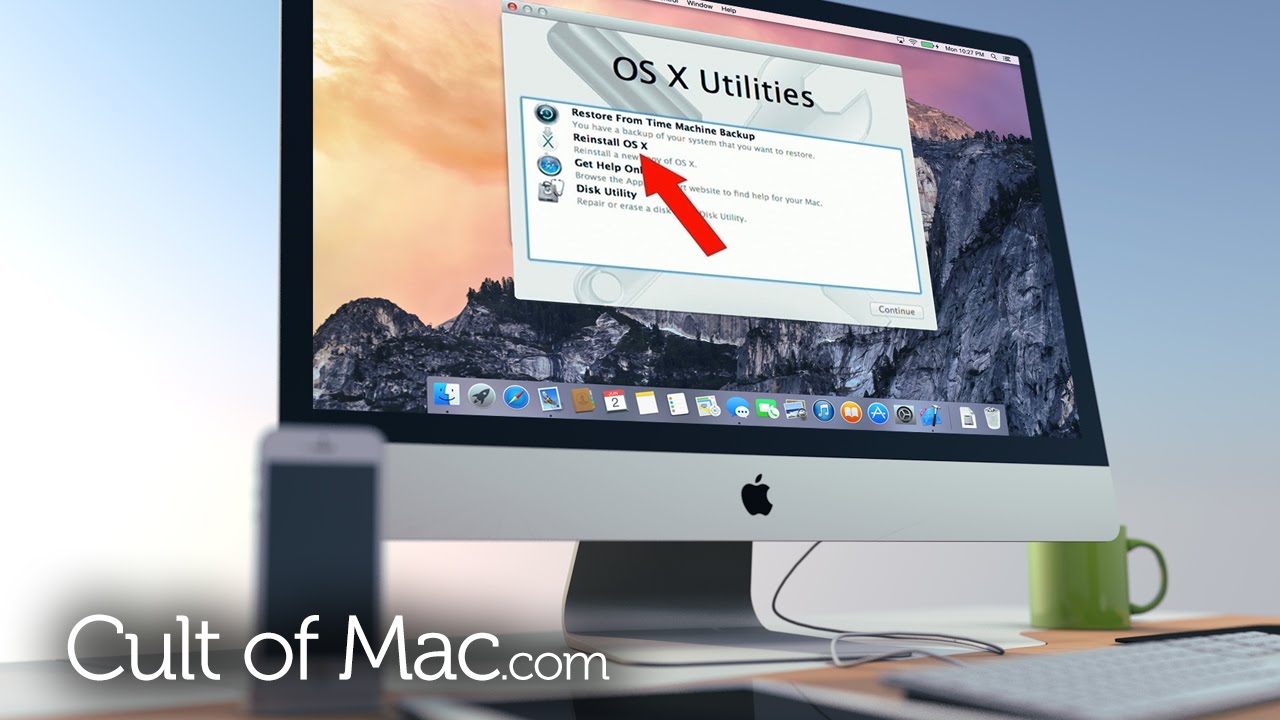
There are tons of reasons why you might need to reformat your Mac: It’s slowing down, filling up with too many unneeded files to delete manually or suffering from major technical issues that can’t be fixed otherwise.
Or maybe you’re just selling it as you move on to a better, faster Mac and need to remove everything.
In today’s video, we show you how to completely reformat your Mac and set it back to factory settings, all without the need for a recovery disk or drive. Check out the video above to see how!
Subscribe to Cult of Mac TV on YouTube to catch all our latest videos.

Ste Smith is Cult of Mac’s video guy based in the UK. Ste has been working in the media industry for over 8 years and is a keen Apple fan. Follow Ste on Twitter @stesmith10 and Facebook.


6 responses to “How to reformat your Mac without a recovery drive or disk”
My Mac is a 2009 27″ and it takes about 3:30 to boot up. Plus it acts a bit weird now and then by slowing to a crawl and then speeding up again.
try replacing the hard drive & install a fresh new mac os x
Can the HD be reformatted while keeping the Bootcamp partition intact or does it wipe out the partition also?
In Disk Utility you can see 2 partitions one for windows and one for mac, select the mac partition and erase that. This will keep your windows partition in tact.
I have a late 2011 15 inch MacBook pro in which I upgrade the RAM and changed the HDD to a 1TB SSD. I have 2 partitions, one for Mac, one Bootcamp and one FAT32 onto which both Mac and Win7 can read and write. As a freelancer, this is a perfect work tool.
However, when starting up the Mac, I have been getting more and more of this error:
kCGErrorFailure: Set a breakpoint @ CGErrorBreakpoint() to catch errors as they are logged.
My screen then becomes unusable and worse happens afterwards. I have lived through a couple of blue screens of death so far.
Could it be that my SSD is unstable? I don’t know. I do know that I had to delete the hidden recovery drive to be able to have multiple partitions like this.
Although it pains me, I may have to get rid of my perfect setup, before CMD+R does not currently work, as I get an error. I may have to reformat the whole thing and move ahead.
It is possible for the Firmware on your SSD is unsuitable for Mac OS X, backup your Mac and Windows partitions, then repartition your drive, it’s very important to reformat. Reference picture attached if needed :).