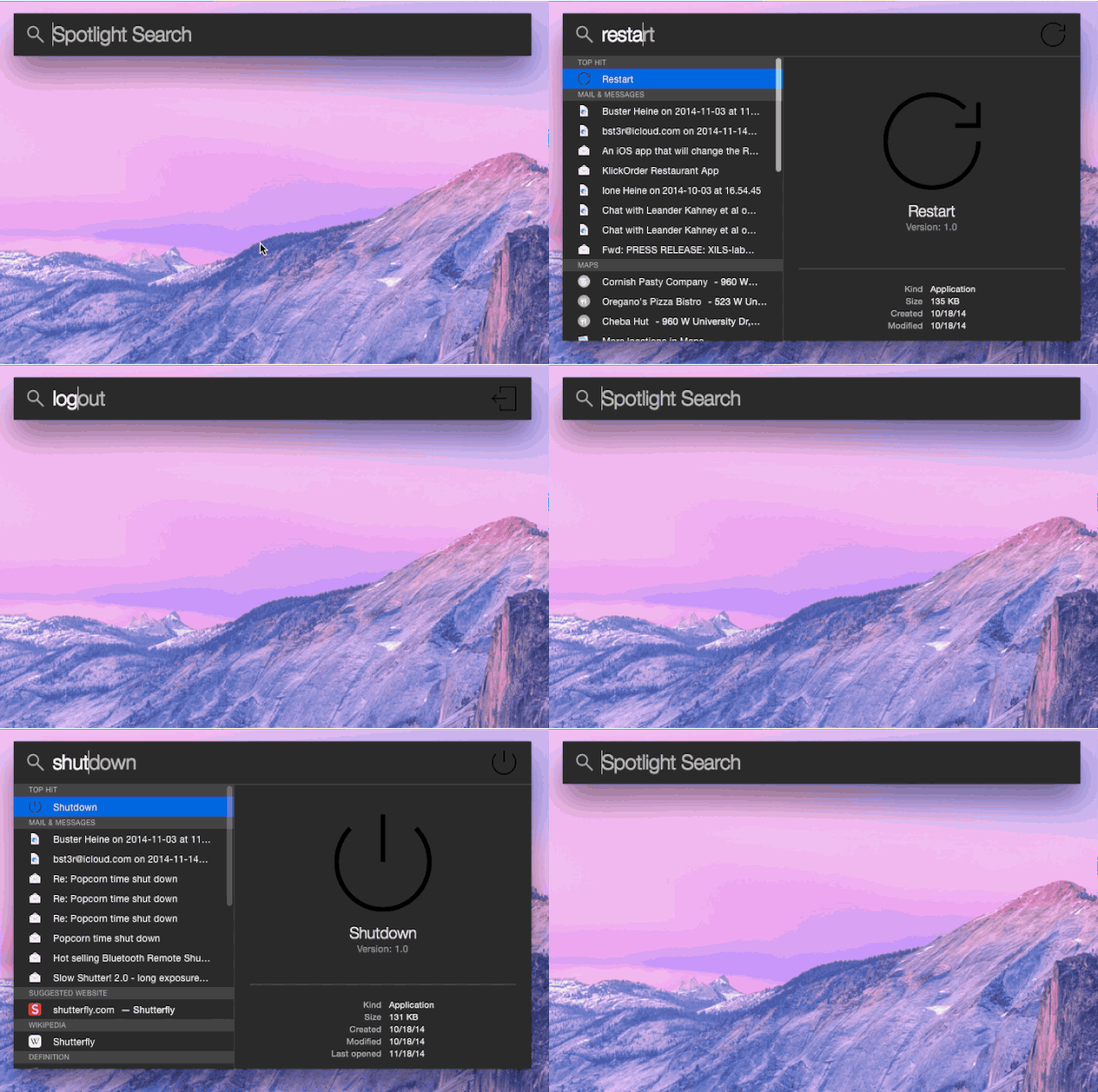
Pulling up apps and finding files is super easy on OS X Yosemite thanks to the new Spotlight feature, and thanks to GitHub user slong1987, you can now use Spotlight shortcuts to shutdown, restart, logout and put your Mac to sleep.
The clever workaround uses four small apps that you can download from GitHub and then add to your Applications folder. Once installed, all you have to do is pull up Spotlight (CMD+SPACE) type in Restart, hit Enter and you Mac will reboot.
I’ve found the Sleep shortcut especially useful at coffee shops when you have to step away for quick second. Slong1987 says shortcuts for Empty Trash and Securely Empty Trash are also in the works.

Buster Hein is a freelance writer who lives in Phoenix, Arizona. Twitter: @bst3r.


11 responses to “How to restart or send your Mac to sleep from Spotlight”
Still does’t work as well as Alfred. I use ‘lock’ on Alfred many times a day. One of the most useful features ever. I wish Apple would include this natively.
I love Alfred. I use ‘screensaver’ a lot since I have it set to require my password after it comes on.
Or, you could just click on restart in the apple menu.
Or you could just learn the keyboard shortcuts.
lazy people doesn’t want to do like that, better with shortcut or use alfred as workflow.
Because dragging your cursor to the lower left corner is too mainstream.
Yeap totally useful.
I find using keyboard shortcuts much faster than using spotlight
Command-option-eject(f13 maybe) has been putting my laptop to sleep for many OS X’s. No extra software needed.
What a useless thing. It is actually harder than main stream ways
These animations are awful!!! I can’t read the article for the flashing animation in my face!!!