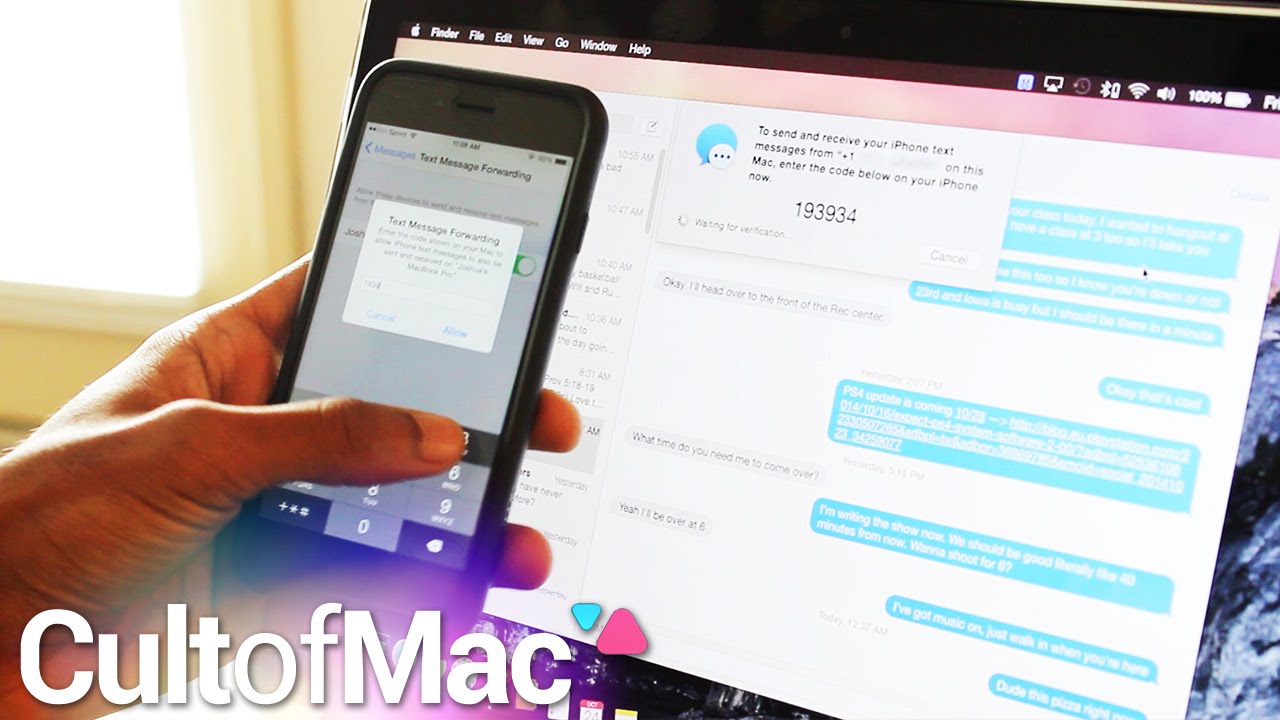
In the past, using the Messages app on a Mac could be an irritating experience. And what if a friend dared to send a green-bubble text from an Android phone? When texting from your Mac, messaging those friends wasn’t possible until now.
In today’s Cult of Mac video, find out how to enable Text Message Forwarding between your iPhone and Mac. With iOS 8.1 and Yosemite installed, enjoying this seamless feature is just a few short taps and clicks away. Find out how to do it all in this speedy tutorial.
Subscribe to Cult of Mac TV to catch all our latest videos.

Joshua Smith is a video reviewer for Cult of Mac, and the founder of the technology news and review service “TechBytes W/ Jsmith”. Joshua created TechBytes to revolutionize the way tech news is delivered. Smith feels that being a part of the Cult of Mac staff and family is the best position for elevating his career in the field of technology journalism. You can follow Joshua on Twitter by simply clicking the attached link.


8 responses to “How to use OS X Yosemite to send texts from your Mac”
How do you make old text messages to show up on Mac? All my iMessages are shown, but when it comes to sms messages, I see only the new ones. All my old conversations are not synced with mac. Is it just me?
That’s not a problem, your iMessages are there because you don’t delete them not because they are syncing.
When I enable message forwarding on my iPhone, no code number shows up on the mac i selected. Does this feature work without the LE bluetooth 4.0? I’m running on an iMac 2011.
i have the same problem
same
ok it works. You have to turn off imessage in message settings on iPhone then turn on messages on Mac and turn on imessage on iPhone. Mac should ask You if You want to swith to your telephone number instead of your mail adress. And after clicking the fowarding option on iPhone the password pops up.
Can’t turn on messages on Mac if imessage is turned off
http://www.cnet.com/how-to/how-to-fix-text-message-forwarding-issues-on-ios-8-1/