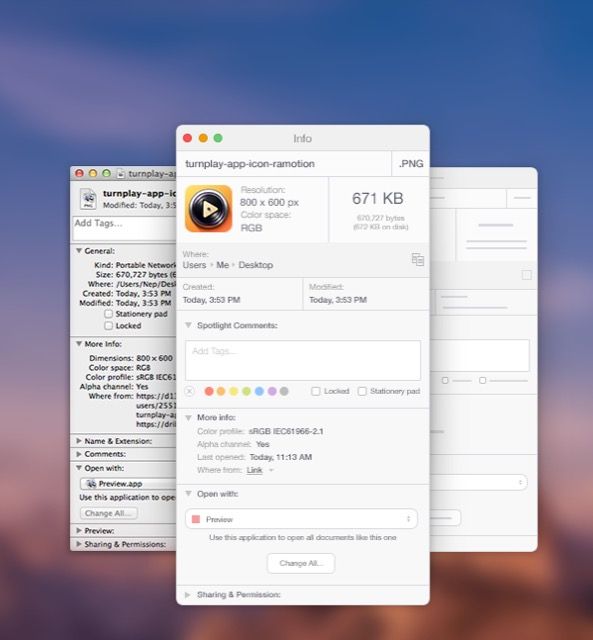
With Yosemite, OS X is getting its biggest visual overhaul yet, courtesy of Apple design head Jony Ive. But not everything is changing. Case in point: OS X’s File Inspector function.
Shown when you right click on a file in Finder and click ‘Get Info,’ Inspector shows you the nitty-gritty details of a file: it’s size, what file it is set to open with, it’s permissions, and so on. But in Yosemite, it looks pretty much as it ever did.
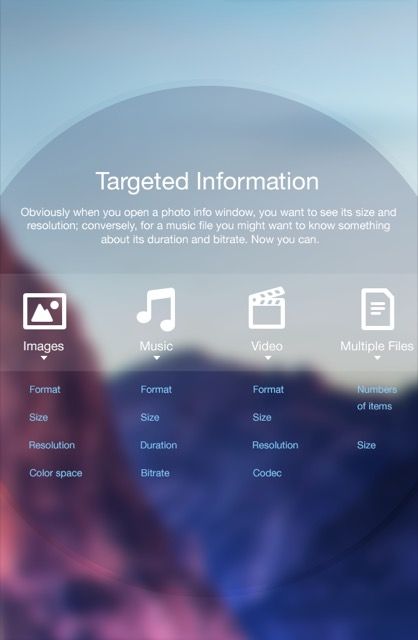
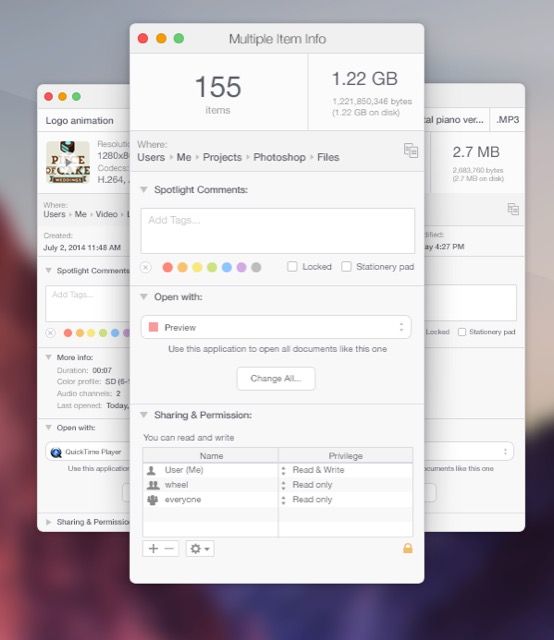
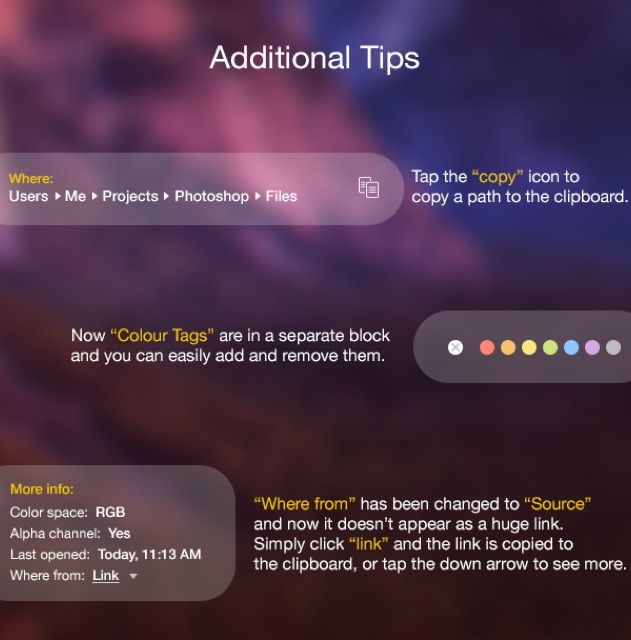
On Behance, user Ramotion has come up with a Yosemite-inspired redesign of OS X’s ‘Get Info’ menu that makes it more useful, intuitive, attractive, and flexible, especially when dealing with multiple files.
It’s gorgeous work, fitting of OS X Yosemite’s slick new design ethos as a whole. Take a look at the complete concept below.



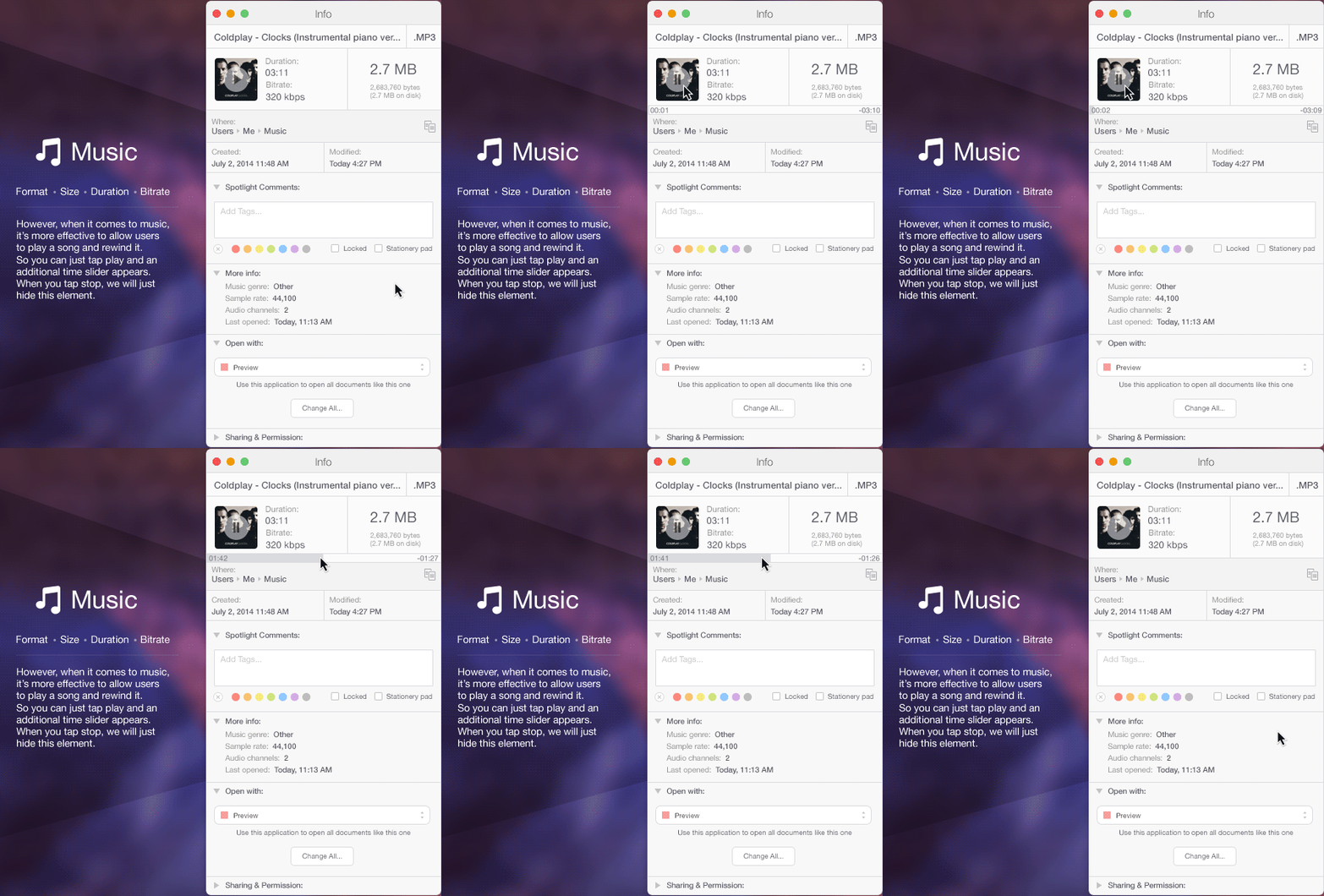
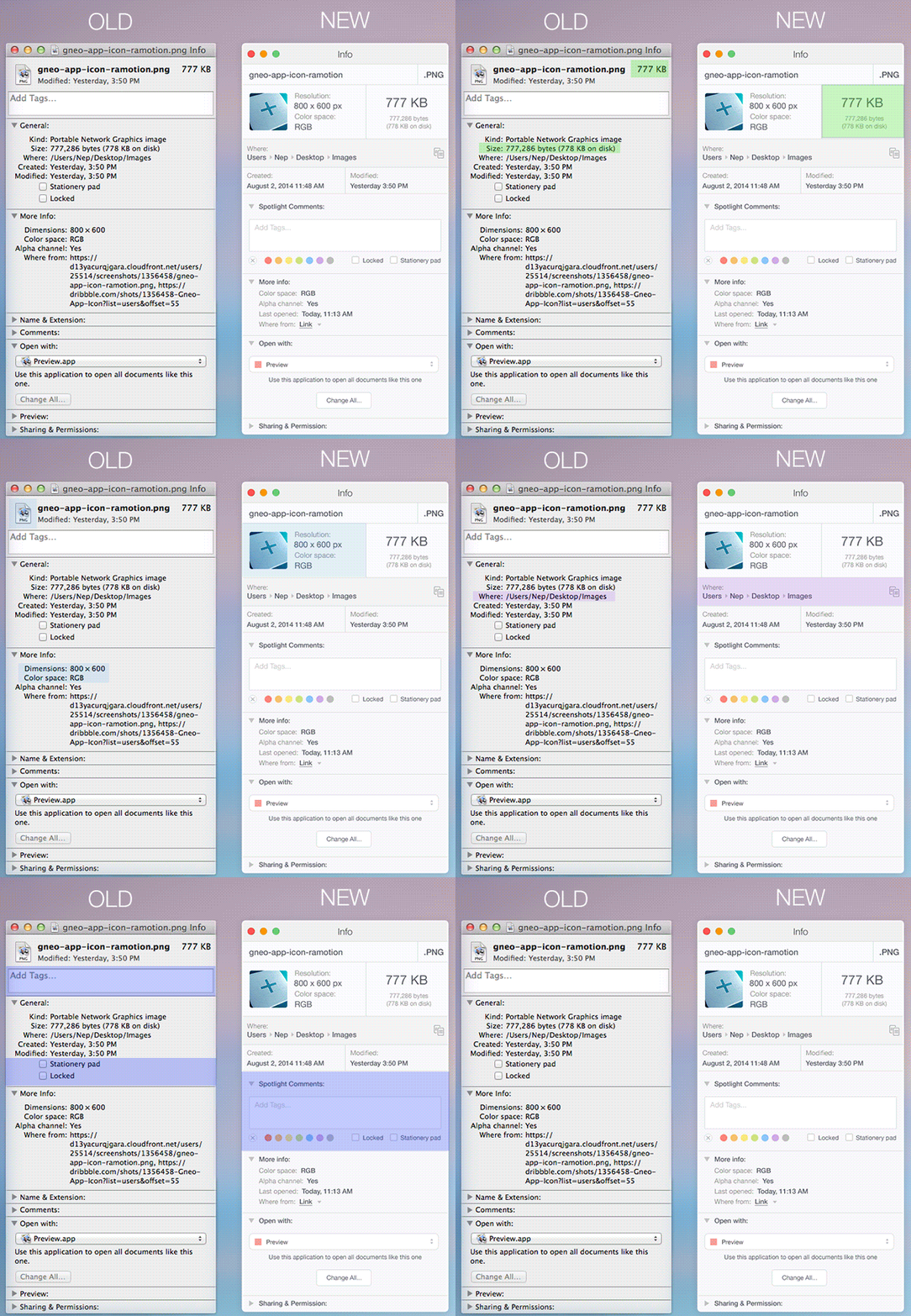

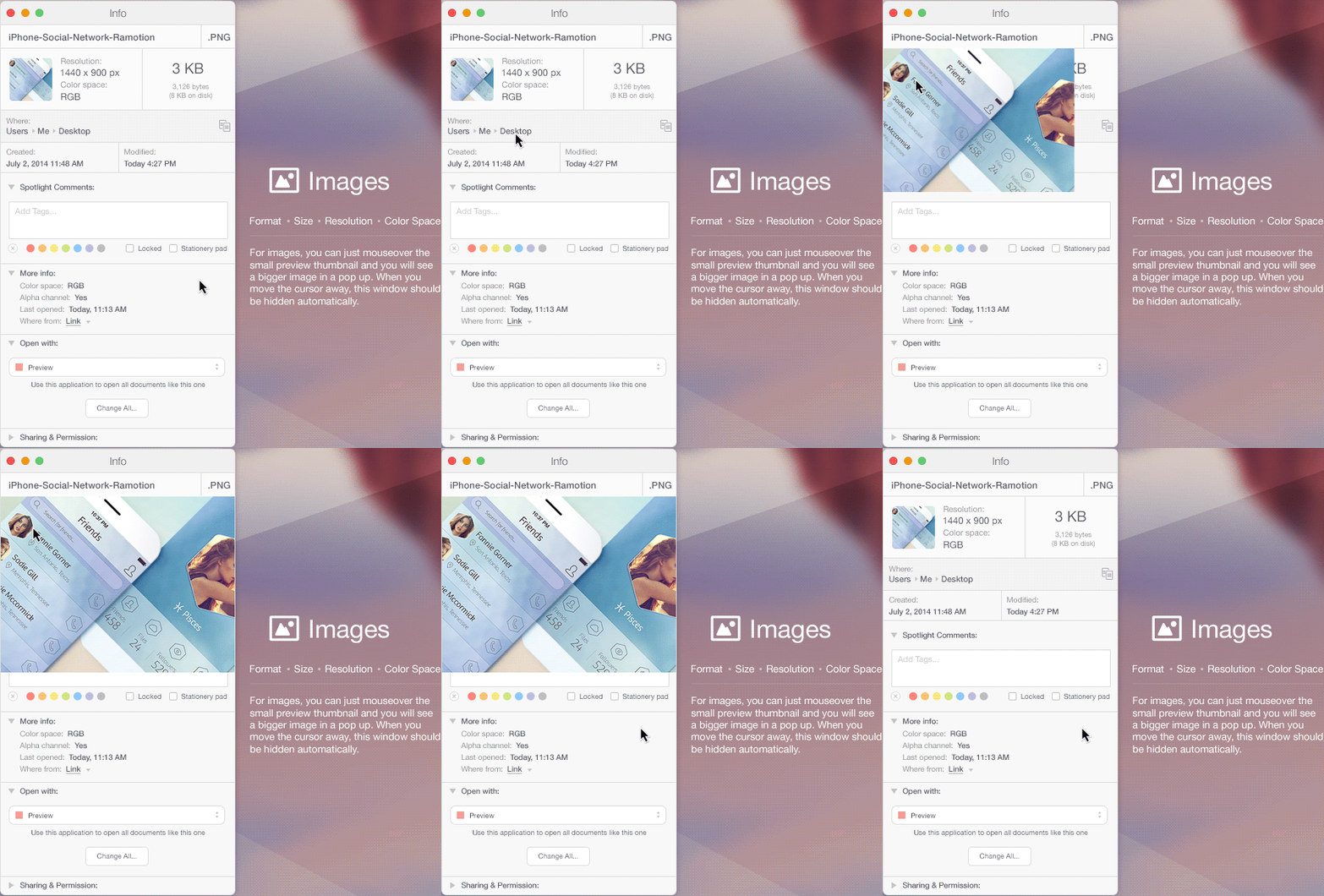
Source: Behance

John Brownlee is a writer for Fast Company, and a contributing writer here at CoM. He has also written for Wired, Playboy, Boing Boing, Popular Mechanics, VentureBeat, and Gizmodo. He lives in Boston with his wife and two parakeets. You can follow him here on Twitter.


5 responses to “Reimagining Finder’s ‘Get Info’ dialog for OS X Yosemite”
i really wish it was real…
The new “Get info” in iTunes is something like that.
Apple needs to make this happen!
Cool…. I just think that the file type (kind) would need another solution, since Apple doesn’t treat files by their extensions name on OS X…