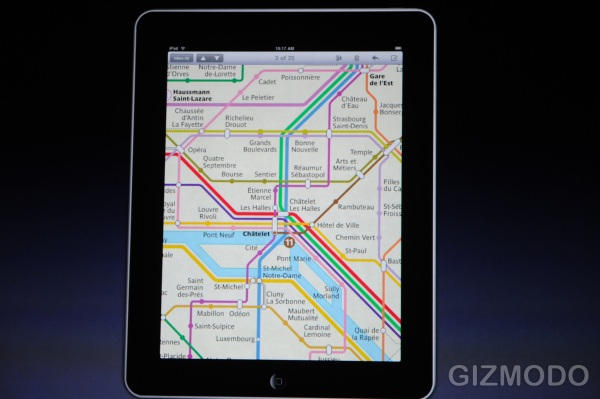
iPad Apps Look Awesome

iPad Apps Look Awesome

Photos courtesy of Gizmodo

The iPad is revolutionizing the way we use email, the web, play music, browse through images, and watch movies/tv. Here’s a preview on how they look on the iPad:
iPad Apps Look Awesome

Photos courtesy of Gizmodo

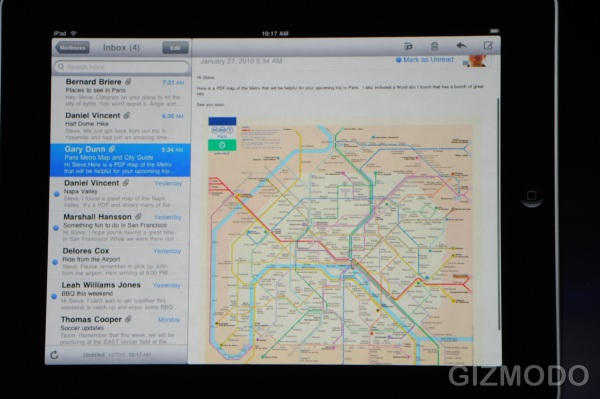
The two pane email with landscape keyboard completely blows me away. Touch keyboard seems easy to type on.
iPad Apps Look Awesome

Photos courtesy of Gizmodo

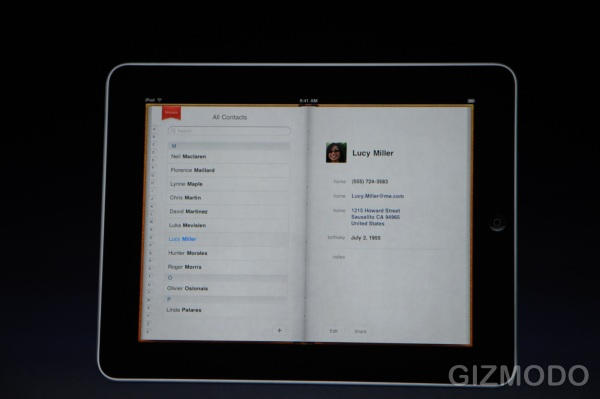
Address Book looks gorgeous. A great way to browse through your friends, family, and business contacts.
iPad Apps Look Awesome

Photos courtesy of Gizmodo

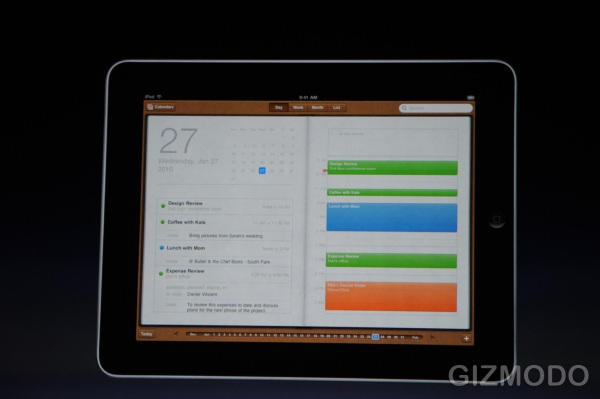
Two pane iCal makes the most of the 9.7’ screen. Scrubber on the bottom makes me want to schedule something immediately. Navigation on this device is ridiculously intuitive.
iPad Apps Look Awesome

Photos courtesy of Gizmodo

DON'T MISS
Never Type Your Email Address Again On Your iOS Device [iOS Tip]

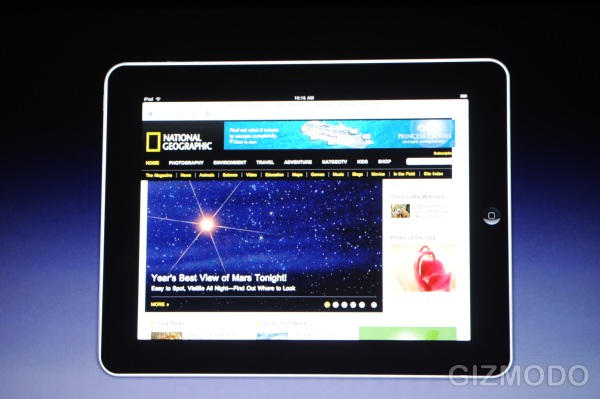
Web browsing looks just right. I can easily forget about my MBP for most of my workflow. iPad… flow. Stop it.
iPad Apps Look Awesome

Photos courtesy of Gizmodo

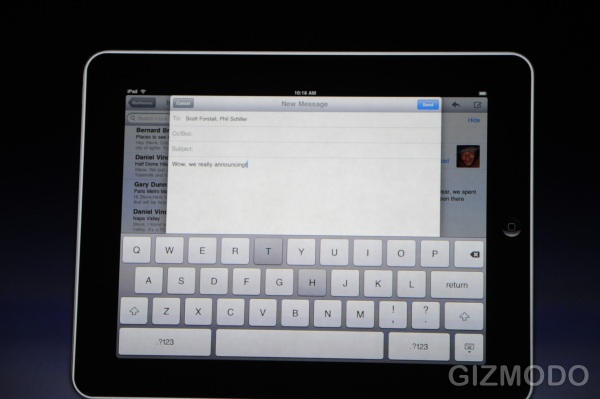
Take a look at the way we’ll be inputting text for the next ten years. Typing effectiveness could be increased with auto complete.

About the author

Tim CoxTim Cox is big time into coffee, craft beer, Super Street Fighter IV, and Apple products. He lives in Brooklyn with his loving wife and 5 beautiful kitties. He keeps track of the stuff he googles, gives advice on web marketing, and is pretty big on Twitter. He never updates his personal blog.


(sorry, you need Javascript to see this e-mail address)| Read more posts by .

Posted in iPad |

  • AMacLover

    Okay, I LOVE Mac but seriously iPad sounds like some high-tech maxi pad. Ugh – Mac you should been more creative with the name.

  • Matt

    Tim,
    Hyperbole much?
    How is it any more revolutionary than the IPhone but bigger?

  • http://best-cdrates.com best-cdrates

    The future of typing? I think not. The iPad and iPhone virtual keyboard doesn’t come close to replacing a real keyboard. I’ve been using an iPhone for years and there is no way that can see a touch keypad with absolutely no physical feedback replacing traditional keyboards.