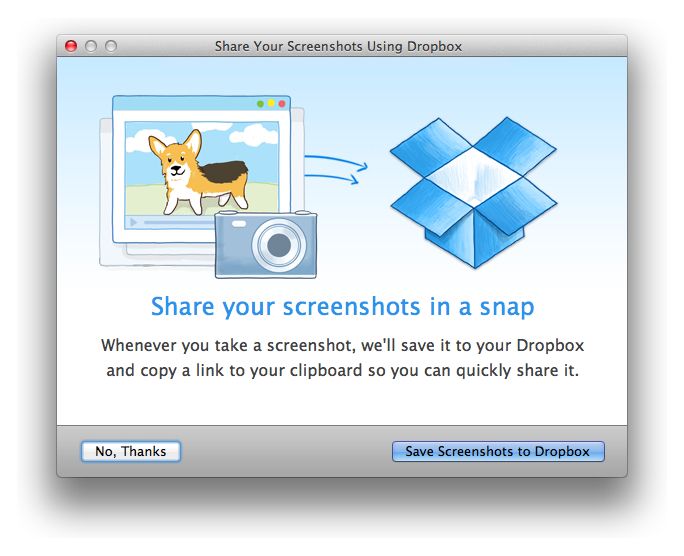
Today Dropbox released an update to its Mac app that adds the ability to automatically upload all screenshots you take. The feature is called Camera Uploads in Dropbox’s mobile apps, and now it’s finally coming to the desktop.
Not only can screenshots be automatically uploaded to your Dropbox, but a share link for each image is also pasted into your clipboard as screenshots are taken.
Another addition in today’s update is a new import tool that lets you transfer photos from your iPhoto library to Dropbox.
Source: Dropbox

Alex Heath is a journalist who works for Tech Insider. He’s the former co-host of The CultCast. He has been quoted by the likes of the BBC, KRON 4 News, and books like “ICONIC: A Photographic Tribute to Apple Innovation.” He lives in Lexington, Kentucky. If you want to pitch a story, share a tip, or just get in touch, additional contact information is available on his personal site. Follow him on Twitter.

