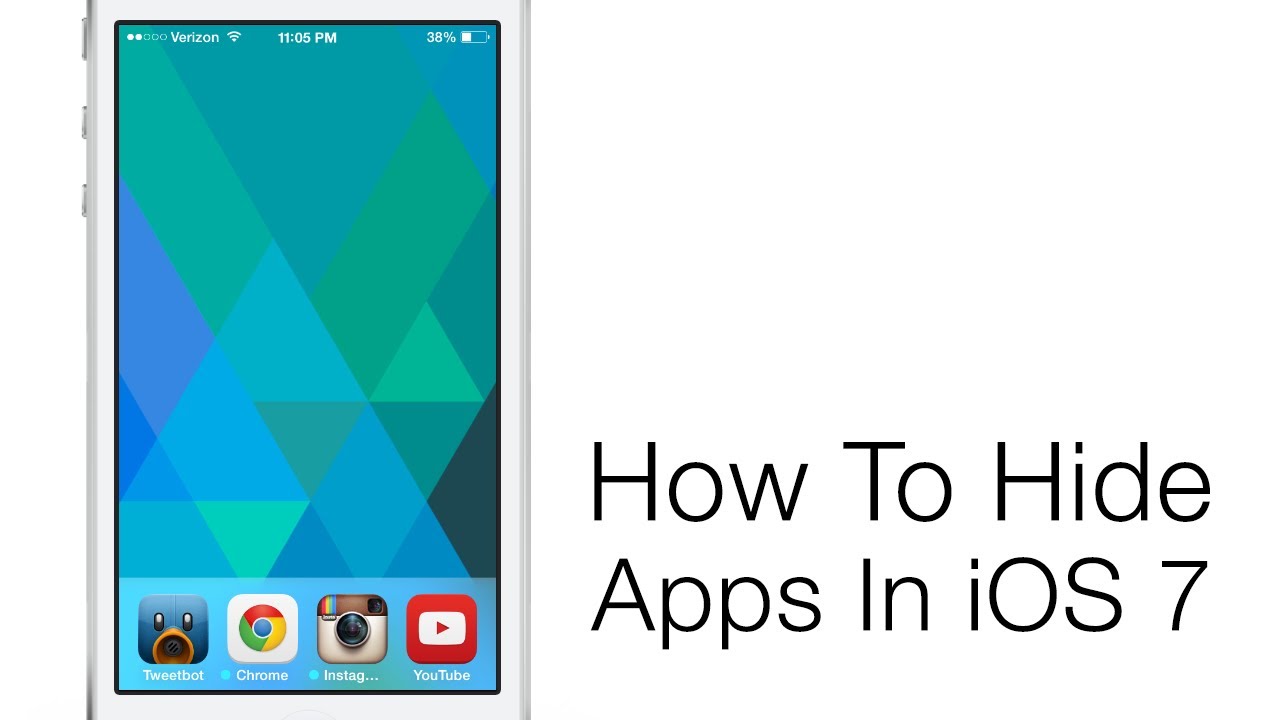
iOS 7 finally lets you put the Newsstand app in a folder. To some that alone is reason enough to celebrate, but there’s also an awesome little bug that lets you hide all of Apple’s other annoying default apps that take up screen real-estate – we’re looking at you Stocks.
For the hack to work, you have to set up one of your iPhone’s pages with a full screen of apps. You’ll also need one folder on that page, and you should place the app(s) that you want to hide in your dock. Once you’re ready, tap and hold on the app you want to disappear, then hit the homebutton twice to bring your app switcher, then go back your homescreen and you’ll notice the app you want to delete is abnormally large. Tap your extra folder on the screen while all the apps are jiggling, and then press your homebutton and viola! the app is gone.
The process sounds a little convoluted, but it’s actually very simple. To make things easier, our friend Dom from AppAdvice made the video tutorial above. Best of all though is that once you magic an app into oblivion you can still access it via the finder search.

Buster Hein is a freelance writer who lives in Phoenix, Arizona. Twitter: @bst3r.


5 responses to “iOS 7 Bug Lets You Hide Apple’s Annoying Default Apps [Video]”
it doesn’t work for me… why?