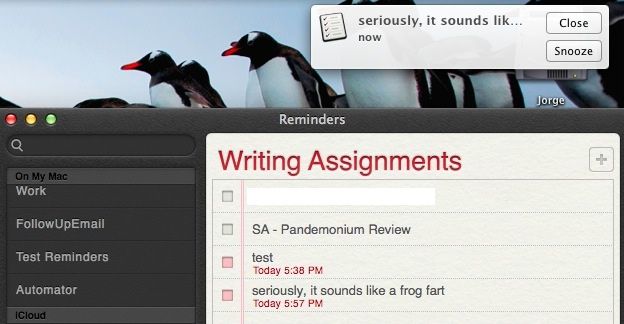
The default Notification Center sound, Basso, is not one that makes me very happy. It kind of sounds like a frog fart, to be honest. Why an operating system that’s had the ability to switch alert sounds since at least OS 7 doesn’t have that option here is beyond me, but there is a way to change it.
Here’s how.
First go to your home folder, and open the Library folder, then Sounds (~/Library/Sounds). This isn’t the one in the main system folder, but the one in your home folder. Create or steal your own short sound and make an AIFF out of it, using GarageBand, Audacity, Quicktime, or any number of Mac apps that can import and export audio. Export the file with the name Basso.aiff and put it into the ~/Library/Sounds folder. Best way to do that is to remove the original Basso.aiff file first.
Open Terminal and type or paste the following command, which will find the Notification Center process:
ps -ax | grep -i notification
Then, type killall NotificationCenter
To test your new sound, create a Reminder for a couple minutes out, and see if the notification sound is less frog farty. If you really want the Basso sound back, simply do these steps again, moving the original Basso sound back into the Sounds folder.
Big props to Erica Sadun over at TUAW for this tip.

Rob LeFebvre is an Anchorage, Alaska-based writer and editor who has contributed to various tech, gaming and iOS sites, including 148Apps, Creative Screenwriting, Shelf-Awareness, VentureBeat, and Paste Magazine. Feel free to find Rob on Twitter @roblef, and send him a cookie once in a while; he’ll really appreciate it.

