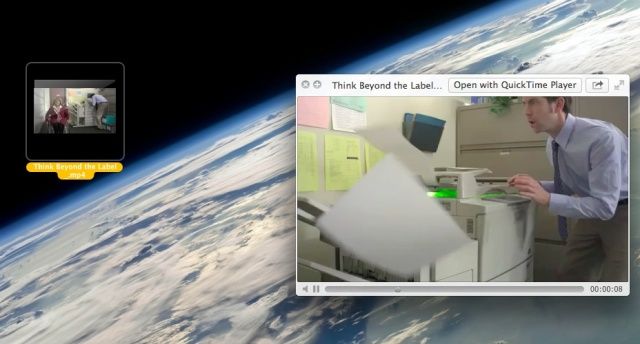
You might notice that your hard disk is constantly spinning on your Mac. If you check Activity Monitor, you might find out that the CPU is also being used up by the Finder, which typically doesn’t use a lot of CPU.
Turns out that the culprit could, in fact, be video files on your desktop. As you may know, OS X can play video files in their thumbnails and via Quick Look. To do this, it seems, your Mac needs to constantly be accessing the video file data, in order to have it ready to play at a moment’s notice. This eats up CPU cycles like nothing else on the desktop.
Really, to fix this problem, you just need to move your video files to a new location. That way, the Finder will only need to spool up when you open that folder. I personally keep all my video files either in iTunes, or in the Movies folder, in my home folder.
You can do the same with a quick selection of the video files on your Desktop, and then dragging them to your Movies folder, or any other location, really, as long as it’s not on the Desktop. Remember that iTunes copies files you open with it by default, so you may not even need to store your movie files elsewhere.
It’s also possible that your network performance will be improved if you have network video files open in a Finder window, or on the desktop, so be aware of that as well, and keep it to a minimum.
Source: Macworld Hints

Rob LeFebvre is an Anchorage, Alaska-based writer and editor who has contributed to various tech, gaming and iOS sites, including 148Apps, Creative Screenwriting, Shelf-Awareness, VentureBeat, and Paste Magazine. Feel free to find Rob on Twitter @roblef, and send him a cookie once in a while; he’ll really appreciate it.

