Ken Clark’s post about using Dropbox for iPhone to automatically import photos to Yojimbo is a wonderful pointer to new possibilities, and got me thinking about a few that can’t be done yet – but could be, if future versions of Dropbox add one or two features.
Ken’s trick depends on a little bit of Applescript to make it work. But not everyone knows Applescript, which is where another app called Hazel comes in handy.
Hazel is a neat little prefpane utility that performs actions on specific folders according to the rules you create. So, you can say to Hazel: “Watch this folder, and when such-and-such happens, do so-and-so.”
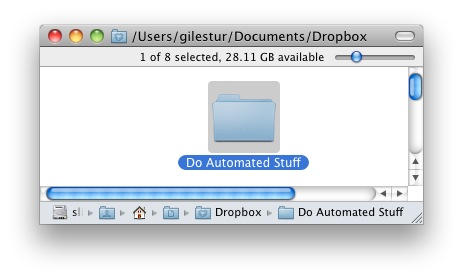
So you could (for example) create a folder inside your Dropbox folder and tell Hazel to watch it. When images arrive there from the Dropbox iPhone app, Hazel could automatically send them to iPhoto, and then move the original image to a folder of your choice. Hazel can do much more, though: it can run Applescripts, shell scripts and Automator workflows.
Right now, Dropbox for iPhone will let you upload photos (and videos from a 3GS), and view your existing files. If it had just one or two additional features, we could really start doing some fun stuff via Hazel.
One example: if you could use Dropbox for iPhone to do something as simple as rename files, you could use your iPhone to control your Mac at home (or in the office) from anywhere. It would be quite simple to create tiny text files, and just by renaming one you could set off a script – or a succession of scripts – on your computer back home.
Let’s say you need to periodically email a timesheet to your boss or your client. You could create a Hazel rule that locates the correct file and emails it to the correct person when Hazel sees a file called “timesheet-go.txt” in your Dropbox folder. If you’re away from your computer but need to send that file, you could dive into Dropbox, rename “timesheet” to “timesheet-go”, and Hazel would look after the rest.
That’s just an example off the top of my head, but the possibilities are wide open. Anything you can script or build an Automator workflow for, you could use Dropbox and Hazel to activate from your iPhone whenever you needed to.
Right now all of this is just a theory, since the Dropbox for iPhone doesn’t – yet – let you move files around, rename them, or create new ones. But I’m going to be keeping an eye on future updates for features like this, just in case.

Giles Turnbull is a freelance writer in England. He also writes for the Press Association and The Morning News. You can find out more at his website, and follow him on Twitter @gilest.

