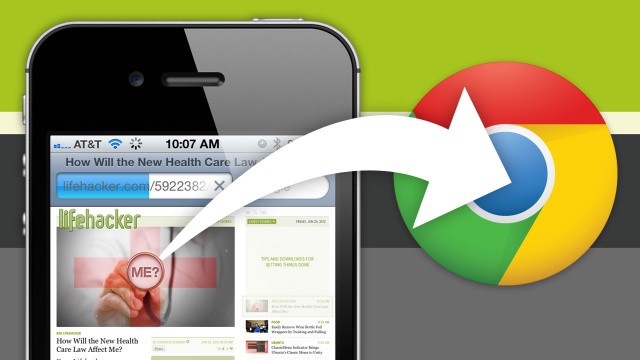
Here at Cult of Mac, we love Google’s new Chrome browser for iPhone and iPad… love it so much, in fact, that for many of us, we’re now using it as our default browser on our jailbroken devices using a Cydia tweak.
That’s all well and good if you’ve got a jailbroken iPhone or iPad, but what if you’re living on the straight and narrow? How can you make using Chrome as your default browser an easy experience when iOS wants to open every link in Safari instead?
It’s easy, with this Mobile Safari bookmarklet.
As we discussed earlier today, if you have a jailbroken device, you can use Browser Chooser to tell iOS to automatically open all links in Chrome instead of Mobile Safari. Unfortunately, there’s no way to do this if your device isn’t jailbroken, but what you can do is easily tell Safari to send pages onwards to Chrome.
Here’s what you do. Just create a new bookmark on your iPhone or iPad for any site. Name it something like “Open in Chrome”, then once the bookmark has been saved, edit it so that you can replace the URL with this bit of Javascript:
javascript:location.href=”googlechrome”+location.href.substring(4);
Once you’ve done that, anytime you tap that “Open in Chrome” bookmark, Safari will take the webpage you are currently reading and load it up in a new tab in Chrome instead.
It’s not ideal, but if you find that Mobile Safari keeps on stealing pages you’d like to read in Chrome, this bookmarklet is a time saver. Let’s just hope this is a stop gap solution until Apple eventually allows third-party browsers to be set as default iOS browser instead of Mobile Safari.
Source: Jon Abrams
Via: Lifehacker
Image: Lifehacker

John Brownlee is a writer for Fast Company, and a contributing writer here at CoM. He has also written for Wired, Playboy, Boing Boing, Popular Mechanics, VentureBeat, and Gizmodo. He lives in Boston with his wife and two parakeets. You can follow him here on Twitter.

