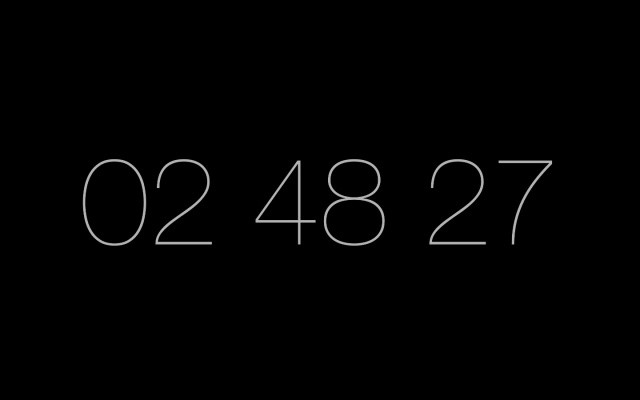
Update: Looks like Padbury has taken the screensaver off his Dribble account. If anyone has a mirrored link for others to download, please post in the comments.
We love beautiful wallpapers and screensavers here at Cult of Mac. When Apple User Interface Designer Robert Padbury posted a beautiful screensaver to his Dribble account, we fell in love. The “Minimalist Clock Screensaver” comes in 12-hour and 24-hour versions, and you can grab it now for free to install on your own Mac.
Download Padbury’s screensaver here if you like what you see. Once you’ve downloaded the quartz file, drag it into the Preview window for “Screen Saver” in the OS X System Preferences app. It can also be installed by dragging and dropping into the Library > Screen Savers folder in Finder.
Source: @padbury

Alex Heath is a journalist who works for Tech Insider. He’s the former co-host of The CultCast. He has been quoted by the likes of the BBC, KRON 4 News, and books like “ICONIC: A Photographic Tribute to Apple Innovation.” He lives in Lexington, Kentucky. If you want to pitch a story, share a tip, or just get in touch, additional contact information is available on his personal site. Follow him on Twitter.

