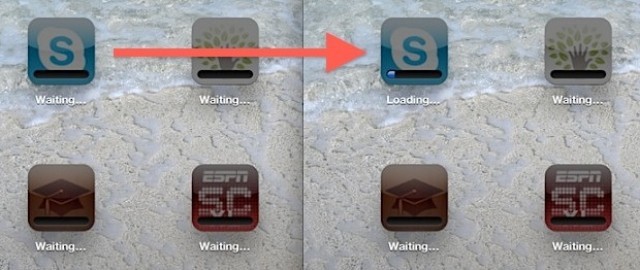
Yesterday, we showed you how to fix apps that get stuck “waiting” as you downloaded everything to your newly-restored iPad. That’s fine and all, but what if you really, really need to check your RSS reader of choice to read the latest Cult of Mac stories? With this incredibly simple tip, you can just tell the iPad to download that app right away.
To make your chosen app jump the line, just double tap it. That’s it. This simple gesture tells iOS that this app should be downloaded next. If you’re on a fast enough connection, it will seem to install right away.
I wish I’d known this last Thursday when I bought an iPod Touch and mistakenly restored it from an iCloud backup of my iPad and it started downloading almost 20GB worth of apps on the Apple Store’s Wi-Fi. Now all we need is a tip to just abort all of those downloads and start over. As it was I just panicked, reset the thing and started over.
[Via iPad Today]

Charlie Sorrel writes reviews and how-tos. Follow Charlie on Twitter at @mistercharlie, and at micro.blog on @mistercharlie

