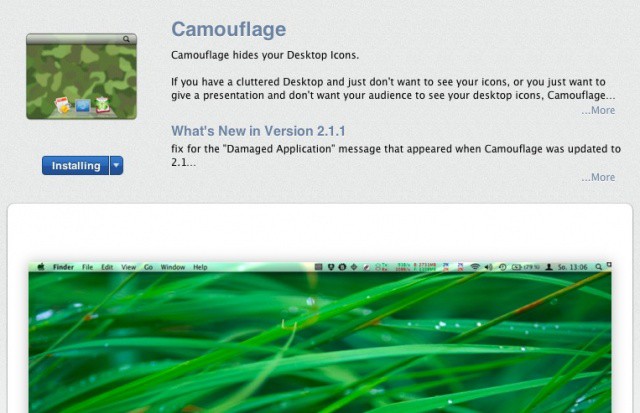
Sick of all those icons cluttering up your Desktop? Need to give a presentation at work but don’t want your boss seeing all the imgur images you downloaded during the sales meeting? This two dollar app from the Mac App Store may be just what you need to de-clutter and hide all those pesky Desktop icons.
Log into the Mac App store with your iTunes ID and download Camouflage, from Briksoftware. It will download to your Applications folder and, if you use Mac OS X Lion, will show up in Launchpad as well.
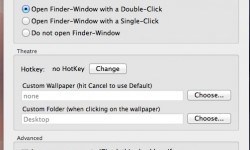 Launching the app will place a small icon in your menubar. Camouflage lets you hide or show the icons on the desktop, while also giving you handy access to Wallpaper and Display preferences to boot. When the icons are hidden, you can also double click the Desktop and Camouflage will show you the files that are hidden, but in a handy dandy little finder window. This is a good thing when you realize that you ALSO put the important Keynote file on your Desktop, but still don’t want to enable the big icons there to find it. Other preferences include setting custom wallpapers when the icons are hidden or shown, and the ability to hide or show the icons with a definable hotkey combination.
Camouflage can be purchased for $1.99 in the Mac App Store.

Rob LeFebvre is an Anchorage, Alaska-based writer and editor who has contributed to various tech, gaming and iOS sites, including 148Apps, Creative Screenwriting, Shelf-Awareness, VentureBeat, and Paste Magazine. Feel free to find Rob on Twitter @roblef, and send him a cookie once in a while; he’ll really appreciate it.

