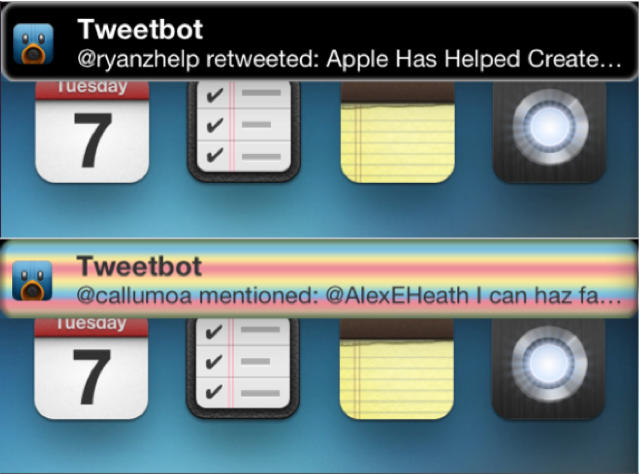
Are you itching to change the color of the push notification banners on your jailbroken iOS device? Is Apple’s look not quite cutting it?
A simple Cydia tweak allows you to easily customize the color of your iOS 5 Notification Center banners.
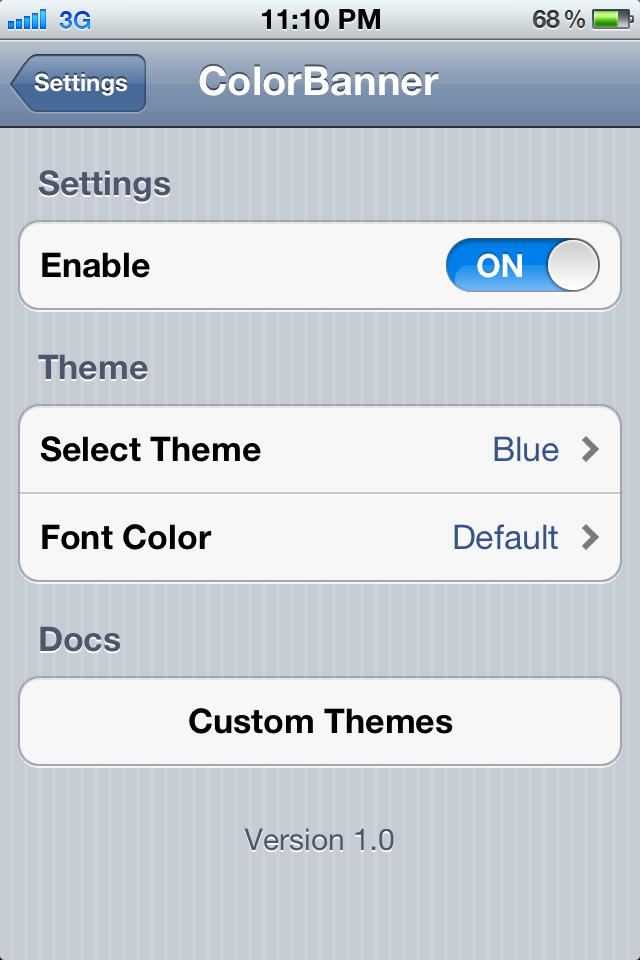
ColorBanner lets you choose from 10 backgrounds and 5 font colors for customizing your notifications. The tweak costs $1.99, which may be enough to turn away most potential users. I found most of ColorBanner’s themes to be pretty lame, but there are a couple combinations that work decently. The nice thing is that the developer has included documentation for creating your own theme from scratch. The process looks relatively straightforward, but designers will undoubtedly have an advantage. A transparent banner theme is coming, so stay tuned for that.
With some better backgrounds and the ability to adjust colors manually, ColorBanner will be a really compelling tweak. For now, it’s not worth $2, unless you really want to change the look of your notification banners.

Alex Heath is a journalist who works for Tech Insider. He’s the former co-host of The CultCast. He has been quoted by the likes of the BBC, KRON 4 News, and books like “ICONIC: A Photographic Tribute to Apple Innovation.” He lives in Lexington, Kentucky. If you want to pitch a story, share a tip, or just get in touch, additional contact information is available on his personal site. Follow him on Twitter.

