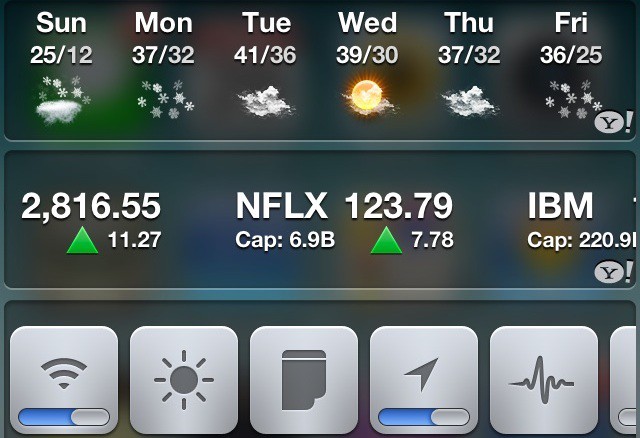
Notification Center, one of the biggest features in iOS 5, is a great step in the right direction, but is somewhat lacking. In this video, I’ll show you some great tweaks for jailbroken devices that let you customize notification center to no end.
Our daily roundup of Apple news, reviews and how-tos. Plus the best Apple tweets, fun polls and inspiring Steve Jobs bons mots. Our readers say: "Love what you do" -- Christi Cardenas. "Absolutely love the content!" -- Harshita Arora. "Genuinely one of the highlights of my inbox" -- Lee Barnett.
12 responses to “Customize Notification Center To Fit Your Every Need [Video How-To]”
Nice video. BTW, update your apps!
How could you not cover intelliscreenx!?
Intelliscreen X?
how can i found SB Settings
What is the name of that SB Setting theme you have on there?
Found it DOH!
I use InfoLock as it looks great an has all of this integrated into it. Plus the blurry background looks ace!
What are you using for your dock?
Springtomize
search for “Sbsettings” in Cydia.
I wanted to show only free apps, so that everybody could do it.

