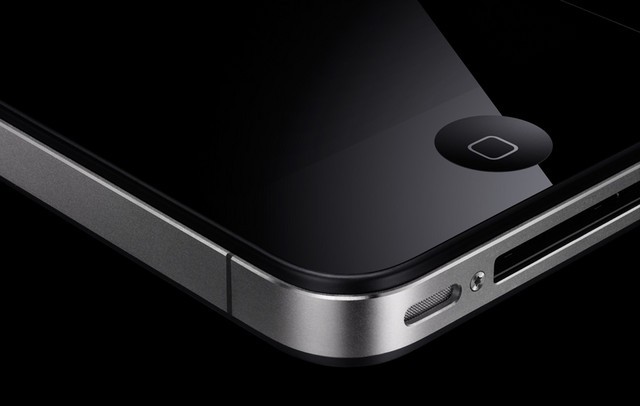

One of the unfortunate byproducts of owning an iOS device is that your Home button can become a little sluggish over time. When you get your new iPhone or iPad and use it initially, the Home button works smoothly, but it can eventually become less responsive.
Fortunately, there’s a subtle trick in iOS for recalibrating your Home button. After performing this tip on your personal iOS device, you should notice that your Home button is considerably more responsive when you’re navigating throughout iOS.
iDownloadBlog passes on an incredibly helpful tip that many probably don’t know about. It’s actually a very simple process to recalibrate your Home button; simply open a stock iOS app (Weather, Stocks, Clock, etc.). Once the app is open, press your iPhone’s power button until the ‘slide to power off’ screen appears. From that screen, press and hold your Home button until iOS force quits the stock app you have open. You’re done! No rocket science required.
Your iPhone’s Home button (this also works wonderfully on the iPad and iPod touch) should now be just as responsive as ever. Let us know if this tip worked for you in the comments below!

Alex Heath is a journalist who works for Tech Insider. He’s the former co-host of The CultCast. He has been quoted by the likes of the BBC, KRON 4 News, and books like “ICONIC: A Photographic Tribute to Apple Innovation.” He lives in Lexington, Kentucky. If you want to pitch a story, share a tip, or just get in touch, additional contact information is available on his personal site. Follow him on Twitter.

