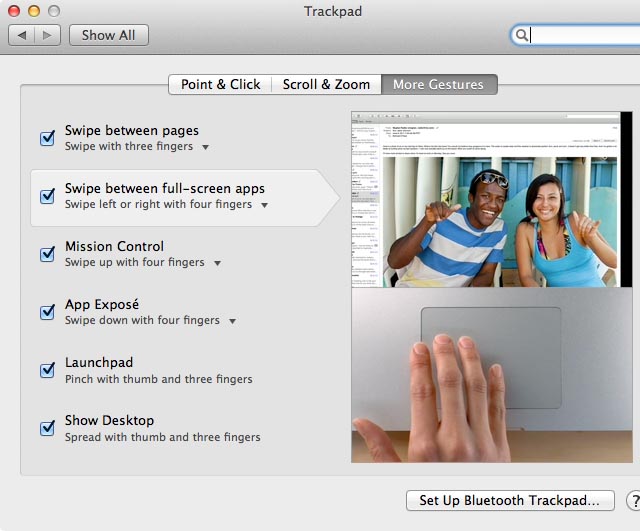
There’s a secret gesture you can use with Mac multitouch trackpads that lets you double-tap with four fingers to switch back to the most recently used desktop space in OS X Lion (although not previous versions of OS X).
To activate the gesture, you’ll need to use a hidden setting. Open a Terminal window (Finder->Applications->Utilities->Terminal) and type the following:
defaults write com.apple.dock double-tap-jump-back -bool TRUE;killall Dock
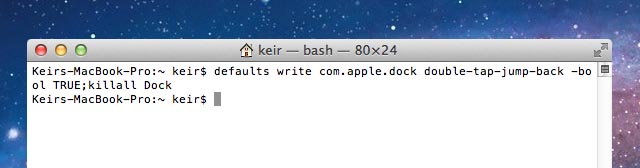
The changes should take effect right away, so give it a try. Like all gestures, it takes a little practice. Note that it appears that after a minute or two, OS X “forgets” the previous desktop space, so double-tapping to switch a space will no longer work until you again switch to a different space.
To turn off this new gesture, open a Terminal window and type the following:
defaults delete com.apple.dock double-tap-jump-back;killall Dock

Keir Thomas (http://keirthomas.com) is the author of Mac Kung Fu, which contains over 300 tips, tricks, hints and hacks for Mac OS X Lion. He’s also the author of over 10 other computing titles.

