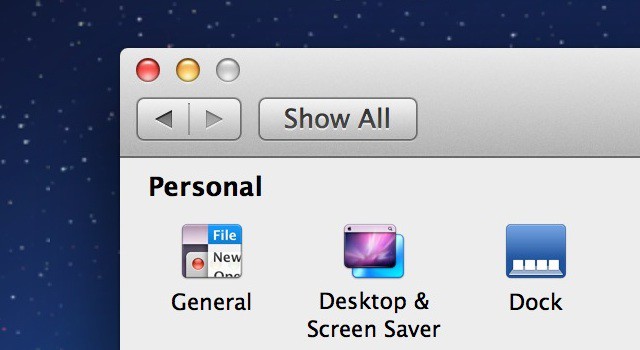
Mac OS X Lion includes buried “HiDPI” display modes, which brings the possibility of Retina Display Macs one step closer to reality. Essentially, these display modes make user interface elements twice the resolution typically found on Macs, therefore increasing clarity and detail throughout the UI. This is exactly how the iPhone handles graphics with the Retina Display, and provides some insight into what Apple might be planning for future iterations of it’s computers. While not very practical at this point in time, it’s neat to try out. In this video, I’ll show you how to enable these HiDPI display modes in OS X Lion.
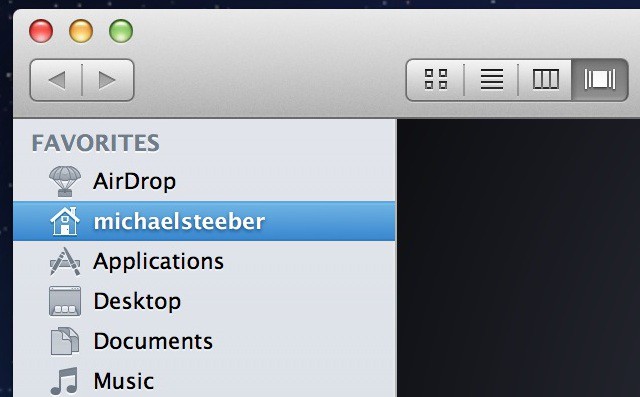
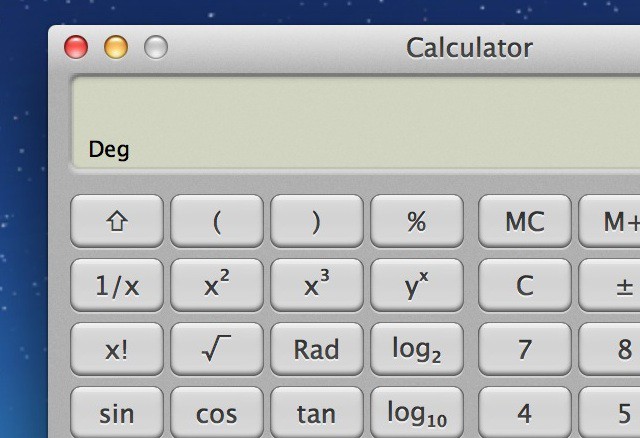
Some more examples of HiDPI display modes:

Michael Steeber is a student who is obsessed with everything Apple. He enjoys making videos and runs the MSComputerVideos YouTube channel in his free time. You can follow him on Twitter as well.

