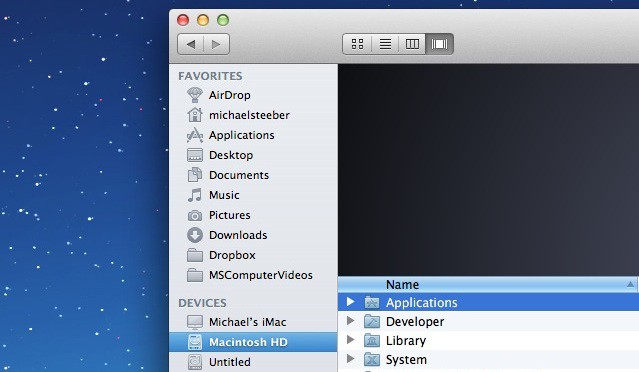
OS X Lion’s Finder is noticeably more drab than its predecessor. The once-colorful sidebar icons have now turned a rather flat shade of gray. In this video, I’ll show you how to restore color to your Finder sidebar icons.
Simbl: https://trdd.us/simbl
Colorful Sidebar: https://trdd.us/colorbar

Michael Steeber is a student who is obsessed with everything Apple. He enjoys making videos and runs the MSComputerVideos YouTube channel in his free time. You can follow him on Twitter as well.

