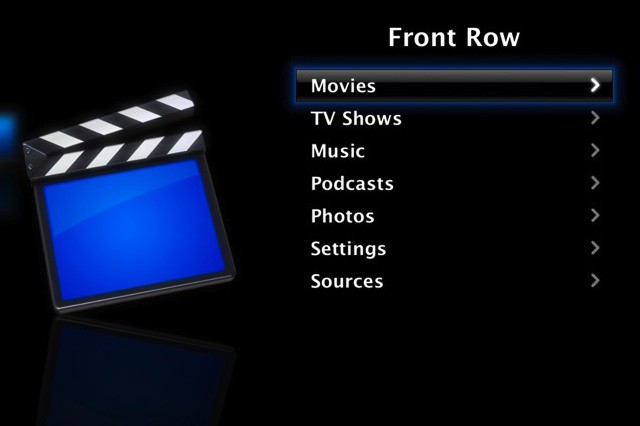
One of the subtle changes in Mac OS X Lion was the removal of Front Row, Apple’s media center application. While not an incredibly important loss, it may frustrate some users who enjoyed using the application. Fortunately, it’s rather simple to get Front Row working on Lion, as I’ll show you in this video.
The files you will need to restore are:
/Applications/Front Row.app
/System/Library/CoreServices/Front Row.app
/System/Library/LaunchAgents/com.apple.RemoteUI.plist
/System/Library/PrivateFrameworks/BackRow.framework
/System/Library/PrivateFrameworks/iPhotoAccess.framework

Michael Steeber is a student who is obsessed with everything Apple. He enjoys making videos and runs the MSComputerVideos YouTube channel in his free time. You can follow him on Twitter as well.

