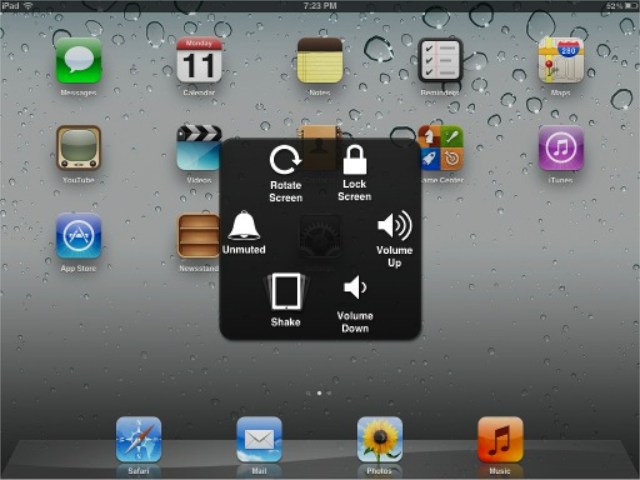
iOS 5 beta 3 brings some new and interesting features, including the new Assistive Touch menu. This menu allows you to perform many commonly used gestures as well as simulate hardware buttons. In this video, I’ll show you how to activate and use this menu in iOS 5.

Michael Steeber is a student who is obsessed with everything Apple. He enjoys making videos and runs the MSComputerVideos YouTube channel in his free time. You can follow him on Twitter as well.

