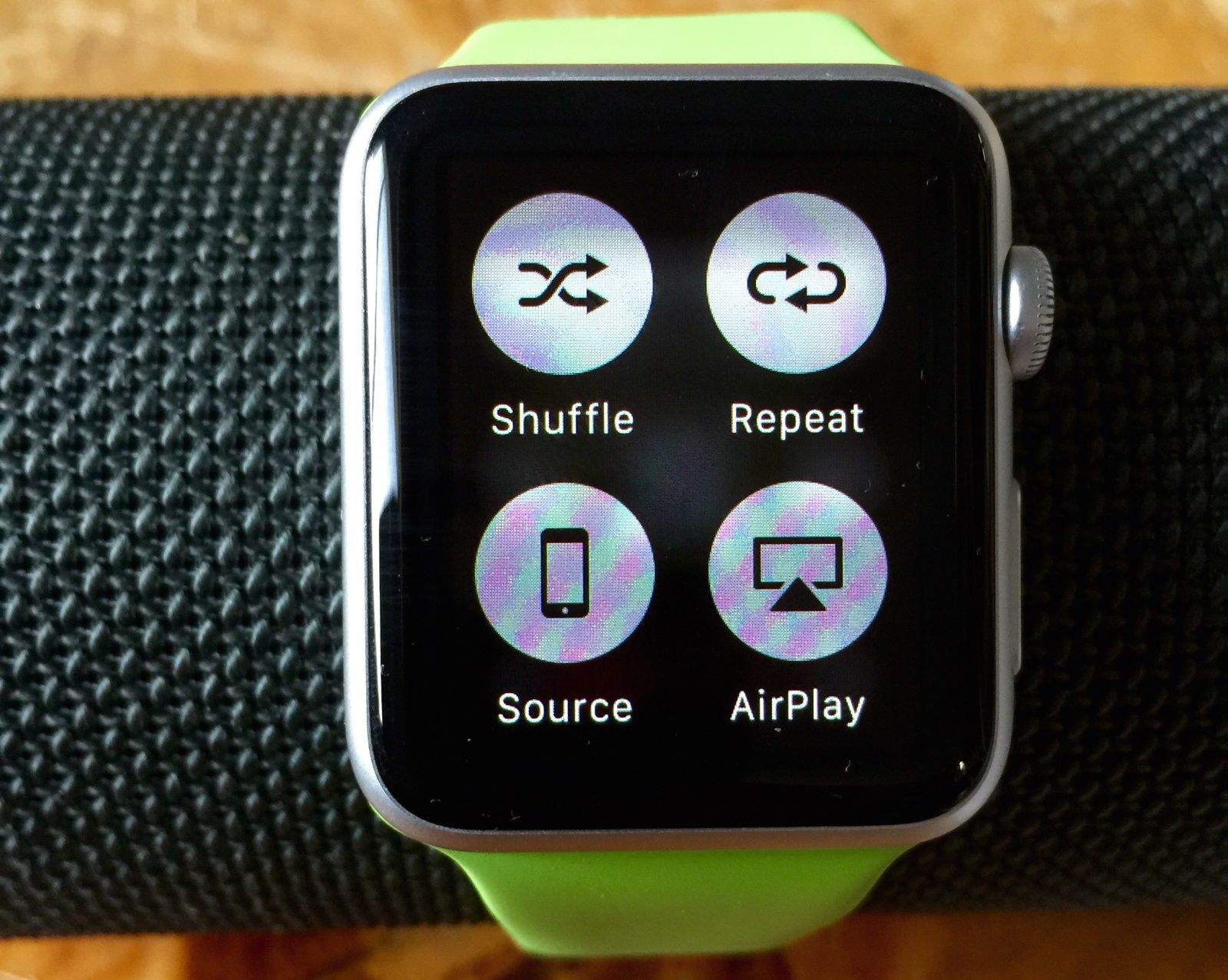
Playing music on the Apple Watch is a lovely thing. You can control your iPhone’s Music app using the Apple Watch Music app, choosing playlists and adjusting volume on the fly.
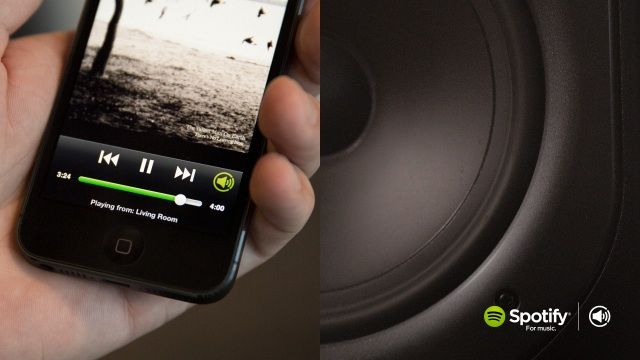
You can even start apps like Spotify or Rdio on your iPhone, then use the Music Glance on your Apple Watch to forward, reverse, pause or play music from these streaming services.
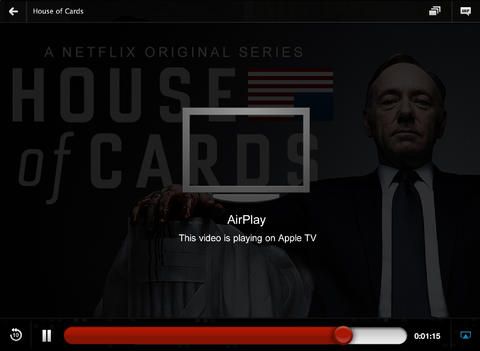
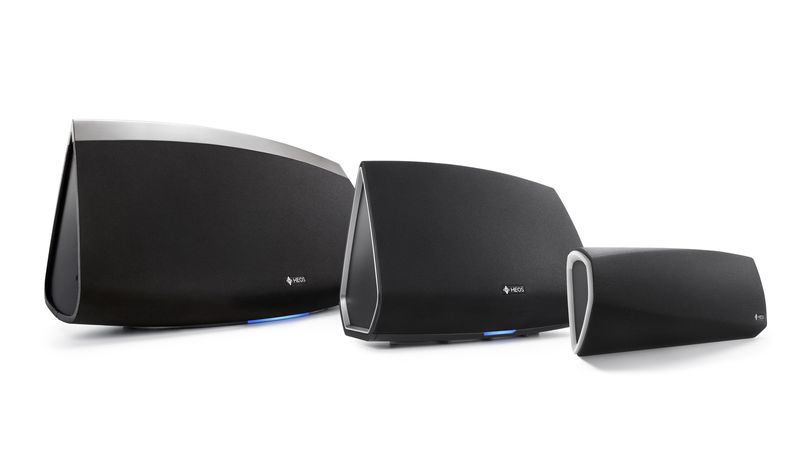
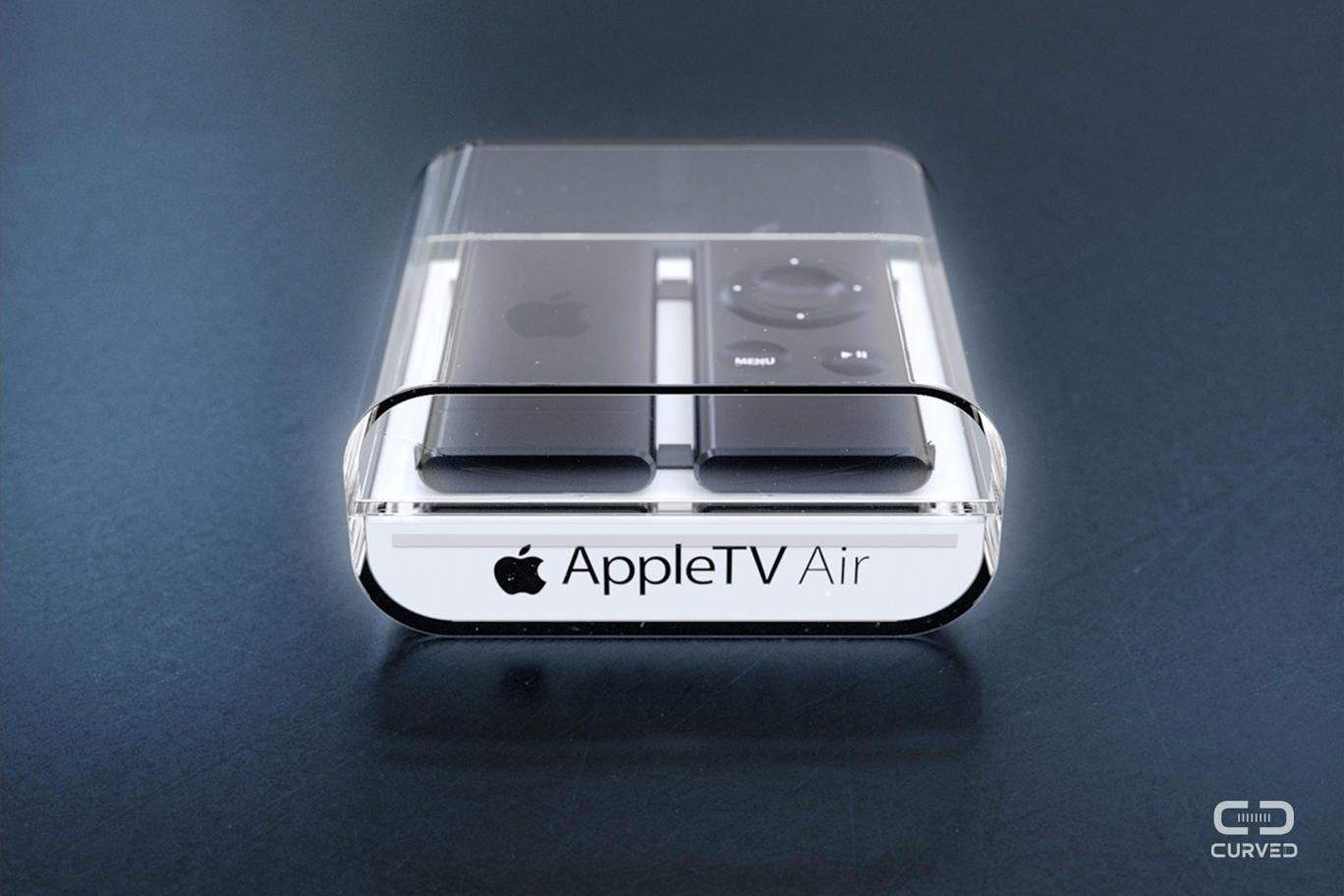
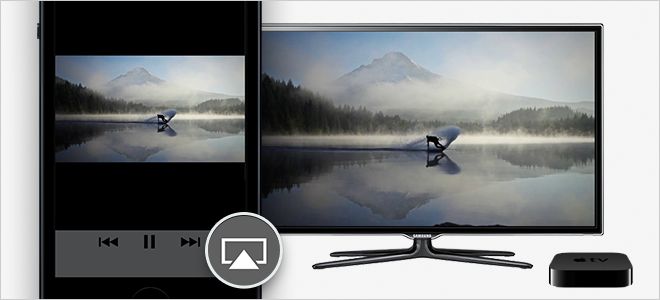
Did you know, however, that you can also send music from your Apple Watch to your Apple TV or any AirPlay-enabled speaker?
Here’s how.



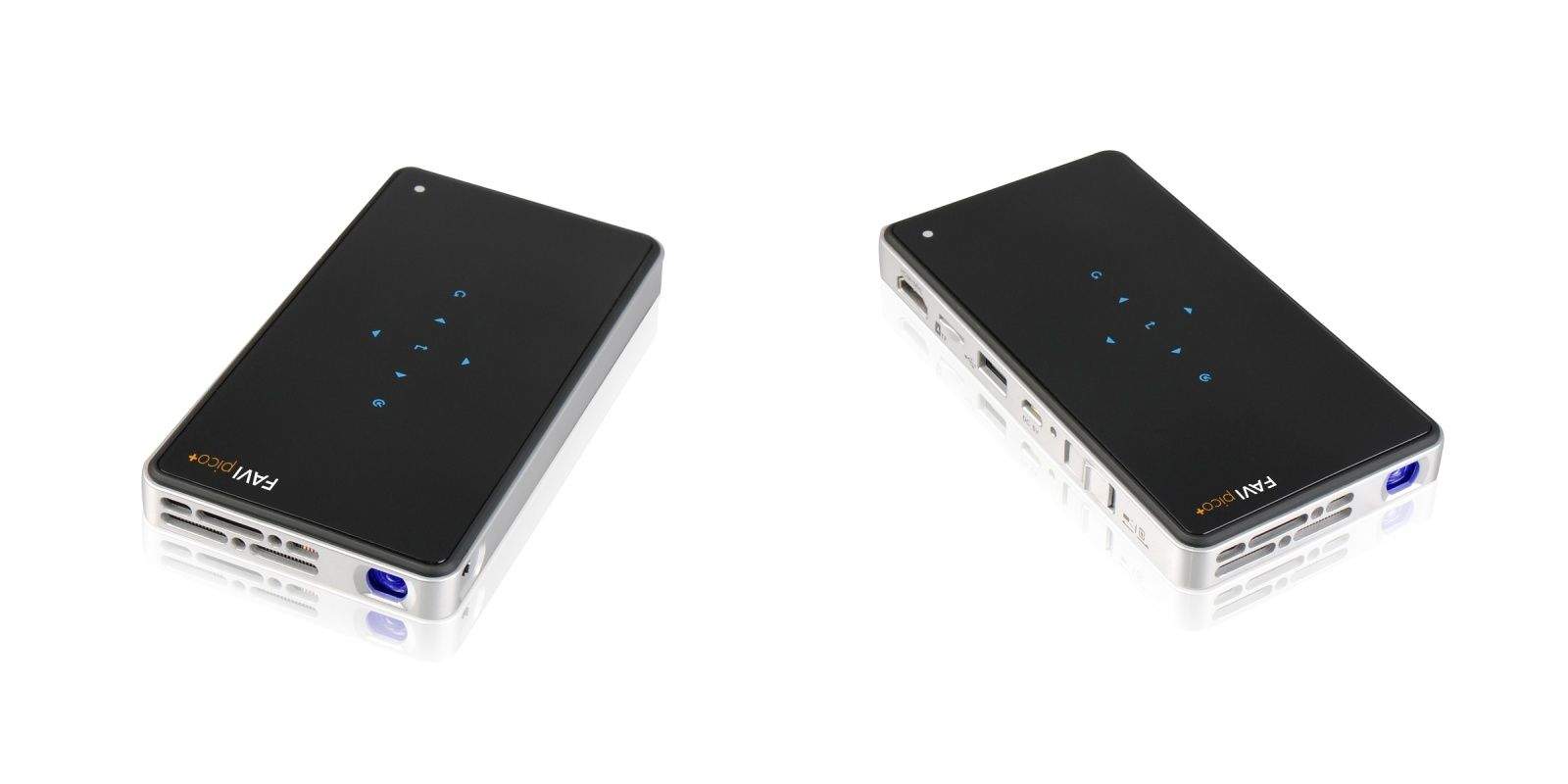
 The FAVI pico+ projector is just another little battery-powered “beamer,” a DLP projector that can be kept in a pocket and used to throw photos and video from your iPhone or iPad up onto the wall. But this one has a neat extra – the built-in Wi-Fi radio ands AirPlay support, so the only cable you’ll need is the charger to keep the thing going.