Mobile menu toggle

Apple Music - page 35

How to follow non-artist profiles in Apple Music Connect

By

You'll see way more new music suggestions this way.
Photo: Rob LeFebvre/Cult of Mac

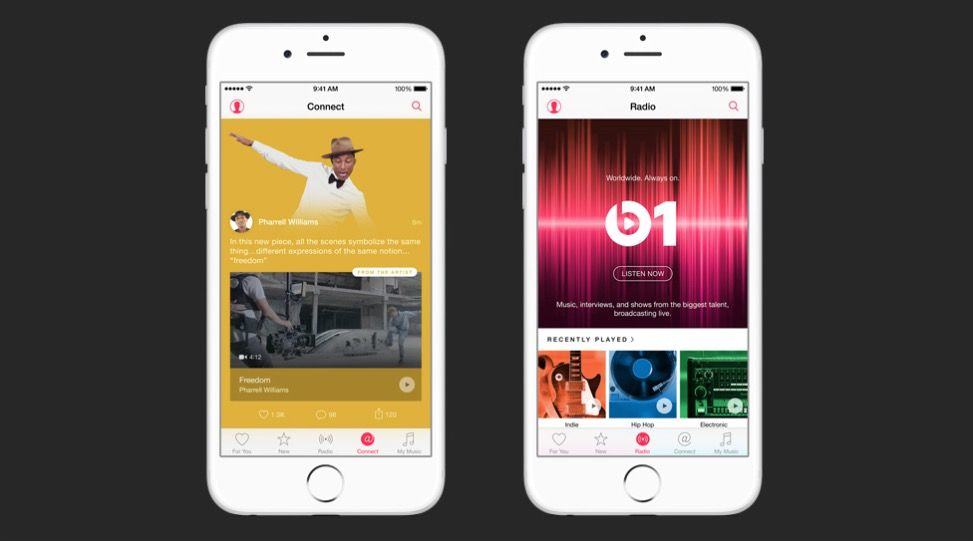
Apple Music Connect is like another version of Apple’s failed Ping service. It’s being promoted as a way to keep in touch with your favorite artists, but man is it impersonal.

My Connect page is full of bland PR-style stuff and links to buy music from artists I’m following. There’s just not enough quality posts in there to justify checking it each day.

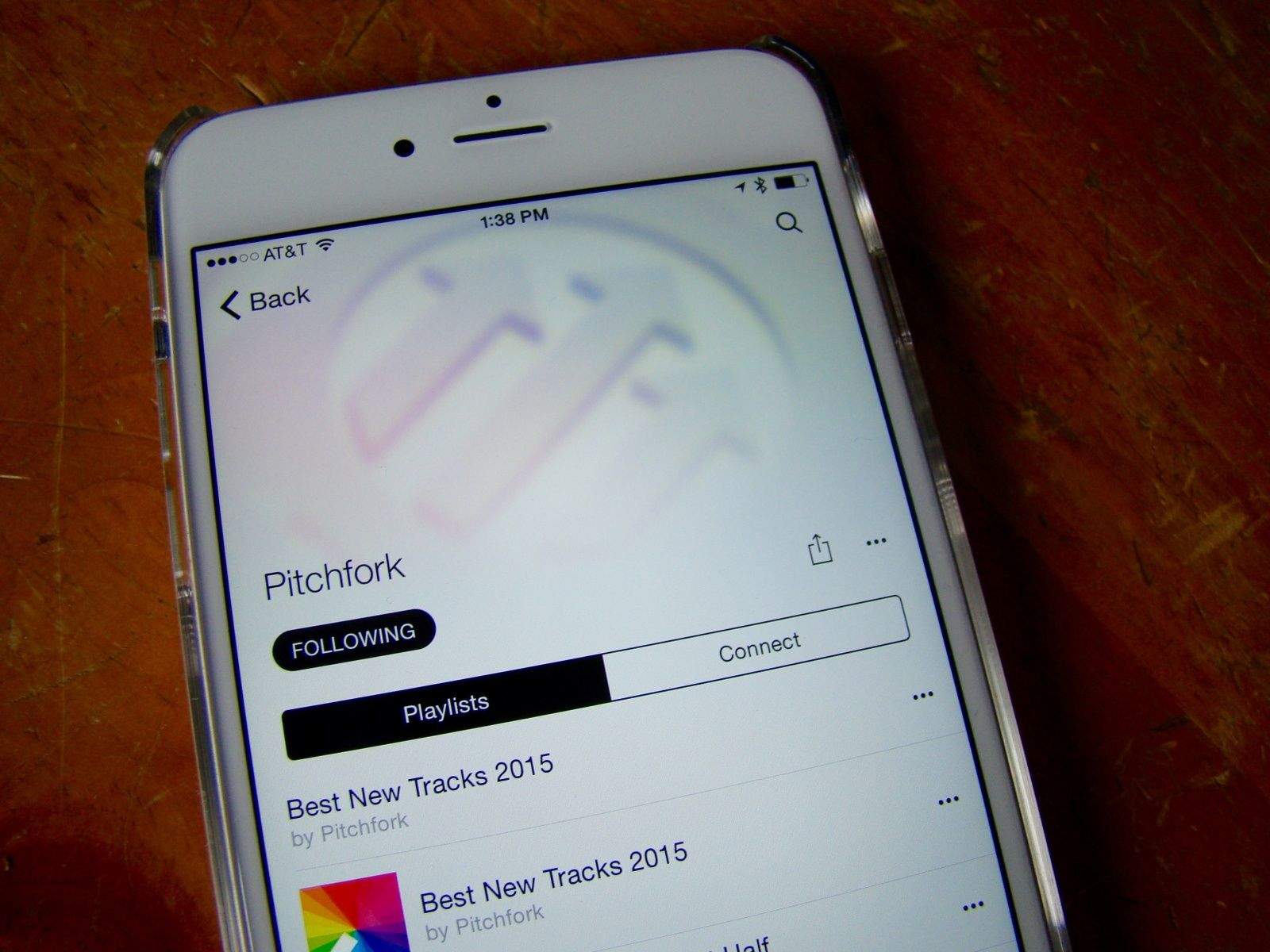
Until now. Jonathan Poritsky has a fantastic idea over at his music blog: why not follow the folks on Apple Music who actually share and curate music? Follow Julie Adenuga, Zane Lowe, or any of the genre or curator profiles hidden in Apple Music.

These are the folks that are sharing amazing music. Here’s how to follow them.

Apple Music to face new competition from Facebook

By

Apple-Music-iPhone
Apple Music is about to get some new competition.
Photo: Apple

Spotify and Apple Music are now the two major players in the battle for music streaming supremacy, but if Facebook has its way the world’s most popular social network may also become the best place to discover and listen to tunes.

Facebook is in early talks with record labels to develop a music streaming service of its own, according to a new report that claims the social network has some bold plans for the future of music.

Spotify wants its listeners to skip Apple, save money

By

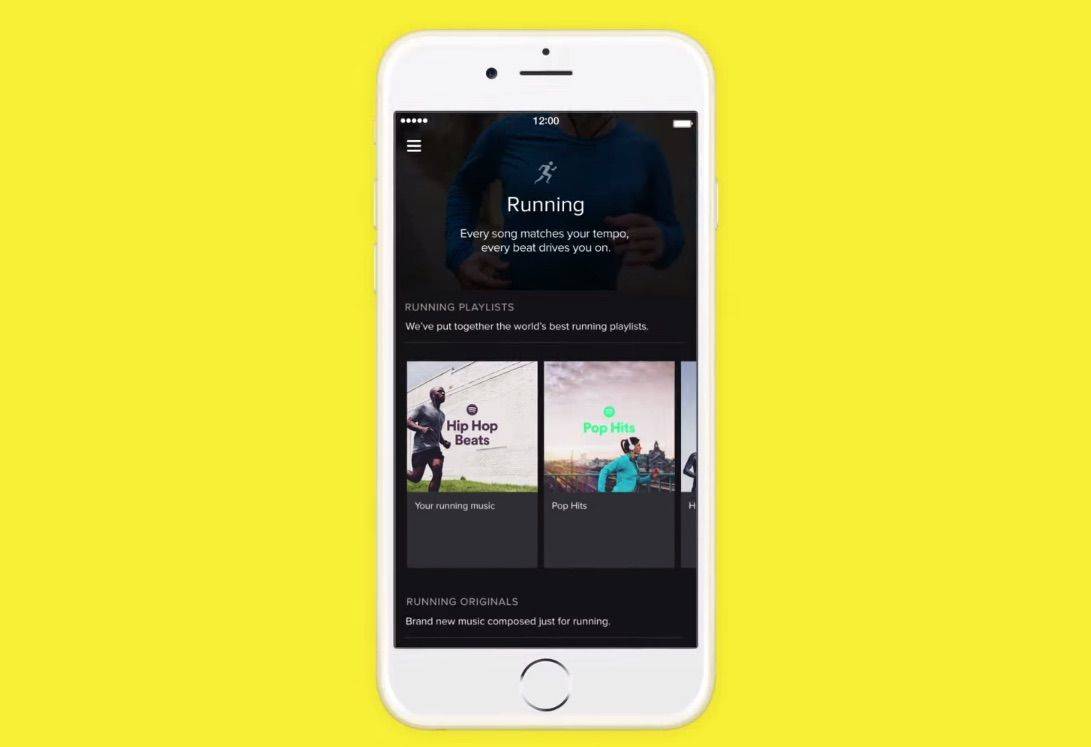
Spotify wants to make you a harder, better, faster, stronger runner.
Spotify has some financial advice for its users.
Photo: Spotify

A new e-mail campaign from music streaming app Spotify is aiming to hit Apple right where it hurts — its service fees.

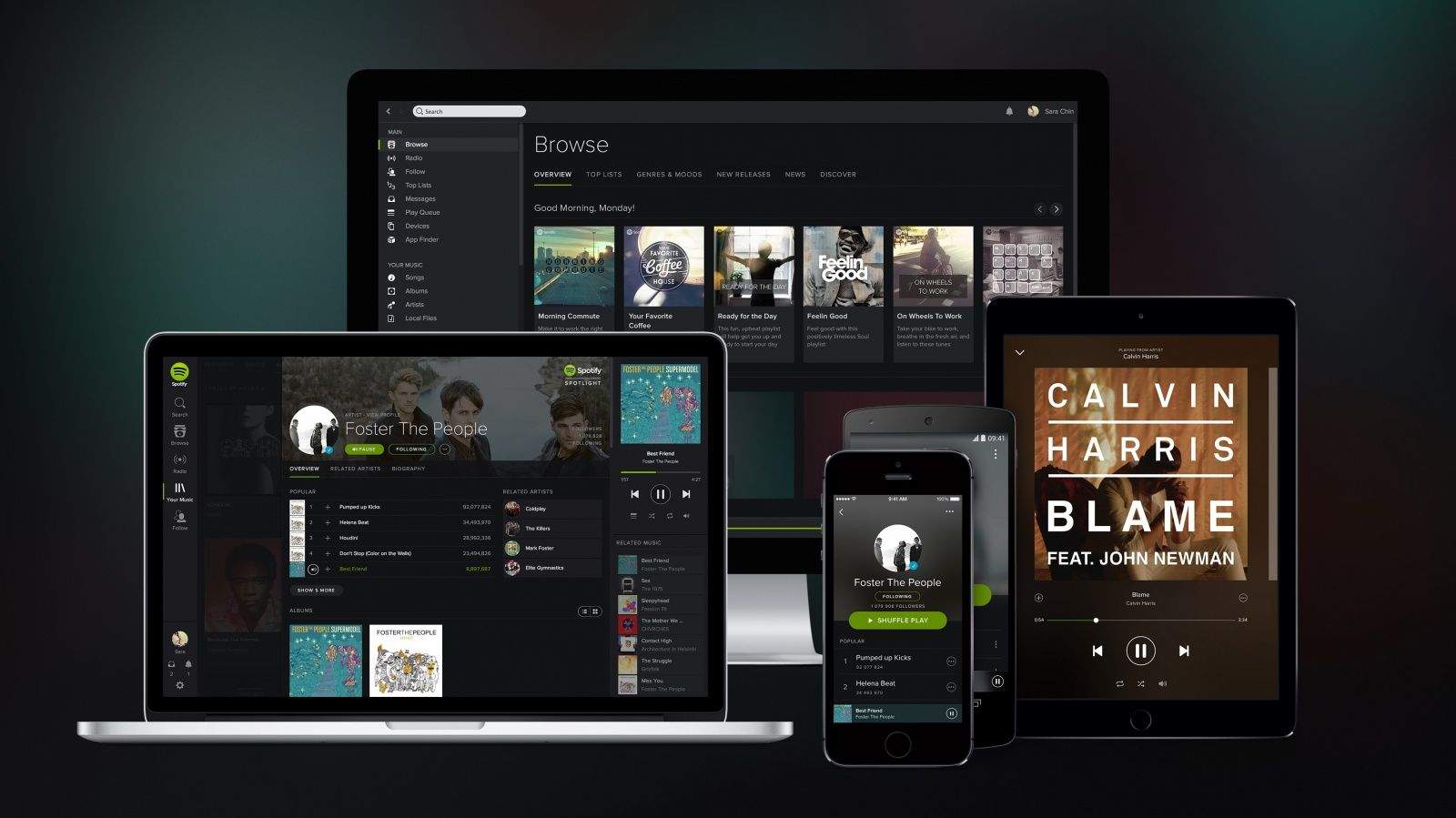
Spotify is notifying its iOS customers to let them know about the 30 percent extra Apple tacks onto its Premium service when listeners pay $12.99 a month through iTunes. It directs them instead to Spotify’s own website, where the same option with the same features only costs $9.99. You can see the image accompanying the e-mail below.

Music, News and a selfies album — all the goodies in iOS 9 beta 3

By

iOS-9-changes
iOS 9 beta 3 landed in developers' pockets today and brought various improvements with it.
Photo: Apple

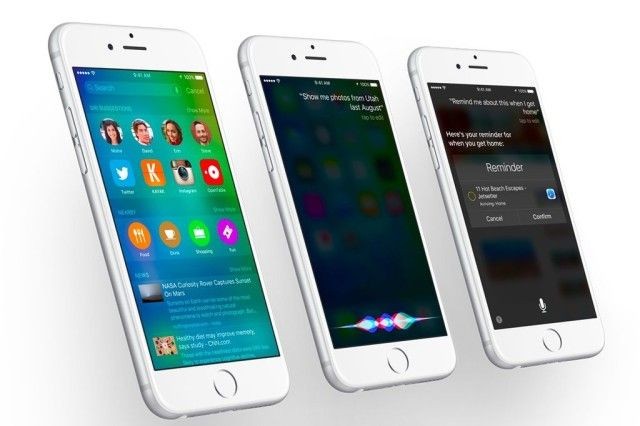
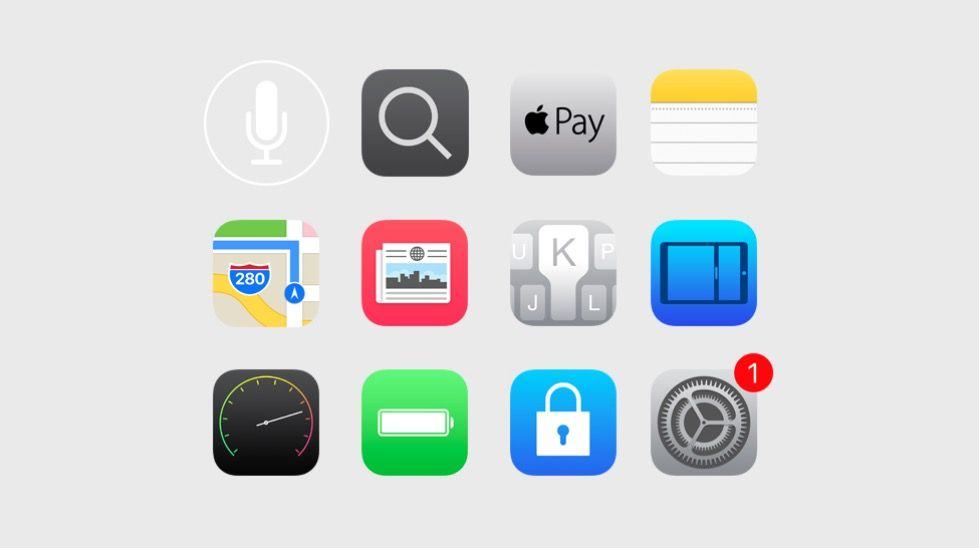
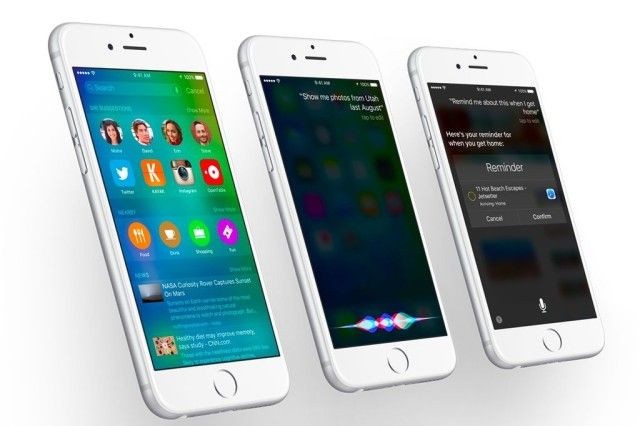
Another day, another iOS beta. Two weeks after Apple released iOS 9 beta 2, here arrives iOS 9 beta 3 for developers. If you haven’t already yet, go download it on your iPhone and iPad. Most notably, this is the first iOS 9 beta that includes support for Apple Music and the redesigned Music app. However, iOS 9 beta 3 brings many other changes and improvements like Apple News and even a photo album just for your selfies. Take a look.

How to import your Spotify playlists to Apple Music

By

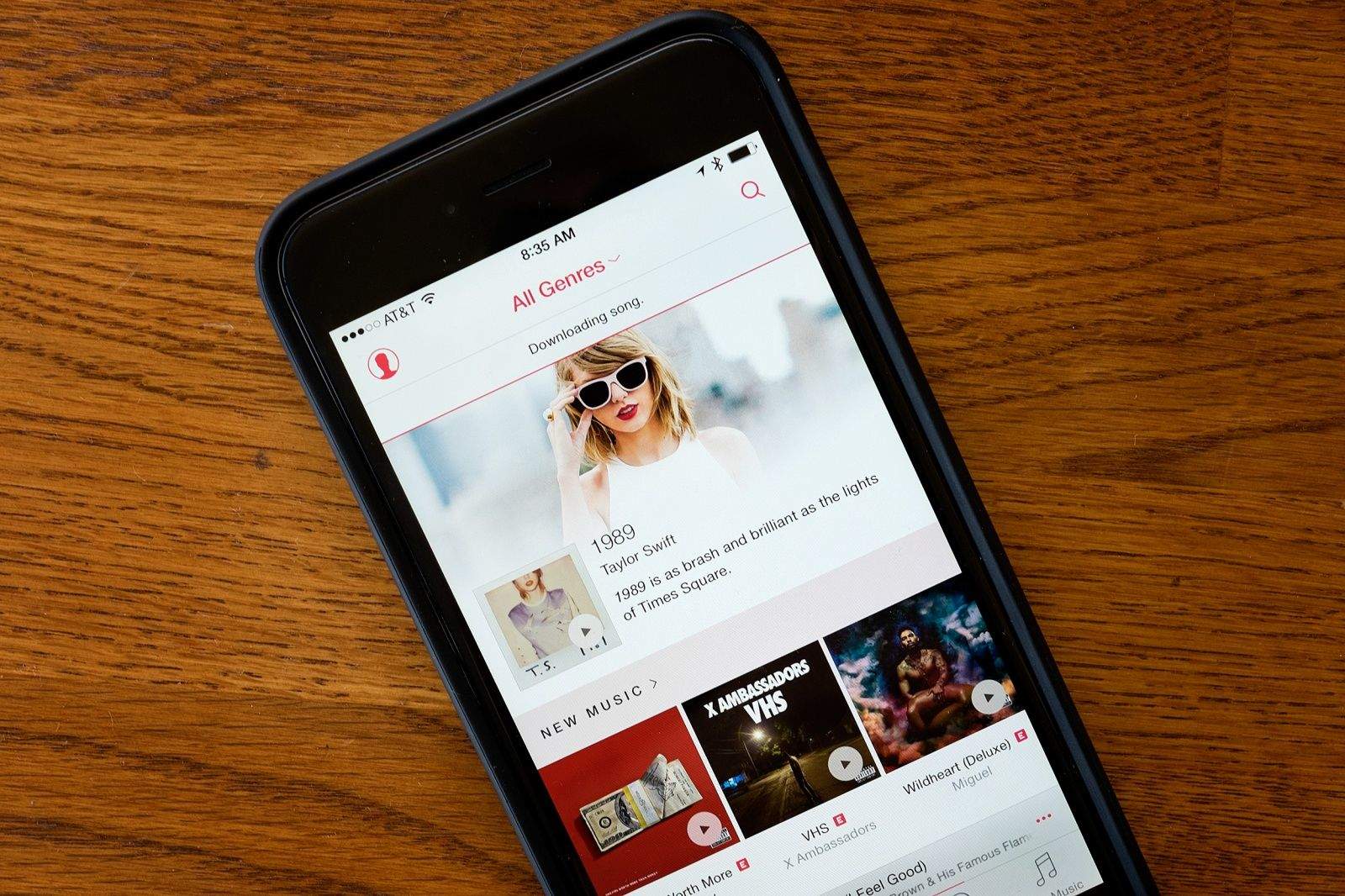
Even Taylor Swift loves Apple Music.
Get your Spotify playlists on Apple Music
Photo: Jim Merithew/Cult of Mac

The best feature about Apple Music has to be the incredible playlists the app builds for you based on your music tastes. But if you’ve been using Spotify for the past few years, you’ve probably got a lot of carefully curated playlists of your own.

You could rebuild you Spotify playlists manually when you switch to Apple Music but no one’s got time for that, so some clever developers have created a brilliant set of tools that will let you export Spotify playlists and add them to Apple Music. The process is a little tricky, but it makes the move to Apple Music so much better.

Here’s how to import your Spotify playlists to Apple Music:

iOS 9 beta 3 is now available to developers

By

post-328383-image-13898adb50f96c12d4c8bd1e9d6f6ce5-jpg
New iOS 9 beta goodies are here

Apple’s beta testers usually get early access to upcoming features, but with last week’s public release of iOS 8.4, users on iOS 9 betas found themselves shut out of the new Apple Music service. That changes today with the release of iOS 9.0 beta 3 which brings support for Apple Music to the upcoming mobile operating system for the first time.

iOS 8.4 adoption suggests Apple Music is rocking and rolling

By

Apple Music
People were in a hurry to upgrade to get their hands on Apple Music.
Photo: Jim Merithew/Cult of Mac

Pretty much everyone I’ve spoken to about Apple Music is loving it so far, but how much is it resonating with the general public? Quite a bit, according to the above-average upgrade rate for iOS 8.4 which can already be found on the devices of 40 percent of all active users.

For those keeping track at home, that’s only marginally less than the adoption rate of the most popular Android versions, such as KitKat and Jelly Bean — which have been around for years instead of just one week.

Hey, Siri: Play a fart sound

By

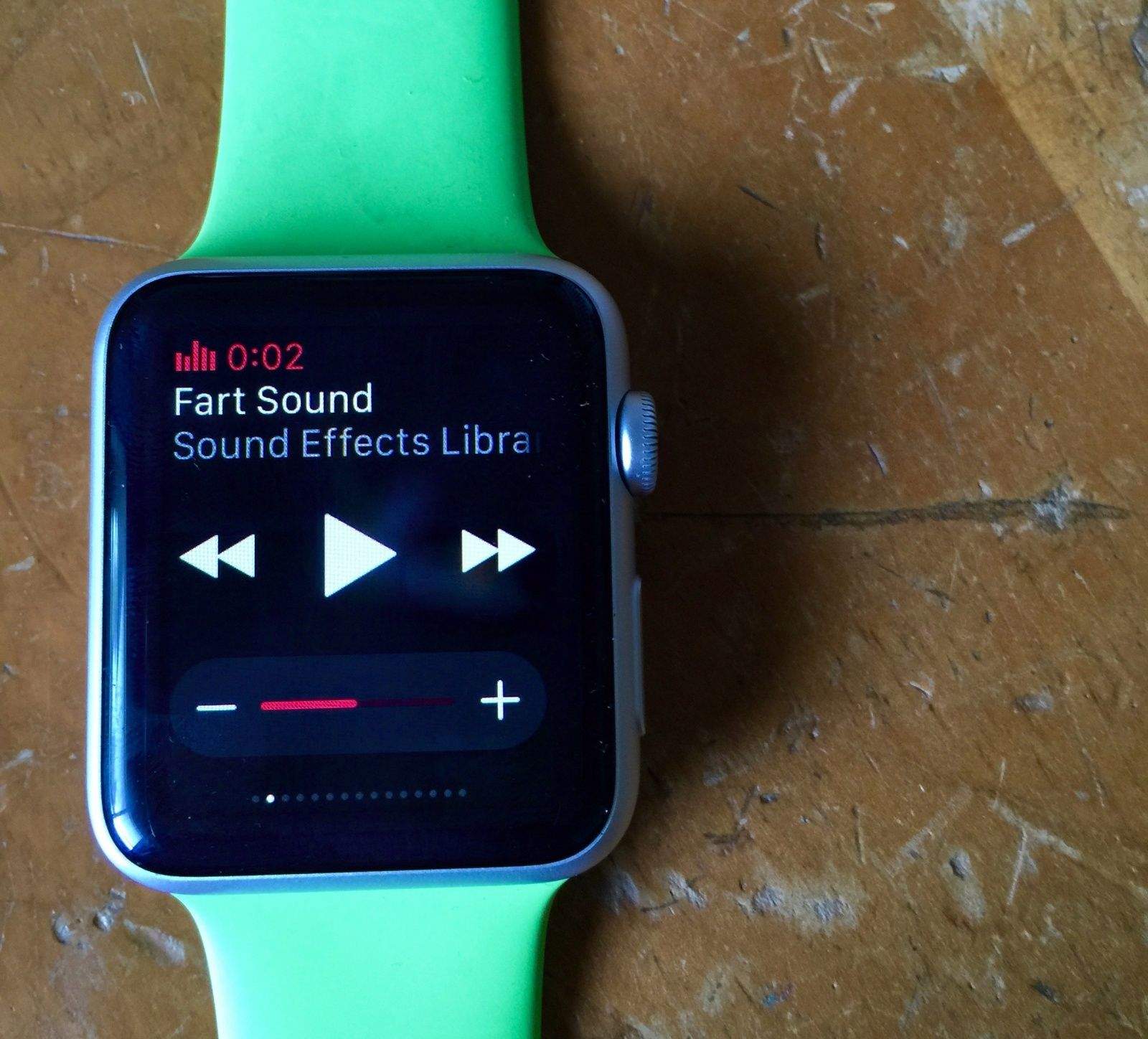
Farts are funny, alright?
Photo: Rob LeFebvre/Cult of Mac

If you’ve got the future strapped to your wrist and an iPhone paired with said Apple Watch, you can prank your friends with the lowest form of humor imaginable: the fart sound.

You’ll also need Apple Music, as this trick relies on the sound effect albums therein.

Here’s how to fart at your friends without actually soiling your own shorts.

How to listen to Apple Music without burning your data

By

Save your data with Apple Music's offline features.
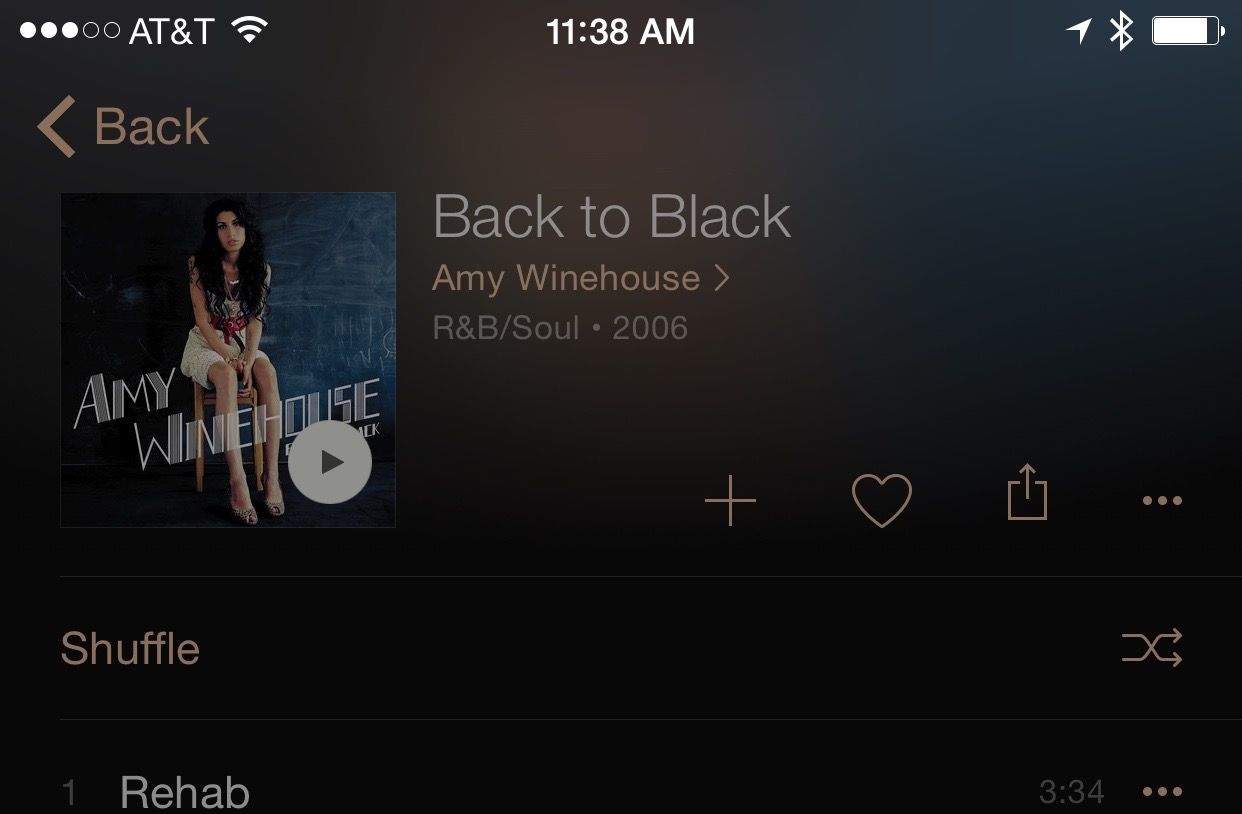
Listen to Amy without incurring data overage charges.
Photo: Rob LeFebvre/Cult of Mac

Apple Music is at heart a streaming solution, designed so that you can listen to any of the tens of millions of songs in its library at any time, assuming you have a data connection.

These days, though, unlimited data plans are the exception rather than the rule, so you might want to be a little less profligate with your use of such a data-heavy solution.

Apple Music allows you to save your songs, albums and playlists to your iPhone or Mac for offline listening, which could be a boon if you’re watching your data cap.

Here’s how to make that happen.

Post-Apple Music, should Apple form its own label?

By

FNF-Apple-label

Apple Music probably couldn’t have gotten off to a much better start. Following its launch on Tuesday, the service has been widely praised by fans and critics for its user experience and terrific Beats 1 radio — but what’s next for Apple and its Beats team?

Friday-Night-Fights-bug-2Could the Cupertino company launch its very own music label? It has the talent, it has the resources, and it has already revolutionized the music industry once before. But does the move make sense?

Join us as we discuss that very question in this week’s Friday Night Fight between Cult of Android and Cult of Mac.

Apple Music could put a serious hurt on your iPhone battery

By

Apple Music
Please, please, please let my charge last all day.
Photo: Jim Merithew/Cult of Mac

We’ve had a couple days to check out Apple Music, Apple’s song-streaming platform that launched Tuesday. It comes loaded with 30 million songs that you can listen to on demand with a quick search or a request to Siri.

But all that choice and tech power may come at a price, as some users are reporting that the new Music app is killing their iPhone’s battery life.

Jimmy Kimmel mocks Apple in ‘Just Give Us Your Money’ ad

By

Jimmy Kimmel Live Apple
Apple has a bold new program, according to Jimmy Kimmel Live.
Photo: Jimmy Kimmel Live

Apple has no shortage of products and gadgets to show off lately. The company recently released the Apple Watch, its music streaming platform came out this week, and we’re closing in on the reveal of the next iPhone.

But late-night host Jimmy Kimmel has a line on another daring product from Apple, and he revealed it in a bit on his show on Tuesday. It involves customers just giving Apple money for no real reason.

You can check out the full gag in the video below.

Want Prince? You’re not getting it from Apple Music — just Tidal

By

The Purple One at the Coachella Festival in 2008.
Photo: CC Wikipedia

If you were hoping to listen to Prince on Apple Music, thinking that the purple-clad passionate one’s music would be on the service like many other exclusives on Apple’s new streaming service, you’re out of luck.

The artist currently known as Prince has pulled all of his music from streaming services, except for one: Jay Z’s Tidal, which reputedly has the best terms for mega artists like the Purple Rain lead.

Turns out that doves will cry after all, since they can’t listen to Prince on Apple Music or Spotify.

Home Sharing taken out of iOS 8.4, confounding users

By

Home Sharing should come back to iOS 9, says Apple's Eddy Cue
Did Apple remove Home Sharing from iOS so you'd have to try Apple Music?
Screen: Rob LeFebvre/Cult of Mac

If you’ve upgraded your iPhone or iPad to iOS 8.4 in order to take advantage of the insanely great Apple Music, you won’t be able to use Home Sharing to play the iTunes music from your Mac via your iOS device any more.

Several fans took to the Apple discussion pages to note that Home Sharing is no longer accessible on their mobile devices, killing their media setups.

“Before today,” writes forum user ddrucker, “I could bring up the entire library on my iPhone/iPad and play it through my earphones.”

Keep your kids ‘safe’ and remove swear words from Apple Music

By

Parental Advisory label
Apple Music streams music bleep-free unless you take some action.
Photo: Wikipedia

Apple Music is the latest way to stream a ridiculous number of tunes on demand. And with all that variety, you’re going to get some cursing in there. It’s just how a lot of musicians work.

But if you don’t want to hear all of those bleepables and swears, it’s a pretty quick fix to keep it from showing up in your stream. Here’s how to do it.

Taylor Swift’s ‘1989’ wasn’t worth all that Spotify drama

By

Photographers assigned to Taylor Swift concerts will be greeted by a friendlier photo contract.
Taylor Swift's '1989' album is finally available for streaming, so I was all ears.
Photo: GabboT/Flickr CC

No one has shut up about this album since it came out in October 2014. Taylor Swift’s “1989” sold over a million copies in the first week alone and continues to sell well even today, largely due to the fact that it was previously nowhere to be found on streaming services. That is until Apple Music launched and Swift suddenly had a change of heart.

Still, since everyone I know buzzed about this album and the media certainly buzzed about it given the Spotify melodrama, I had to give it a listen. I didn’t want to buy it because I truly didn’t care that much, but I cared enough to listen if I was already paying for a streaming subscription. Now that I’m officially an Apple Music member, I got to stream “1989” in its entirety while I was cooking my lunch.

You won’t find these Apple Music albums on Spotify

By

Taylor_Swift_cover001
Yes, we know. That one.

Taylor Swift fans aren’t the only ones with reasons to celebrate Apple Music.

Apple’s new streaming service boasts over 30 million songs. That’s according to the company, anyway; we definitely haven’t counted them. And even though it’s only a day old, it’s looking like it could have a chance to cut into the business of rival streamers like Spotify. And part of how it’s doing that is by landing content for its library that the other people don’t have.

Here are five albums Apple Music can brag about. Other than 1989, we mean. Because everyone knows 1989 is on there.

Apple Music will be super cheap in some countries

By

Tim Cook talks Apple Music at WWDC 2015.
Photo: Apple

Apple Music, the new song-streaming platform that started rolling out yesterday, is currently free for everyone while the company shows off how cool its new product is. After the three-month trial period that we’re all enjoying, however, using the full set of features will cost you.

But for people in developing countries, the burn won’t be nearly as bad.

iOS 9 beta users will be able to use Apple Music starting next week

By

iOS 9
Apple Music is coming to iOS 9 soon.
Photo: Apple

If you’re a wannabe Apple Music customer, but currently running the iOS 9 beta, have no fear — since Eddy Cue has confirmed via Twitter that a new beta seed is on the way, offering compatibility with Apple’s newly-launched streaming music service.

Cue didn’t give a precise timeframe, but did note that it would be, “early next week.” Apple’s most recent iOS 9 beta on June 23. Since the company typically releases new beta seeds at fortnightly intervals, it would make sense if the next one arrives next Tuesday.

You aren’t going crazy: iTunes’ Apple Music update still MIA [Update: or not]

By

iTunes 12.2
iTunes 12.2: Coming sometime that isn't right now when you need it.
Photo: Evan Killham/Cult of Mac

If you’ve been playing around with Apple Music on your iPhone or iPad today, you might have wondered at some point what it’s like to listen to on your desktop computer.

You’ll have to keep wondering, though, because the iTunes update you need to listen to Apple Music isn’t out yet.

A day with Beats 1: Eclectic, star-studded, but slightly meh

By

Screenshot shows Beats 1 radio on Apple Music on an iPhone.
Beats 1 Radio is live on Apple Music, but is it worth your time?
Photo: Apple

Open your iOS 8.4 Music app and start listening. Beats 1 radio went live today at 9 a.m. Pacific time or 12 p.m. Eastern time, one hour after the launch of Apple Music itself. But is it any good? I’m your fellow music lover here to answer that question in as much depth as possible based on some first impressions.

First, a little background: Apple’s own radio station billed as “programs from people who love music” will stay live 24/7, broadcasting in over 100 countries. The station promises interviews with A-list celebrities and even radio shows hosted by the celebrities themselves every so often. They’ll create their own playlists and mixes and broadcast some of their favorite tunes. Jaden Smith will have his own show, so prepare to have an existential crisis.

ProTip: Get your Apple Music username before someone else does

By

Add your unique username for Apple Music Connect before someone else snags it.
Screen: Rob LeFebvre/Cult of Mac

When you sign in to Apple Music, you have access to Apple’s new music-centric sharing and socializing system, Connect.

While Ping may have come to an an ignominious end, Connect has the advantage of being integrated into the new, exciting Apple Music to the very core, and will let everyone signed into an Apple ID account (not just Apple Music members) use the system to follow their favorite artist.

When you comment on a Connect post, though, you’ll be known by a user name, which uses the @ symbol just like Twitter.

If you want to have something unique, though, you’ll need to act quickly and enter it now, before the service gets clogged up with all the other people that might want your specific user name. Here’s how to do just that.

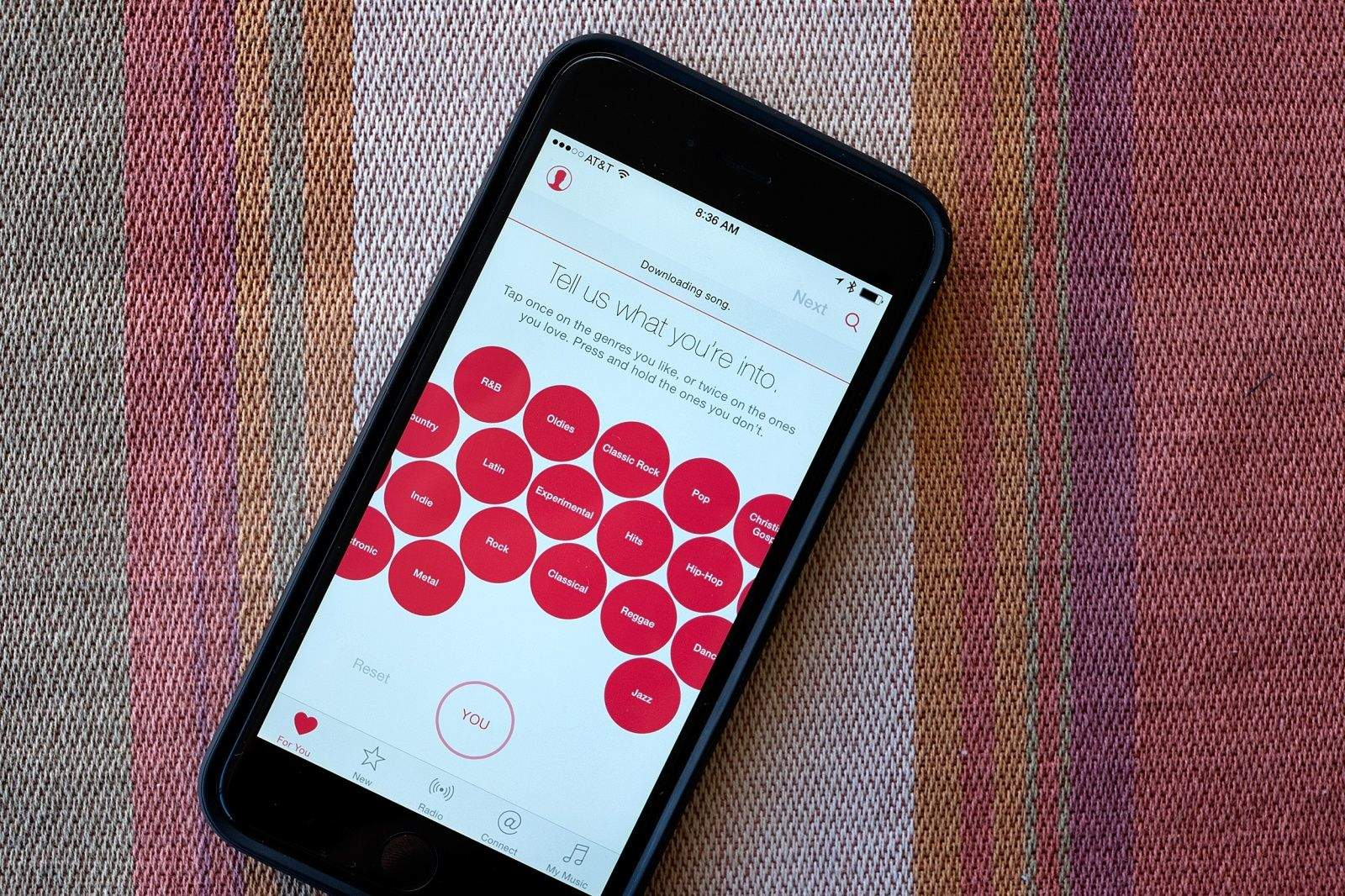
Apple Music’s setup screen is short a few bubbles

By

Apple Music bubbles
Some things are missing from this picture.
Photo: Evan Killham/Cult of Mac

Apple Music launched today, and so far people seem pretty happy with the new platform. But that isn’t to say that we haven’t found a few complaints to pick out.

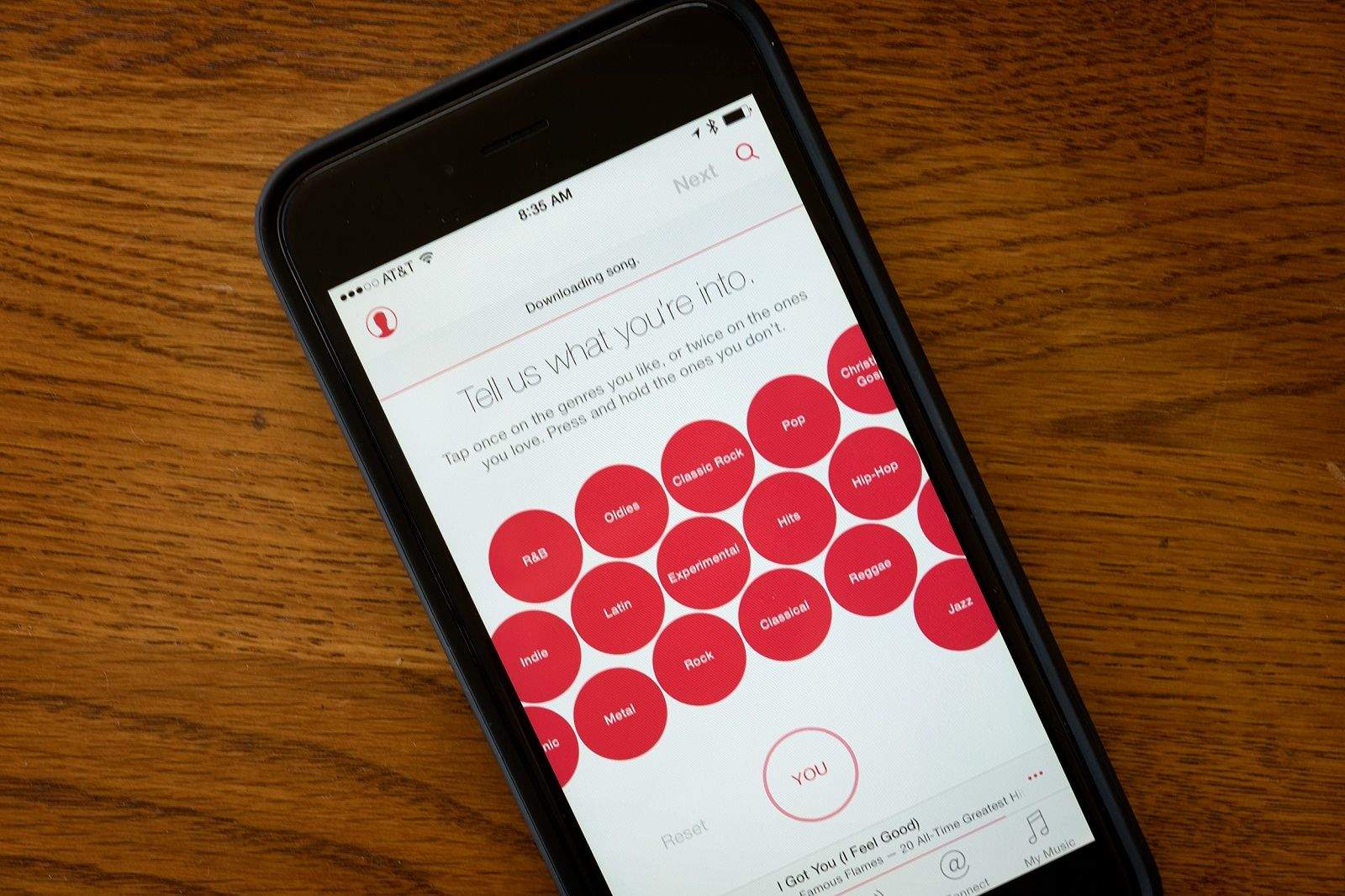
We don’t like the new app icon, for one. And some of us are having trouble finding the music we own mixed in with all the streaming stuff. But probably the biggest issue we — and a reader or two — have had concerns the taste-selection screen when you first set up Apple Music.

Here are some of the important bubbles we couldn’t find when we first opened the new app.

How to not get auto-charged for your Apple Music subscription

By

You'll still get your three months, just not charged for the fourth automatically.
Screen: Rob LeFebvre/Cult of Mac

So, you’ve gotten the three month trial subscription for Apple Music, right? How exciting!

Chances are, you’ll forget all about it and, whether you love the service or not, you’ll get auto-charged in September for the $10 to $15 you chose when you signed up for your Apple Music subscription.

If you want to make sure that you aren’t automatically charged again, here’s how to turn that function off.