This week we check out a great Music app replacement, a crazy photo-and-video glitching app, a $90 music-notation app, and more.
The best glitch-video, music-listening, and sampling apps this week
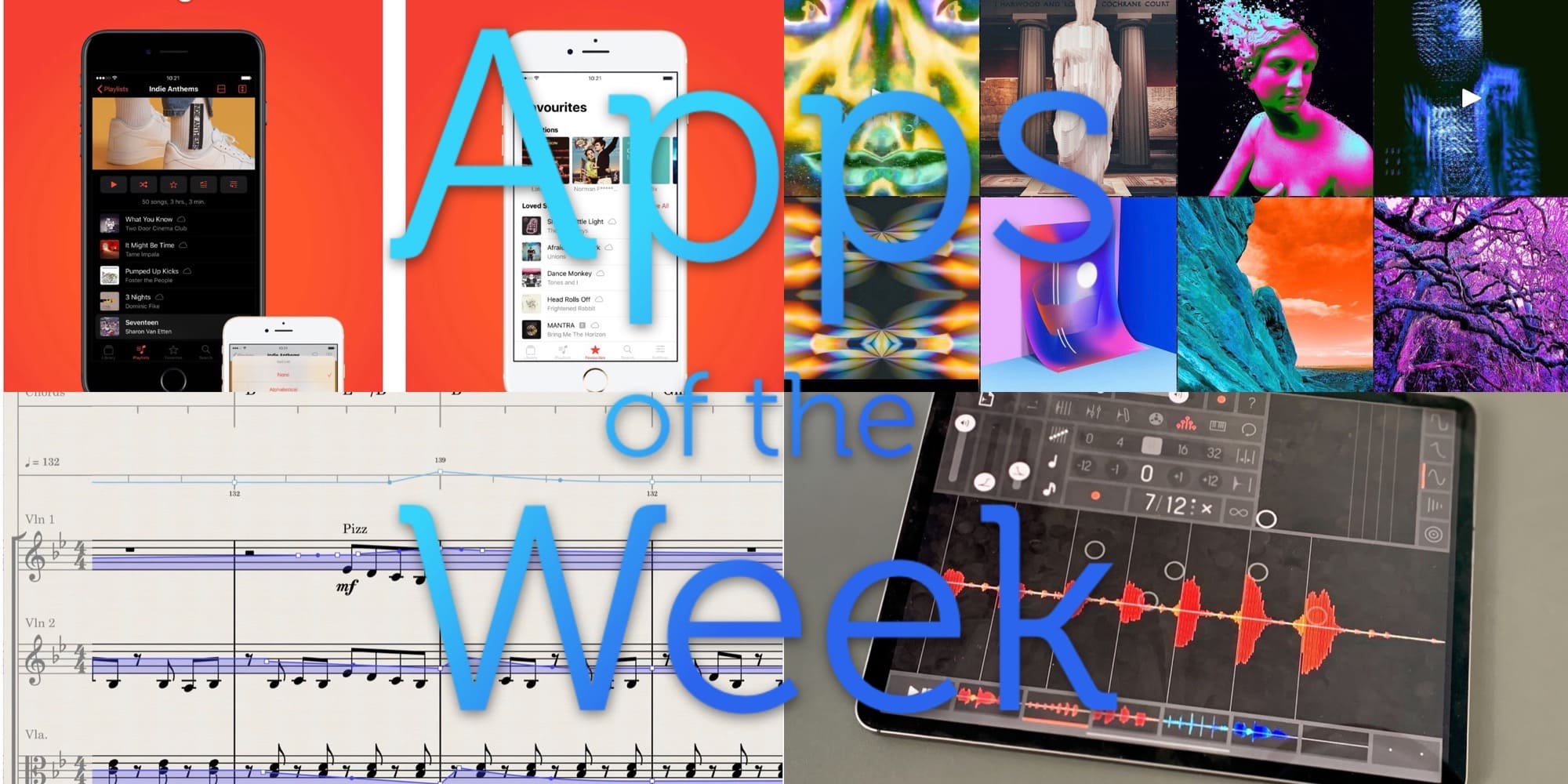
Photo: Cult of Mac

This week we check out a great Music app replacement, a crazy photo-and-video glitching app, a $90 music-notation app, and more.

Instagram users are starting to see blurred-out posts the platform’s fact-checkers have flagged as potential fakes.
The popular photosharing app now owned by Facebook announced last month it was ramping up efforts to combat false information in photographs.

Samsung is ready to one-up the iPhone 11 Pro camera system by adding four lenses to the back of its next flagship smartphone.
Leaked images surfaced online this weekend giving a full view of the upcoming Galaxy S20 (yes, you read that right, Samsung is skipping ahead a few numbers). Samsung is set to unveil the S20 during a live-streamed keynote next. We’ve seen a couple of renders of the S20 leading up to the event, but this is these are the first real images of the iPhone’s next big rival.
Take a look at this huge camera bump:

This weekend, you’re “enjoying” some extended time with your family. After you’ve fixed their devices, and taught them that the battery of their iPhone lasts way longer if they don’t leave the damn screen on the whole time, you might decide to swap some photos. You may grab the your old childhood snaps off your mother’s iPad, or photos of the family recipe book off your father’s iPhone. There are a few ways to do this — slow, fast and faster, wired or wireless. Let’s see how to transfer photos between iPhones and iPads, and how to share the best holiday photos with everyone.
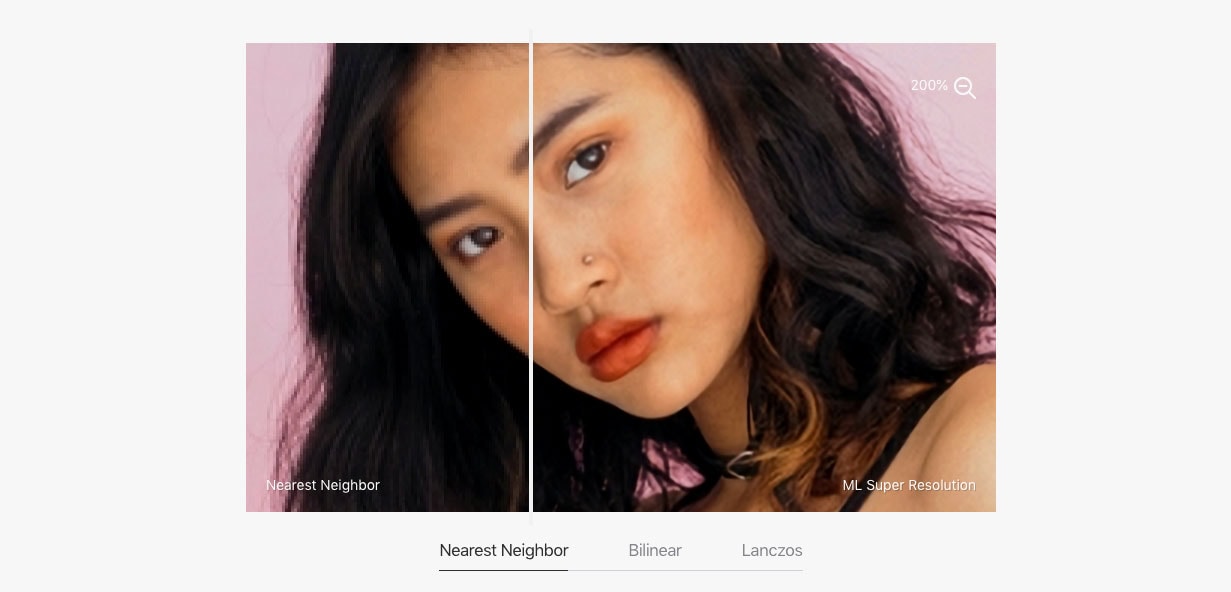
Pixelmator Pro, an increasingly popular macOS photo-editing program, has a new tool its creators say will let you blow up an image and maintain detail and sharpness “like they do in all those cheesy police dramas.”
ML Super Resolution lets users increase the resolution up to three times without the muddy, pixelated mess normally associated with upscaled images.
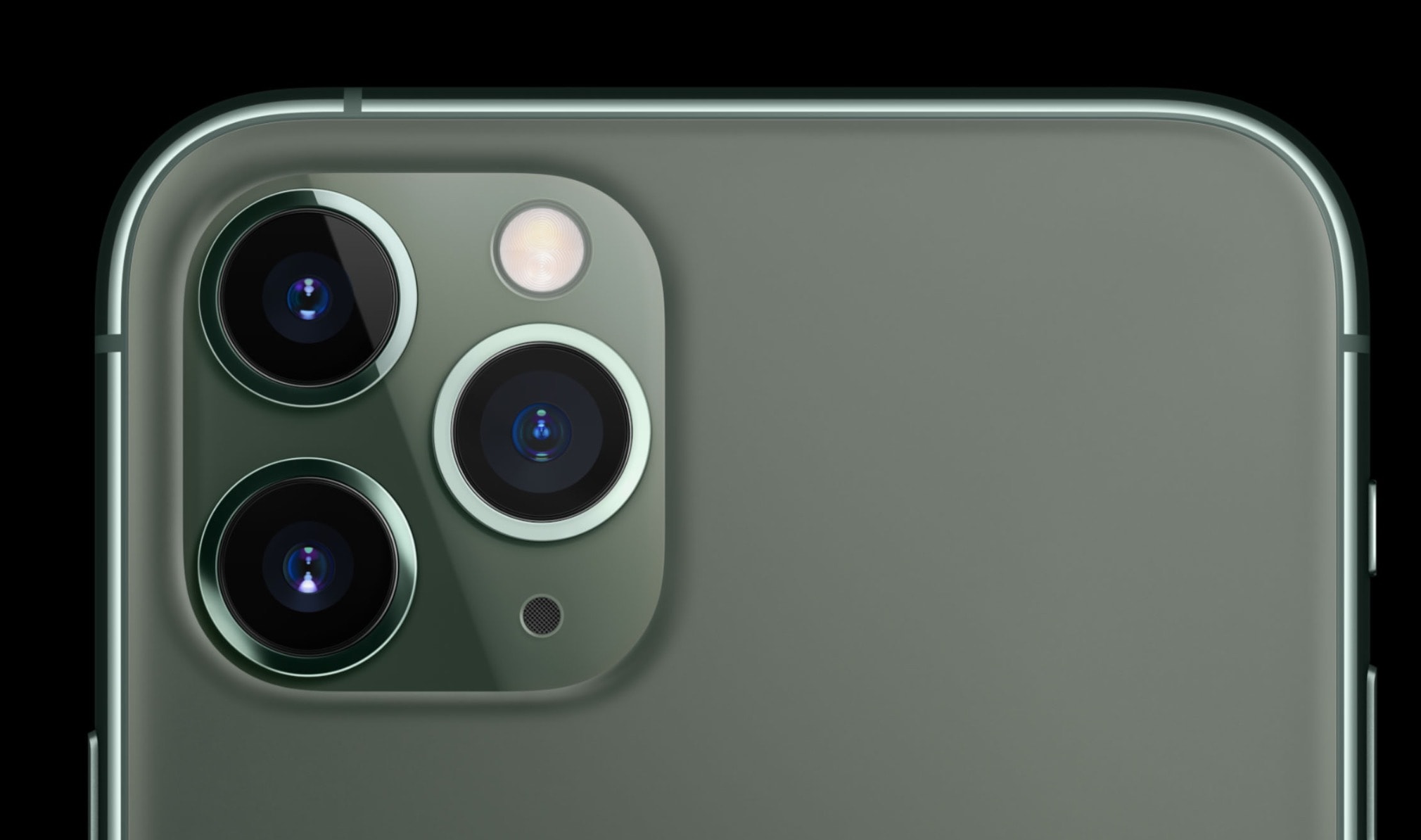
Future iPhone cameras could get some big upgrades thanks to the latest company Apple purchased in the U.K.
Spectral Edge, a start-up that combines image processing with machine learning to create sharper smartphone photos, has quietly been acquired by Apple, giving the iPhone a potentially huge advantage over its competitors.
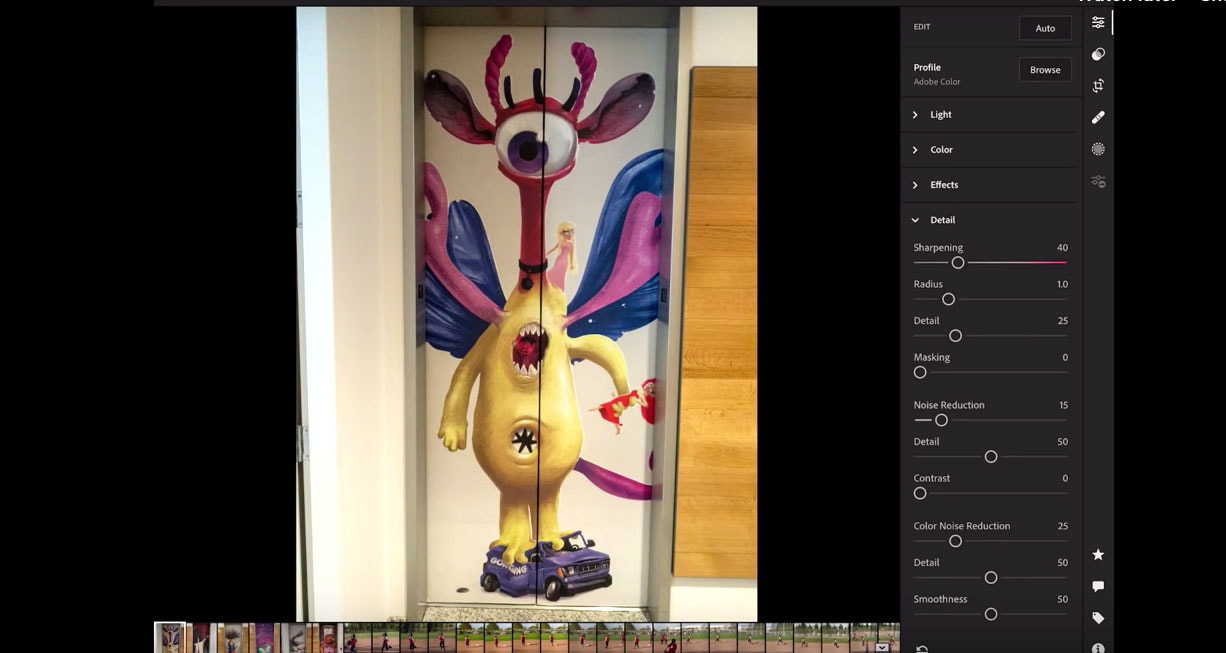
Adobe launched a major power boost today to Lightroom Mobile that adds Direct Import and Advance Export features to iOS and iPadOS.
Direct Import streamlines the workflow by eliminating the need to import photos into the Camera Roll. Users can now skip that by connecting a drive or SD card to transfer photos directly to Lightroom for iOS or iPadOS.

Panoramas are those super-wide, letterboxed strips of photos that look spectacular, and that are impossible to fit into Instagram. Maybe you already shoot a lot of panoramas, and maybe you even use the pano camera to create amazing glitch photos.
But did you consider that panoramas don’t have to be super-wide? They don’t even have to be horizontal. Let’s take a look at vertical panoramas — the iPhone photographer’s surprisingly great secret weapon.

Adobe says it will soon deliver features and updates to its iPad version of Photoshop.
The announcement comes after a buildup of user frustration over the launch earlier this month of Photoshop for iPad, a highly anticipated release after the imaging software giant promised a full-power version for the tablet computer.
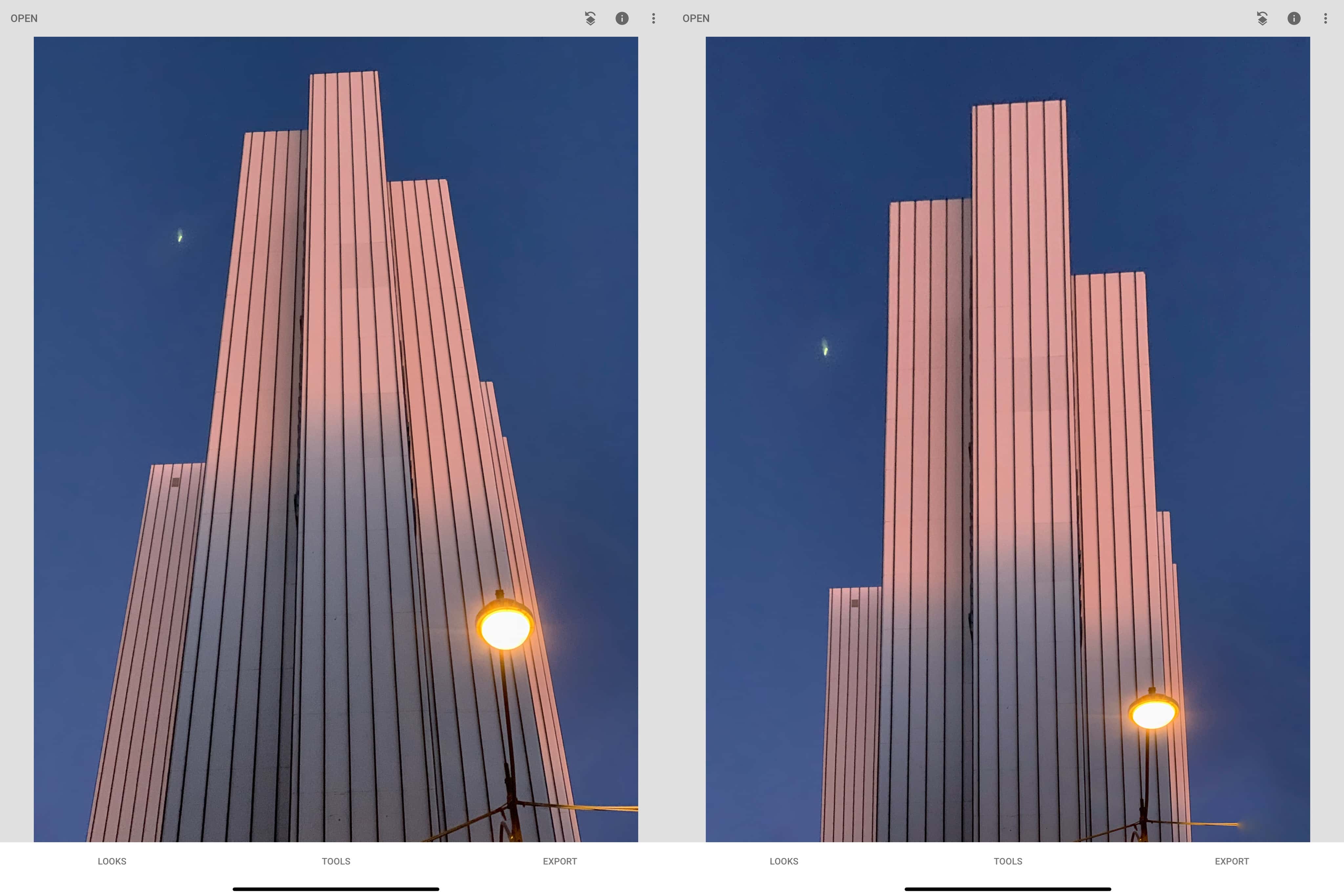
You’ve always been able to crop photos on your iPhone and iPad. It’s easy to “zoom” into your images, cutting out cruft and distraction at the edges of the frame to focus on what’s important. But now, in iOS 13 and iPadOS, you can do more than crop and chop. Now you also can skew images — aka correct perspective errors — all inside the Photos app’s edit mode.
You can do all kinds of things with this new Photos tool. If you snapped a picture of a painting in the gallery, and didn’t hold your iPhone parallel to the wall, you can fix that. Or you can get more radical, perhaps by “fixing” an image of a skyscraper to stop it from disappearing to a point in the distance. The good news is that these perspective tools are fun and easy to use. Let’s check them out.

Influencer Andrew Levitt and friends spent a summer week recreating Apple’s famous wallpaper landscapes for the Mac operating systems.
Not long after, Apple released macOS Catalina. What was finished business now had a loose end.
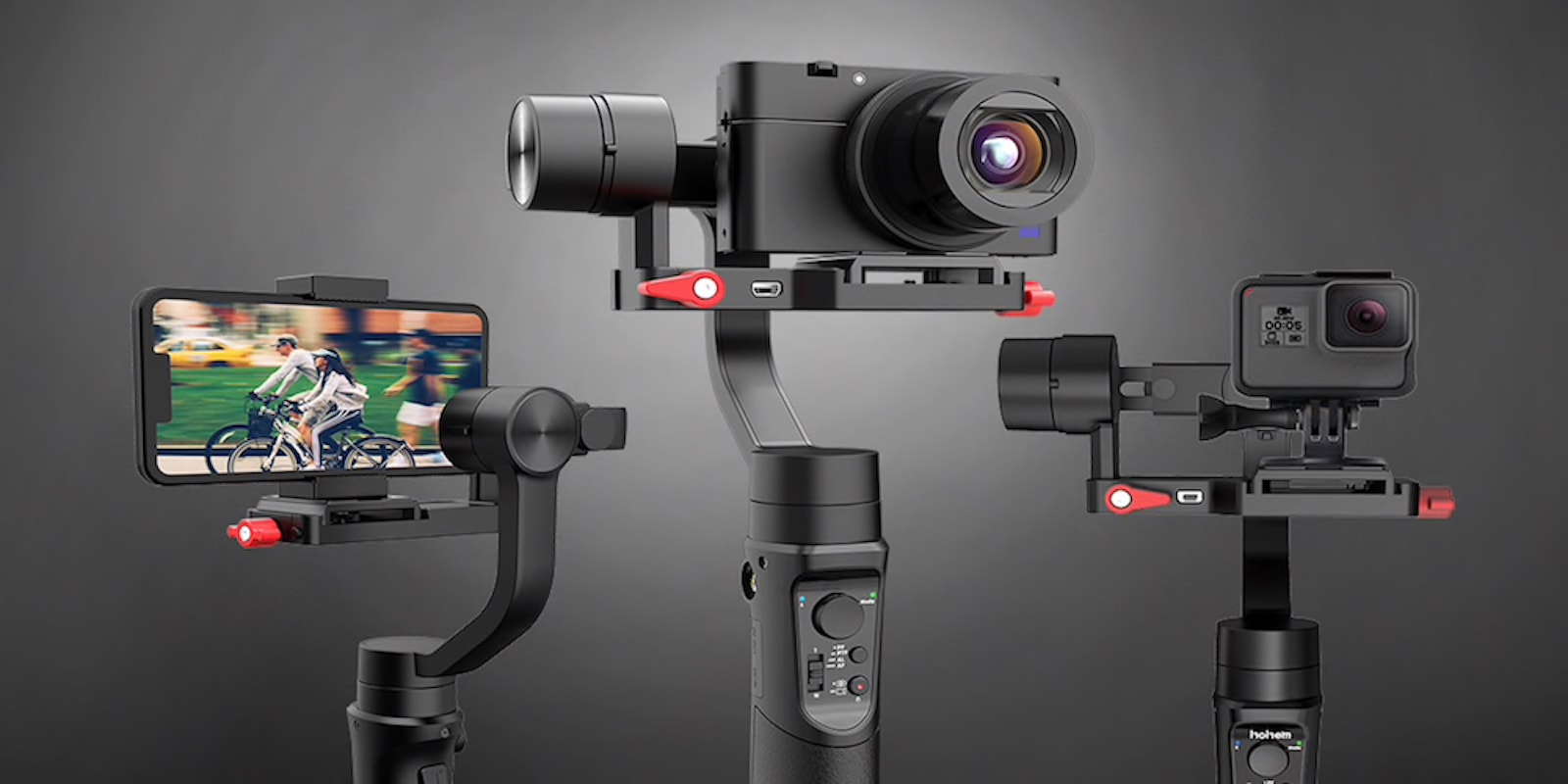
From dedicated digital cameras to smartphones, advances in technology have put incredible image quality in the palms of our hands. The images we can create with pocket-sized cameras are on par with professional optics from years past. But these are hand-held cameras, so the quality of video we shoot is still limited by how steadily we can hold them. Not so if you have this universal gimbal stabilizer.

Notorious Apple copycat Xiaomi is ready to up the ante on the iPhone 11 Pro Max with its newest phone that packs not three, not four, but five camera lenses on the back.
The CC9 Pro from Xiaomi isn’t the first smartphone to pack five lenses but it is the first Xiaomi phone to and it’s also armed with a 108MP sensor that churns out high resolution photos the latest iPhones can’t match (in size).
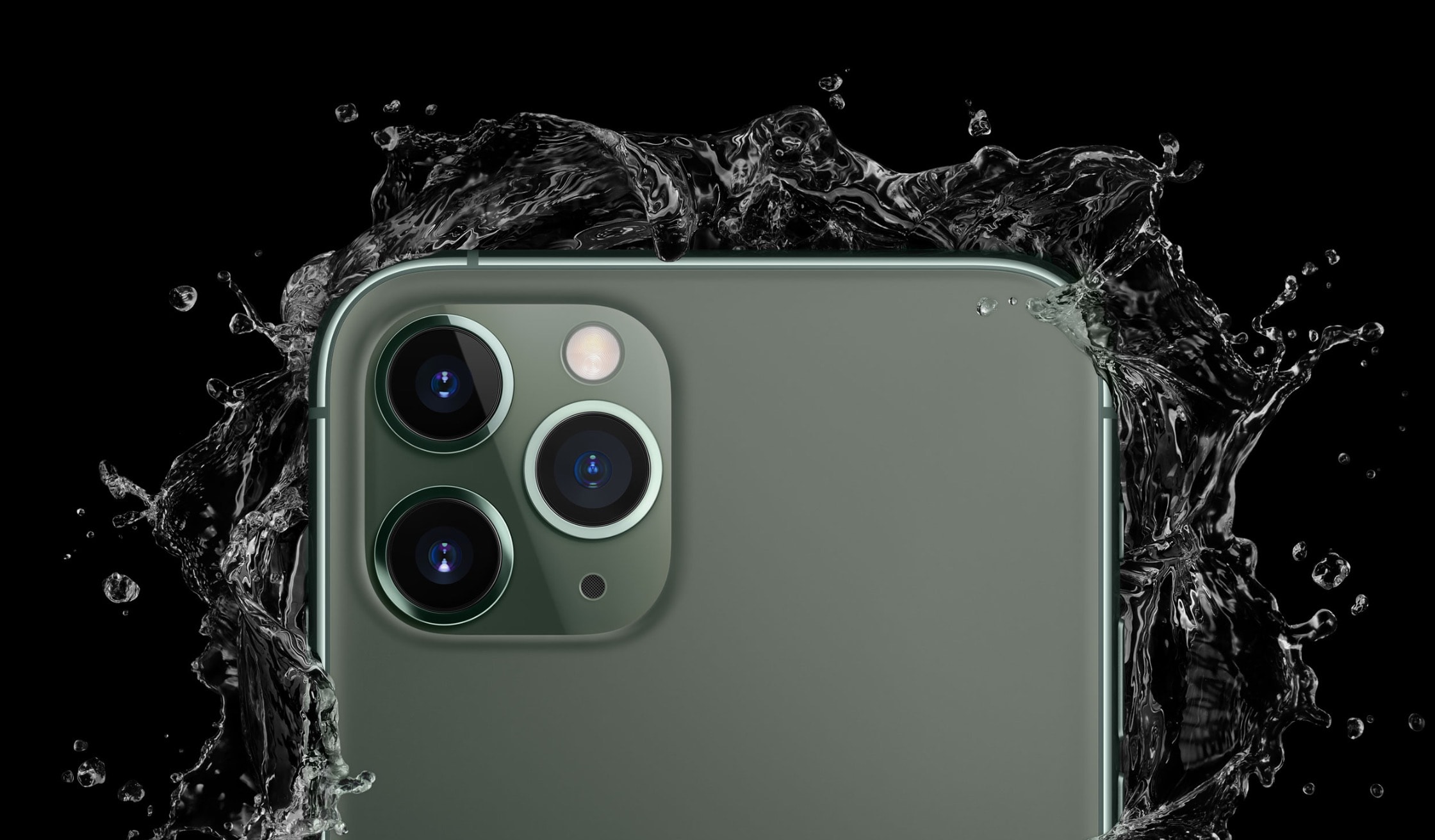
Apple released iOS 13.2 to the public this morning after beta testing the software update with developers for a month.
iOS 13.2 and iPadOS 13.2 bring a bunch of new features and bug fixes to the iPhone and iPad, including more than 50 new emoji characters and support for the new AirPods Pro that were just revealed this morning.

Google is gunning for Apple with a wave of new products designed to compete with everything from the iPhone to AirPods.
During its hour-long event this morning, Google revealed its best smartphone ever in the Pixel 4 and we must say, it actually looks pretty awesome. Google also came out with new smart speakers, WiFi routers, a new MacBook competitor and much more.
For a company that makes most of its money off of search engine ads, Google’s hardware game is finally looking like a worthy Apple challenger.
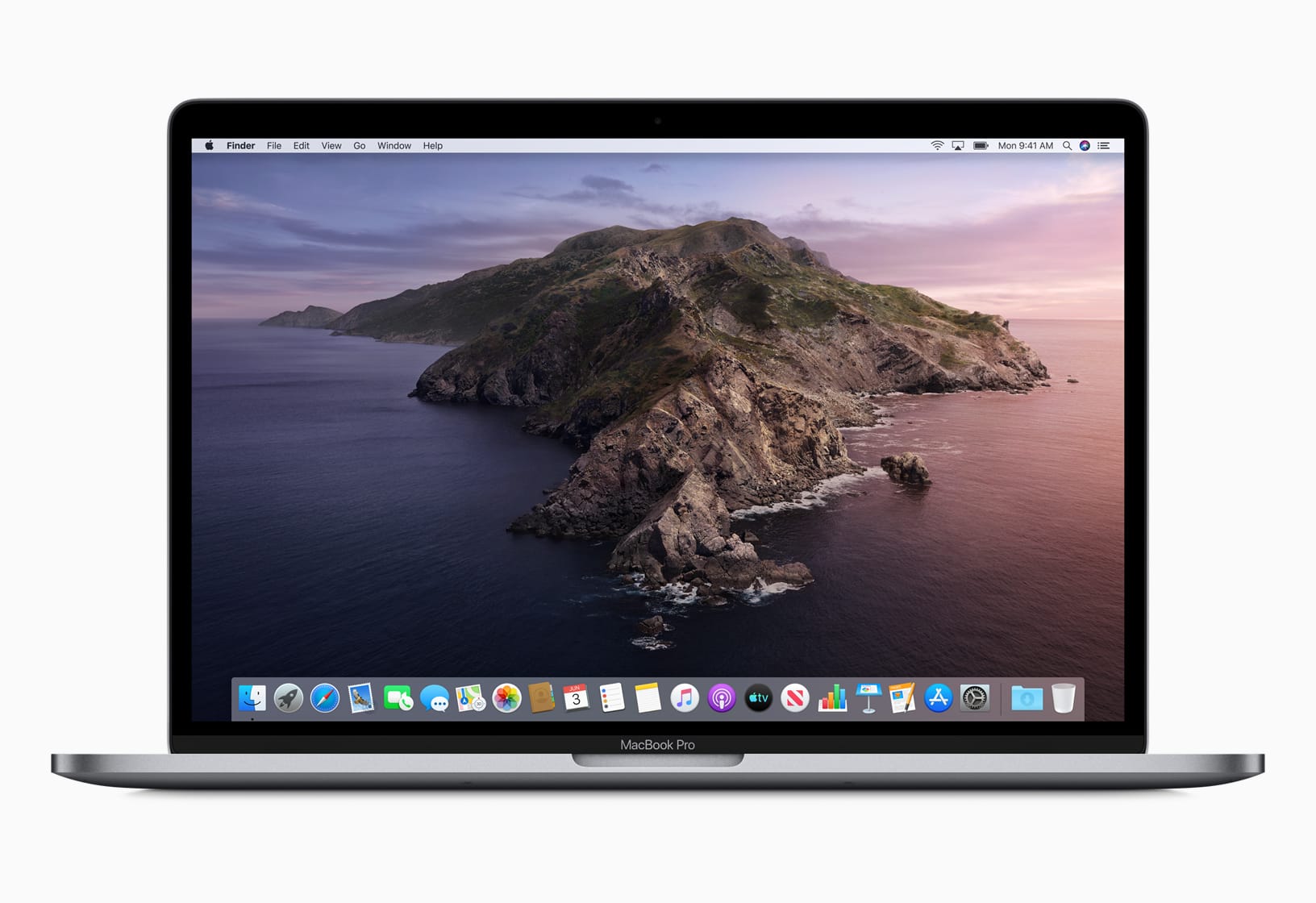
Catalina the island is a paradise. Catalina, the Mac operating system, could be hell for some creatives, including DJs, writers and photographers if they immediately upgrade.
Adobe, makers of Photoshop and Lightroom, are telling users to hold off on updating to macOS Catalina until it can iron out a number of compatibility issues.
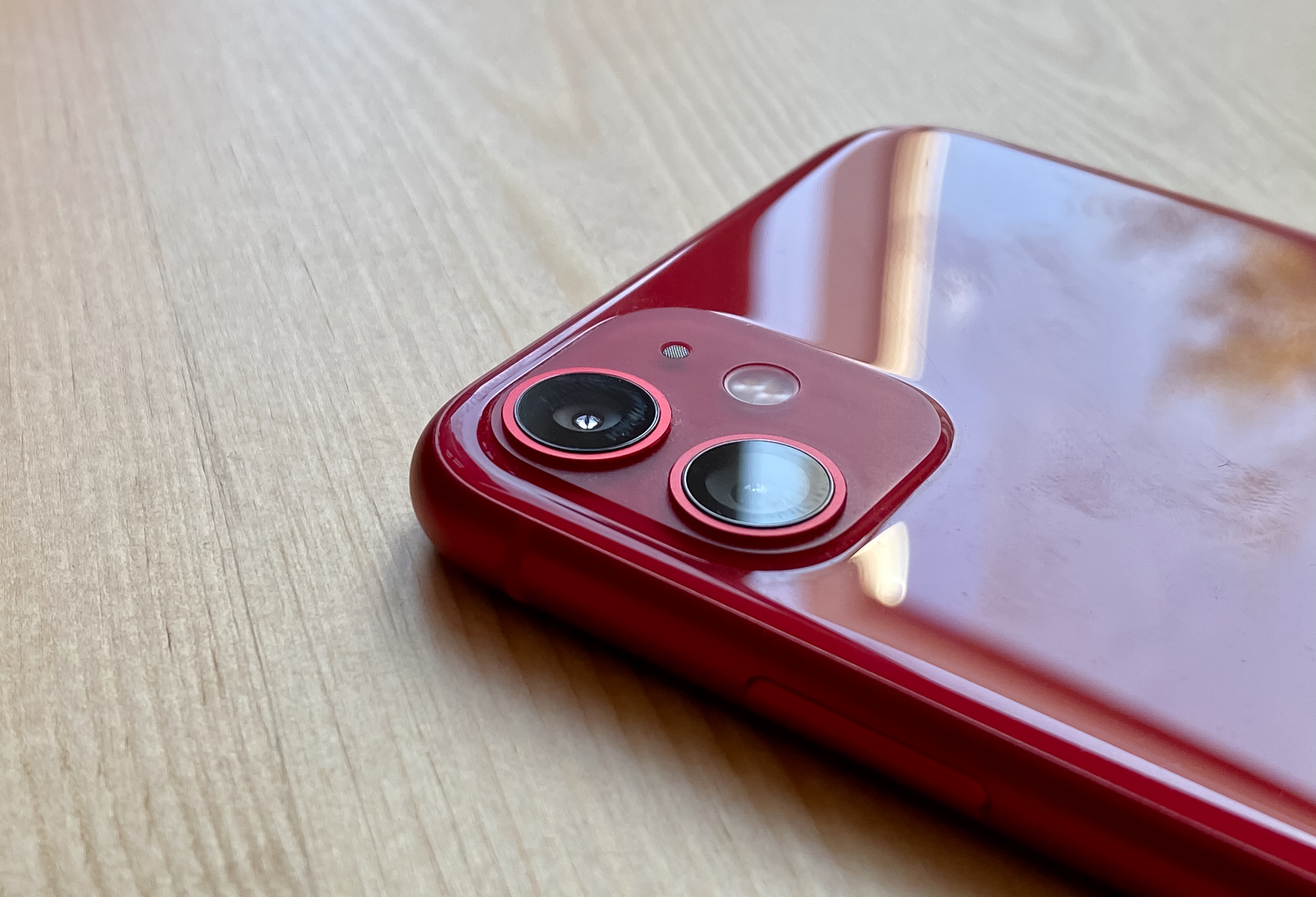
Apple is today providing beta testers with an early taste of its upcoming Deep Fusion feature for iPhone 11.
Apple first previewed the new technology, which promises to deliver some of the most detailed photos you’ve ever shot on a smartphone, at the iPhone 11 launch event last month.
Registered developers can start trying it out today by downloading the latest iOS 13 beta.

Night mode is one of the iPhone 11’s two big new camera features (the other is the Ultra Wide lens). Night mode captures lots and lots of images, and then uses the iPhone’s A13 Bionic processor to combine them, pulling out details not available in a single low-light shot.
It’s the computational-photography mad science equivalent of putting your regular camera on a tripod and opening up the shutter for a few seconds to let more light in. Only you don’t need the tripod, and the images should almost always end up sharp. Here’s how to use iPhone 11’s Night mode.
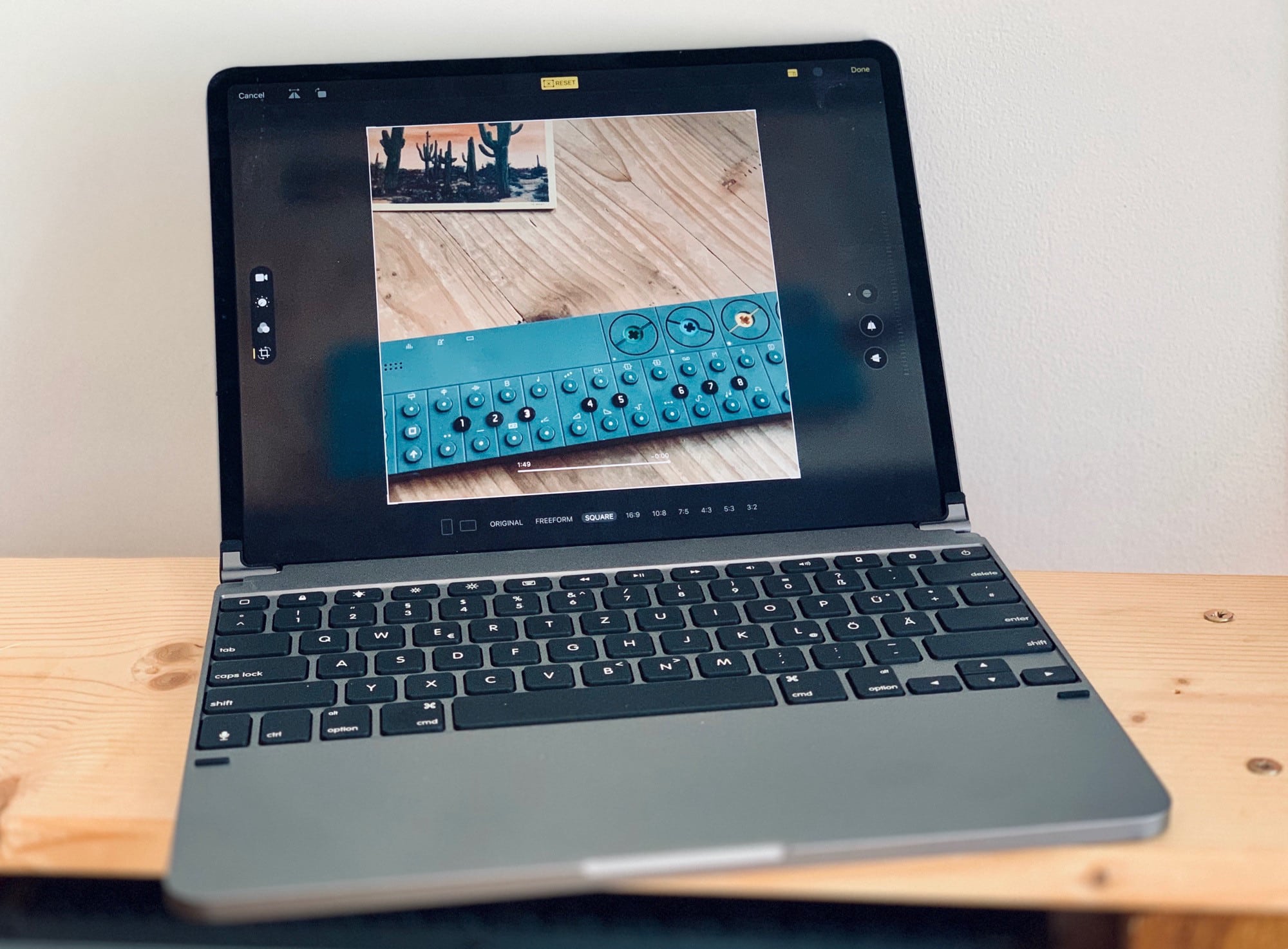
In iPadOS and iOS 13, you can edit videos just the same way you’ve always ben able to edit photos. You can crop them, rotate them, add filters and adjust their color. And — finally — you can simply save the edited version instead of spawning a copy every time you make a simple trim. No need for iMovie — the iOS Photos app can now perform radical edits to videos. This isn’t limited to the iPhones 11, either. You can do all this on any iPhone or iPad running iOS 13.
Check out the great new iOS 13 video editing features:

Whenever I open up the For You tab in the Photos app, every single “effect suggestion” is Brighten this Portrait Photo with Studio Lighting. Every single one. I’m not even exaggerating. And I’m never interested, because Studio Lighting, along with all the other Portrait Lighting effects, is junk. Now, though, with iOS 13’s new High-Key Light Mono effect, there’s at least one Portrait Lighting effect worth using.
Here’s why High-Key Mono looks great — and how to use it.
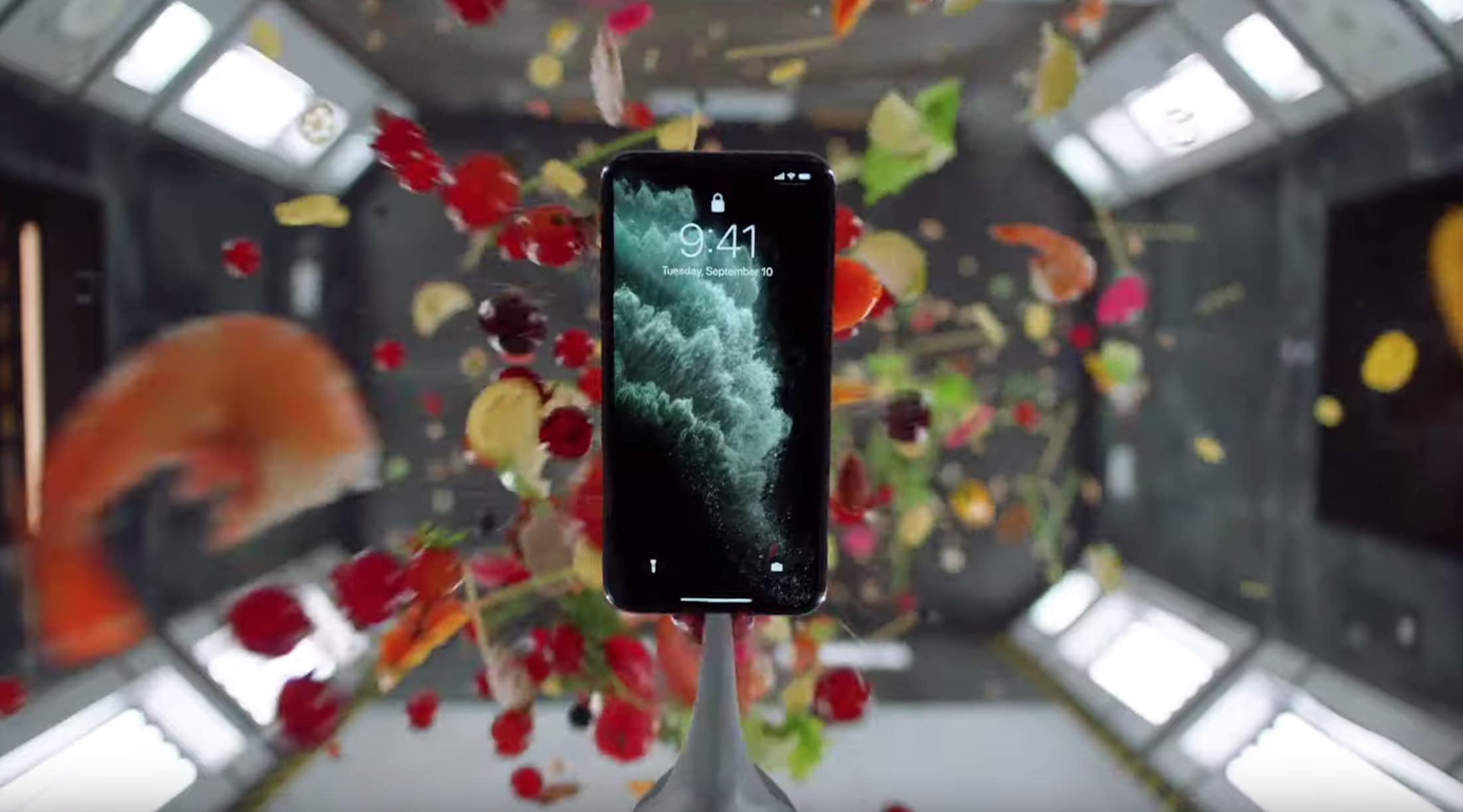
YouTube is about to get swarmed with new iPhone 11 stress test videos starting on September 20 but Apple just beat everyone to the punch with its latest ad that shows this year’s iPhone is the toughest yet.
Apple dropped two new iPhone 11 Pro ads this morning showing off the durability of the new phones and the triple-camera system. Both ads take place in a grungy sci-fi testing chamber where everything from broccoli to a wedding cake is thrown at the iPhone. Each ad is a minute long and if you don’t fall in love with the fluffy dog in the camera video then you have no heart.
Watch both ads here:

We’ve written a lot about the Focos photo app here on Cult of Mac, because it’s like the Photoshop of focus. The universal iOS app lets you edit the focus of your Portrait mode photos in crazy depth (pun intended). But v2.0 just launched, and it’s hands-down amazing.
Focos 2 uses machine learning to calculate the depth of any photo, and then apply portrait-style blur to it. That means you can take portrait photos on the iPad and, wildest of all, you can apply a portrait background blur to photos you’ve saved from the internet.

The iPhone’s incredible Portrait mode does a great job of blurring the backgrounds of photos, making the subject stand out from busy backdrops. (Apple also uses this depth information for its truly awful Portrait Lighting effects — has anyone ever gotten a good result from the Stage Light filter? — but that’s another story.)
What if you could use the depth information inside Portrait photos to get rid of the background entirely? Wouldn’t that be something? Well, yes it would. And if you have the right app, it’s really easy to remove photo backgrounds.
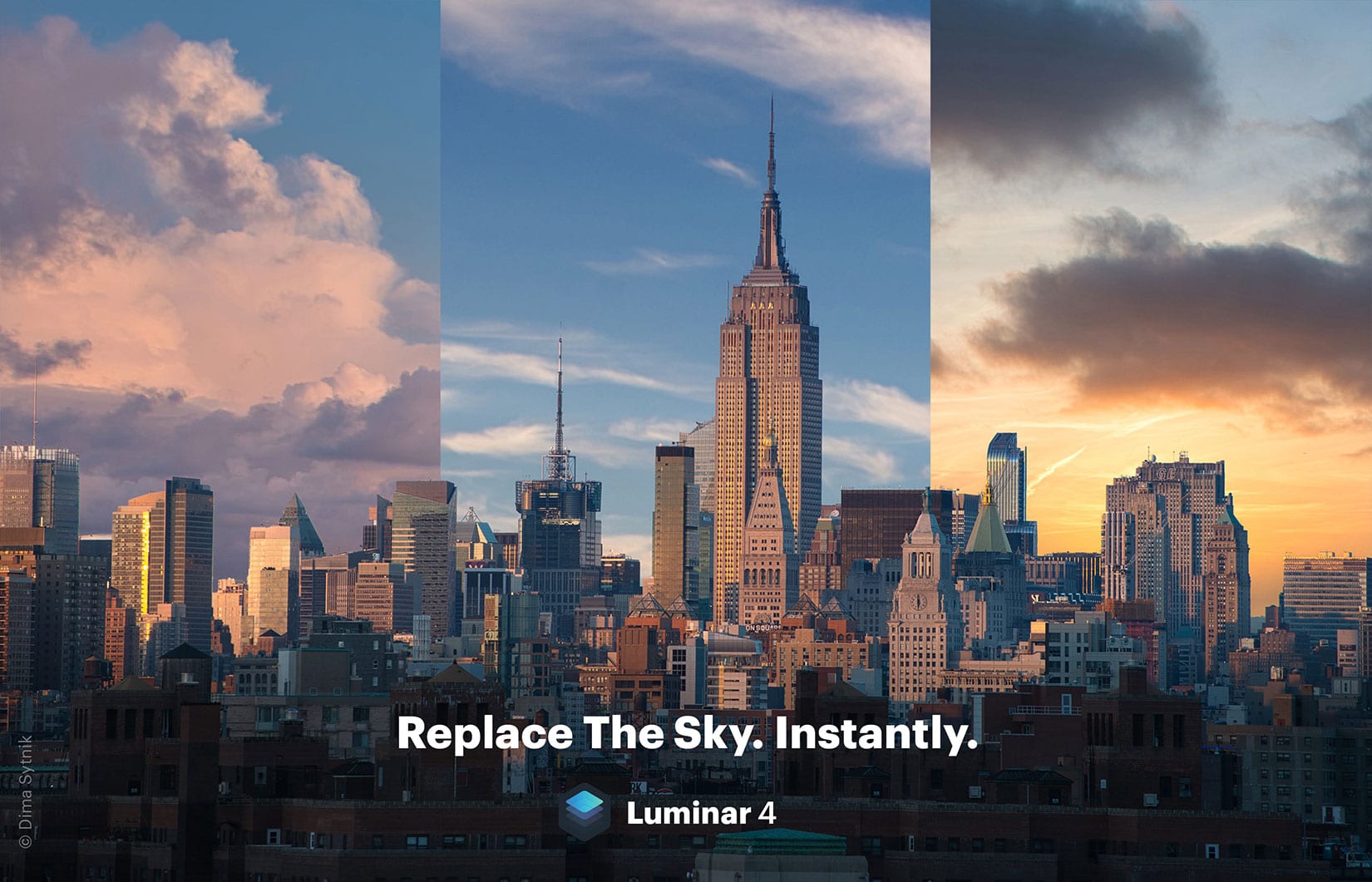
Imaging software company Skylum markets its photo editing tools as huge time savers. Just click a preset look or move a few slider bars and you have a beautifully styled final image within minutes.
Skylum was on message when it announced an upcoming AI tool for instantly replacing the sky. The company declared, “The days of spending a lot of time manually creating a complicated mask to replace skies in an image are over.”
Yet the debate over artificial intelligence’s role in photography is only beginning. In the week since Skylum announced and demoed AI Sky Replacement, photographers have spent considerable time in online forums drawing lines between ethics and creativity.

A wedding photographer calling for people to stop using their iPhones at weddings has gone viral with an angry Facebook rant.
Hannah Stanley is asking smartphone users to “please stop viewing weddings you attend through a screen” and avoid getting in the way of the professional photographer.
The post comes after one wedding guest ruining a perfectly good photo of a bride and her father by blocking Stanley’s view with their iPhone.