Each morning I wake up and check my sleep score on my Apple Watch. And then I wonder if it’s doing me any good. It’s certainly adding stress and hassle to my day.
That’s why I’m thinking of turning it off. Maybe you should, too.

Each morning I wake up and check my sleep score on my Apple Watch. And then I wonder if it’s doing me any good. It’s certainly adding stress and hassle to my day.
That’s why I’m thinking of turning it off. Maybe you should, too.

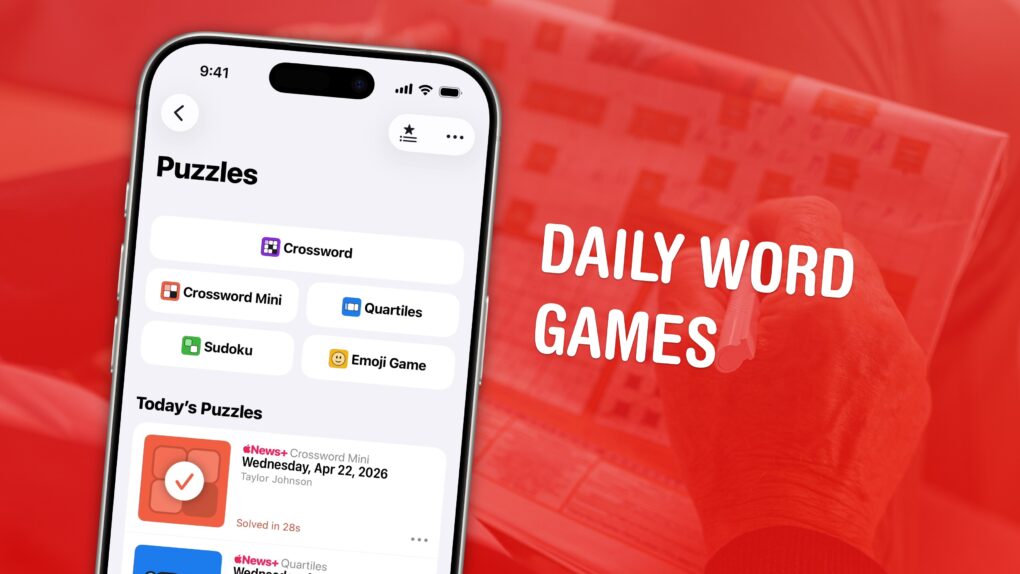
The daily games hiding inside the News app are my favorite puzzles to play. Some are digital versions of classic games like crossword puzzles and sudoku. Others are entirely new.
All five games are available to all Apple News+ and Apple One Premier subscribers. Here’s how to play each of the daily word games in Apple News+ on iPhone. Check them out in this quick video.
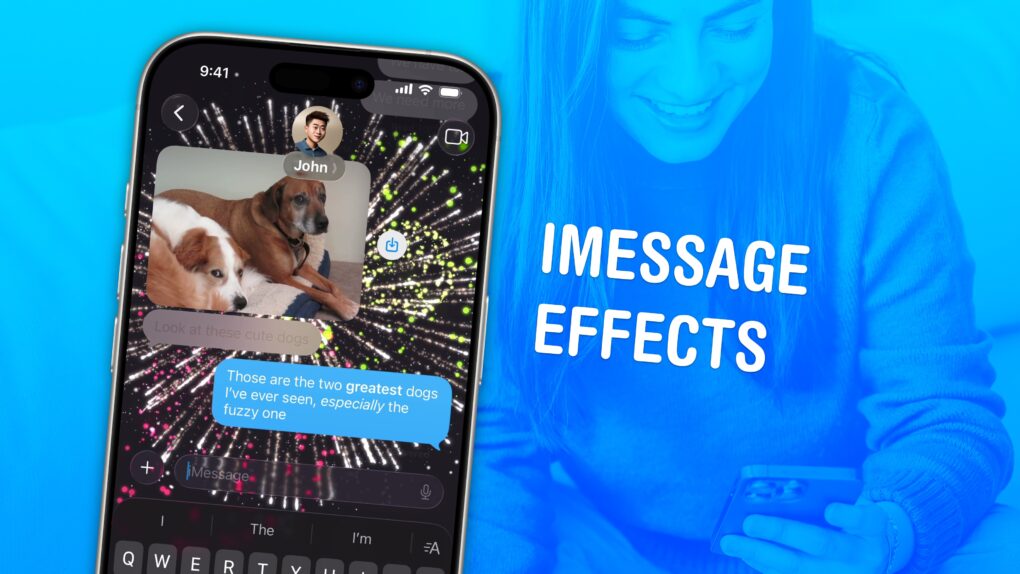
iMessage effects can add extra meaning, emotion and fun to your texting. In Apple’s Messages app, you can add bold, italics, underline and strikethrough text, just like in a formatted document. You can even choose from a bunch of cool, animated effects, including full-screen blasts of lasers, confetti and fireworks.
Apple’s text message effects can make quite an impression. You can make congratulations more bombastic (to rejoice in someone’s finest moments). Or, you can use formatting and effects to convey sarcasm, stress and sorrow more clearly.
These text effects are fun and incredibly useful. Keep reading below or watch our video.
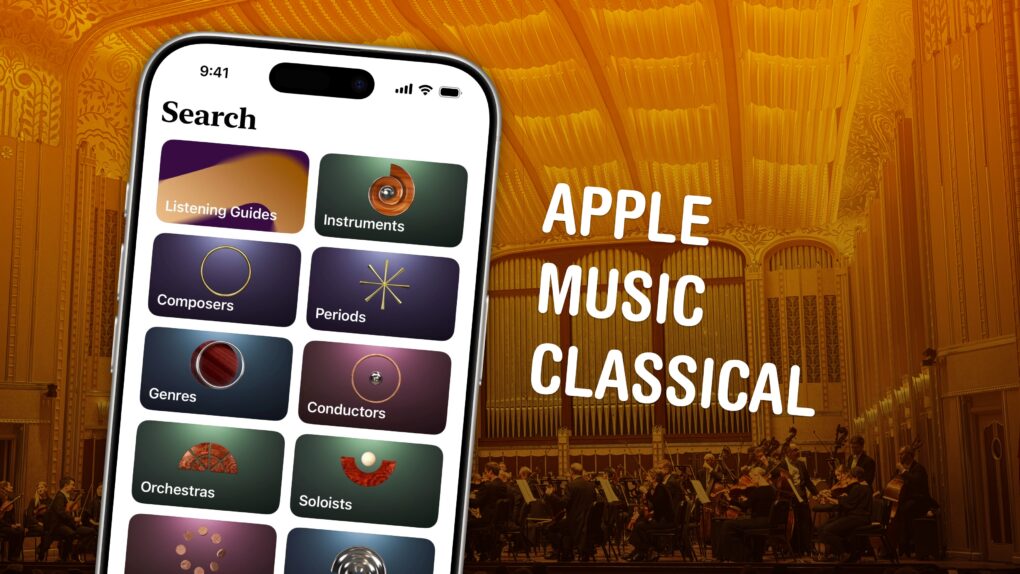
Apple Music Classical is an iPhone app specifically designed to deliver a great experience browsing and listening to instrumental music. Apple carefully curated its catalog of millions of tracks, tagging them by composer, work, movement, instrument, orchestra, artist and more.
Why does there need to be a separate app for classical music? Apple says it succinctly on its support page: Classical music “has longer and more detailed titles, multiple artists for each work, and hundreds of recordings of well-known pieces.” This app “is designed to support the complex data structure of classical music.”
This is how to discover, find, add and listen to music in Apple Music Classical.
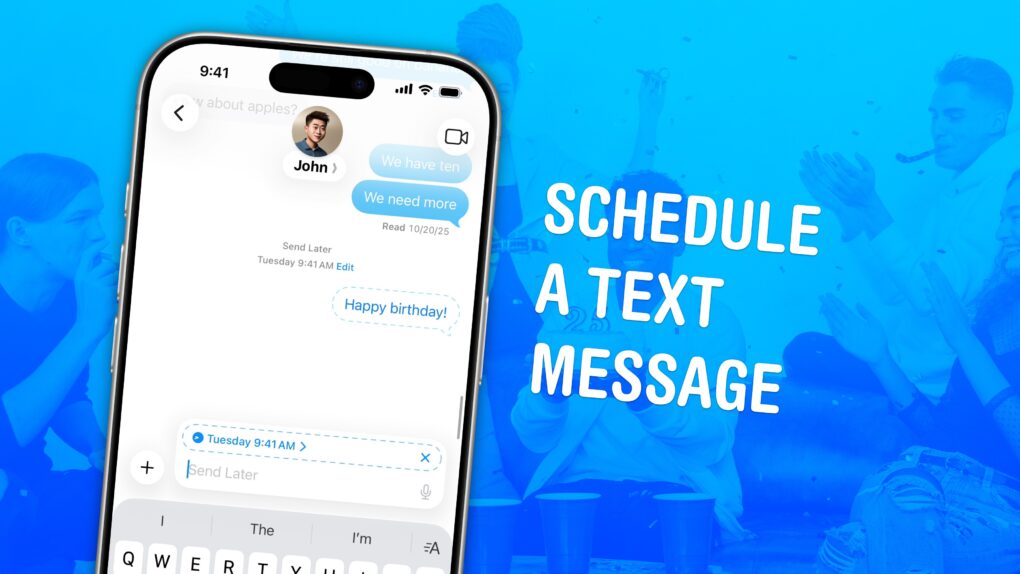
If you know how to schedule texts on iPhone, you can make sure you never forget to send a reminder, birthday greeting or early morning message for someone in a different time zone. You can schedule a whole slew of texts up to a week in advance, with links, photos, attachments and more, using the iPhone’s Send Later feature.
This can save your bacon if you’re the type of person who forgets to text someone later. And it’s really easy to do, once you figure out how to use the somewhat hidden feature. Watch our quick video.
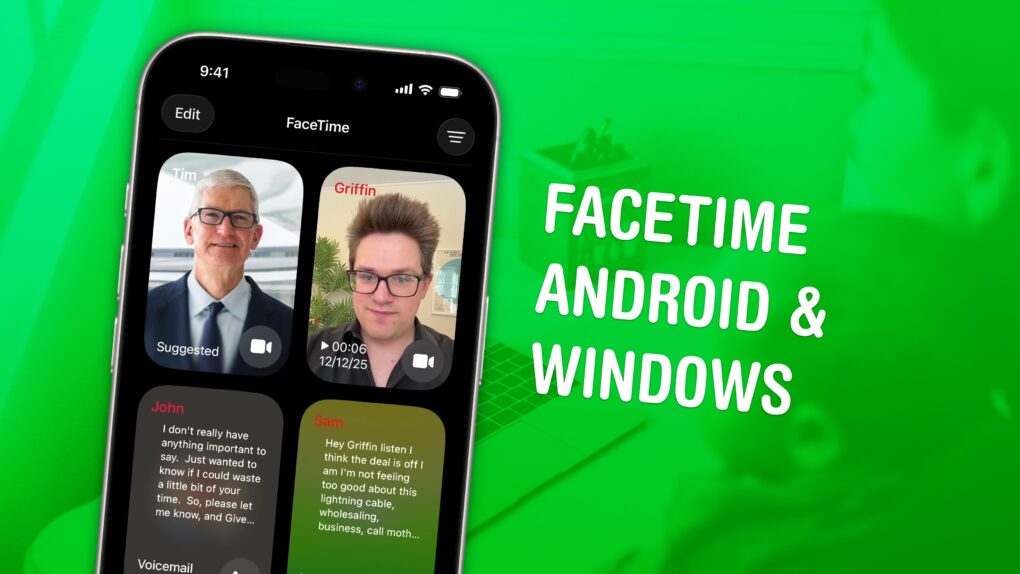
You can FaceTime with Android and Windows friends, too — you don’t need to leave them out of the loop. You need to jump through some extra hoops, naturally, but you can video chat with your whole family and friend group.
While there’s no FaceTime app for Android or Windows, if you have an iPhone, you can initiate a group call by creating a link. Others can join the call from their web browser. It will be end-to-end encrypted, just like regular FaceTime calls, for maximum privacy.
Here’s how it works.
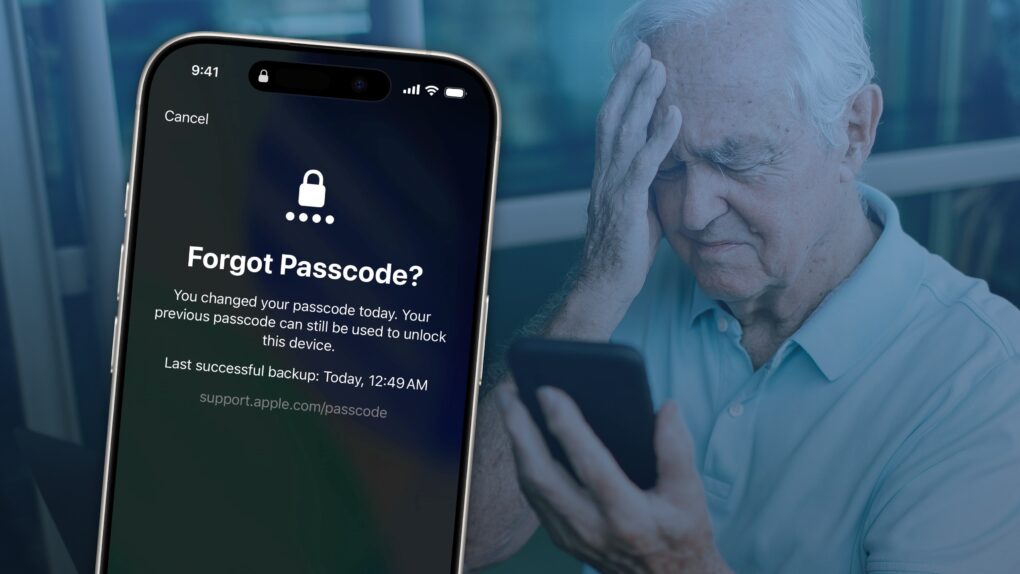
If you forgot your new iPhone passcode, you can reset it with your old one up to three days later. This can save you hours of trying to remember the new passcode, or worse, resetting your phone from a backup.
You just have to tap Forgot Passcode? on the Lock Screen after you enter it several incorrect times.
Keep reading for a detailed walkthrough. And don’t worry — if you change your passcode intentionally to keep someone out, you can instantly expire your old one.
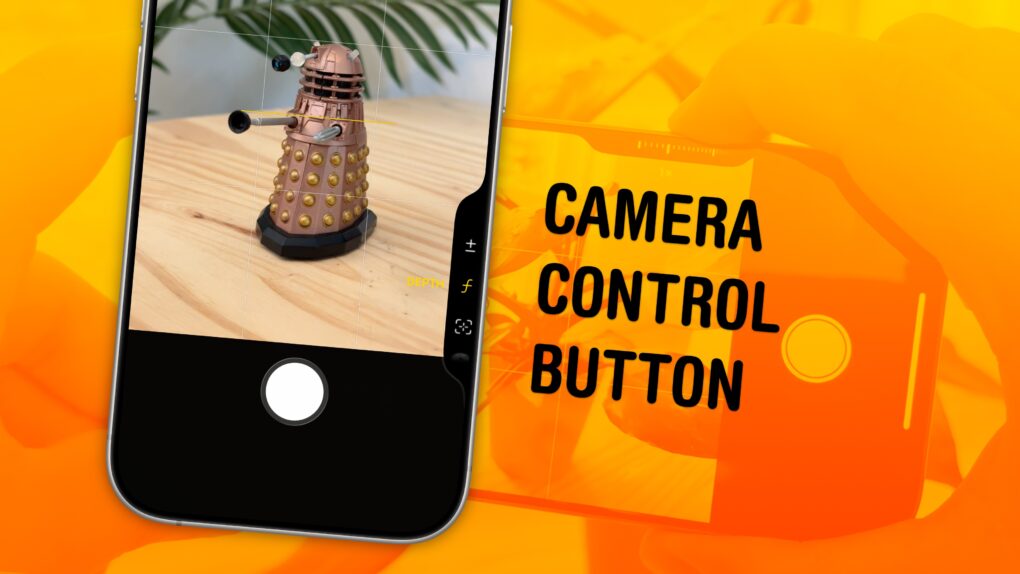
The Camera Control button on the iPhone opens the Camera app, takes pictures and can even adjust camera settings on the fly. It offers a quick shortcut to using one of the most popular and important iPhone features.
By default, it’s a simple button to quickly take pictures, but there’s so much more you can do with it — if you choose. The physically clicking button also accepts touch input when you swipe your finger along it. And it utilizes pressure sensitivity and haptic feedback for you to adjust different camera settings.
Learn how to master the iPhone’s Camera Control button in our guide below, or watch our quick video.
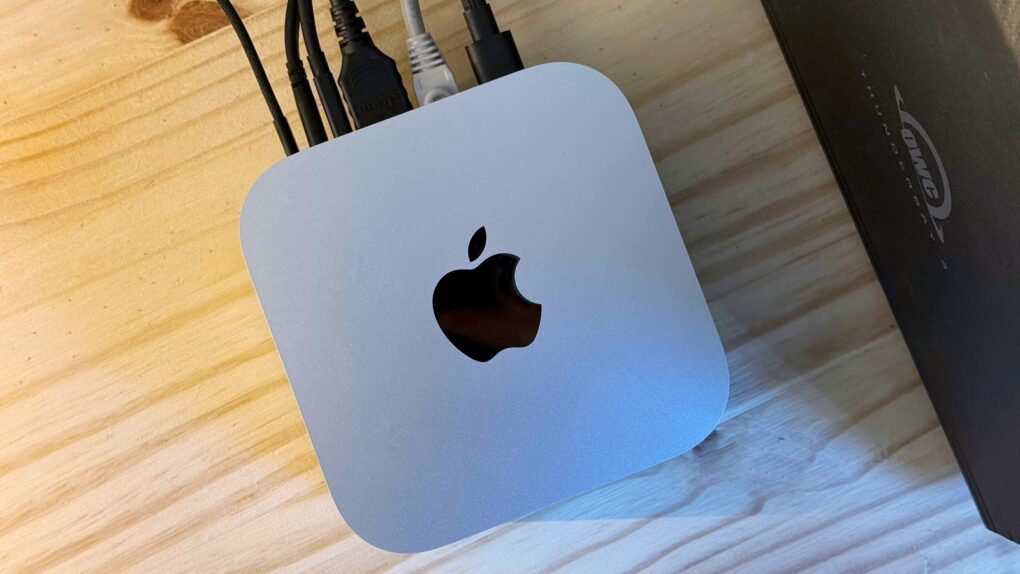
A year into owning an M4 Pro Mac mini, it began feeling slow. With dozens of Chrome tabs and numerous other apps running in the background, everything felt more sluggish than it should.
I was already convinced I needed an upgrade. Turns out, I just needed to do a little spring cleaning. Here’s what I did to speed up my slow Mac mini.

iPhone Game Mode enhances graphics and reduces controller latency automatically when you launch a game. This optimizes performance to make your iPhone gaming as fantastic as possible.
Game Mode also reduces the background activities and services running on your phone. Luckily, if you don’t want that to happen, you can turn off Game Mode from your iPhone’s Control Center.
Here’s everything you need to know about how Game Mode works.
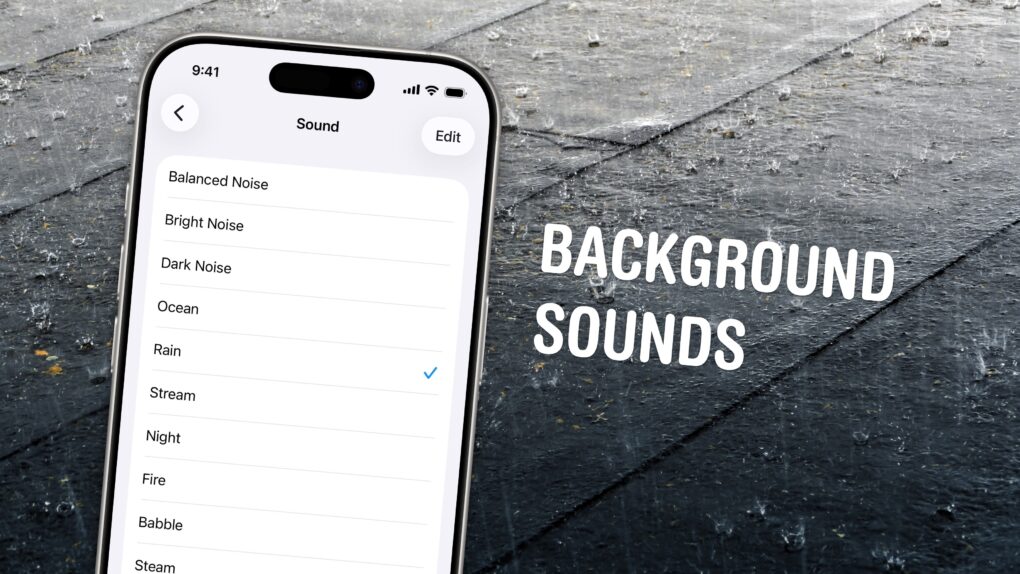
If you’re working in an office or in the city, you’re probably inundated with noise from people chattering, cars running and nearby music. Your iPhone has a built-in feature called Background Sounds for playing rain noises or white noise to tune it all out.
Or, if you work at home and want some of that office or coffee shop ambiance, you can add some of those chatter sounds back in. You can even simulate a commute, with sounds of a bus, train, airplane or even boat.
You don’t need to download any apps or pay a cent. Background Sounds is a free feature on your iPhone, iPad and Mac. Let me show you how it works.

Stop me if this sounds familiar: Your old iPhone just doesn’t have the same pep it used to and you’re desperate to speed it up. Ignore the nasty iPhone conspiracy theory — the real reason for the slowdown is rooted in battery chemistry, diminishing amounts of available memory, and the evolving demands of modern iOS apps.
Fortunately, you can take steps to improve the speed of your older iPhone. Here’s what to do.
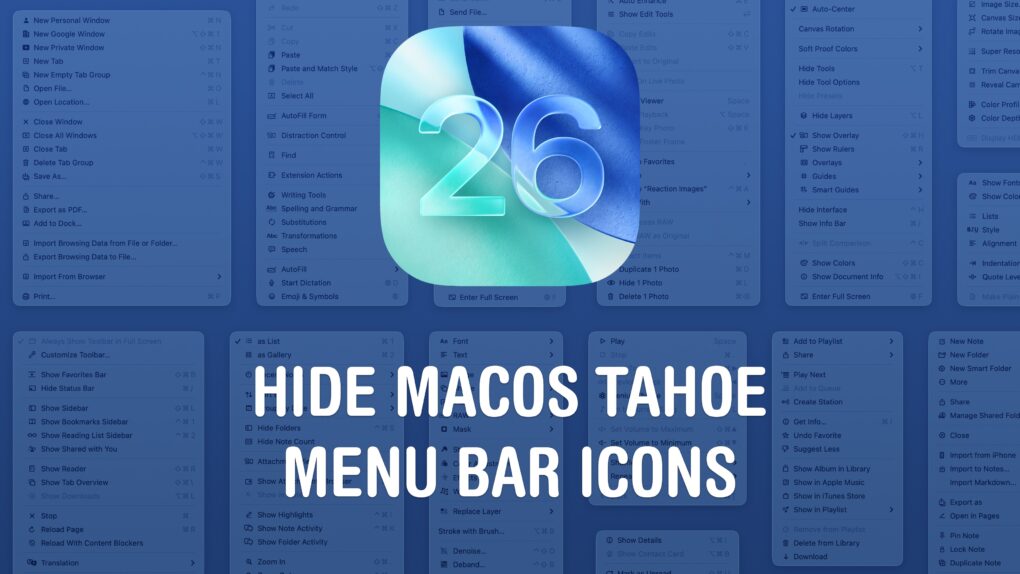
The macOS Tahoe menu bar icons are one of the more universally panned changes in Apple’s redesigned Mac operating system. They clutter the interface, making it hard to find what you’re actually looking for. And on top of that, different apps use different icons for different actions — it’s not remotely consistent.
You don’t need to live your life this way, though. Developer and hacker Steve Troughton-Smith figured out a quick way to disable the icons. You need to crack open the Mac’s Terminal app, but luckily, you can paste a single command in to bid (most of) the icons adieu.
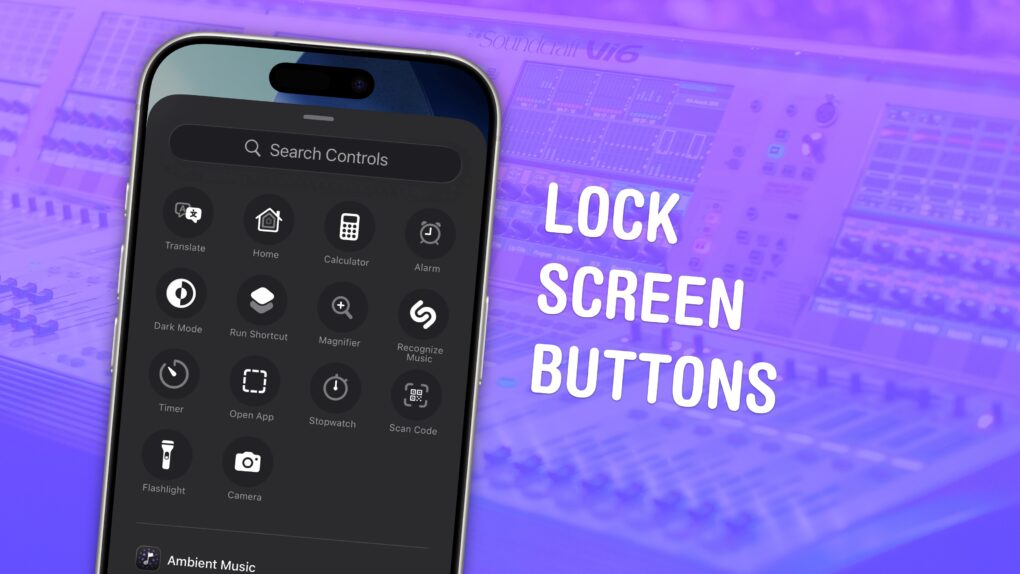
You can change out your iPhone Lock Screen buttons from the standard flashlight and camera icons to whatever you want. There’s a huge selection of buttons you can swap in their place. Just about any button you can put in Control Center is a button you can put on your iPhone’s Lock Screen.
Plus, you can assign different shortcut buttons on different Lock Screens, making them context-dependent (and tied to a Focus Mode if you like). Apple offers a standard selection, but your options will vary depending on what apps you’ve installed.
Here’s how to swap out the iPhone Lock Screen buttons to put whatever you want at your beck and call.
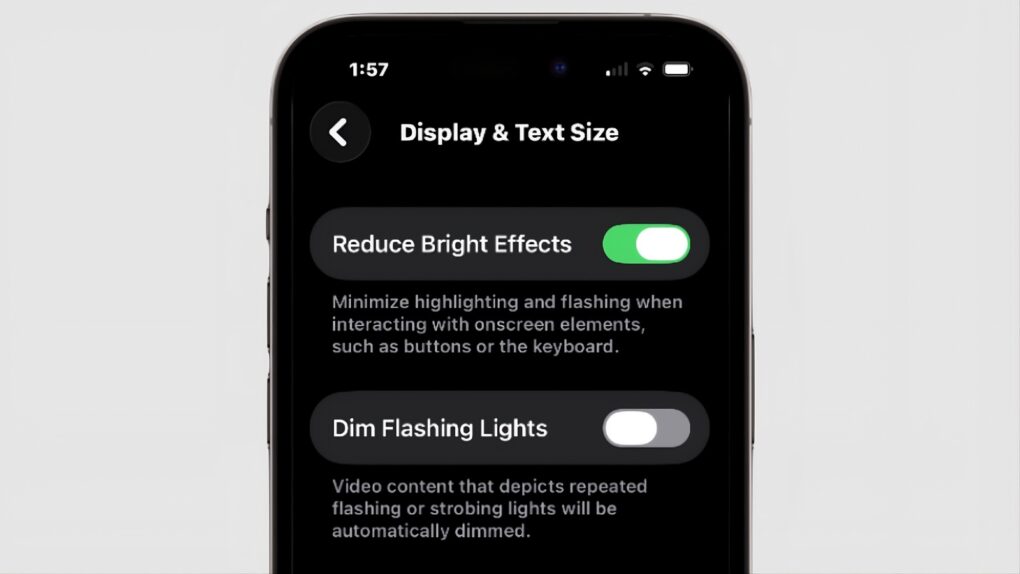
Those who aren’t fans of Apple’s Liquid Glass have a new way to disable some of its distracting features. “Reduce Bright Effects” appeared in iOS 26.4, as well as macOS and iPadOS. As the name suggests, it is intended to minimize highlighting and flashing when pushing on-screen buttons.
Here’s how to find the toggle switch.
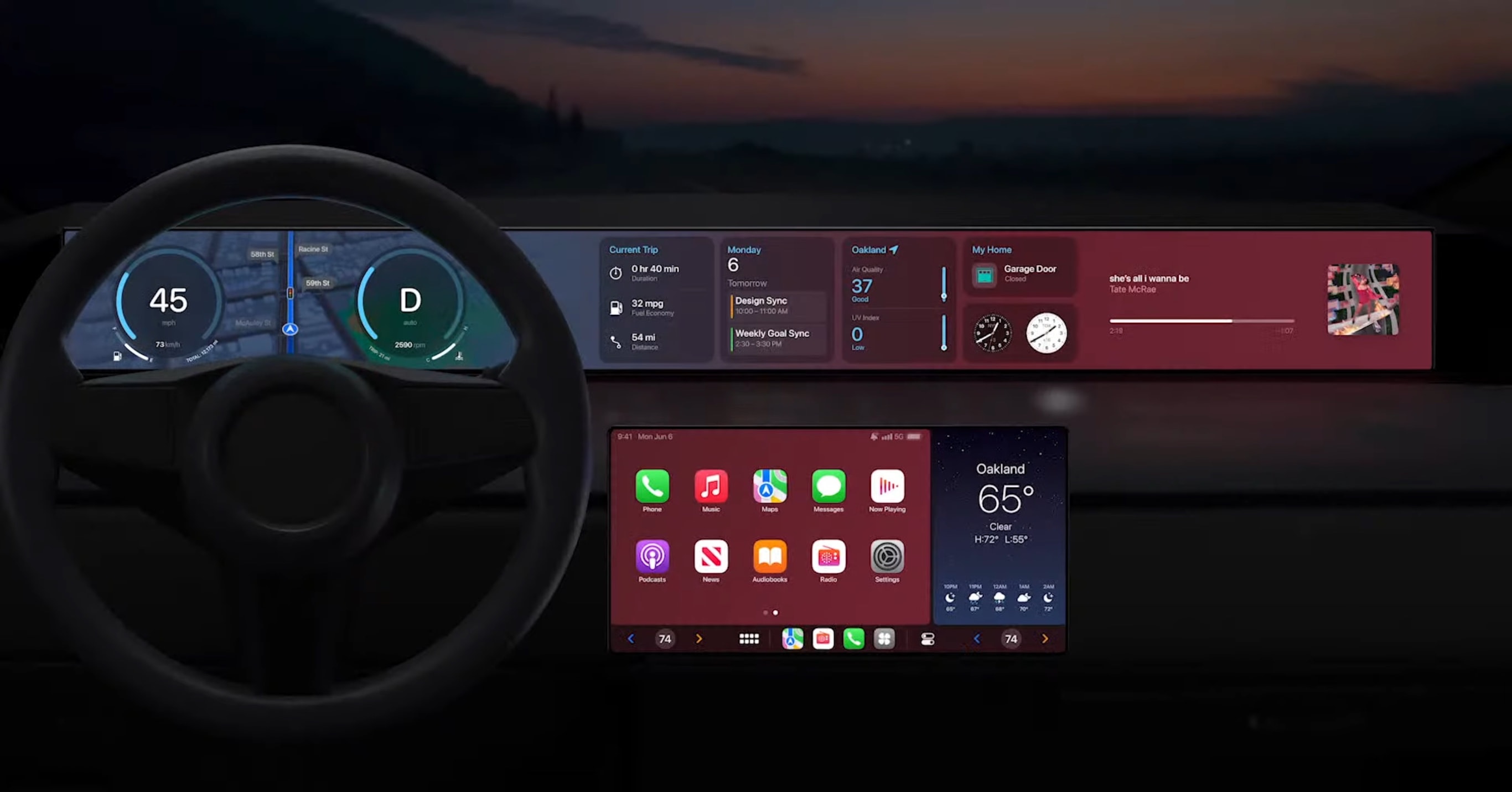
Apple’s CarPlay voice commands offer a safe way to handle dozens of tasks without lifting a finger or shifting your gaze away from the road. CarPlay’s Siri integration is one of the most underused safety tools in modern cars. However, it only works if you know what to say.
Get to know the best CarPlay voice commands for every driver with Cult of Mac’s handy roundup. Commit them to memory now so you’ll know how to employ them once you hit the road.
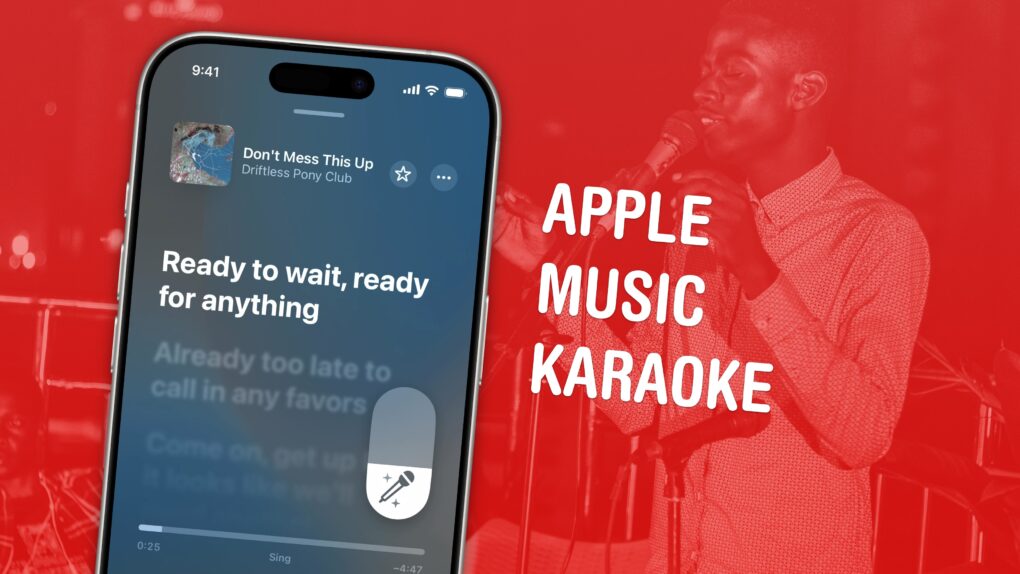
Apple Music comes with a karaoke mode for people who love to sing along as they listen. It’s called Apple Music Sing, and it lets you turn down the lyrics in your favorite songs with just a tap.
It’s much nicer than searching out karaoke versions of songs on YouTube. Those often don’t use the original backing track, but re-create it (with varying levels of quality). Also, if you’re still learning a song, Apple Music Sing can keep some of the original vocals to guide your singing.
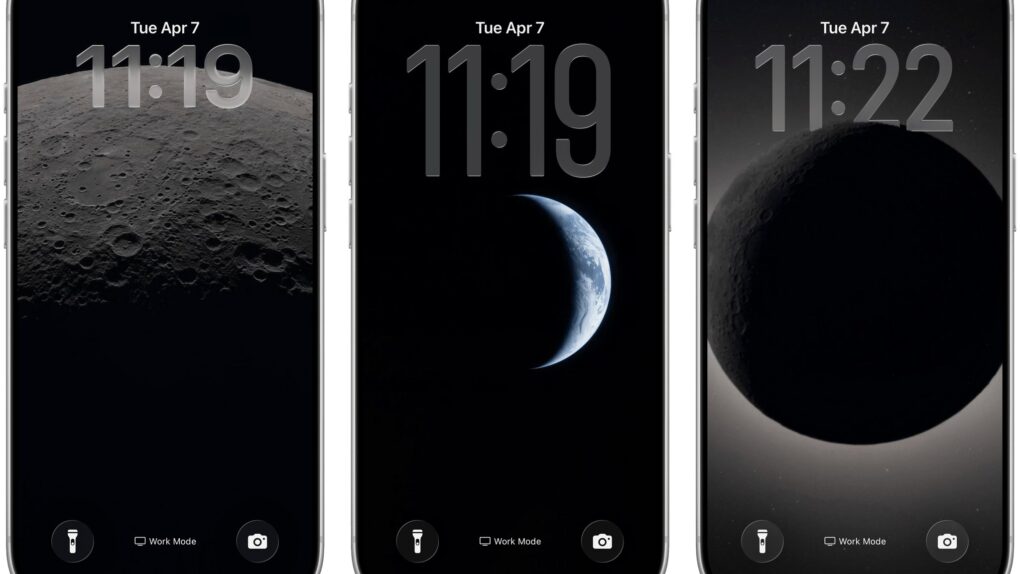
The Artemis II mission has delivered some of the most breathtaking lunar and Earth imagery in decades. And there are two easy ways to get those photos from the Orion spacecraft onto your Apple devices right now — directly from NASA, or via clever free shortcuts that cut out some steps.
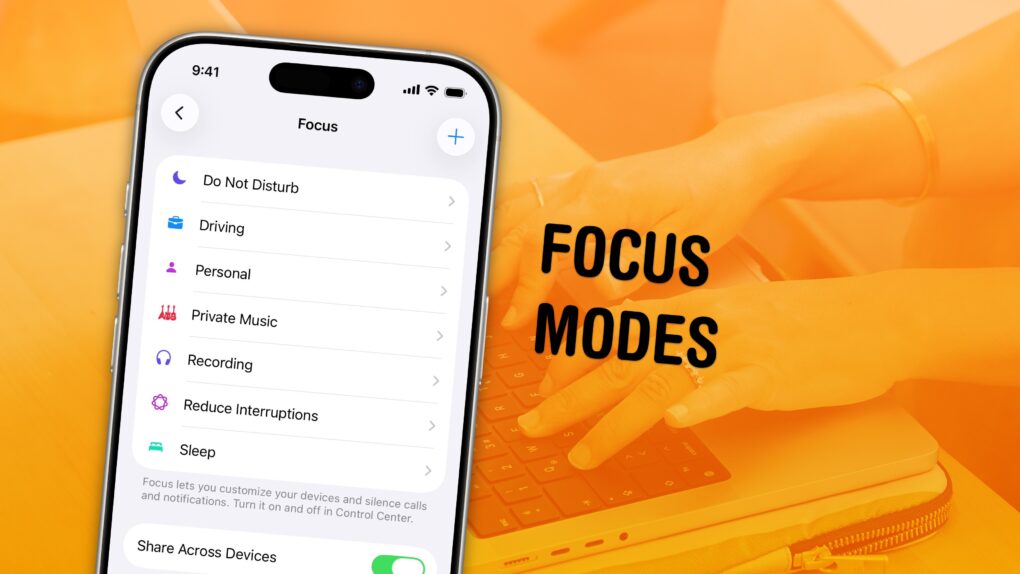
Apple’s Focus modes are a powerful way to change how your iPhone, iPad and Mac look and feel whether you’re driving, sleeping, relaxing or working. It’s all about fully immersing yourself in whatever you’re doing.
You can change all kinds of things: from who can reach you and which apps send notifications to custom Lock Screens, Home Screens and more. The tools can totally transform how your phone looks and works based on context. You don’t need all the same apps and widgets on your Home Screen while you’re at work or yoga as you do at home.
Setting up a Focus with rich customization makes your phone more personal. Keep reading to find out how.
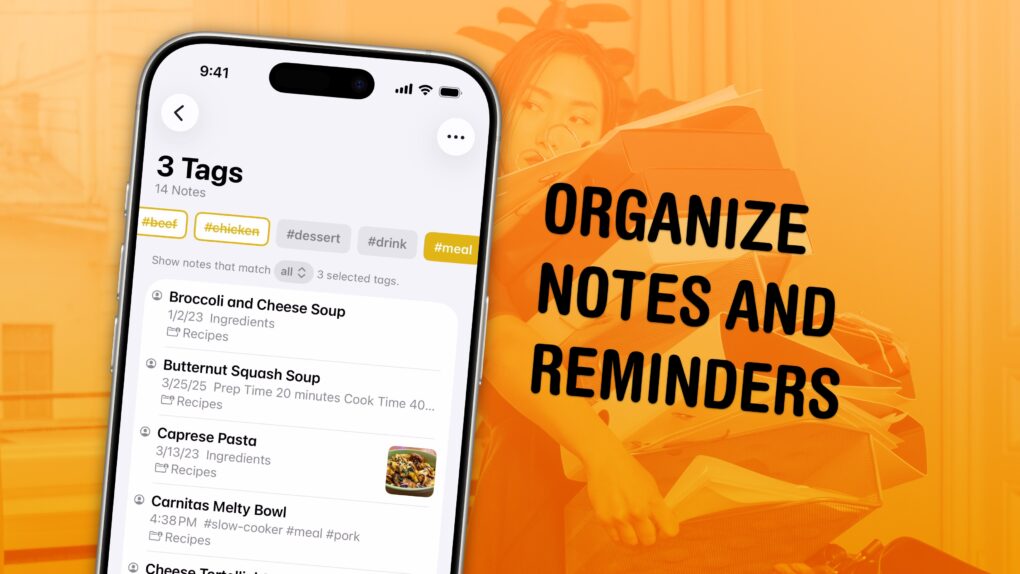
I have a bunch of pro tips to help you organize the Notes and Reminders piling up in your iPhone. Apple has added tons of powerful new features over time, making them comprehensive tools for all the goings-on in your life.
With tagging, you can quickly filter and search through a big folder of notes or a long to-do list. You can easily put together a bunch of filters by date, location and tag to create a smart list of everything that needs your attention in Reminders. You can even set up template Reminders lists that you can copy at any time.
Let me show you how to set it all up.
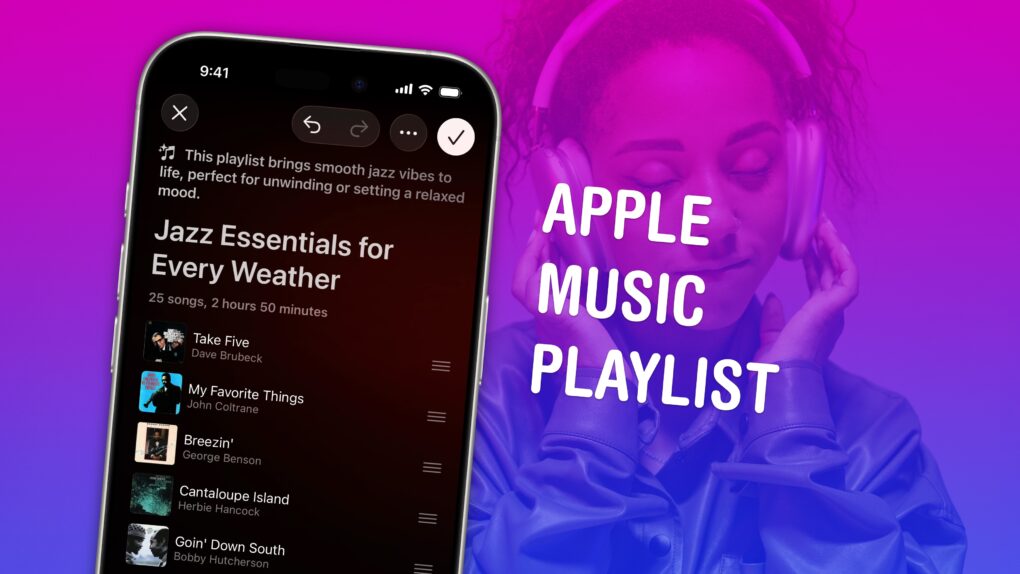
Making a playlist in Apple Music is a great way to set the mood for a party, road trip or your own private time. You can create playlists for working, working out, studying, driving, doing dishes, etc. Your friends can contribute to your playlist, too. And you can share your masterpiece on your Apple Music profile.
In iOS 26.4, Apple added Playlist Playground, a new feature that lets you quickly create custom playlists via Apple Intelligence. On supported devices, you can type in any odd request — and your iPhone will do the rest. The results aren’t quite DJ quality, but they’re a good starting point if you want something specific or unique.
Here’s how to make a playlist by hand — and how to use the new Playlist Playground feature.
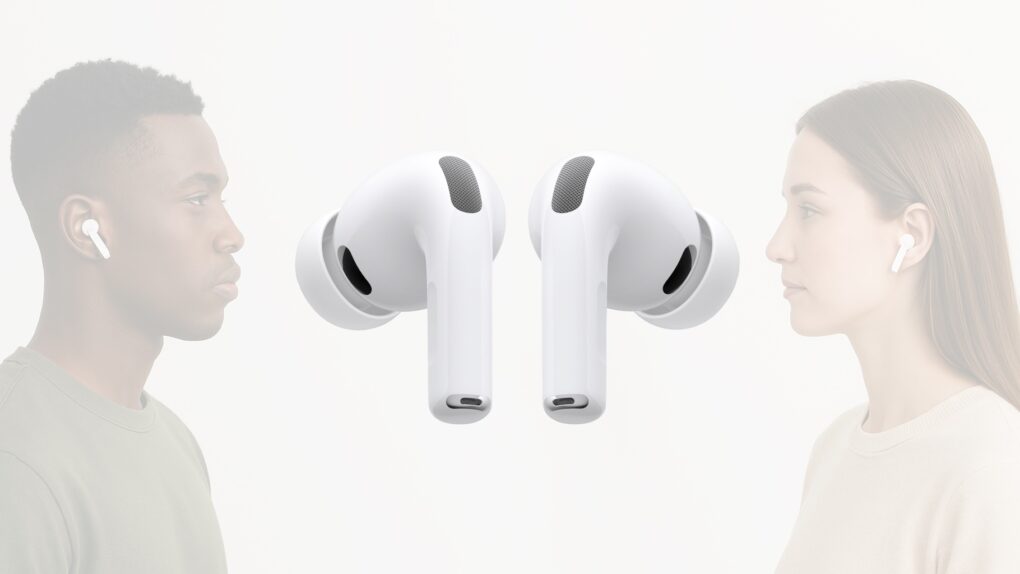
Apple released new firmware for AirPods Pro 3, AirPods Pro 2 and AirPods 4 this week. The new version, 8B39, offers bug fixes for these in-ear headphones.
Last year, Apple finally explained exactly how to update your AirPods firmware. The process can happen automatically, in the background, but there is a way to speed things up. It’s a good idea to manually check that you’re running the latest version, which brings bug fixes and sometimes great new features.
Read on for more details, and find all current AirPods firmware versions, along with instructions for getting the AirPods update as quickly as possible.

Every MacBook boasts industry-leading battery life. But everything comes to an end. It may take a full day or more, but MacBooks do eventually run out of charge.
If you want to take your M5 Max MacBook Pro to the coffee shop to get work done, and you leave your power cable at home — even if you’re editing 8K ProRes video streams in Final Cut Pro — you still might be ordering breakfast, lunch and staying for dinner.
Of course, that low battery warning always comes at the most inopportune time. With that in mind, there are a few tricks to get even more unplugged time with your MacBook. Keep reading or watch our quick video.
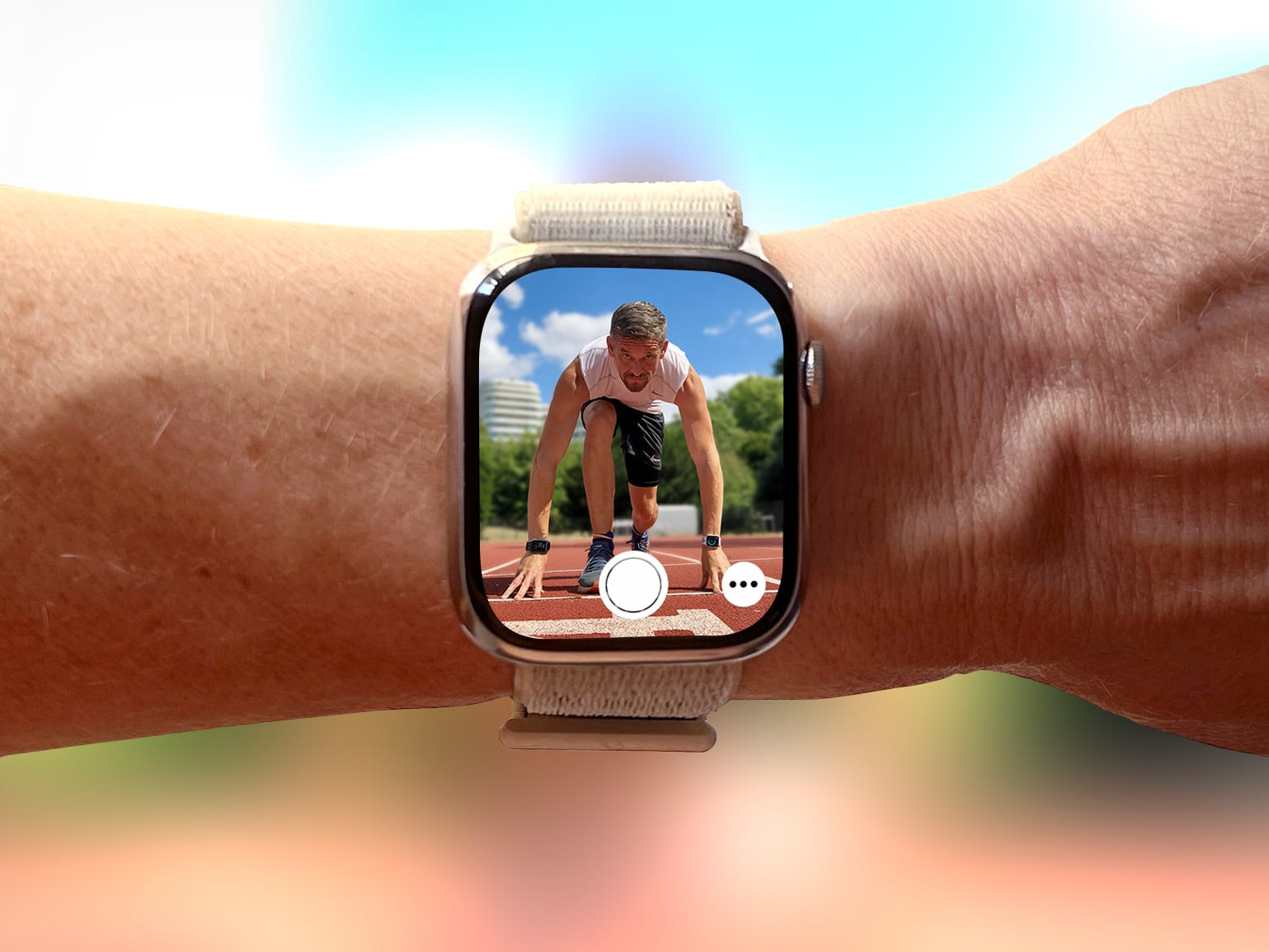
Everyone knows Apple Watch is an excellent health and fitness companion. But did you know it’s also handy for taking selfies? That’s thanks to Apple Watch’s best-kept secret: the Camera Remote app.
This indispensable Apple Watch app lets you use your iPhone’s best camera to take selfies. Using the app will elevate your selfie game, enabling you to take more flattering shots — with better compositions, more interesting poses and much, much more.
I use it all the time to take photos for Cult of Mac, and I’ve learned a few tricks along the way. So here’s my definitive guide to taking better selfies with Apple Watch.
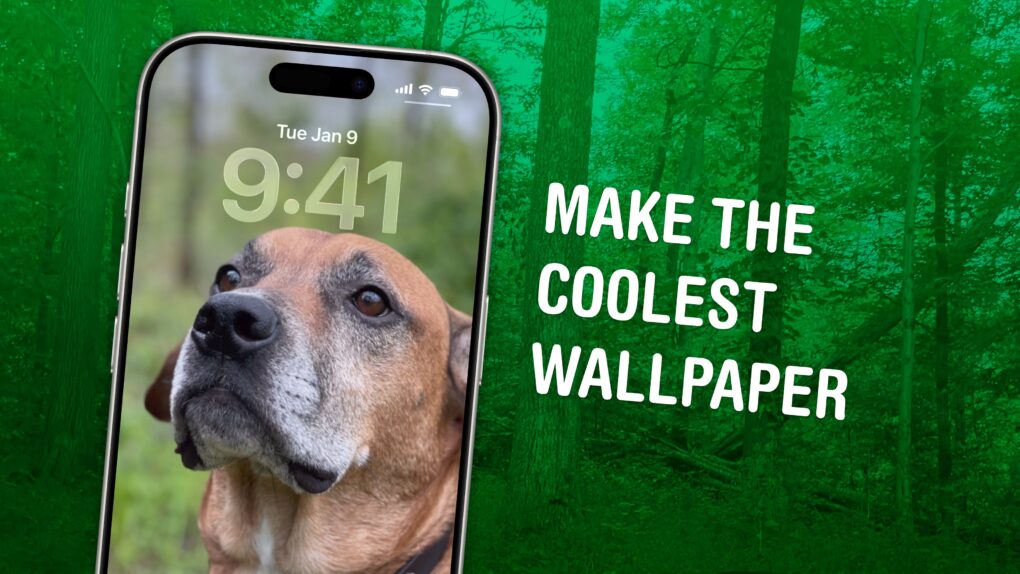
In iOS 26, the awesome new Spatial Scenes feature lets you convert an ordinary 2D photo to a 3D scene that moves in your hand. It doesn’t have to be a recent picture or one taken with a special camera, either. You can try out Apple’s new 3D effect on any decent photo, even if it’s from 20 years ago.
You can play with Spatial Scenes in the Photos app, converting images and seeing how the effect works. But the best part is that you can set one as your iPhone’s Lock Screen wallpaper, and see it every time you unlock your phone. It even works with the excellent Photo Shuffle feature, so you’ll keep getting new ones to gawk at.
Check out the GIFs below that show how Spatial Scenes work, or watch our hands-on demo video.