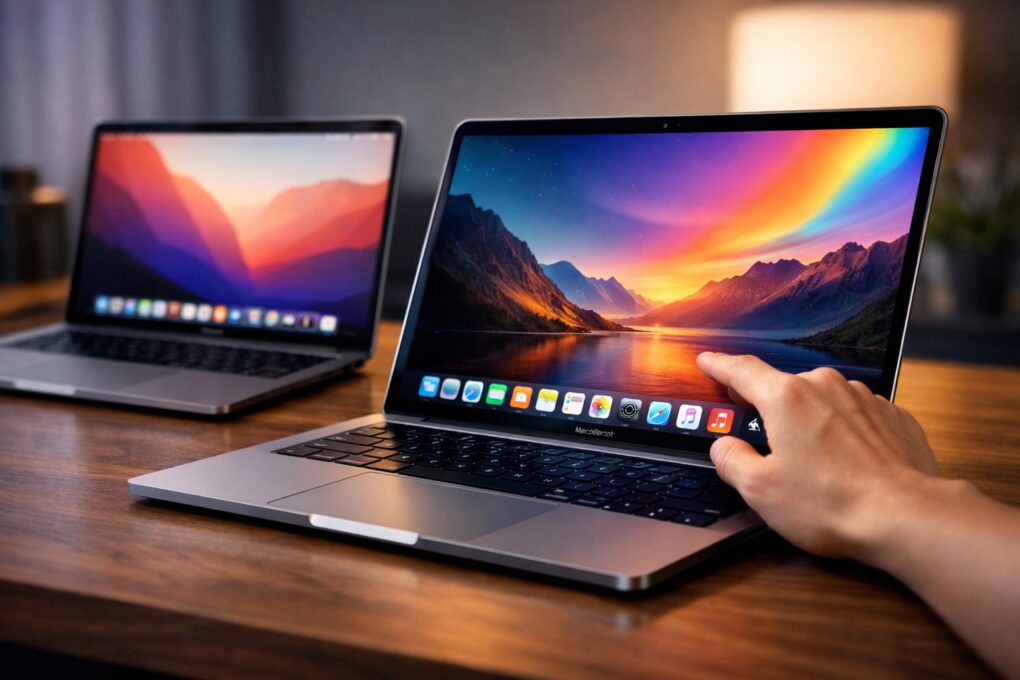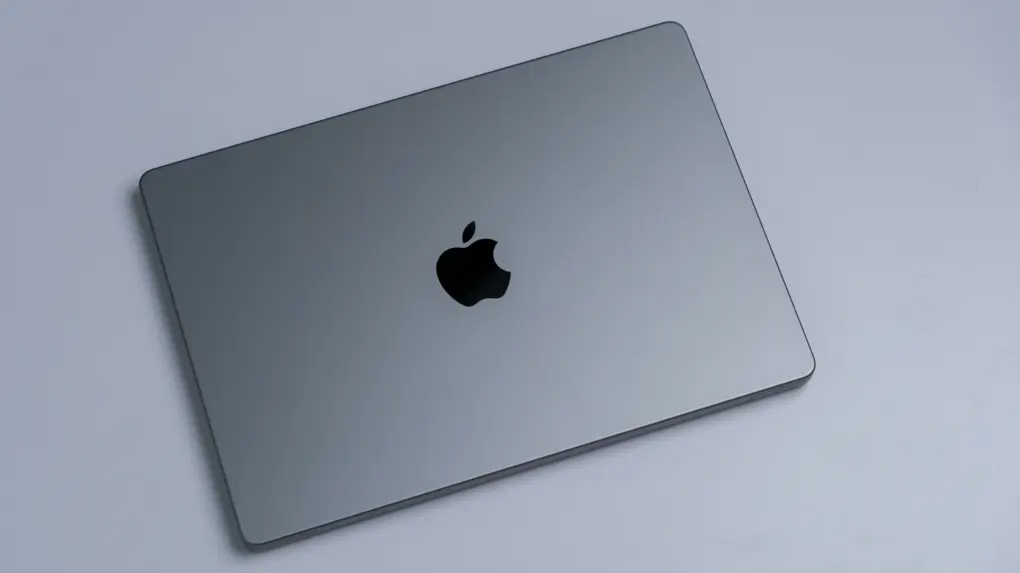
The MacBook’s trackpad is one of the best you can get on any laptop, and Apple’s excellent gestures make it even better. You can swipe or tap with two or three fingers to nimbly jump around macOS, switching between Spaces, viewing all app windows and more.
But as a Mac power user, I wanted my trackpad to do even more. So I used BetterTouchTool to add custom gestures for managing tabs, arranging windows and speeding up other repetitive tasks.
I’ll show you what I did, and how you can use BetterTouchTool to turbocharge your productivity with custom Mac gestures.