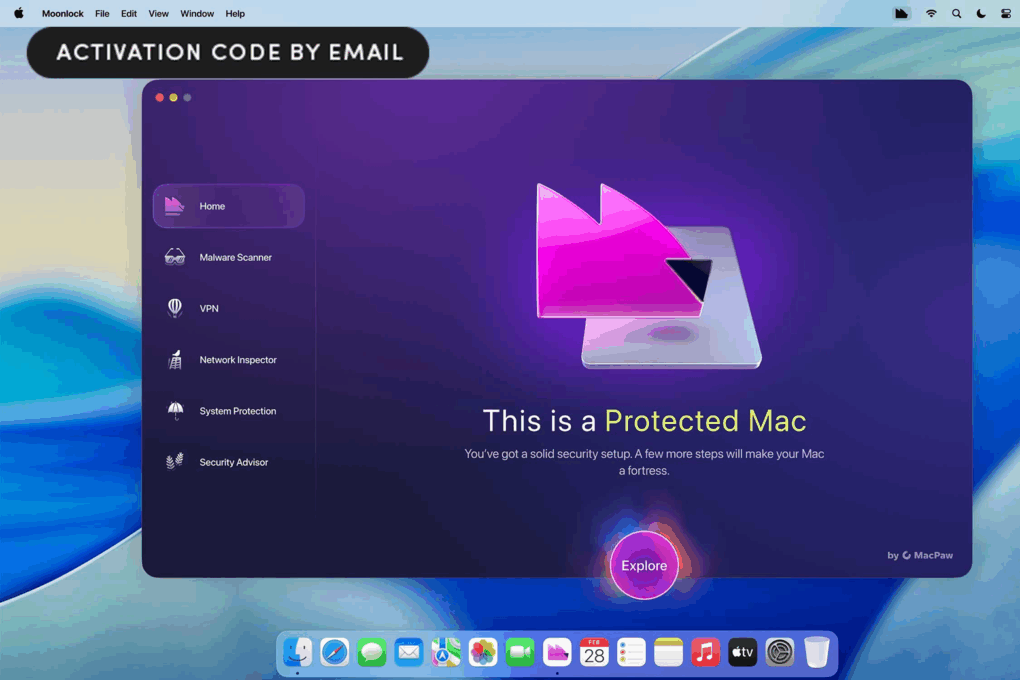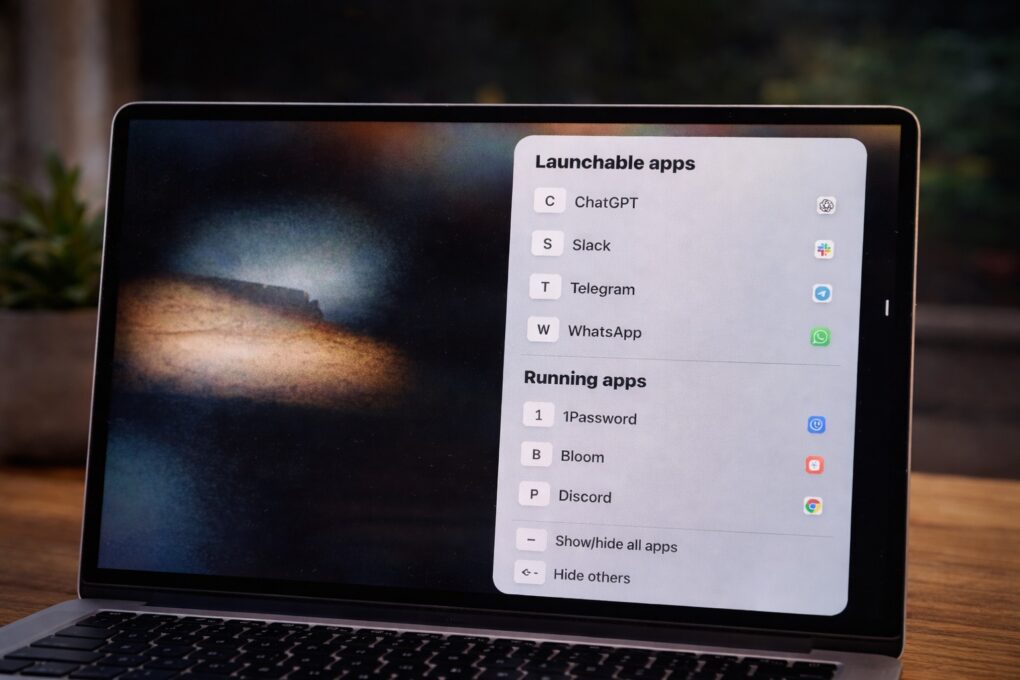
You can get so accustomed to swiping to unlock your iPhone and iPad, that by comparison, clicking to awaken your dozing MacBook seems so… unceremonious. Now SquidMelon brings password-protected “Swipe to Unlock” to the Mac with a new app, Lock Screen Plus.
Sure, it’s boring, but way better than not knowing what you have when you need to.
Yep, you heard it right. Home Inventory is the boringly-named Mac app that will let you create and manage an inventory of the items in your home, using your iOS device as a photo input device. Sounds cool, right? Well, ok, but it at least sounds interesting, yeah?
Keeping track of your stuff is pretty useful, especially if you have to fill out an insurance claim or police report in case of theft. Home Inventory will keep all of it in a database, easily accessible from your Mac or iOS device via a free standalone app, the equally cleverly named Home Inventory Mobile Backup.
When worlds collide – this is ostensibly an iOS tip, but it involves a Mac App, which should technically be an OS X tip, but hey – you probably know how to print from your Mac. It’s more likely that, like me, you have a printer that you use with your Mac and it isn’t one of them newfangled fancy AirPrint ones, neither. While AirPrint protocol has been around since iOS 4, I still haven’t bought a printer with it built in. Hey, mine works just fine, still!
If so, you can print from your iPhone or iPad to the printer connected to your Mac, using Printopia 2, a $20 Mac utility available from developer eCamm.
Amazing: I just liberated 10GB of space on my MacBook Pro’s harddrive that was being held prisoner by backups of iDevices I used to own, but had long since gone. And frankly, I’m not sure I would have found and freed up the space without the $10 DaisyDisk app.
The other day, I was setting up an iPad for a client of mine when I noticed that there was 5 Gb of space being used on the device. When I plugged the iPad into my Macbook Air and opened iTunes, it said that the iPad had 3.9 Gb of space in the “Other” category, but none of the files in the file sharing section of iTunes were that big. This conundrum led me to today’s tip.
The new beta of Skype for Mac and Windows integrates with Facebook to allow video calling between two people. As part of Skype’s new partnership with Facebook, users can access their friends’ Facebook status updates and messages within the Skype app.
AOL has completely redesigned its popular messaging service, AIM, from the ground up with a beautiful, new look for the iPhone, Mac, Windows, Android, and web.
The new apps look absolutely stunning, and several compelling features have been added. AIM’s free apps integrate with popular social networks, like Facebook and Instagram. There is support for Facebook Chat and Google Talk. Users can video chat and group chat. Conversations are synced across apps, and messages sent offline are saved for sending when connectivity is restored.
Coming up on 15 years ago, I tied my first tie with the help of a tiny little Geocities web page, and if I had to pinpoint one moment when I first realized the true extent of the ocean of digital information at my finger tips, it would be that one.
I wonder if TieSight will prove to be an identical sort of watershed moment for some other pimply teenager headed out on his first ‘fancy’ date… not for the web, but for the App Internet. It’s just that wonderful.
Want to take your boring iOS screenshots and add a little flare? Are you a developer looking for an easy way to create iPhone and iPad mockups of your app screenshots?
Screentaker is a new app in the Mac App Store that lets you easily bring your iOS screenshots to life.