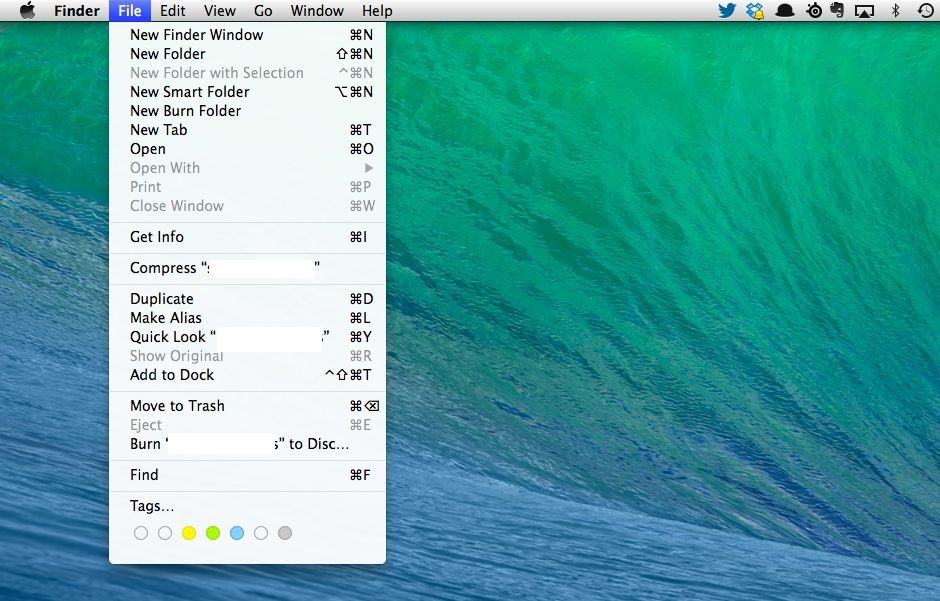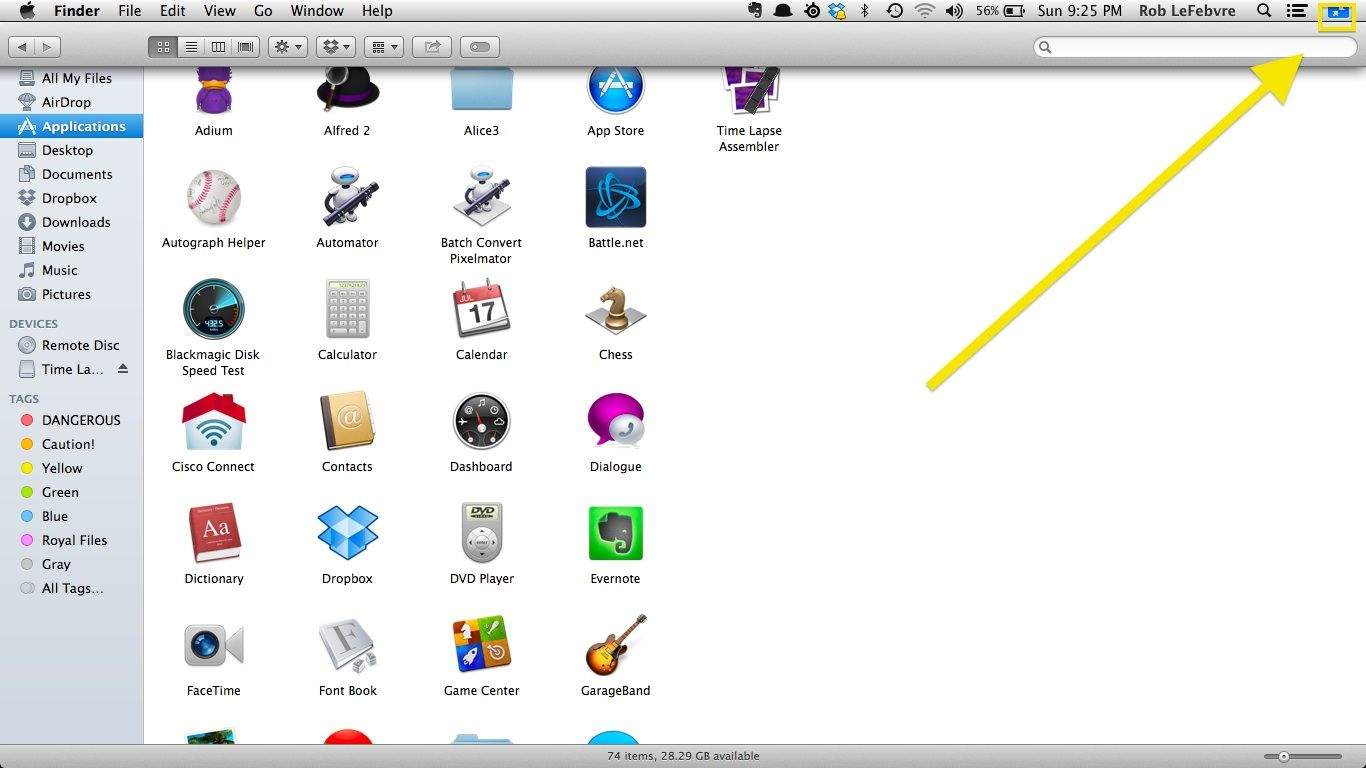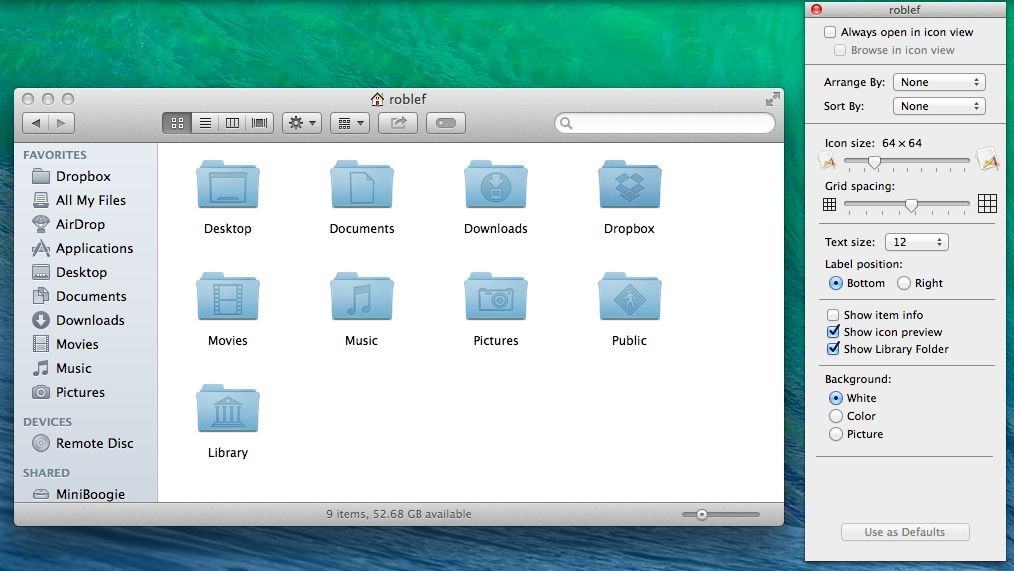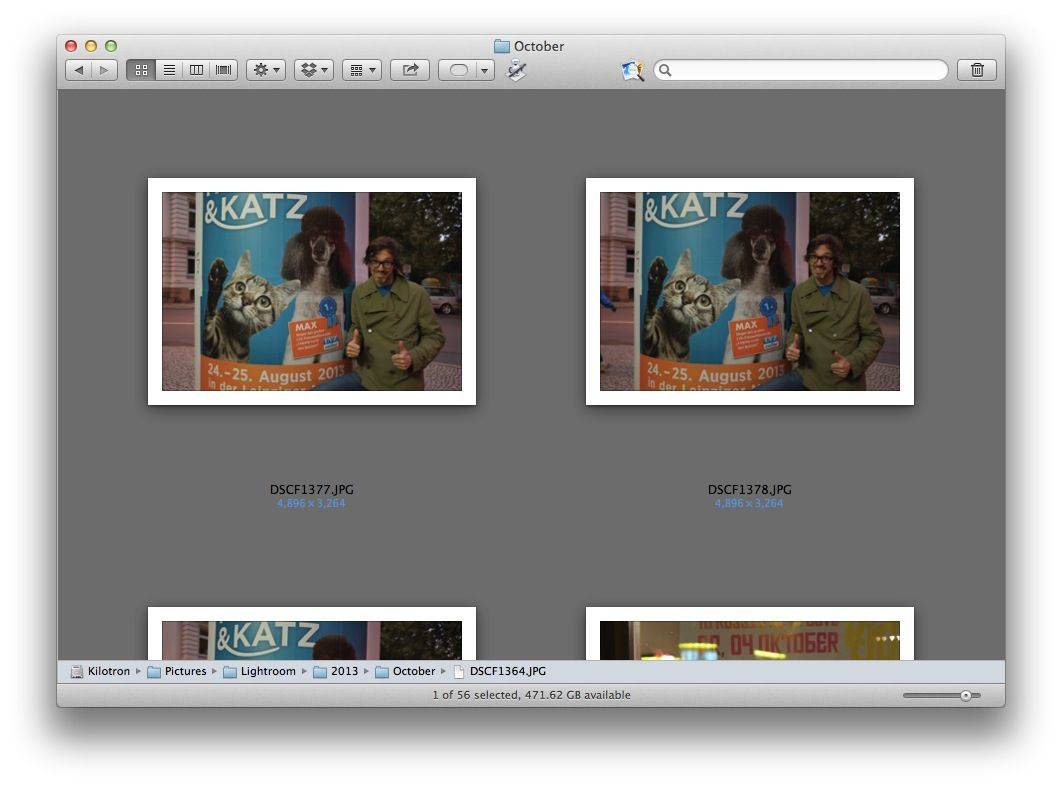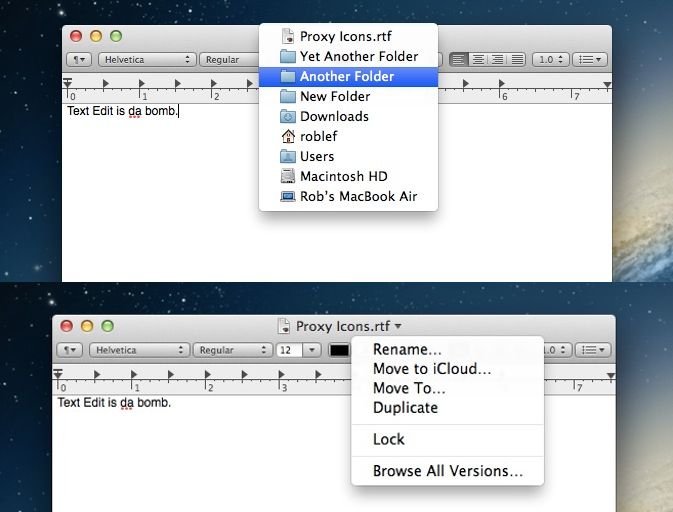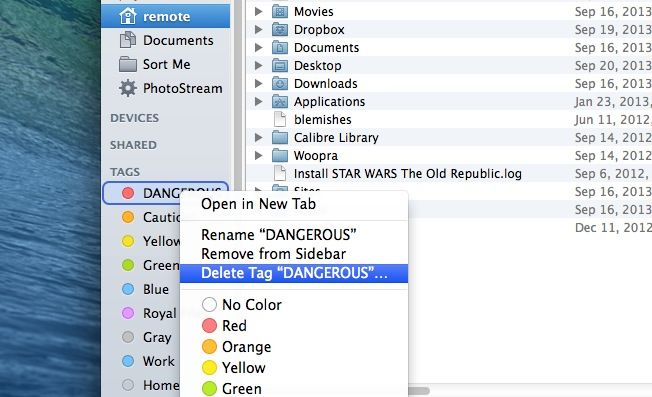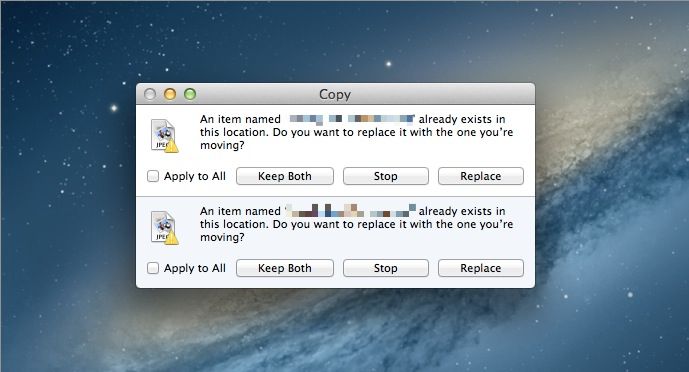
If the Finder spent a few years at the gym, it would look like Path finder
Path Finder has long been a super full-featured Finder replacement for OS X, and now it has been updated to version 6. I have been trying Path Finder on and off for years now, but finally gave up as it’s pretty much impossible to kill the native Finder completely.
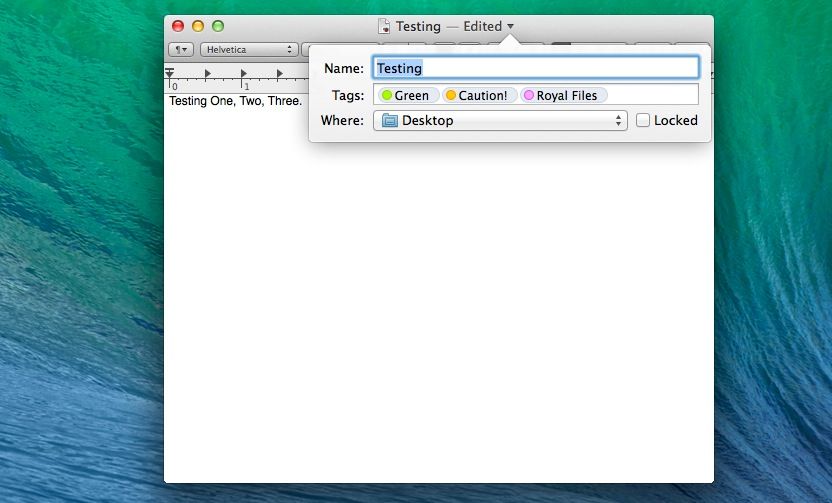
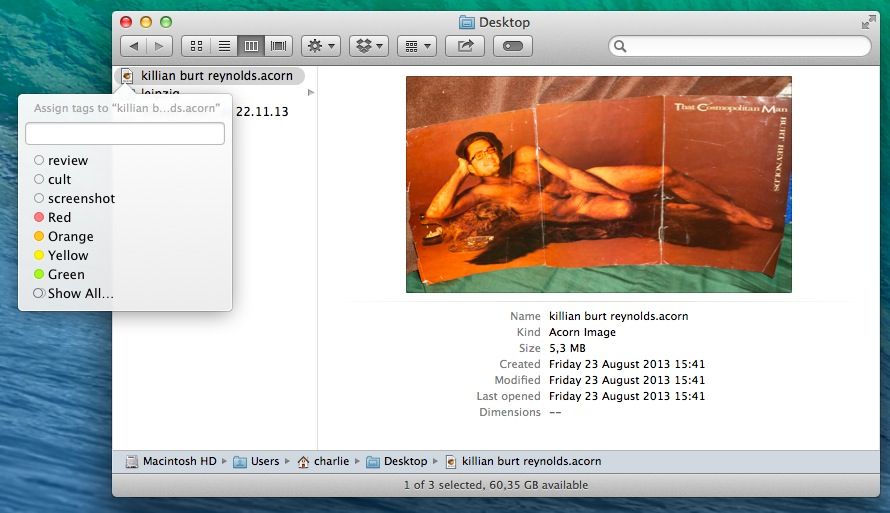
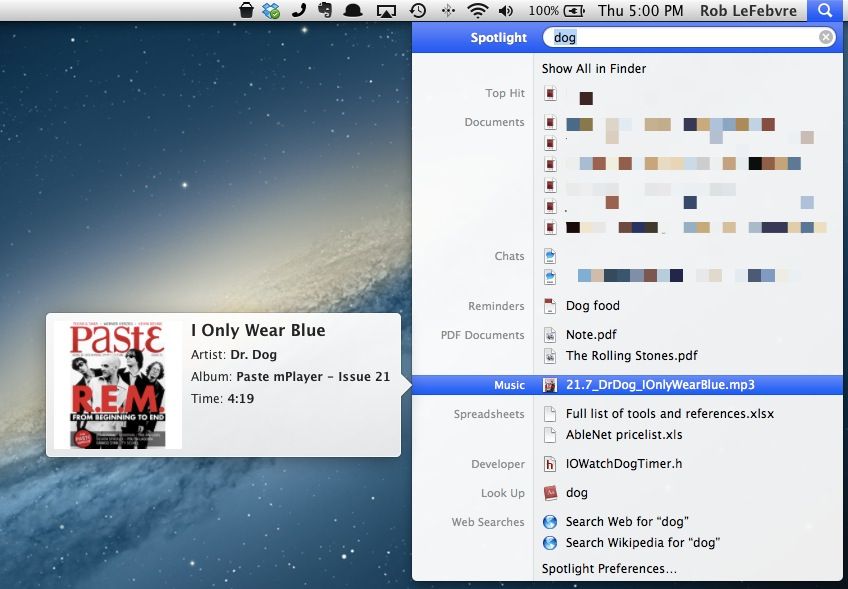
Add to this the fact that the Finder doesn’t suck nearly so much as it used to, and that I find most of what I want with Launchbar and Spotlight these days and I’d all but given up on Cocoatech’s offering. But as v6 adds support for file tagging and batch renaming which – in addition to it’s already impressive line-up of features – might make it worth another look.
Where it belongs... DragonDrop in the Mac App Store
Apple has changed its mind about DragonDrop, the file moving utility that we reviewed here a few weeks ago, and granted the app a place in the Mac App Store after initially saying it would never back down.
If you know your Apple history, you’ll probably know that NeXTSTEP, the grandfather of modern OS X, had a clever feature called the Shelf, a placeholder where you could temporarily drop files while dragging them from one location to another. Sadly, Mac OS X has never replicated this in Finder.
So today there’s a brand new app for OS X that seeks to fix this. It’s called DragonDrop, and you can buy it for five bucks.
Developer Mark Christian released it independently today after weeks of trying to get it into the Mac App Store. Apple weren’t interested, and rejected it every time.
While there are many features in OS X Lion that excite me, one that does not is the Resume feature. Clearly, Apple thought that opening windows from the last time an App was open would be a time saving feature, but I just find it annoying. Are you with me?
If so, we’ve got three separate ways to get rid of this behavior.
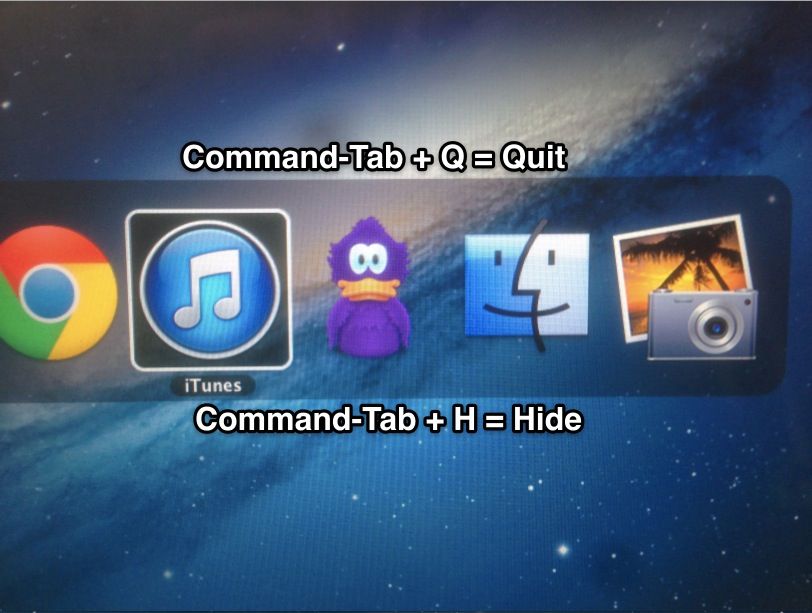
With a quick thumbing of Command+Tab, the built-in OS X Application Switcher is a great way to navigate apps for when your hands are just too busy to leave the keyboard.
One annoyance, though, is that no matter what, Finder is always listed in the Application Swticher, which you may not want to constantly have to be navigating against to go from, say, your e-mail and iTunes. Luckily, for advanced users, removing it from the Application Switcher for good is only a terminal command away.
Wouldn’t it be useful to click a link in Finder that showed only files accessed or created today, yesterday, or within the last week? That would make it significantly easier to find files you’ve been working on but forgotten the location of.
Users of OS X Leopard and Snow Leopard already have this at their fingertips in the Finder sidebar, but Apple saw fit to remove it from OS X Lion, its latest release. Here’s how to restore it.
Apple changed many things on the Finder sidebar with the release of Mac OS X Lion. Probably one of the better changes was how Apple locked down the sidebar. It is now harder to accidentally remove an item from the Favorite section on the sidebar.
If you work in AppleCare or any other kind of support organization you probably want to hug someone for this change, because it probably generated a lot of calls for support in earlier versions of Mac OS X.
You can quickly add items to the Finder Dock or Sidebar with this easy keyboard trick. Although Apple probably meant for it to be primarily used for folders, it actually works on a variety of different file types.
OS X Lion’s Finder is noticeably more drab than its predecessor. The once-colorful sidebar icons have now turned a rather flat shade of gray. In this video, I’ll show you how to restore color to your Finder sidebar icons.
The Mac and Mac OS X have changed tremendously in their nearly three-decade long existence, but some problems stand the test of time. Finder Error Code 36 has plagued Mac users since the Beige Days:
My girlfriend and I have matching 13’ MacBook Pros (4Gigs RAM and both with ample HDs) and are the same “age”. We both are music nuts and have tons of music and my Mac performs beautifully but her computer has been pausing/stalling (with spinning beach ball) when she plays music on iTunes. This happens mainly, but not limited to, when the screensaver starts up. We took it to the Genius Bar and their solution was to disable the screensaver with a hot corner. I find that solution unacceptable.