So far this week, we’ve spent time hacking our Macs via the Terminal, the best darn behind-the-scenes app you can find in Mac OS X. We’ve talked about tweaking the Finder, the user interface, security and privacy, and the Dashboard.
Today, let’s look at a few of the newer features of the OS X world, and how to make them work on older, unsupported Macs using some Terminal magic.
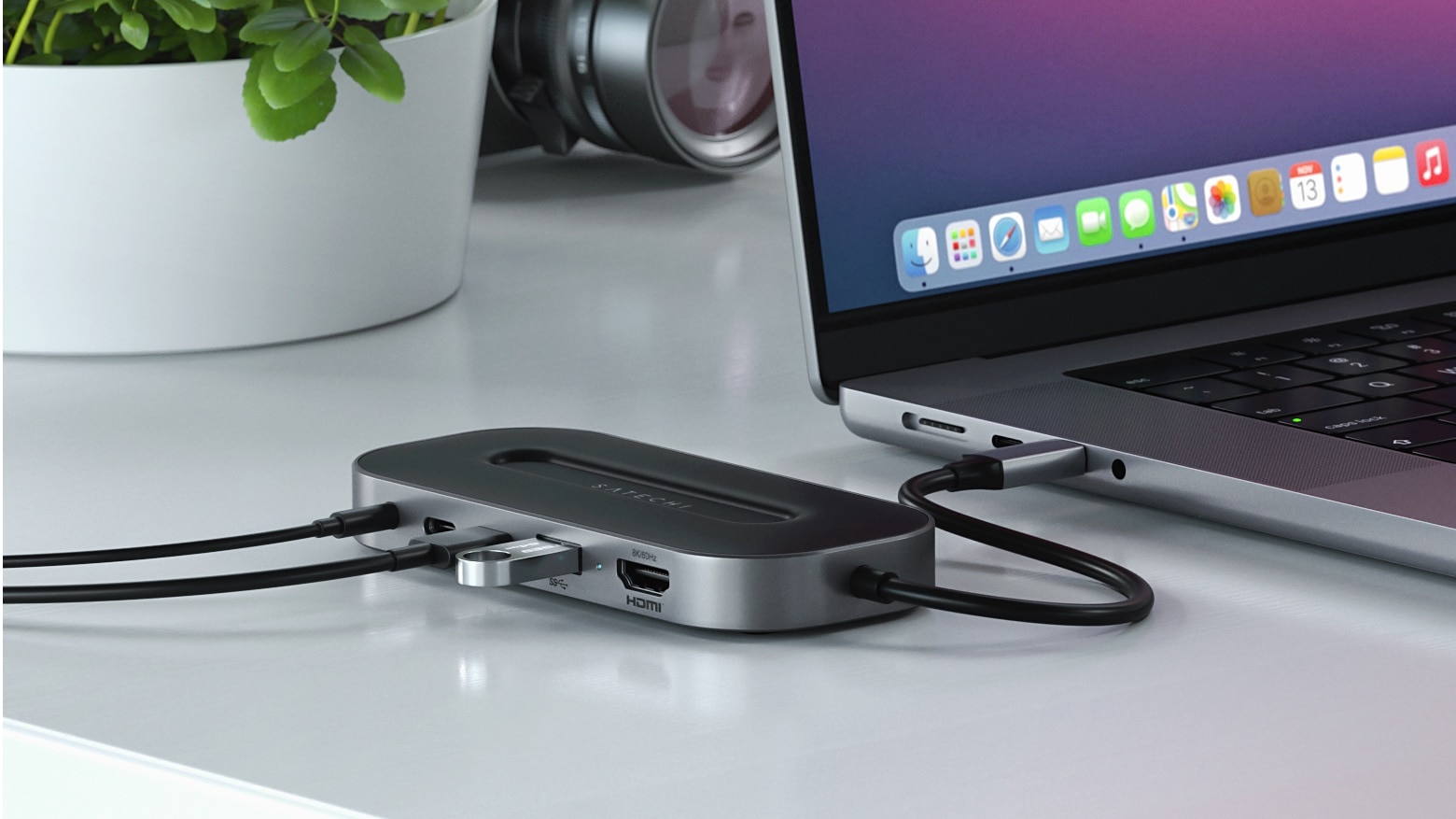
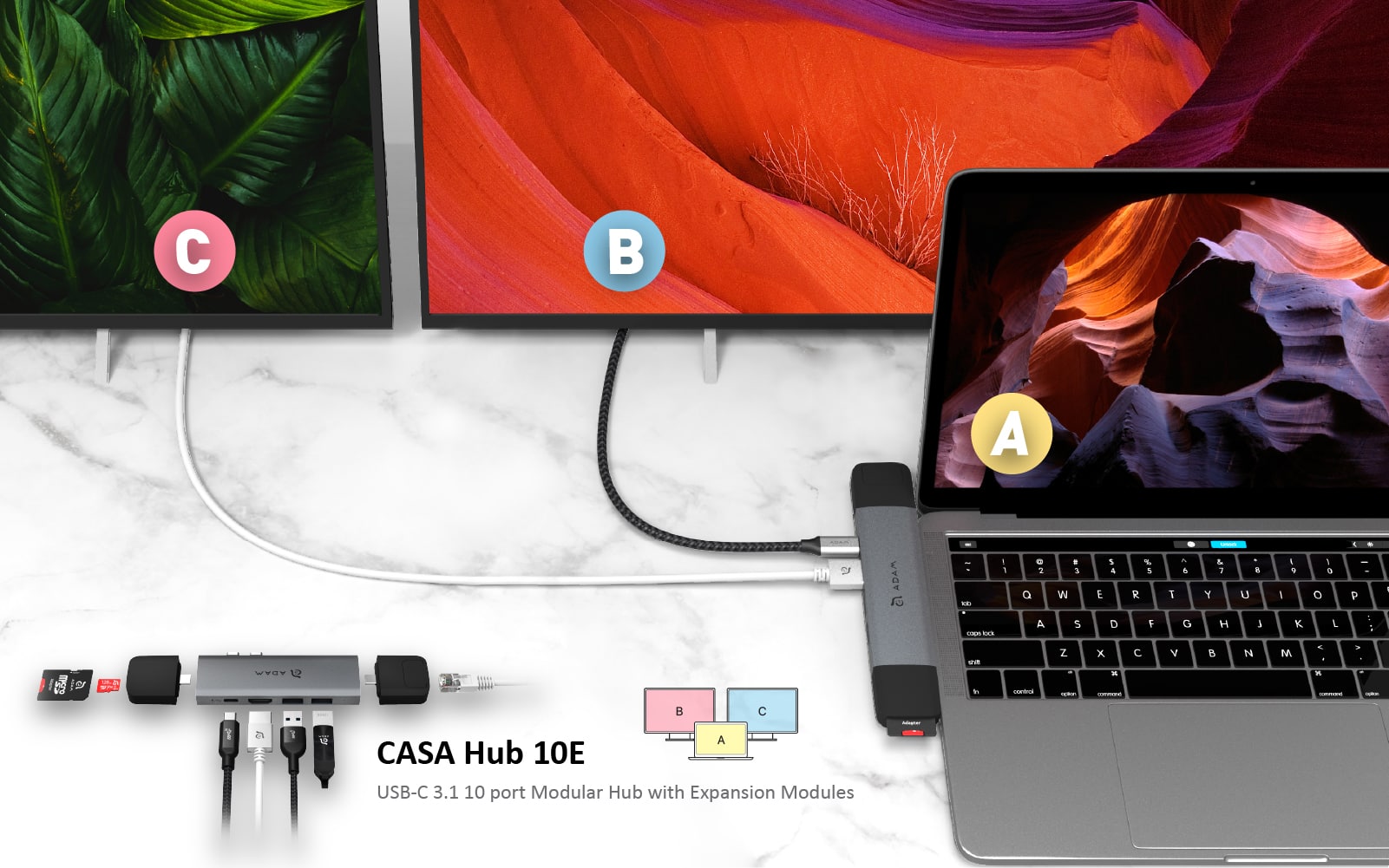
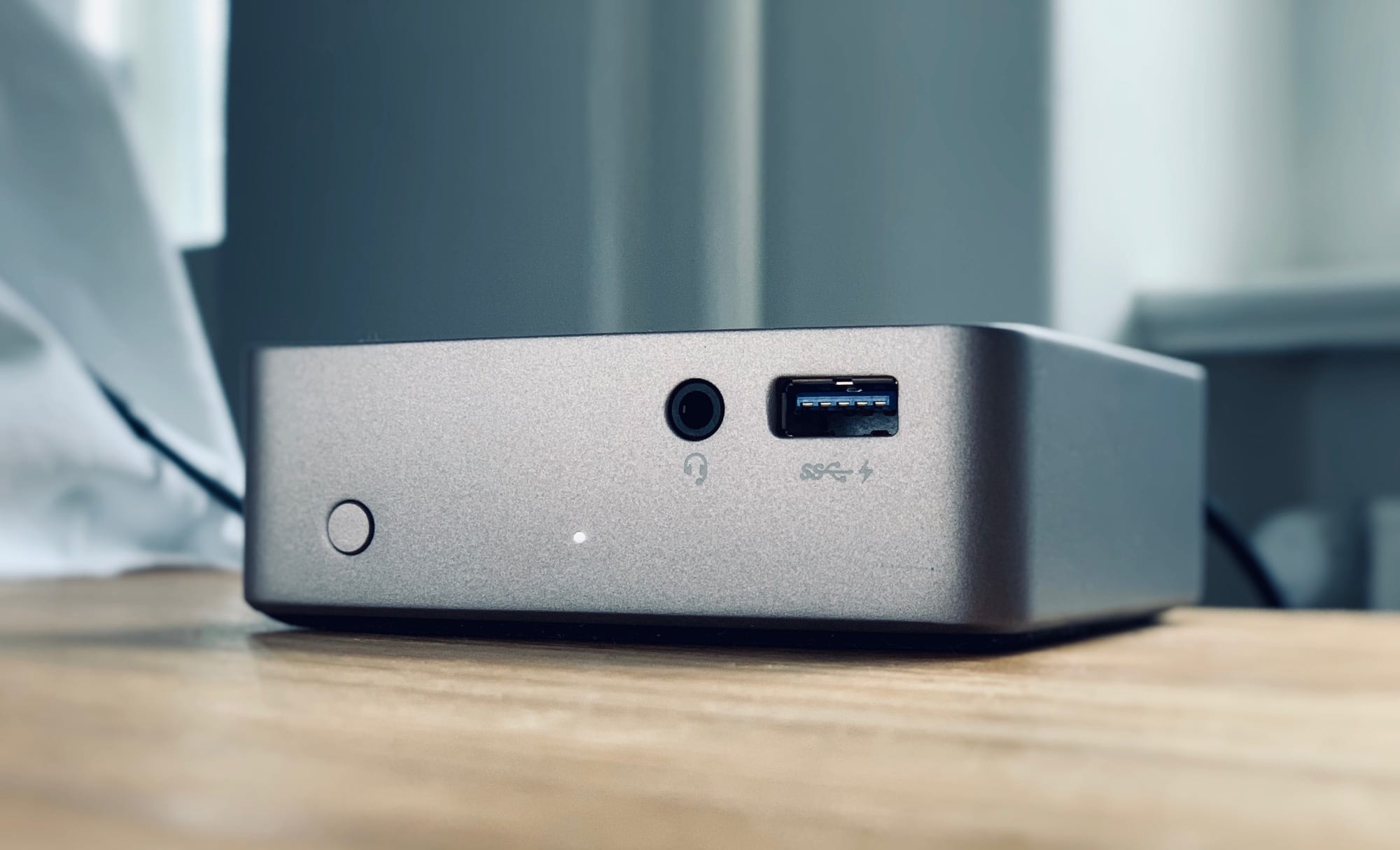
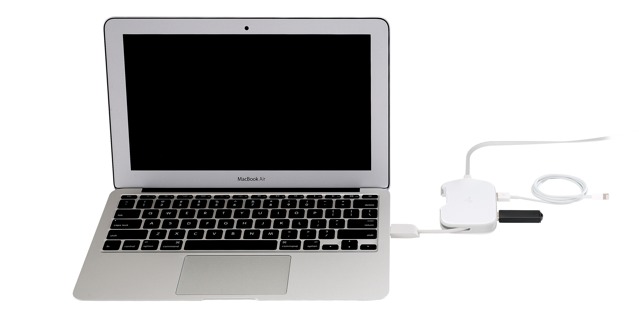
Kanex’s new DualRole will be pretty much essential for hotel-hopping MacBook Air owners the world over. It’s a little pocket-sized box which hooks up to the MacBook’s USB 3.0 port and turns it into three ports plus an Ethernet jack.
Yes, it costs $70, but you can expense that, right?
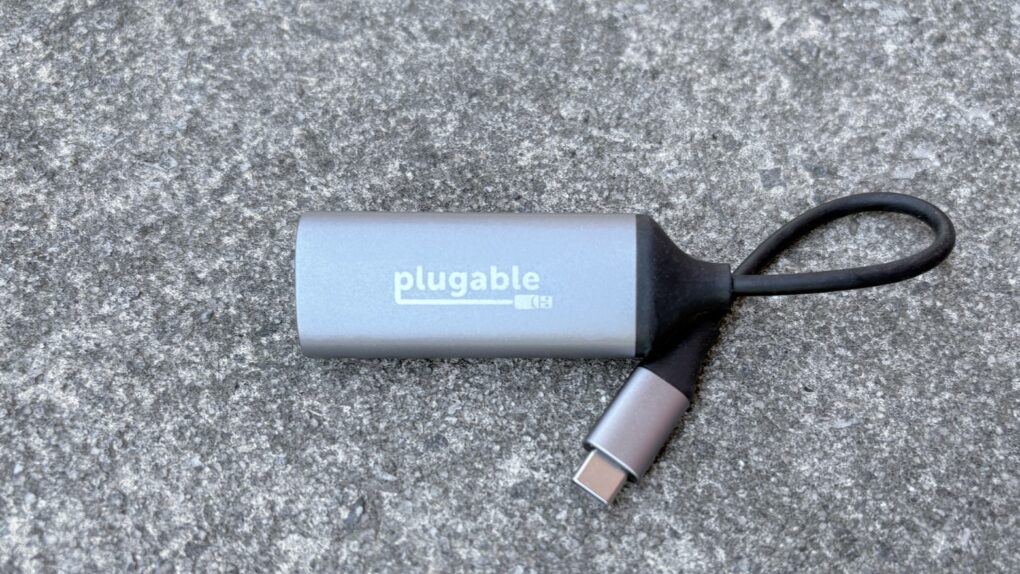
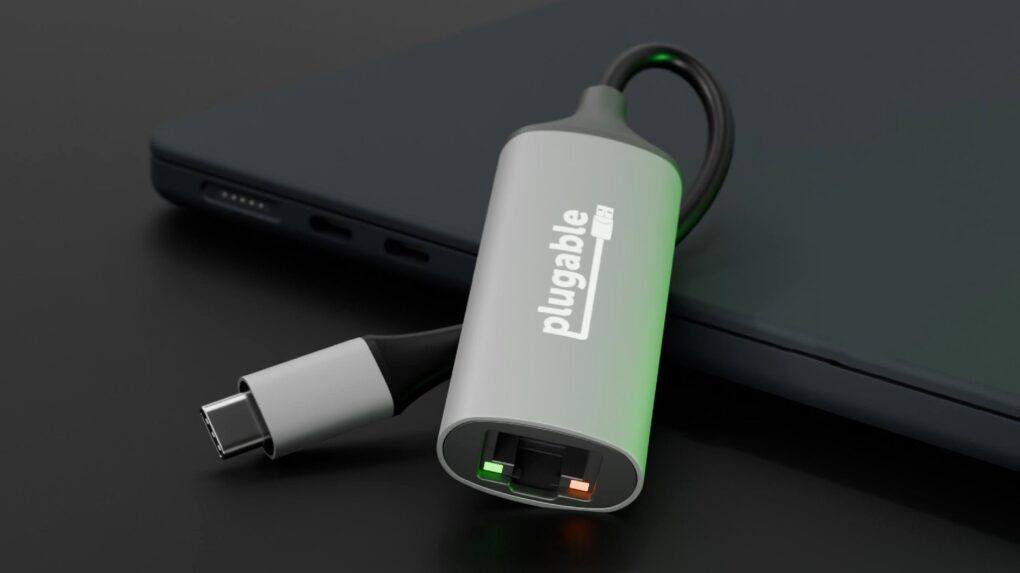
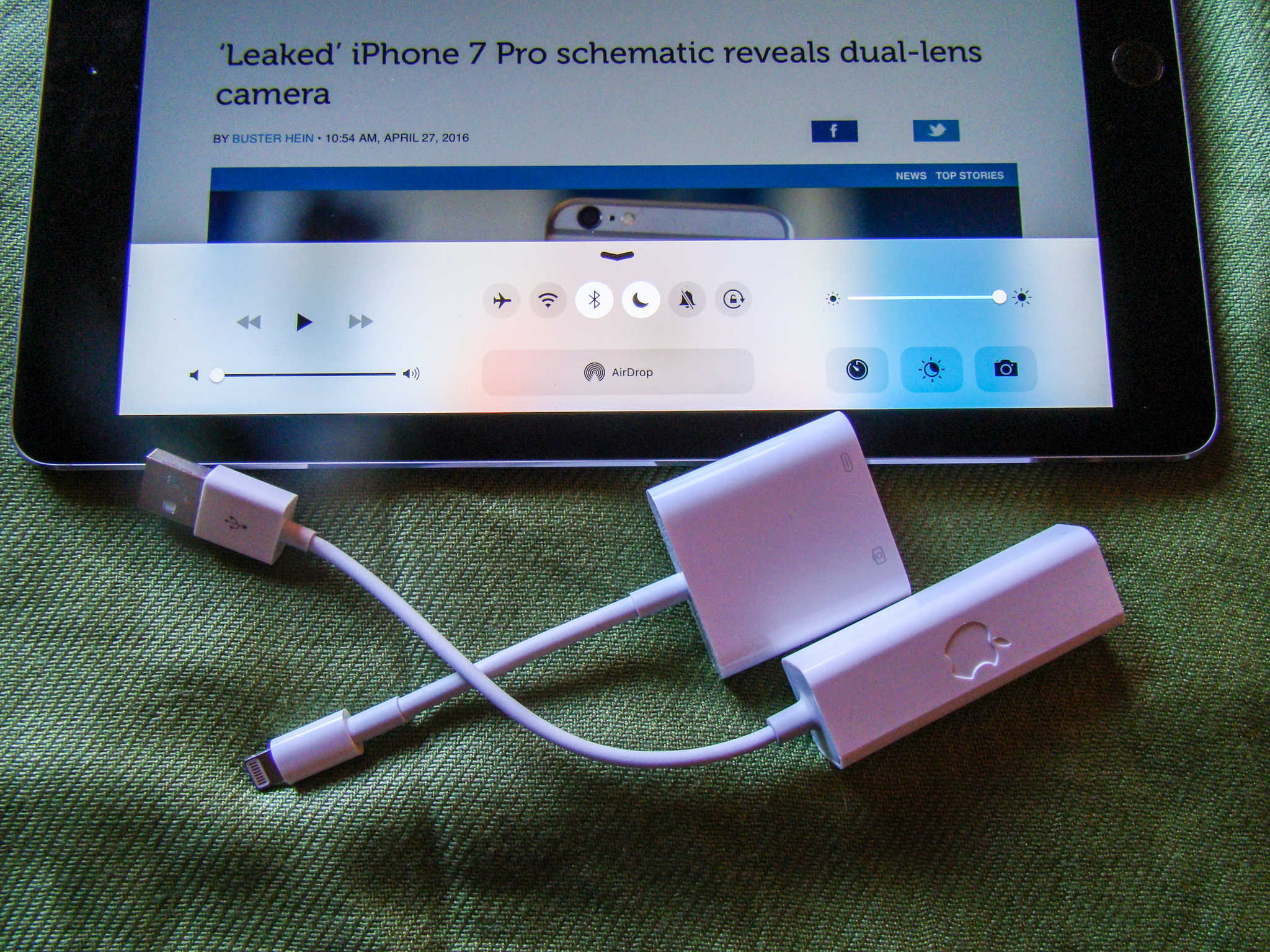
A USB 2.0 Ethernet adapter is a pitiful thing, an ugly workaround only really useful when you find yourself in a Wi-Fi-free hotel room with only your MacBook Air for company.
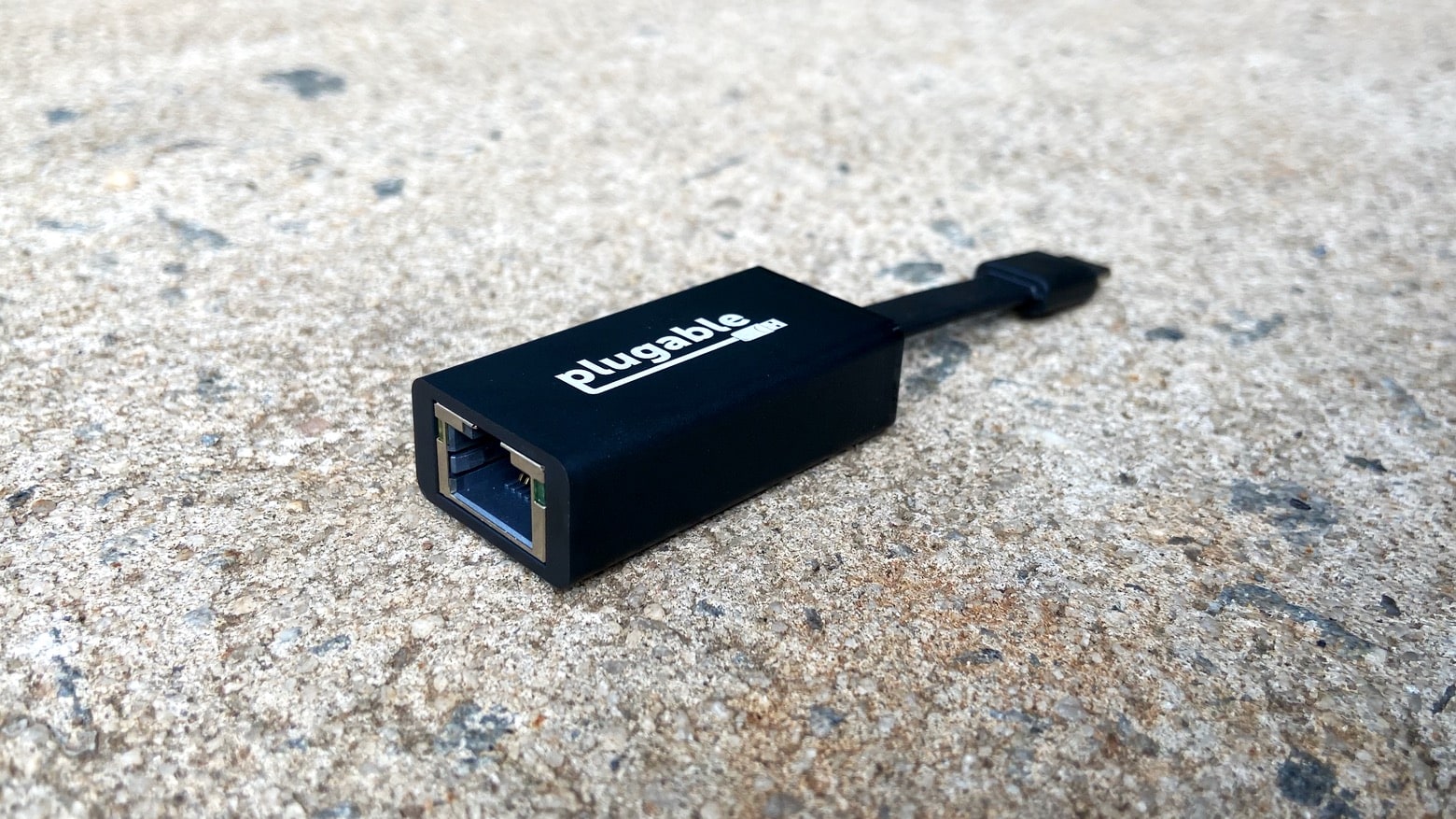
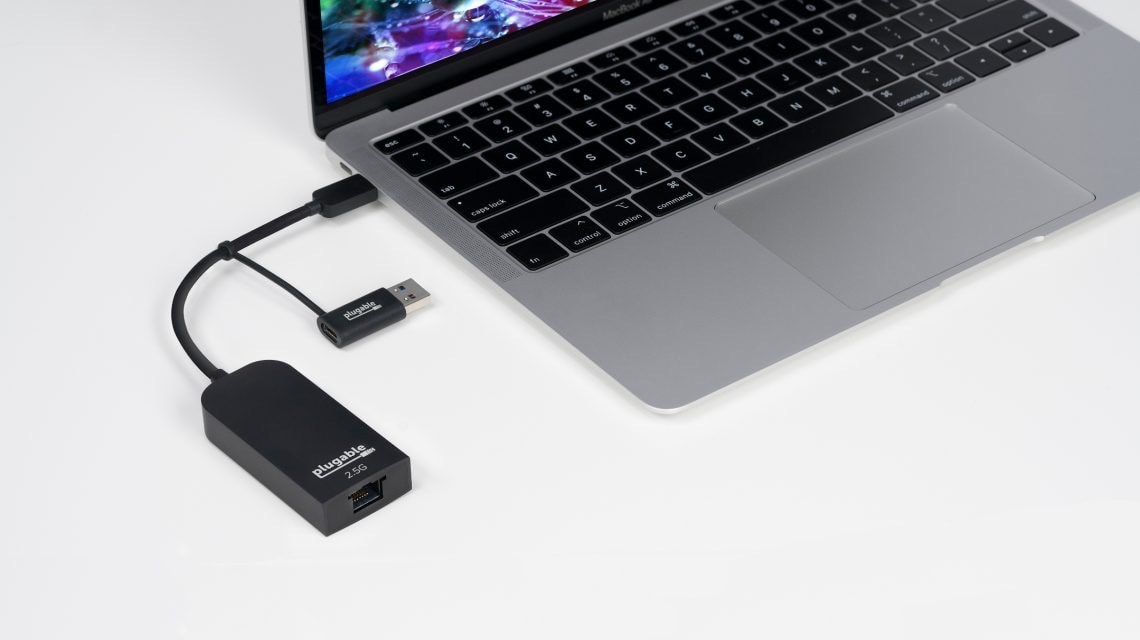
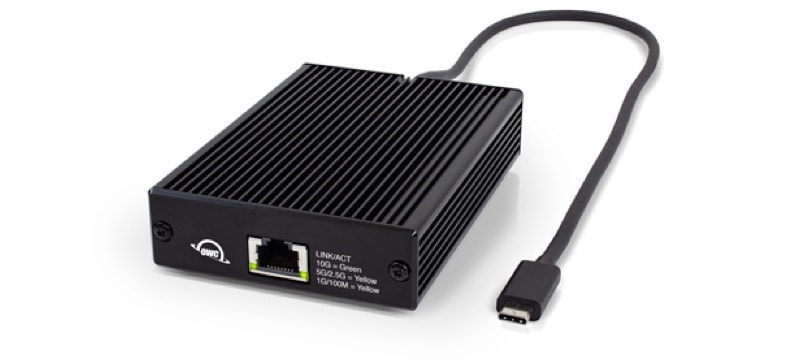
A USB 3.0 Gigabit Ethernet adapter, on the other hand, is every bit as good as having a real 10/1000 network connector hole in the side of your machine.
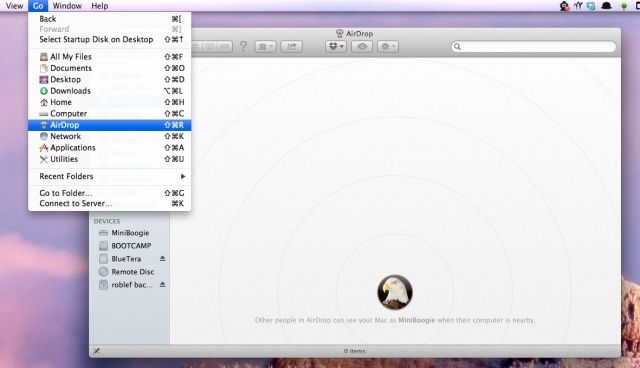
Not to beat up on AirDrop or anything, but not all Macs can use the zero-configuration file sharing technology from Apple. In order to use AirDrop, you must have a a newer Mac, like a MacBook Pro from 2008 or later, a MacBook Air from 2010 or later, or a Mac Mini from mid 2010 or later (full list below)
Luckily, if you can connect your older Mac to an Ethernet cable and network, you can enable AirDrop on an older Mac. Here’s how.
You're in a hotel room, and you want to hook up to the in-room Wi-Fi. And guess what? It sucks, just like at every other hotel you ever stayed at. So Instead you dig out your MacBook and hook it up to the hotel's Ethernet cable, and use internet sharing to generate your own wireless network.
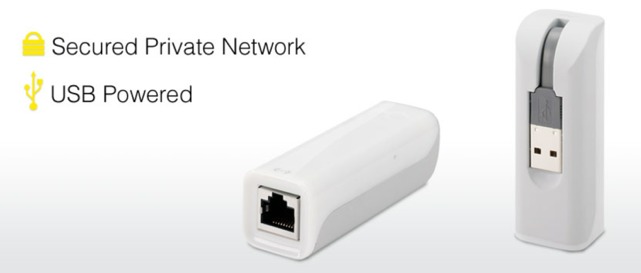
Wait… The newest MacBooks Air don't have Ethernet ports. But don't worry: you can pick up the $60 mySpot from Kanex, a little dongle which takes an Ethernet connector and turns its sweet network payload into a wireless cloud, ready for all your iDevices and your non-Ethernet MacBook Air.
Wi-Fi costs need to be part of mobile/BYOD budgeting
There’s an unforeseen cost for companies as workers become more mobile and trends like BYOD become ever more common. It isn’t the cost of a mobile management solution, deploying iOS apps, or even supporting iPads and iPhones that users want to use to connect to the work email and other business resources.
With a $30 XBox accessory, you can add Wi-Fi to your $6,000 camera
If you have already paid $6,000 for a new Nikon D4, you are either rich enough not to care that adding Wi-Fi costs another $900, or your bank account is now so wiped out that you can’t even afford to charge the battery. If you fall into either camp, though, you might still want to try out his great DIY project which adds Wi-Fi to your supercamera for just $30.
Yes, that is a Parallels Desktop 6 USB stick jammed into a MacBook Pro’s ethernet port, as seen on the official Apple Store page. I wouldn’t give Apple (or Parallels, who likely supplied the image) too much guff about it, though: I’ve made the same mistake a couple of times myself.