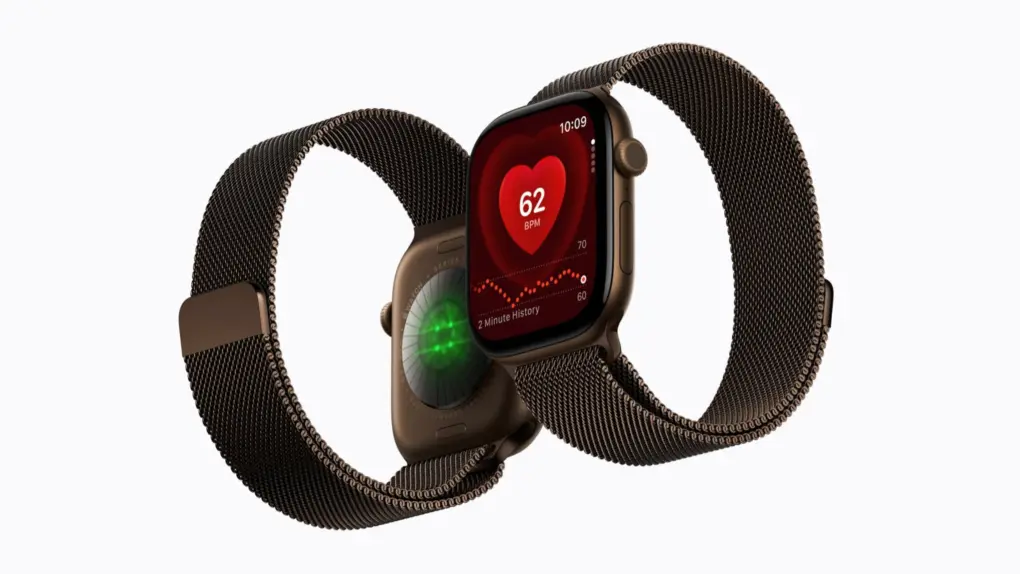
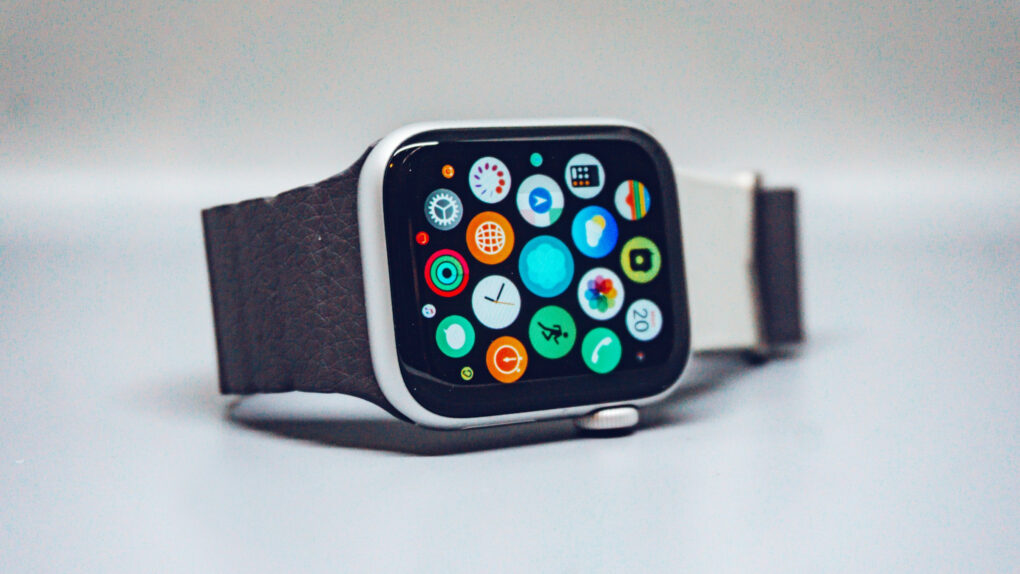
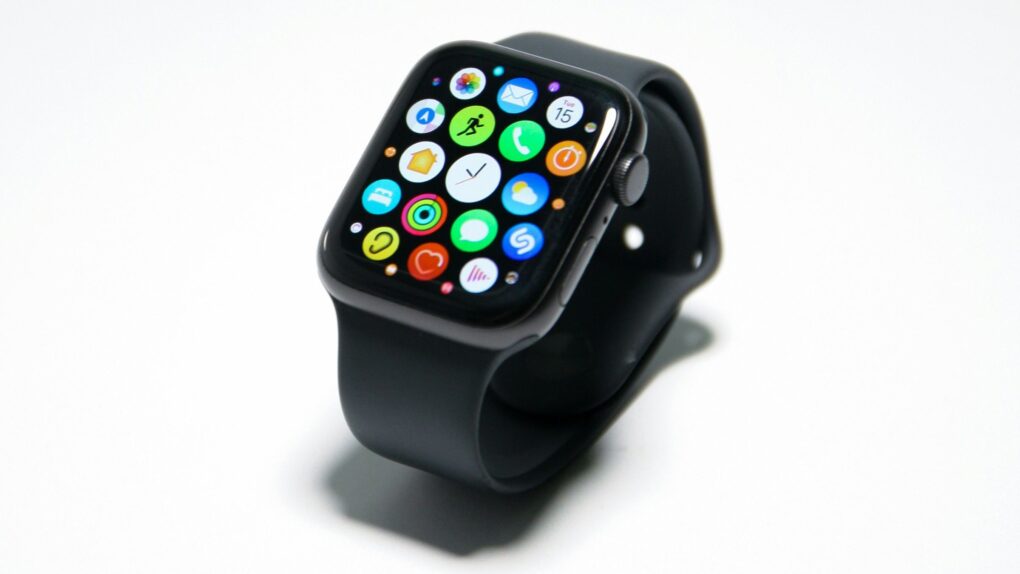
The Apple Watch, which started as a tech/fashion accessory and evolved into a health and fitness devices, is the world’s most popular smartwatch. It can handle a wide variety of the iPhone’s most popular functions — alerts, phone calls, playing music, etc. — and also track a user’s heart rate, sleep patterns and other health-related metrics.
It is an “incredibly accurate timepiece, an intimate and immediate communication device and a groundbreaking health and fitness companion,” Apple said at the product’s launch.
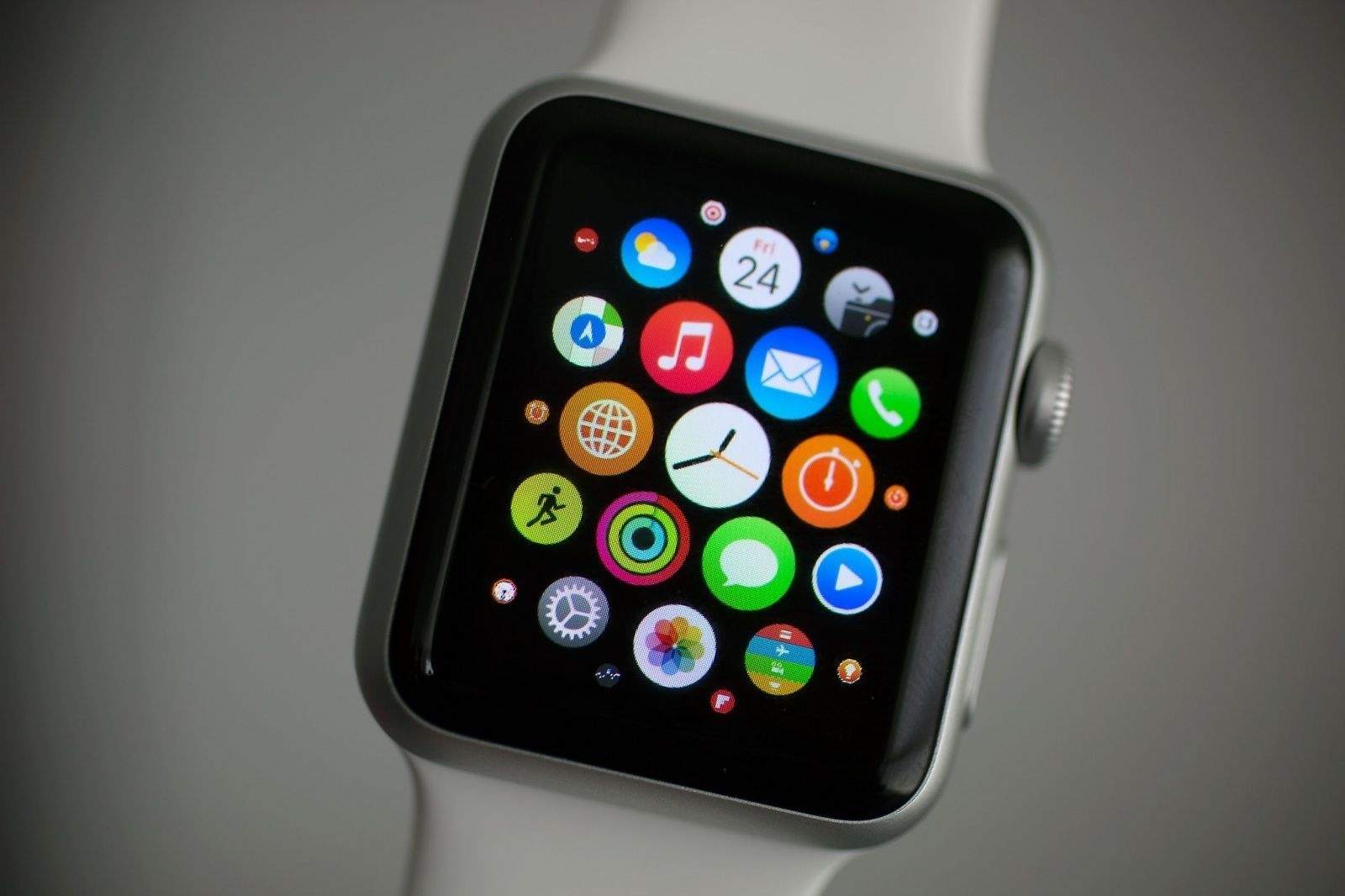
Apple CEO Tim Cook unveiled the original Apple Watch on September 9, 2014, calling it “the most personal device we’ve ever created.” But then the company made anxious consumers wait seven months for the first Apple Watch’s launch on April 24, 2015. With fancy showcases and a $17,000 gold model (called Apple Watch Edition), Apple focused on fashion.
From the very beginning, Apple Watch straps came in a wide variety of colors and were constructed from an array of materials. Plus, they were easily interchangeable, so someone could, for instance, wear a comfortable silicone Apple Watch band during a sweaty gym session, then switch to something much more luxurious for a dinner date.
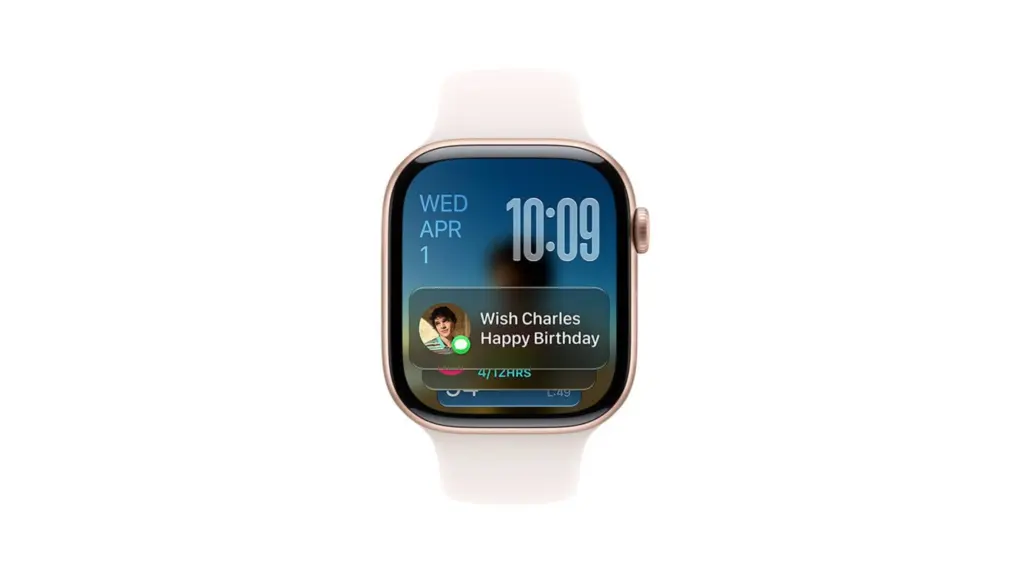
Additionally, users can customize watch faces, manage notifications and install apps tailored to their preferences, using Apple’s Watch app on the iPhone.
Like the iPhone, the Apple Watch utilizes a touchscreen for most interactions. Apple Watch owners also can use Siri voice commands.
Digital Crown and Taptic Engine
The Apple Watch also introduced several innovative features that set it apart from traditional timepieces. The Digital Crown, a small knob on the side of the watch that doubles as a push button, lets users scroll, zoom and interact with the interface without obstructing the display. The Taptic Engine provides subtle haptic feedback, notifying users of incoming notifications or providing prompts during workouts.
When the Apple Watch was released on April 24, 2015, it was met with both excitement and skepticism. Critics questioned its utility and wondered if it would become a niche gadget. However, consumers quickly embraced its sleek design, customizable interface, and array of features.
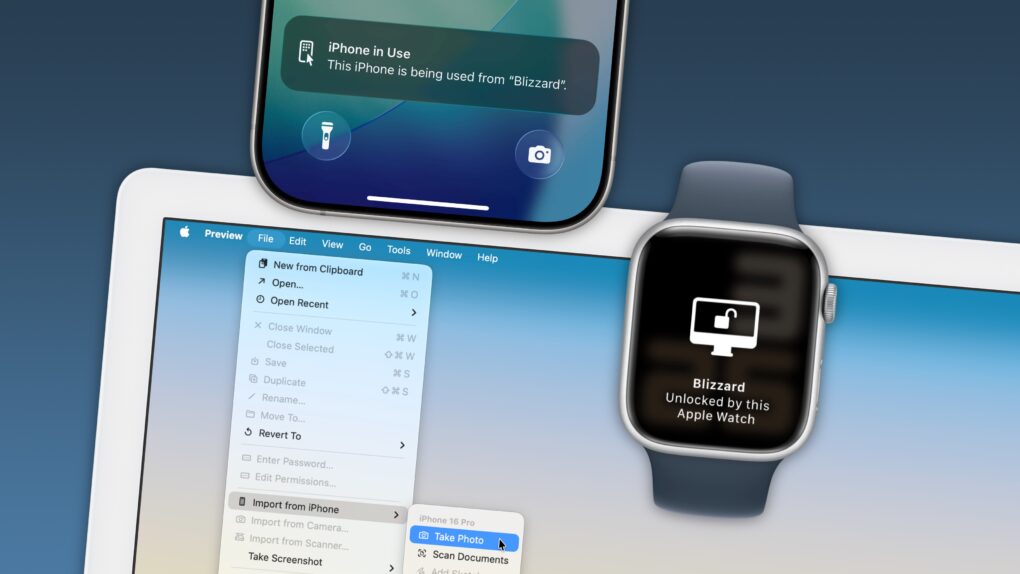
Apple Watch is fully integrated with other Apple devices, particularly the iPhone (which is required to use the smartwatch). Apple Watch can, for instance, be used to unlock a Mac. This seamless integration with the Apple ecosystem helped solidify the device’s place in the market. It quickly became the bestselling smartwatch in the world.
watchOS: The Apple Watch operating system
Just as the iPhone runs on iOS, the Apple Watch runs on watchOS. Apple upgrades the operating system every year, adding features exclusive to new devices as well some for older models. New versions of watchOS typically add new Apple Watch faces as well.
watchOS 1 powered the original Apple Watch. It included nearly two dozen stock apps, including Activity, Alarm, Calendar, Camera Remote, Mail, Maps, Messages, Music, Passbook (which will become Wallet in later versions), Phone, Photos, Remote, Settings, Siri, Stocks, Stopwatch, Timer, Weather, Workout and World Clock.
Key additions over the years include:
Home App, Scribble, Emergency SOS and the Breath app (watchOS 3).
Redesigned Music and Workout apps (watchOS 4).
Podcasts app and Walk-Talkie (watchOS 5).
Cycle Tracking, Noise, Calculator and Voice Memos apps, plus a new App Store for Apple Watch apps (watchOS 6).
Blood Oxygen app for Apple Watch Series 6 models, Activity app renamed to Fitness, plus new Memoji app and automatic handwashing detection (watchOS 7).
Crash Detection and Ovulation apps for Apple Watch Series 8 models (watchOS 9).
Double tap gesture for Apple Watch Series 9 and Apple Watch Ultra 2 (watchOS 10).
Apple Watch models
Apple Watch (1st generation)
Released on April 24, 2015, the original Apple Watch came in three models: the entry-level Apple Watch Sport with an aluminum body, the “regular” Apple Watch with a stainless steel casing and the Apple Watch Edition with a gold body, which cost $10,000-plus. All came with a built-in heart rate sensor powered by infrared and visible-light LEDs and photodiodes.
Apple’s first wearable introduced the Digital Crown and the Taptic Engine for subtle taps on the wearer’s wrist. It ran apps and allowed notifications, and offered health- and fitness-tracking capabilities. It allowed customization through Apple Watch faces and a variety of Apple Watch bands. However, the underpowered single-core S1 chip in the first-gen Apple Watch led to laggy performance.
Sizes: 38mm and 42mm
Apple Watch Series 1 and Series 2
Both released on September 16, 2016, these second-gen Apple Watch models benefited from upgraded processors that improved performance. The Series 1 ran on the Apple S1P, a variant of the dual-core Apple S2 chip with the processor’s GPS capability removed. It also added water resistance for swimming.
Apple Watch Series 2 ran on the Apple S2 with GPS enabled for for tracking outdoor workouts. It came with a brighter display and water resistance up to 50 meters. An Apple Watch Series 2 Edition model came with a white ceramic case.
Sizes: 38mm and 42mm
Apple Watch Series 3
Unveiled on September 22, 2017, Apple Watch Series 3 ran on a dual-core Apple S3 chip and came with an altimeter for tracking elevation. A variant with LTE cellular connectivity via an innovative eSIM allowed calls and streaming of Apple Music tracks and podcasts.
Sizes: 38mm and 42mm
Apple Watch Series 4
Announced on September 21, 2018, Apple Watch Series 4 brought the smartwatch’s first big redesign. Thinner bezels meant a bigger display, and the overall design was streamlined. The display was also much brighter than previous models. A new sensor worked with the ECG app to enable electrocardiograms. (Apple received clearance from the U.S. Food and Drug Administration for the watch’s ECG feature.)
With Apple’s S4 chip, a 64-bit dual-core processor, Series 4 also gained a performance boost. The smartwatch’s improved accelerometer and gyroscope boosted fitness tracking. And a new fall-detection feature could automatically call emergency features if the wearer suffered a fall.
Sizes: 40mm and 44mm
Apple Watch Series 5
Unveiled on September 10, 2019, during Apple’s “By Innovation Only” event, the Apple Watch Series 5 was the first model to feature an always-on Retina display. Clever animations allowed apps to “activate” when the watch was lifted, conserving battery power when the watch was lowered. A more energy-efficient Apple S5 chip brought better performance. And a built-in compass appealed to the outdoors crowd. Apple also added an International Emergency Calling feature for cellular models.
Apple Watch Series 5 Edition models arrived in three case options: ceramic and two titanium finishes (natural and space black).
Apple Watch Series 6
Released on September 15, 2020, during Apple’s “Time Flies” event, the Apple Watch Series 6 added a new sensor capable of monitoring the wearer’s blood oxygen saturation (SpO2). Coming at the peak of the COVID-19 pandemic, it was a perfect health-related feature.
The Apple S6 chip brought increased performance, while the Apple U1 chip enabled support for ultra-wideband technology for short-range communication with other compatible devices. The always-on display was 2.5 times brighter than the one in Series 5. Apple Watch Series 6 also added an always-on altimeter, 5 GHz Wi-Fi support and faster charging.
Sizes: 40mm and 44mm
Apple Watch SE
A budget model also released on September 18, 2020, the first-gen Apple Watch SE ran on the Series 5’s S5 chip. It lacked key features such as an always-on display, ECG and blood oxygen sensors, and support for ultra-wideband and 5 GHz Wi-Fi.
Sizes: 40mm and 44mm
Apple Watch Series 7
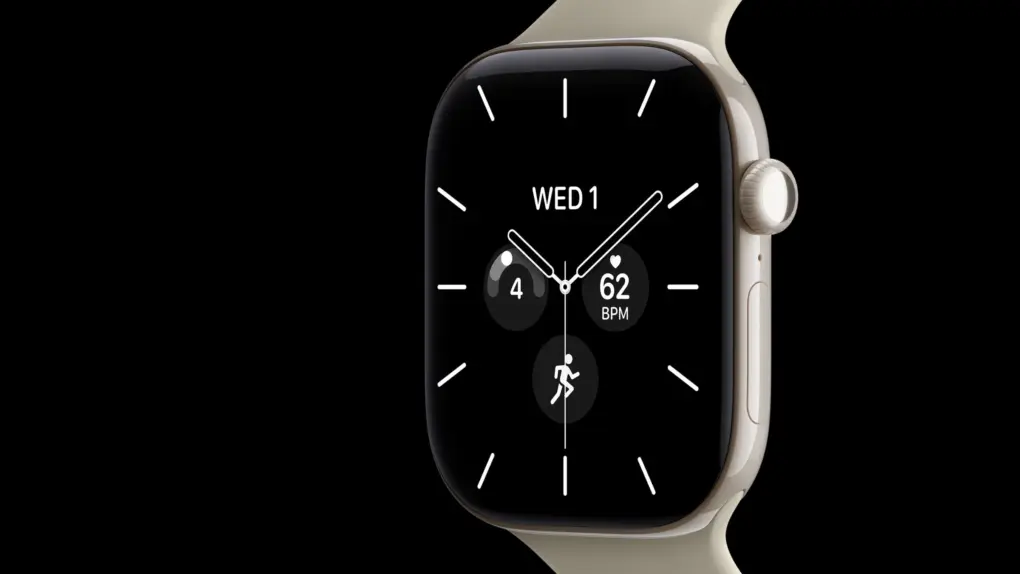
Released on October 15, 2021, Apple Watch Series 7 boasted a larger, more durable display with even thinner bezels. It added faster charging, slightly longer battery life and anIP6X dust-resistance rating.
Sizes: 41mm and 45mm
Apple Watch Series 8
Announced at Apple’s Far Out event on September 7, 2022, Apple Watch Series 8 added a new temperature sensor to power women’s health features like cycle tracking and ovulation estimates. It runs on a faster Apple SP8 chip and also adds more precise accelerometers, and a new Crash Detection feature that can call authorities after a car or motorcycle accident.
Sizes: 41mm and 45mm
Apple Watch Ultra
Also announced at the Far Out event, Apple Watch Ultra is a beefier model aimed at endurance athletes. A larger titanium case (49mm) with a flat front crystal makes it look more like a rugged sports watch. A brighter display proves better for outdoor activities.
A new Action button, which can trigger a specified app or function with a single touch, makes it easier to use in certain situations (like when wearing ski gloves or underwater). Integrated multi-band GPS, a water temperature sensor and a built-in siren also appeal to outdoor adventurers.
Size: 49mm
Apple Watch SE (second generation)
The final of three smartwatches unveiled at the Far Out event, the second-gen Apple Watch SE also runs on the SP8 chip and offers Crash Detection thanks to advanced accelerometers. However, the updated budget model does not feature an always-on display, a temperature sensor or ECG capabilities.
Sizes: 40mm and 44mm
Apple Watch Series 9
Announced at Apple’s “Wonderlust” event on September 12, 2023, the Apple Watch Series 9 runs on a more-efficient Apple S9 chip with a faster GPU and Neural Engine that enable on-device Siri. The main addition is a new “double tap” gesture: When the wearer taps a thumb and forefinger together, it’s as if they tapped the watch’s touchscreen. Series 9 also added a second-generation UWB chip for increased range and precision.
Sizes: 41mm and 45mm
Apple Watch Ultra 2
Also unveiled at the Wonderlust event, the Apple Watch Ultra 2 packs an even brighter display (up to 3,000 nits) as well as the new S9 chip for on-device Siri. The design remains the same, as do many of the rugged watch’s capabilities.
You can now buy the iPhone 18 Pro, Apple Watch Series 12 and AirPods 5 from Apple. Photo: Apple
The wait for Apple’s latest gear is over. The iPhone 18 Pro and iPhone 18 Pro Max hit retail stores Friday alongside the Apple Watch Series 12, Apple Watch Ultra 4 and AirPods 5.
Crowds lined up outside Apple Stores around the world, even as a highly unusual launch cycle took place for the latest iPhones.
watchOS 27 ends the Digital Crown double-click shortcut Apple Watch owners relied on for years. Photo: Apple
Apple quietly killed one of the Apple Watch’s oldest tricks. The Digital Crown double-click action no longer switches between apps in watchOS 27, and longtime users already miss it.
The change lands in watchOS 27, and is related to a new feature in the brand-new Apple Watch Series 12 and Ultra 4, but it is not limited to those models. So the gesture disappears for all those who update, and the feature meant to replace it won’t even work on most people’s devices.
Apple trade-in values fell for almost all older iPhone this week, while iPad and Mac payouts climbed. Photo: Apple
Apple just reshuffled its trade-in values, and most iPhone owners didn’t come out ahead. Trade-in estimates for older iPhones dropped this week, even as values for iPads and Macs increased.
The update comes days after Apple announced the iPhone 18 Pro series but before the expected launch of new Macs and iPads later this year.
Should you ”go for it” just because your Apple Watch says you're ready? Photo: Apple
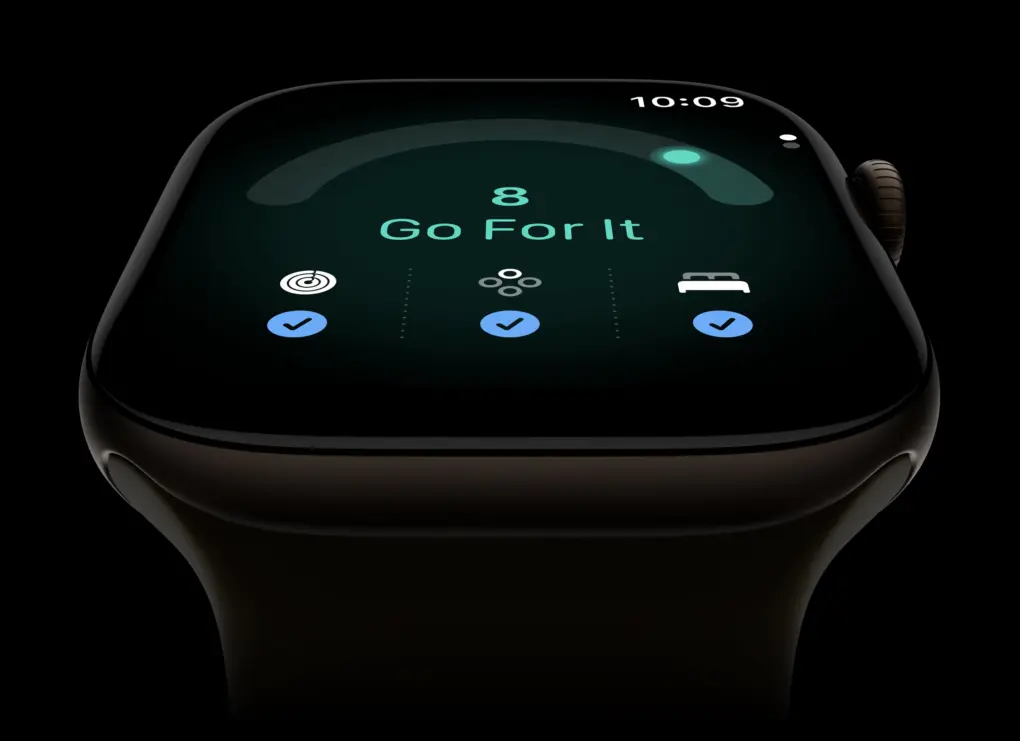
Apple introduced a new fitness feature for Apple Watch called “readiness” during its Surprise and Shine event today. Readiness gives you a score from zero to 10, along with recommendations like “recover,” “pace yourself,” “ready” or “go for it.”
But what exactly is it telling us we’re ready for? According to Apple, your readiness score “tells you when to rest or put yourself to the test.” But can a smartwatch really know that?
What happens when your Apple Watch tells you to “go for it,” but your body tells you otherwise? Most personal trainers will tell you that learning to listen to your body is an important part of training. So what should you do when your body and your Apple Watch disagree?
Apple Watch Series 12 and Ultra 4 get a new S11 chip, redesigned health sensors and on-wrist Apple Intelligence. Photo: Apple
Apple Watch Series 12 finally gets the upgrade long-time owners have been waiting for. The new model pairs the new, faster chip with a redesigned health sensing system. It also brings Apple Intelligence to your wrist for the first time.
Apple unveiled the Apple Watch Series 12 and the beefier Apple Watch Ultra 4 on Wednesday during its Surprise and Shine event. Both watches arrive alongside a new watchOS 27 update. They share the same faster Apple silicon processor and advanced health sensors, and together mark one of the most notable hardware refreshes the Apple Watch has seen in years.
John Ternus talks up the iPhone during his first event as Apple CEO. Photo: Apple
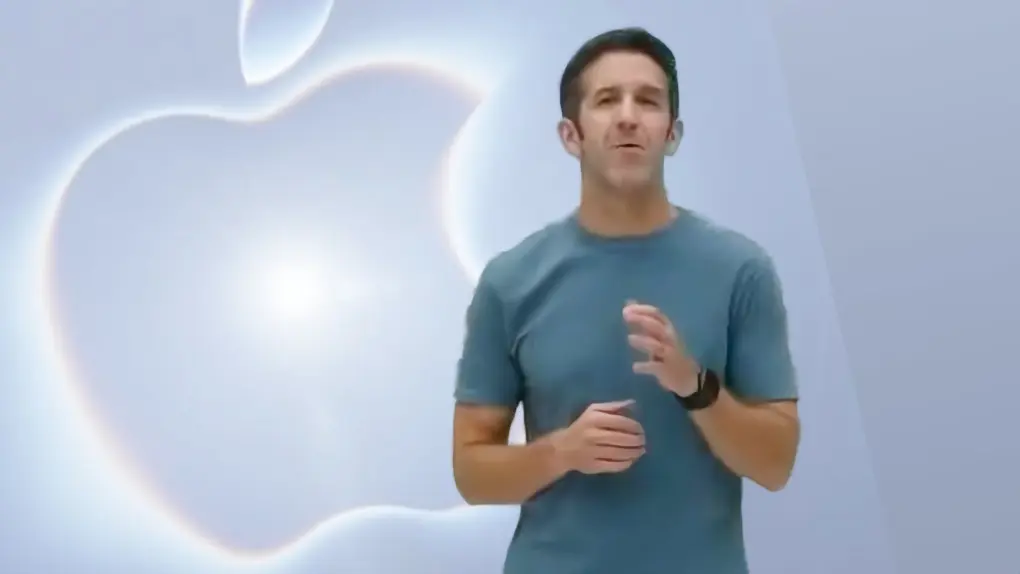
Apple kicked off its Surprise and Shine event Wednesday with a cinematic passing of the torch as former CEO Tim Cook introduced his successor, John Ternus.
Ternus then praised the company’s crown jewel — the iPhone, which he called an “intelligent personal hub” superpowered by artificial intelligence — before unveiling a slew of new products, including the first folding iPhone, known as the iPhone Duo.
Other new and upgraded products included the iPhone 18 Pro and iPhone 18 Pro Max, Apple Watch Series 12, Apple Watch Ultra 4 and AirPods 5. Plus, various Apple execs also showcased new software features coming soon in iOS 27 and the company’s other software platforms.
“iPhone sits at the center of an amazing ecosystem of intelligent features and experiences that work seamlessly across the products you use every day,” Ternus said, before name-checking the new AI-powered Siri and advanced features in the new Apple Watch and AirPods.
“Simply put, iPhone brings powerful AI capabilities together with your personal context on the device you have with you all the time,” Ternus continued. “So today, we’re going to take these experiences even further with the next generation of iPhone.”
The hidden watchOS 27 Readiness app may point to a bigger health push for Apple Watch. Photo: Apple
The watchOS 27 Readiness app could be the Apple Watch’s most interesting new feature. It’s still hiding in unreleased beta code, with no interface in sight. But clues suggest it could reshape how your wrist tracks recovery.
The Readiness app is just one of the many finds recently pulled from watchOS 27’s code. Beta references also point toward deeper strength-training data and a possible storage bump for future Apple Watch models.
How will Apple change under new CEO John Ternus? We're about to find out. Image: Apple/Cult of Mac
This week on the Cult of Mac podcast: New Apple CEO John Ternus steps into his role with a wealth of hardware experience and a supremely promising product pipeline. And he’ll lead his first Apple event next week.
What will he hit us with during the Surprise and Shine event? And how will he change Apple going forward? There’s lots to ponder.
Also on the Cult of Mac podcast:
Will the iPhone 18 Pro upgrades be big enough to lure us into upgrading? It looks increasingly unlikely.
Rumors indicate the first folding iPhonewon’t get a certain accessory that practically nobody wanted, but will get a feature that almost everybody loves. So that’s a win.
What to expect from the next Apple Watch models, which should arrive next week as well.
Listen to this week’s episode of the Cult of Mac podcast in the Podcasts app or your favorite podcast app. (Be sure to subscribe and leave us a review if you like it!) Or watch the video version, embedded below.
John Ternus is ready to say "Hello" at Apple's Surprise and Shine event. Image: Apple/Cult of Mac
Apple’s September product launch event kicks off on Wednesday, and there is so much to look forward to. It’ll be a milestone for the company in multiple ways.
First off, the “Surprise and Shine” event be the first with John Ternus welcoming everyone, not Tim Cook. He became Apple CEO just days ago, and will surely be acting as ringmaster for all the announcments.
That will keep him busy, with plenty of new products on the agenda. The first folding iPhone is expected to be the star of the show, joined by the iPhone 18 Pro and Pro Max, Apple Watch Series 12 and Apple Watch Ultra 4, with potentially even more products in store.
Here’s everything expected to take the stage at the Steve Jobs Theater in Apple Park on September 9.
Does your state support digital IDs? Image: D. Griffin Jones/Cult of Mac
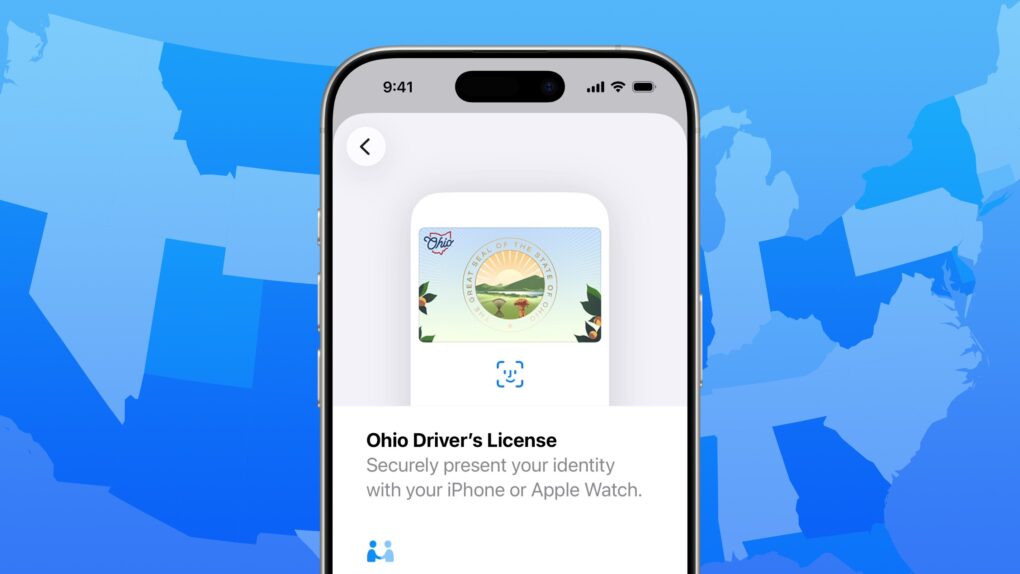
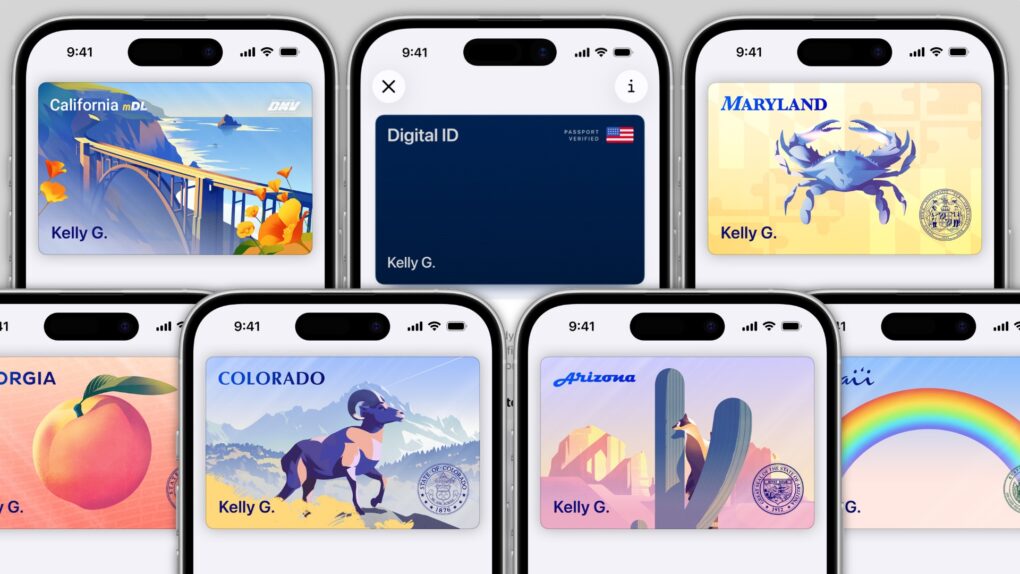
When will you be able to add your driver’s license or state ID to Apple Wallet on your iPhone? In the United States, it varies by where you live. It’s not up to Apple: Each state and territory maintains a completely independent registry of drivers and identification cards, so each one must independently pass legislation and implement digital IDs.
If you live in Arizona, Arkansas, California, Colorado, Georgia, Hawaii, Illinois, Iowa, Maryland, Montana, New Mexico, North Dakota, Ohio, Oklahoma, Puerto Rico or West Virginia, you can do it today. (Our guide will show you how to add your driver’s license to Apple Wallet.) Otherwise, check our map and lists below to see how likely your state is to let you add your ID to Apple Wallet, and when it might happen.
In several states, Apple’s state ID initiative enables iPhones and Apple Watches to hold a digital copy of the user’s driver’s license, in the same way these devices store credit cards and airline tickets. And across the United States, you can create an Apple Digital ID based on your passport that can get you through some airport security checks.
The day when an iPhone can completely take the place of an old-fashioned wallet remains years away, but it’s a goal Apple is working toward. Apple Pay is making progress on replacing credit cards, you can put airline tickets in the Wallet app, and the same goes for loyalty cards.
But no wallet is complete unless it can hold an ID. And that’s where Apple’s digital ID initiative comes in. Here’s what you need to know to add your driver’s license, state ID or federal passport to your Apple Wallet.
Cult of Mac is not legally responsible if you are still late after turning on this feature. Image: Crew/Wikimedia Commons/D. Griffin Jones/Cult of Mac
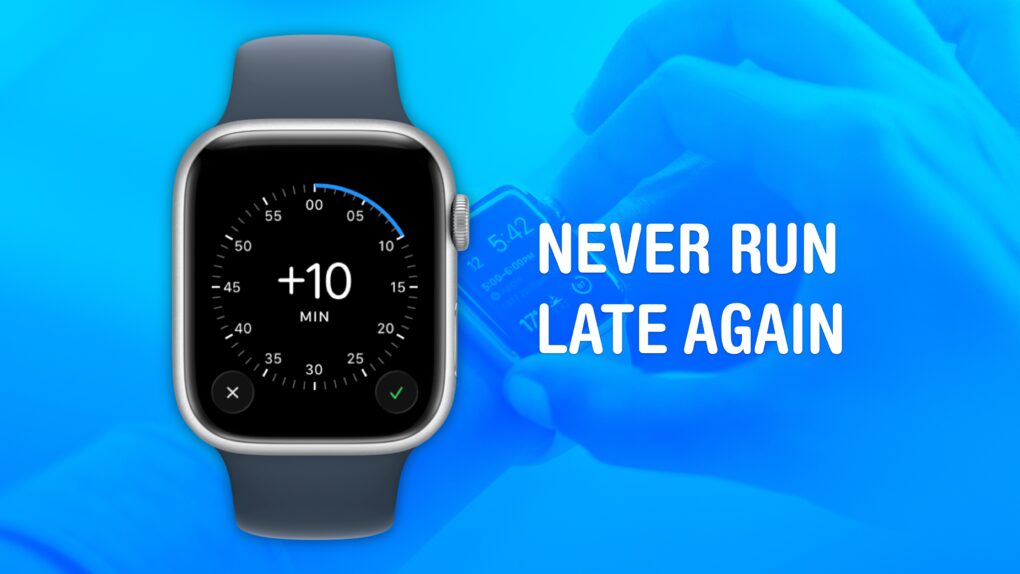
Set your Apple Watch time a few minutes ahead of the actual time and you might trick yourself out of running late every day. This is an officially supported feature, not a hack that will produce cascading, annoying side effects. And it doesn’t require you to set your smartwatch out of sync with internet time, which can also cause problems.
What will you gain? By running your Apple Watch a few minutes fast, you might nudge yourself to rush out the door a little earlier. And that might be enough to get you somewhere on time rather than late. If tardiness is a frequent problem for you, this little anti-procrastination tweak could save your skin.
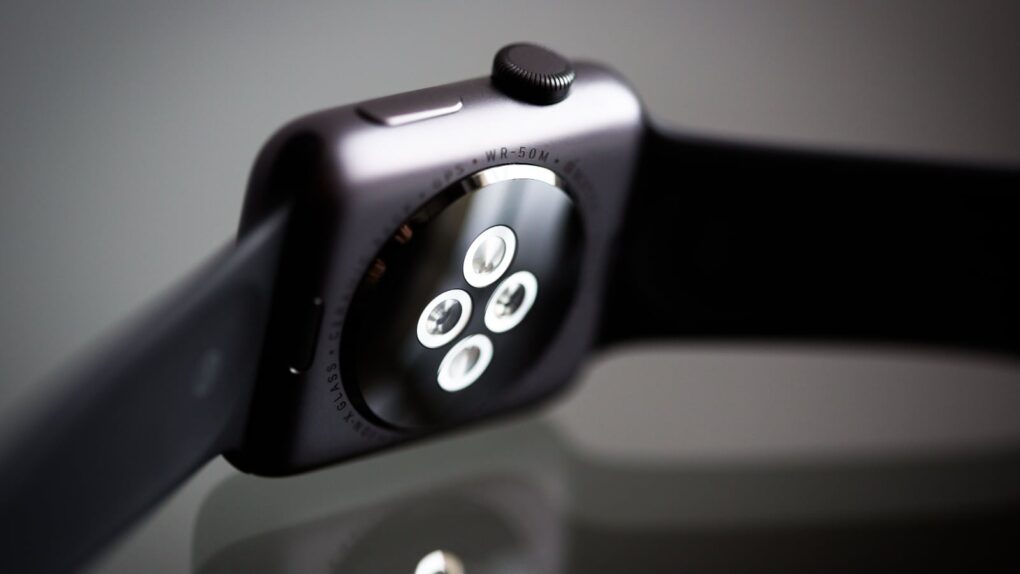
Apple Watch's heart rate monitor is ready for an upgrade. Photo: Torsten Dettlaff/Pexels CC
The upcoming Apple Watch Series 12 and Apple Watch Ultra 4 might feature continuous heart rate monitoring for better health tracking. The two watches should also come with a speedy new S-series chip for better performance and longer battery life.
Unfortunately, Apple does not plan to introduce any design changes this year. But the Apple Watch Series 12 could come with a premium ceramic casing option, which Apple last offered on Series 5 models.
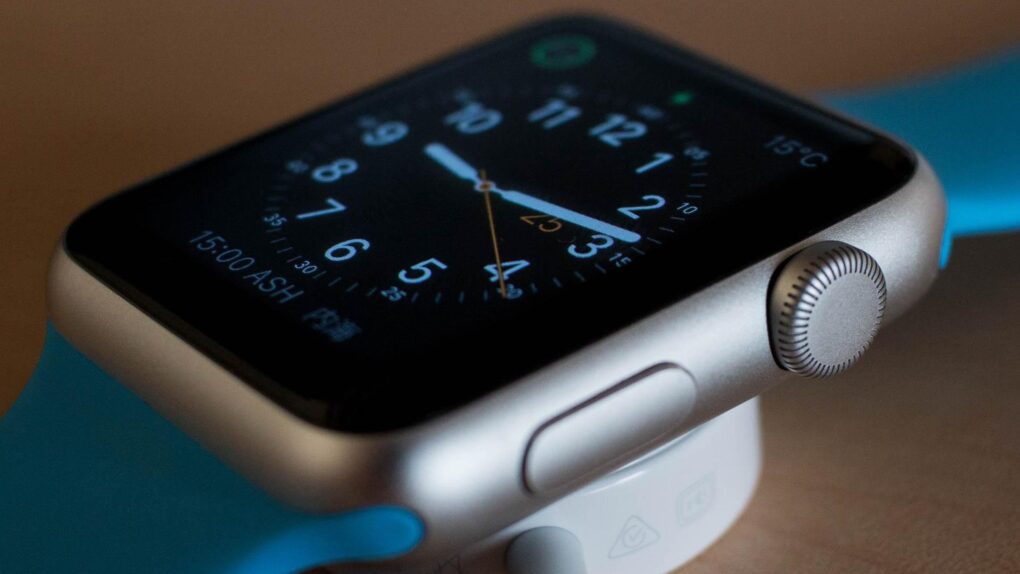
Apple Watch Series 12 is rumored to bring a faster chip and a returning ceramic case option this September. Photo: Pixabay
After years of small updates, Apple Watch Series 12 looks ready to kick things up a notch. Rumors point to a faster chip, a returning ceramic option and new AI-powered features.
The launch of the new smartwatch is mere weeks away. Here’s everything reported so far.
A clock you don’t even need to look at. What a time to be alive. Image: D. Griffin Jones/Cult of Mac
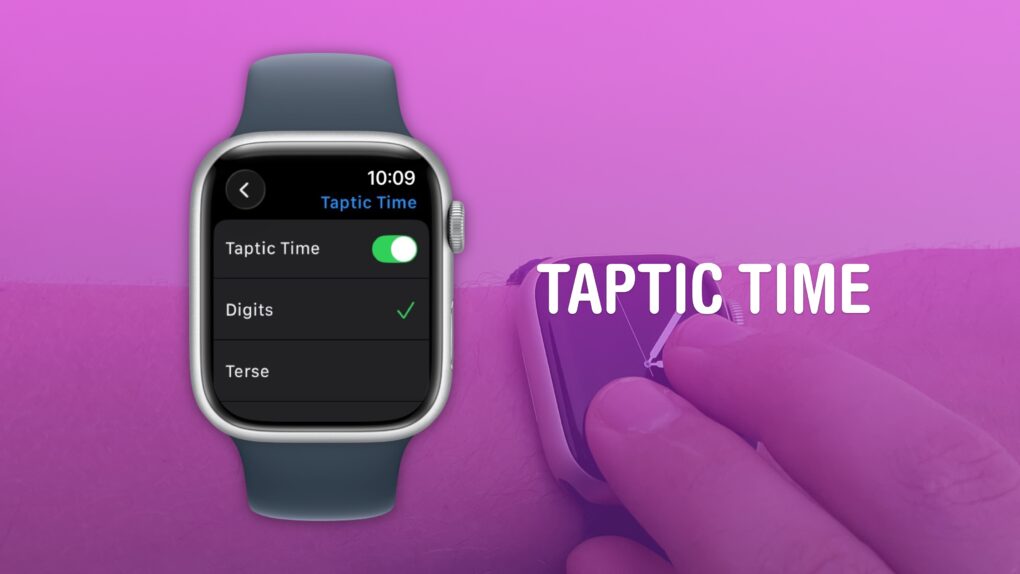
You can get the time without even looking at your Apple Watch using a little-known feature called Taptic Time. Simply hold two fingers on the device’s screen, and the watch will tap out the time on your wrist.
This is handy if you’re in a meeting and need to know the time, but you don’t want to look rude checking your watch. Or maybe you’re in the middle of a presidential debate.
Whatever the situation, turning on this little-known Apple Watch feature — and familiarizing yourself with how it works –can come in handy.
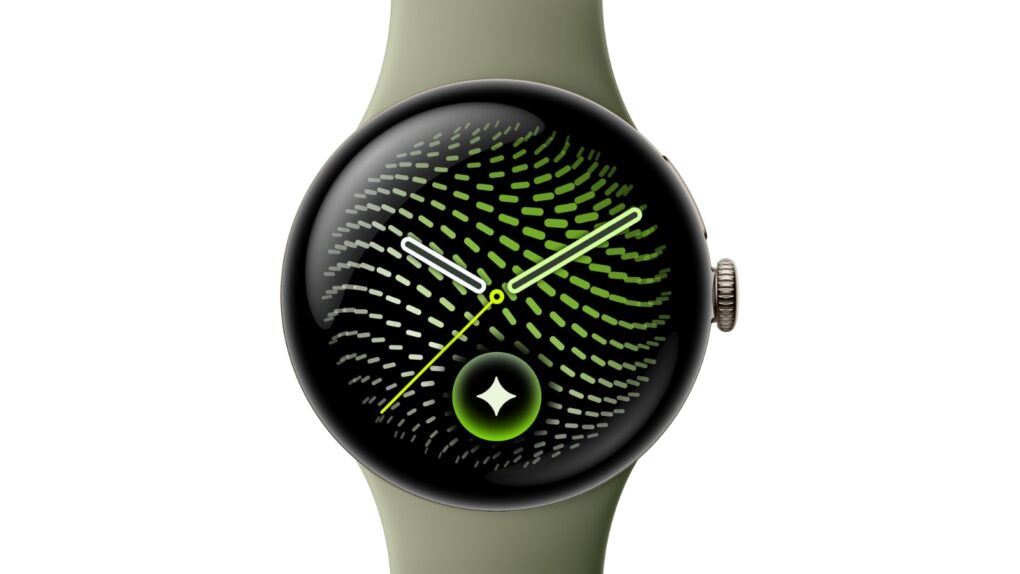
Let's hope Apple Watch cribs this new Pixel Watch 5 feature. Photo: Google
People often accuse Google of stealing from Apple, but here’s something Apple should pinch from its rival ASAP.
The new Pixel Watch 5, unveiled Wednesday at the annual Made by Google event, comes with a new feature that can predict insulin resistance, a precursor to Type 2 diabetes. If flagged early, insulin resistance can often be reversed with lifestyle changes.
“A first-of-its-kind feature on Pixel and Fitbit wearables, Insulin Resistance Trends analyzes multi-week physiological data to track shifts in your metabolic health without requiring a single drop of blood,” Google said in a press release Wednesday.
It’s not the sort of full-blown blood sugar monitor Apple has been trying to build into the Apple Watch for years. However, Pixel Watch’s Insulin Resistance Trends feature could spot changes in the health of someone wearing the device in time for them to take action. And that could keep them from a potentially deadly diabetes diagnosis.
Your Apple devices can work together in more ways than you may expect. Image: D. Griffin Jones/Cult of Mac
Nothing illustrates the power of Apple’s ecosystem like the Continuity features that help your Mac, iPhone, iPad and Apple Watch work seamlessly together.
Thanks to Continuity, your iPhone can serve as your Mac’s webcam — and you can remotely control your iPhone from your Mac. You can start an email on one device and instantly pick it up on another. You can use the same keyboard and mouse with a Mac and iPad, copy and paste across devices and more.
These features flex the power of Apple’s hardware and software — and they would never be possible on a PC.
In this post (and the accompanying video), I will show you some of the time-saving, annoyance-busting Continuity features you can enjoy when you go all-in on the Apple ecosystem.
New options spotted in iOS 27 beta could offer a hint at new Apple Watch band colors coming this fall. Photo: Apple/Cult of Mac
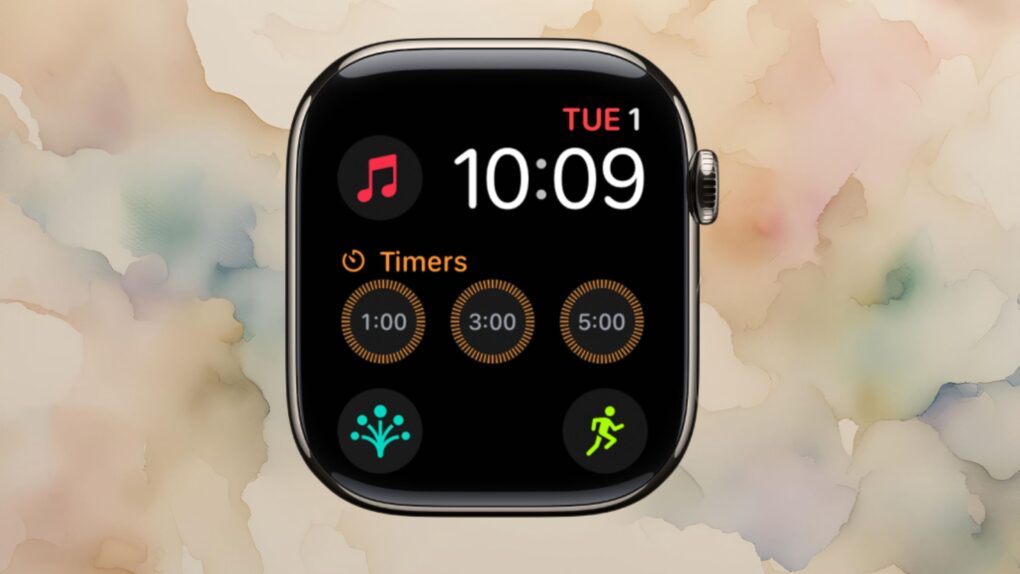
Apple looks set to refresh one of the most popular Apple Watch faces, with nine new colors reportedly coming to the Modular face this fall.
The colors surfaced in the latest iOS 27 beta code, and they could point to a broader refresh landing alongside new Apple Watch hardware and accessories this fall.
A screen-less Apple Watch tracker sounds intriguing. Photo: Unsplash
Apple plans to overhaul the Apple Watch lineup as new types of wearables start gaining traction among consumers. As part of the revamp, it supposedly wants to reintroduce a ceramic casing for the Apple Watch.
Apple could even use a round display on future Apple Watch models, though nothing is confirmed yet.
AirDrop is right up there with iMessage as a great Apple-exclusive feature. Learn how to use it. Image: D. Griffin Jones/Cult of Mac
If you want to know the fastest and easiest way to send someone photos, videos, files and so, so much more, you should know how to AirDrop. There’s no need to send an iMessage — Apple’s slick AirDrop feature will immediately send and open the content on someone else’s iPhone (or other Apple device). There’s no middle step.
AirDrop works iPhone-to-iPhone, iPhone-to-Mac, iPhone-to-iPad, Vision Pro-to-Mac — any combination and permutation of two Apple devices. And, if your friend has a Google Pixel 10, you can AirDrop with them, too!
Keep reading to find out everything you need to know about how to take advantage of AirDrop.
Apple Upgrade is a subscription-style leasing program for the latest Apple devices. Image: Apple/Cult of Mac
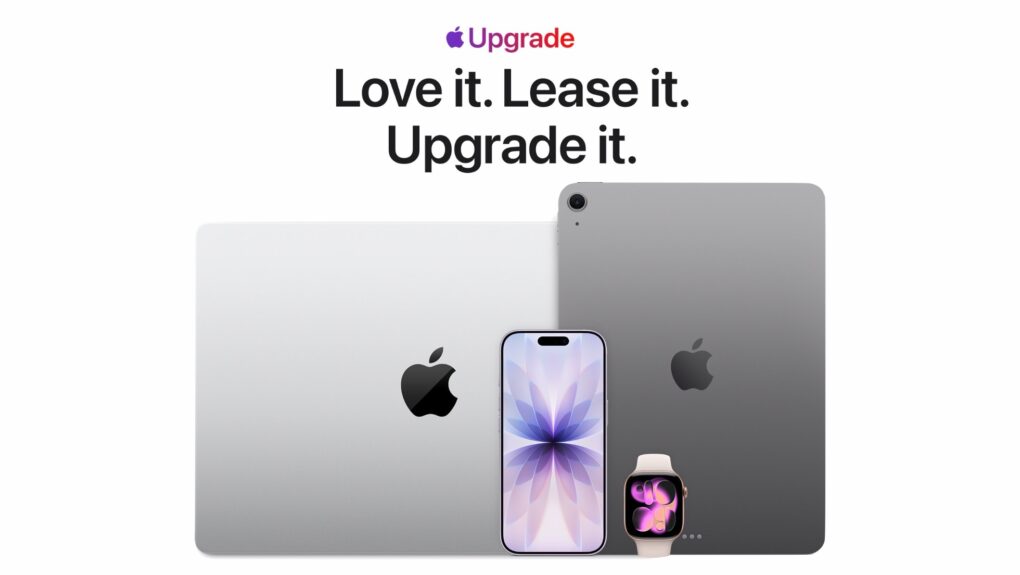
Apple just made it easier to stay on the latest hardware with the launch of Apple Upgrade, a new subscription-style leasing program that lets U.S. customers pay a monthly fee for an iPhone, Mac, iPad or Apple Watch.
The new service builds on the company’s old iPhone Upgrade Program by expanding to almost its entire product lineup, giving customers many more options when it’s time to move to a newer device.
“At Apple, we put the customer at the center of everything we do,” said Karen Rasmussen, Apple’s vice president of the Apple Store online in a press release Tuesday, “and we’re thrilled that Apple Upgrade offers our customers, both online and in-store, a more flexible way to pay for the products they love.”
There are so many options — and several great ones. Image: D. Griffin Jones/Cult of Mac
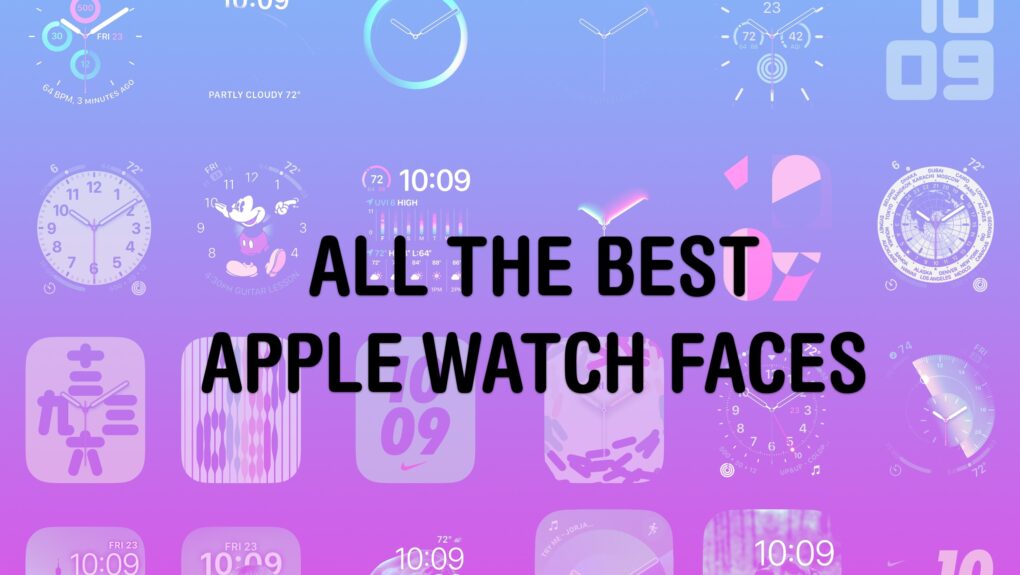
Out of the many dozens of options, which is the coolest Apple Watch face? Every time I see someone wearing an Apple Watch, I try to scope out which watch face they use. Nine times out of 10, they use either the Modular face or the Photo face (with a Sport band).
This is despite the Apple Watch offering dozens of watch faces, allowing for all kinds of customizability.
If you want to spice up and individualize your Apple Watch, here are the best and coolest faces. And in our video, I rank every watch face on a tier list.
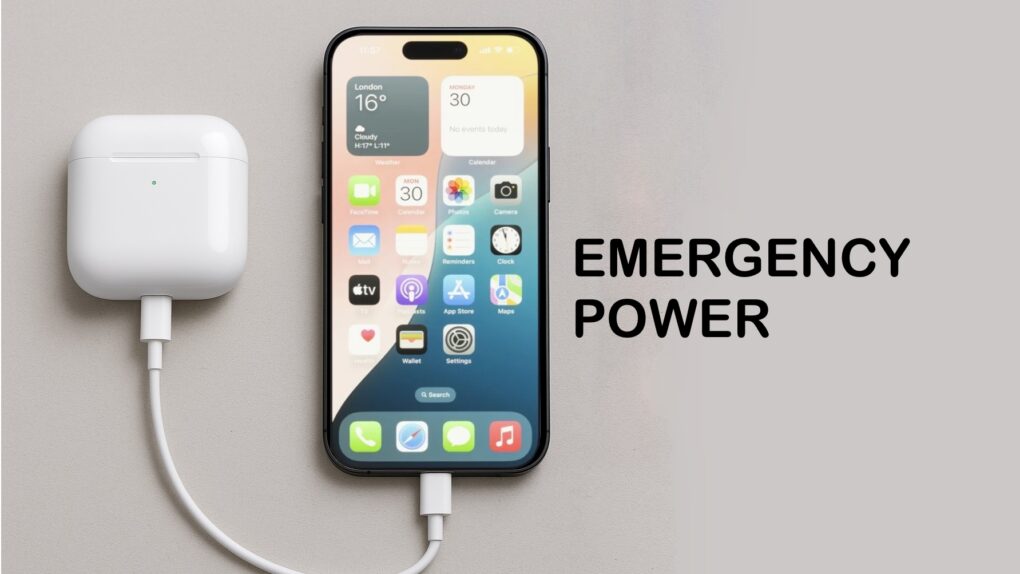
Your iPhone can charge your AirPods. It’s easy. Image: ChatGPT/Cult of Mac
In a pinch, you can charge your AirPods with your iPhone. This feature can prove very convenient if you know how to use it. You can also use your iPhone to charge your Apple Watch, or even another iPhone.
It's not easy to find in a pile of miscellaneous clutter. Image: D. Griffin Jones/Cult of Mac
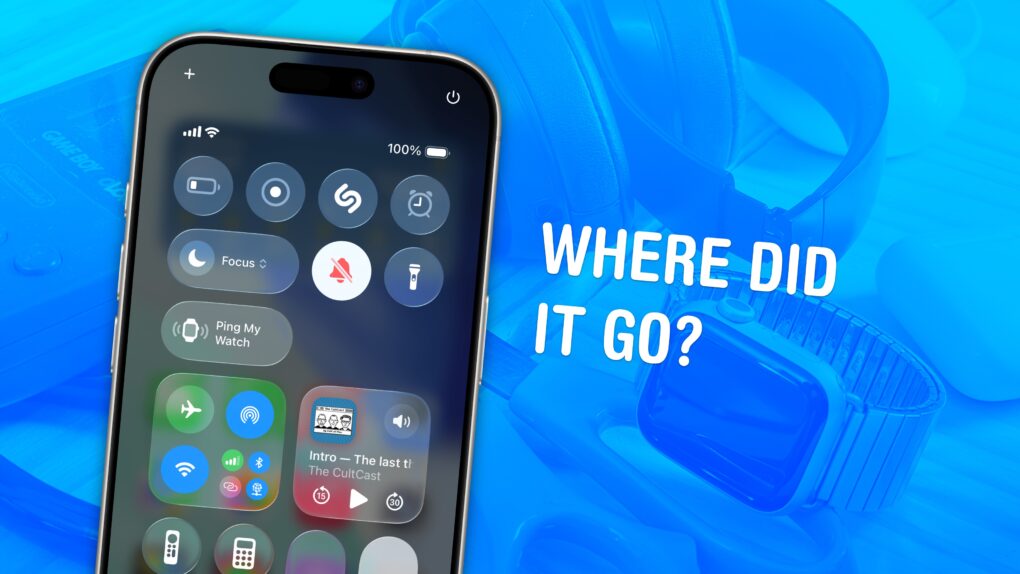
You can ping a lost Apple Watch from your iPhone, giving you an easy way to find your misplaced wearable.
If you take your Apple Watch off at the end of the day, forgetting to throw it on the charger, you might not remember where you left it the following morning. Luckily, you can find a lost Apple Watch from your iPhone. Here’s how it works.
Need to add more time to a timer on your Apple Watch? You can with watchOS 27. Photo: Unsplash
Your Apple Watch’s Siri timer problem just got fixed. With watchOS 27 beta 3, you can finally tell Siri to add two minutes to an already running timer — instead of getting stonewalled with “What do you want to set the timer to?”
If you’ve ever pulled a tray out of the oven a little early just because doing timer math in your head felt easier than fighting Siri, you know exactly why this matters. It’s a teeny tiny fix, but it does away with the everyday friction that made your watch feel less useful.