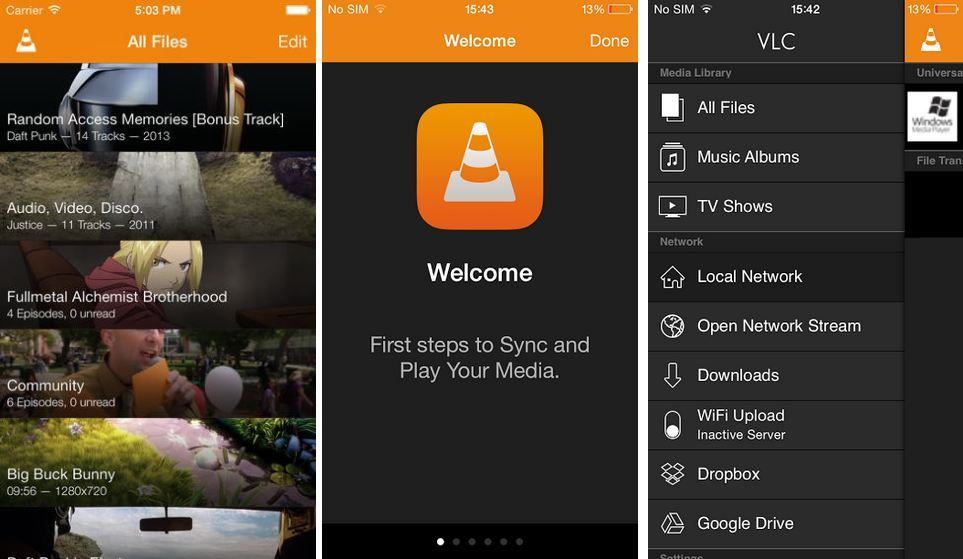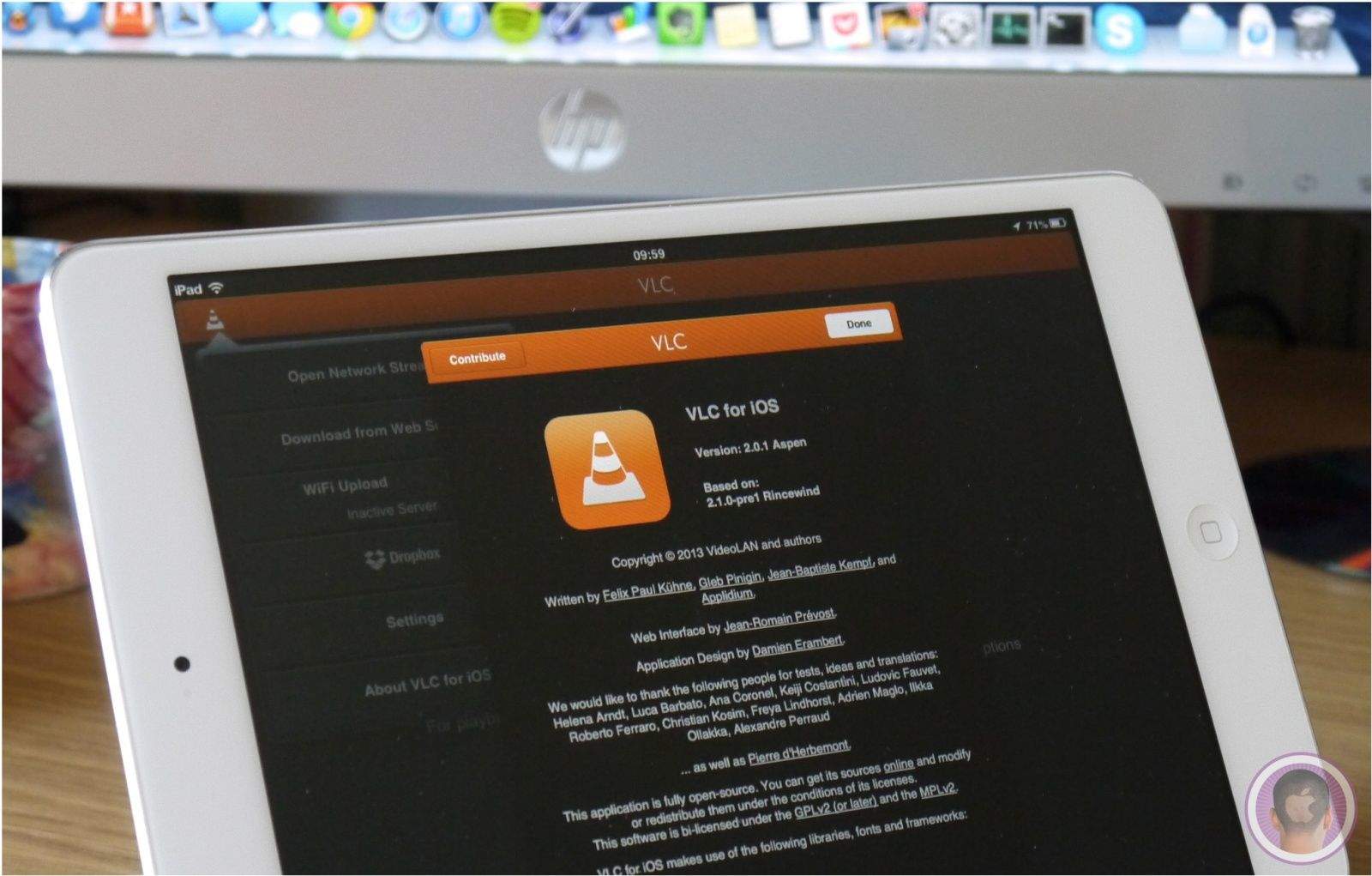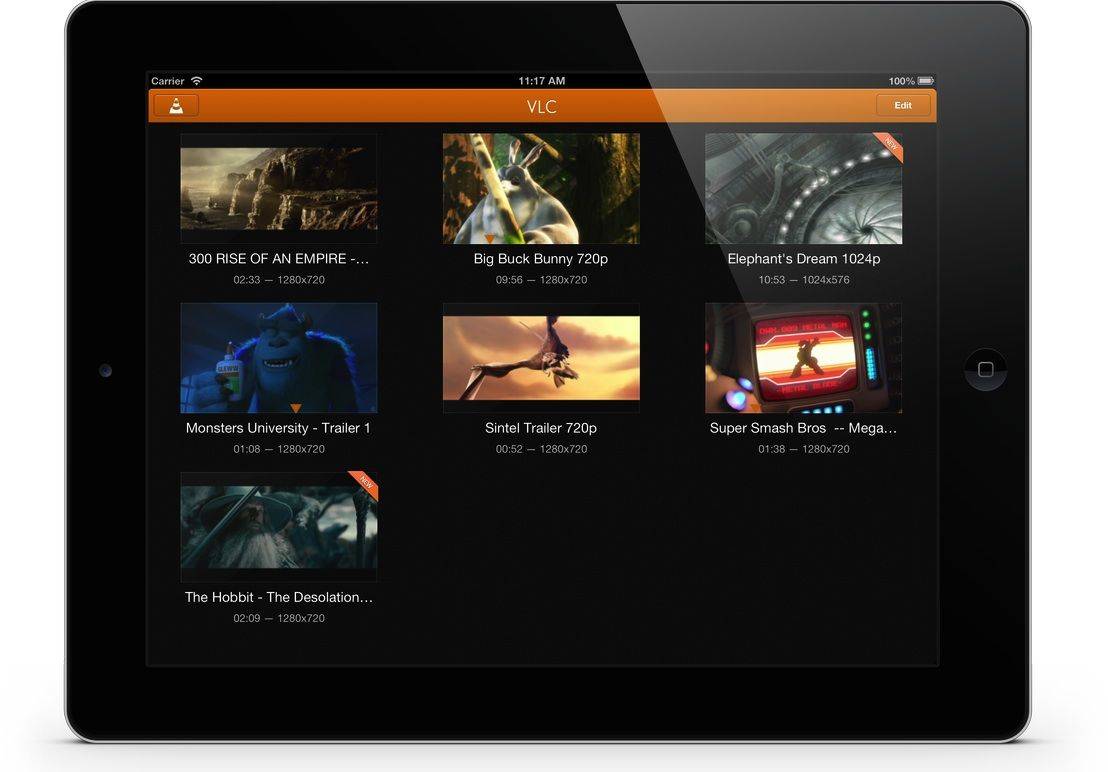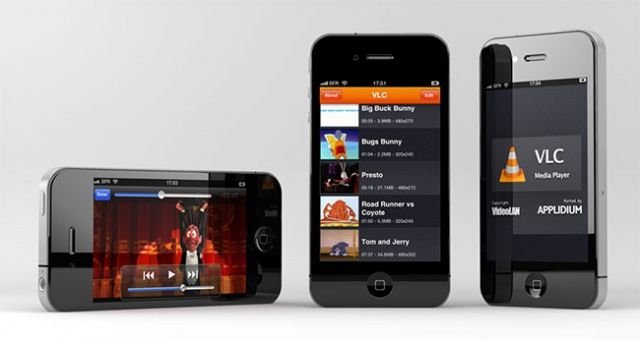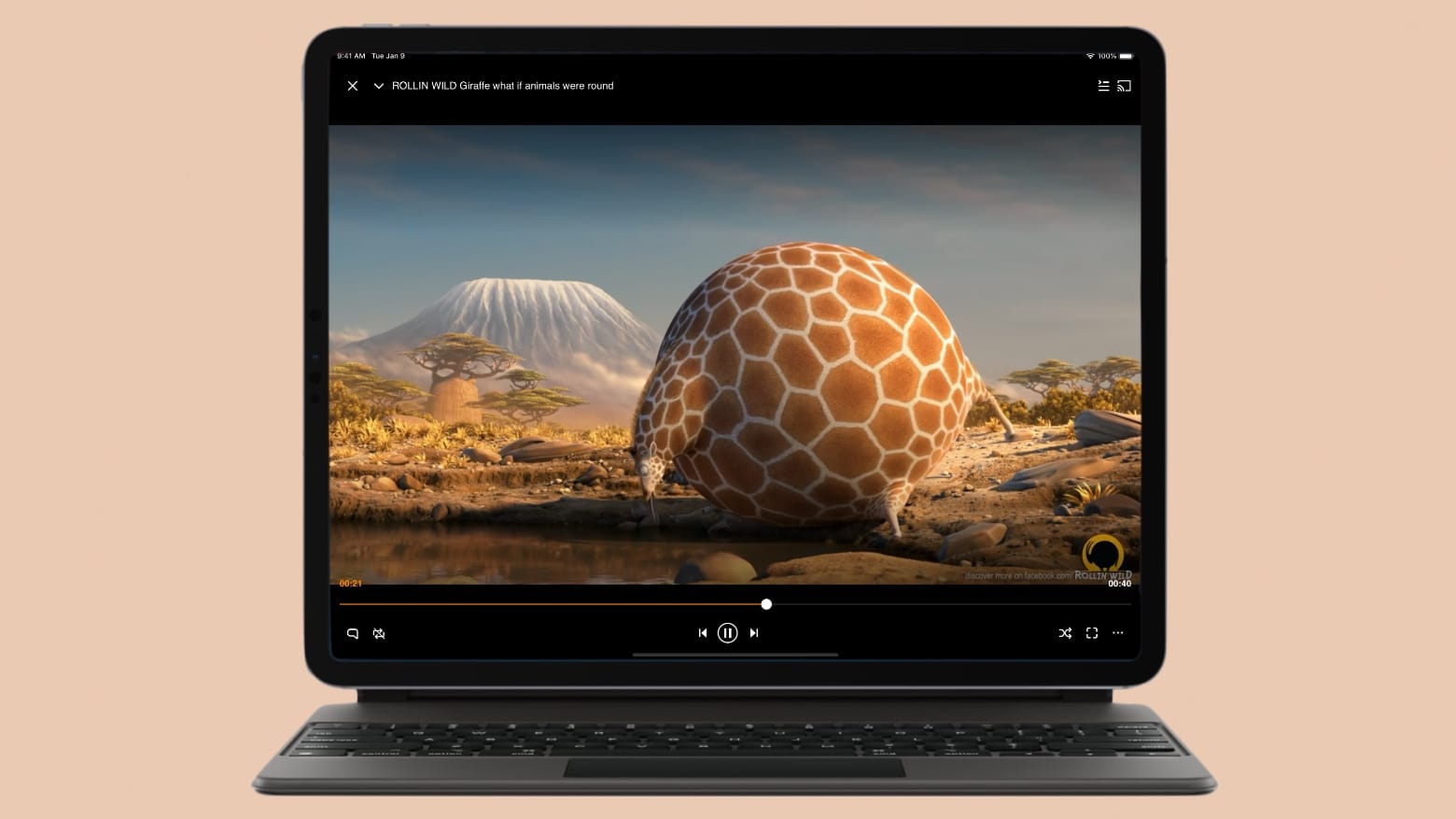
Back in October of 2010, iOS developer Applidium brought VideoLAN’s legendary VLC media player to the App Store. Unfortunately, the universal app had a short shelf life, as it was pulled at the request of VideoLAN a few months later. The issue revolved around VLC’s General Public License (GPL) licensing agreement. Because VLC is open source software, it was technically illegal for Applidium to sell a port in Apple’s DRM-restricted App Store.
Fast forward more than a year later, and a change in VideoLAN’s licensing means that VLC can be legally brought back to the App Store in all of its glory.
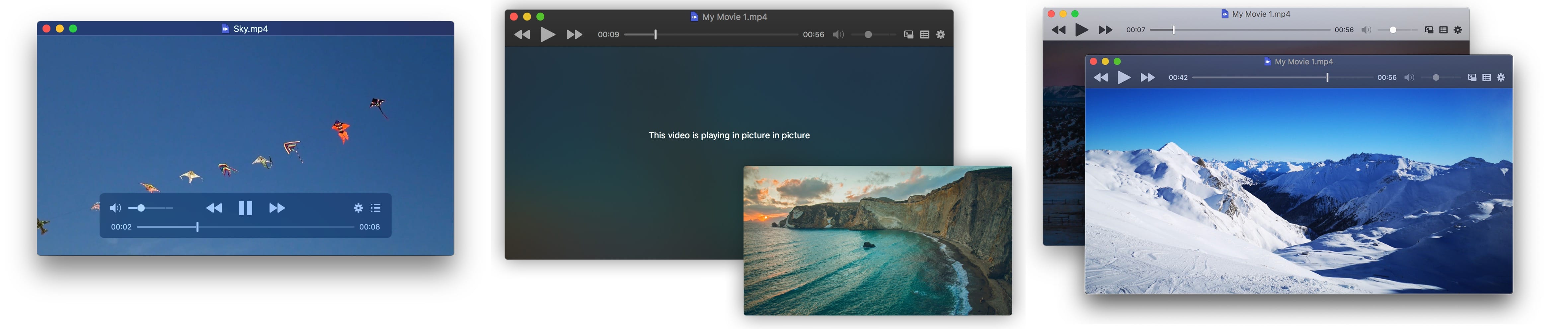
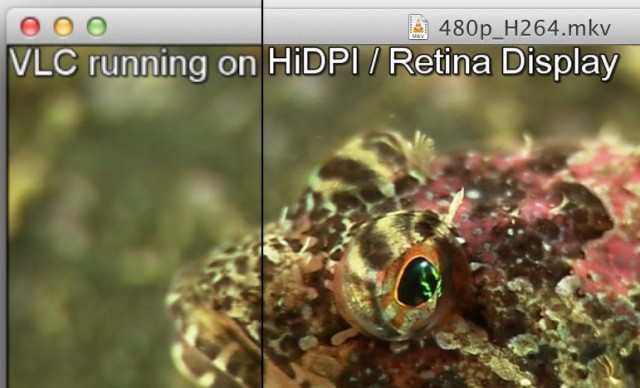
The guys at VideoLAN have updated their hugely popular VLC media player app with a host of improvements and Retina graphics for the new MacBook Pro with Retina Display. VLC has been download over 1 billion times across Mac, Windows, and Linux computers, and version 2.0.2 is out now and available for free.
As a formidable QuickTime replacement, the latest VLC media player improves video playback, adds more video output options, includes multiple bug fixes, and more for Mac users.
Like an ugly duckling transforming into a beautiful swan, VLC 2.0 for Mac also comes in black. Image Felix Kühne/Flickr
VLC, the cross-platform play-everything-and-we-mean-everything video client is about to go 2.0 on the Mac. And amongst all the new features is one very welcome change: A completely re-designed interface that makes it look a lot more at home on Apple hardware than the open-source v1.x ever did.
Got a new Mac? You’ve probably realised that OS X provides an excellent out-of-the-box experience. Unlike with Windows, few add-ons are required. There’s a great browser, for example, and full PDF support. But there’s still some tools that most experienced Mac users download the minute they boot-up a new Mac. Here they are, listed for possibly the first time…
Your Mac comes with QuickTime Player, which does a great job of playing a lot of video content. Lovely.
But if you spend a lot of time doing stuff with video, you’ll know there are times when QuickTime lets you down. There are formats it just won’t play, even if you have Perian installed (which was number 4 in our list of 50 Mac Essentials).
When those moments arise, VLC will come to your aid.
Let’s flash back a few months to October, when an iOS developer called Applidium ported the indispensable VLC video player to the App Store as a free download. It was a great day for iOS device owners who wanted a more robust way of watching videos across many different codecs, but one of the lead contributors to the VLC project, Rémi Denis-Courmont, decided to get pissy about it. Why? Because VLC was released under a GPL license, and he felt that Apple wrapping a port of VLC in App Store DRM ran counter to that license.
Well, score a victory for VideoLAN, I guess. Denis-Courmont has successfully had VLC pulled from the App Store in response to a claim that the app violated VideoLAN’s licensing agreement.
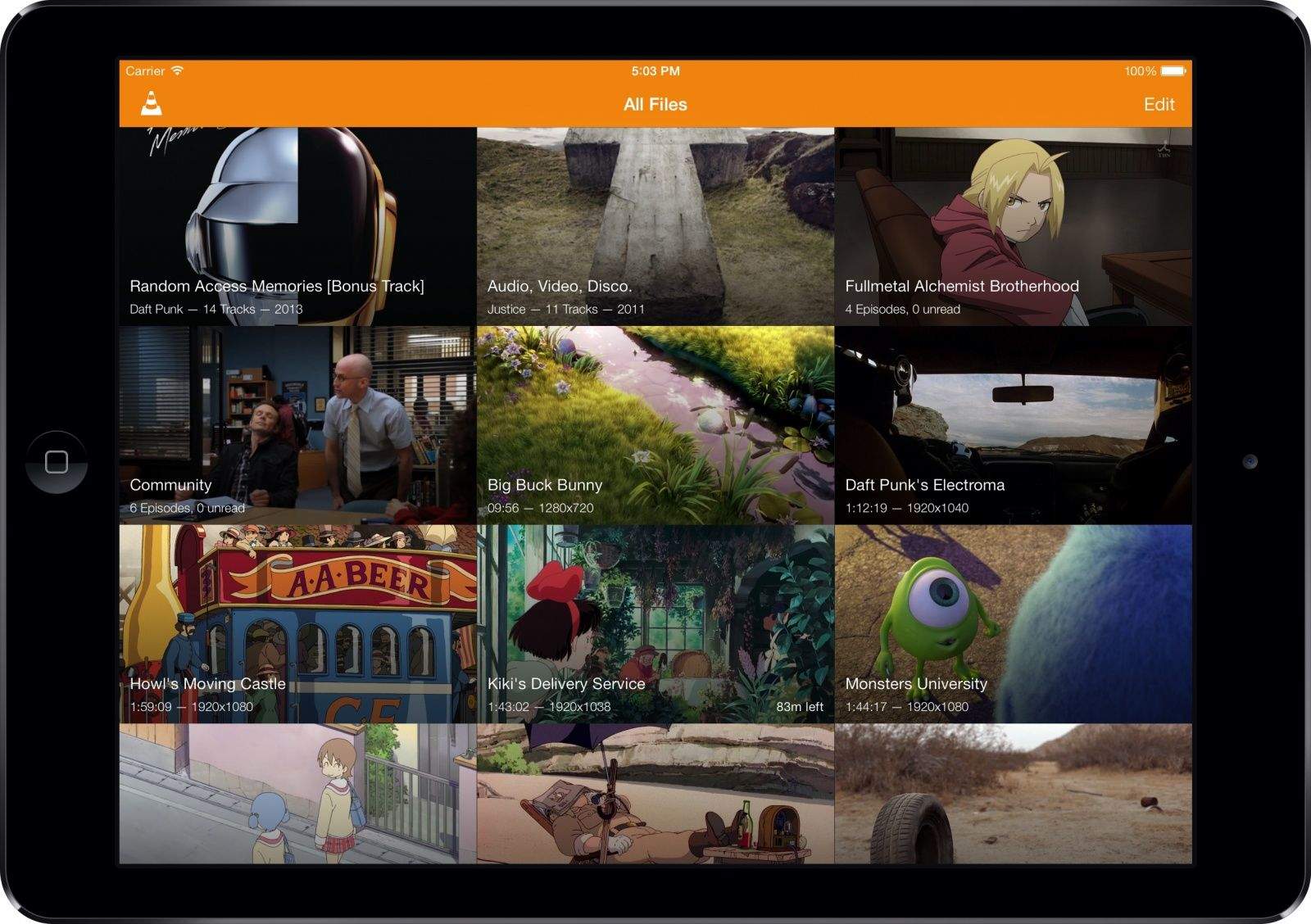
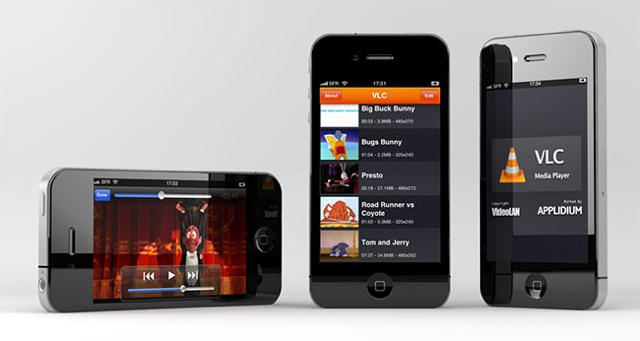
Our most beloved of open-source video players, VLC, got a spankingly sexy iPad port last month… and now it’s been updated as a universal binary that supports the iPhone 4, iPhone 3GS and third/fourth gen iPod Touch.
If you’ve previously downloaded the iPad version, the update also adds the ability to delete files within VLC itself, as well as faster decoding and increased support for some of the more esoteric extensions.
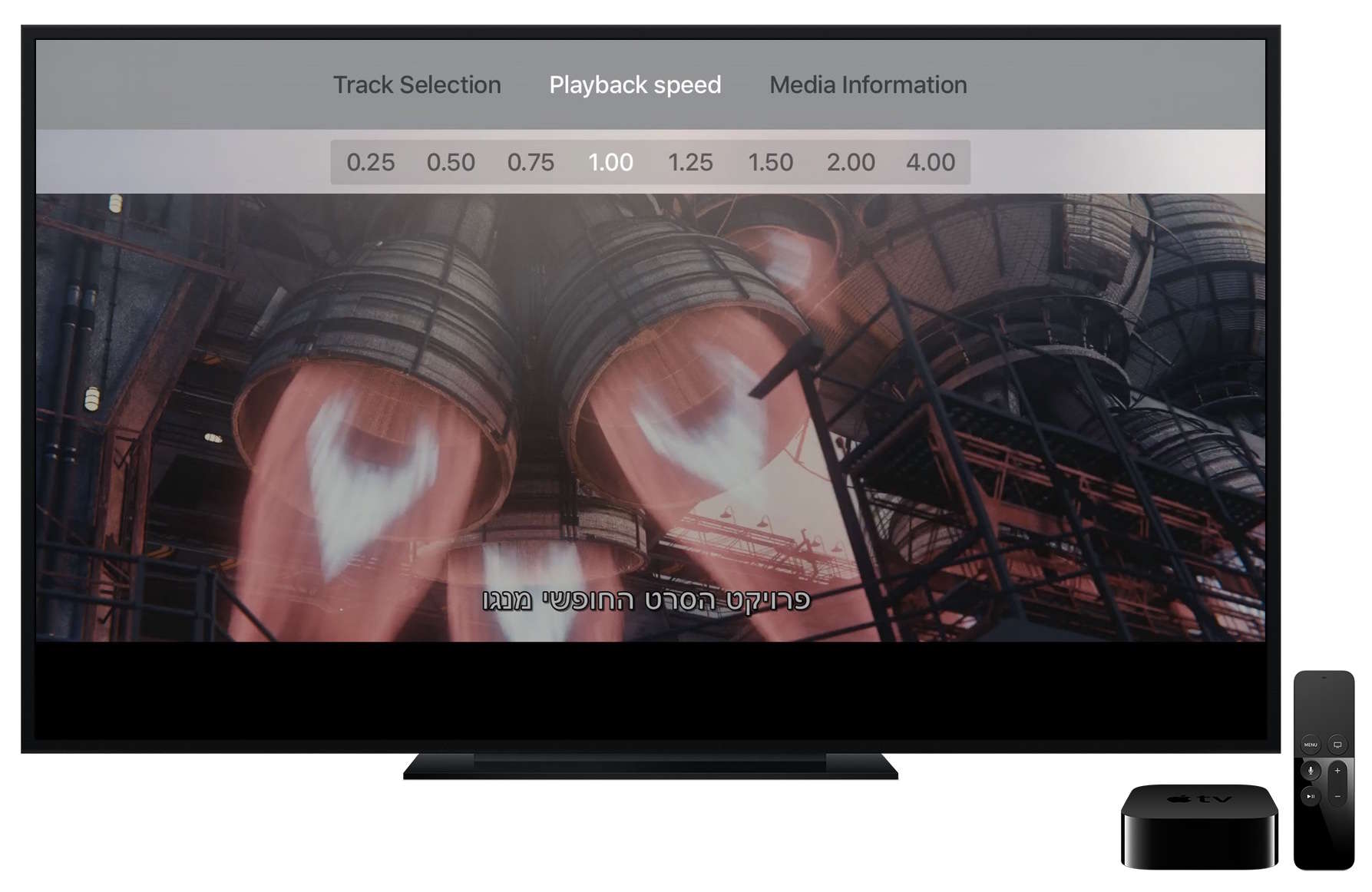
Is there anything VLC doesn’t run on at this point? Besides the AppleTV, that is, which is positively twitching for a port?
VLC is a free download from the App Store. Go get it.
Coming about one month after the much heralded first release of their client for the iPad, Applidium has just announced that they will be making their popular VLC video client universal as of the next update.
This week’s must-have iOS apps include Napster’s new music streaming application that provides access to over 10 million of songs on your iOS device, Google Voice calling with GV Mobile+, and a media player that supports pretty much every codec out there!
Check out a few of our favorite apps from the past week after the break!
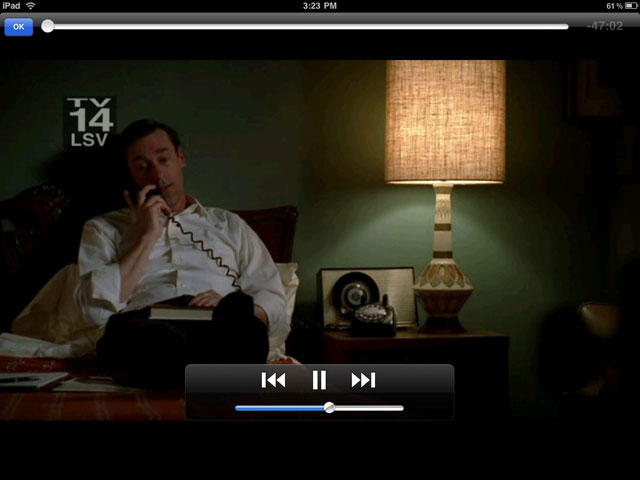
The popular open-source media player VLC is headed to an iPad near you thanks to App Store developer Applidium… and while it’s currently waiting for approval, there’s every indication that this time, Apple will let it through.
That wouldn’t have been the case a few months ago: Apple had tended to reject media playing apps from the App Store for “duplicating functionality.” This was an extraordinary headache for individuals who wanted to watch media on their iOS devices without first undergoing the cumbersome conversion process to QuickTime compatible MP4.
Recently, though, that’s started to change, with Apple approving more universal media-playing apps like OPlayer and CineXPlayer. If the new VLC is subject to the same standards, it should have no problem getting through the approval process.
Let’s keep our fingers crossed that it does. VLC has long obviated QuickTime on my Mac. I’m ready to let it do the same for my iPad as well.