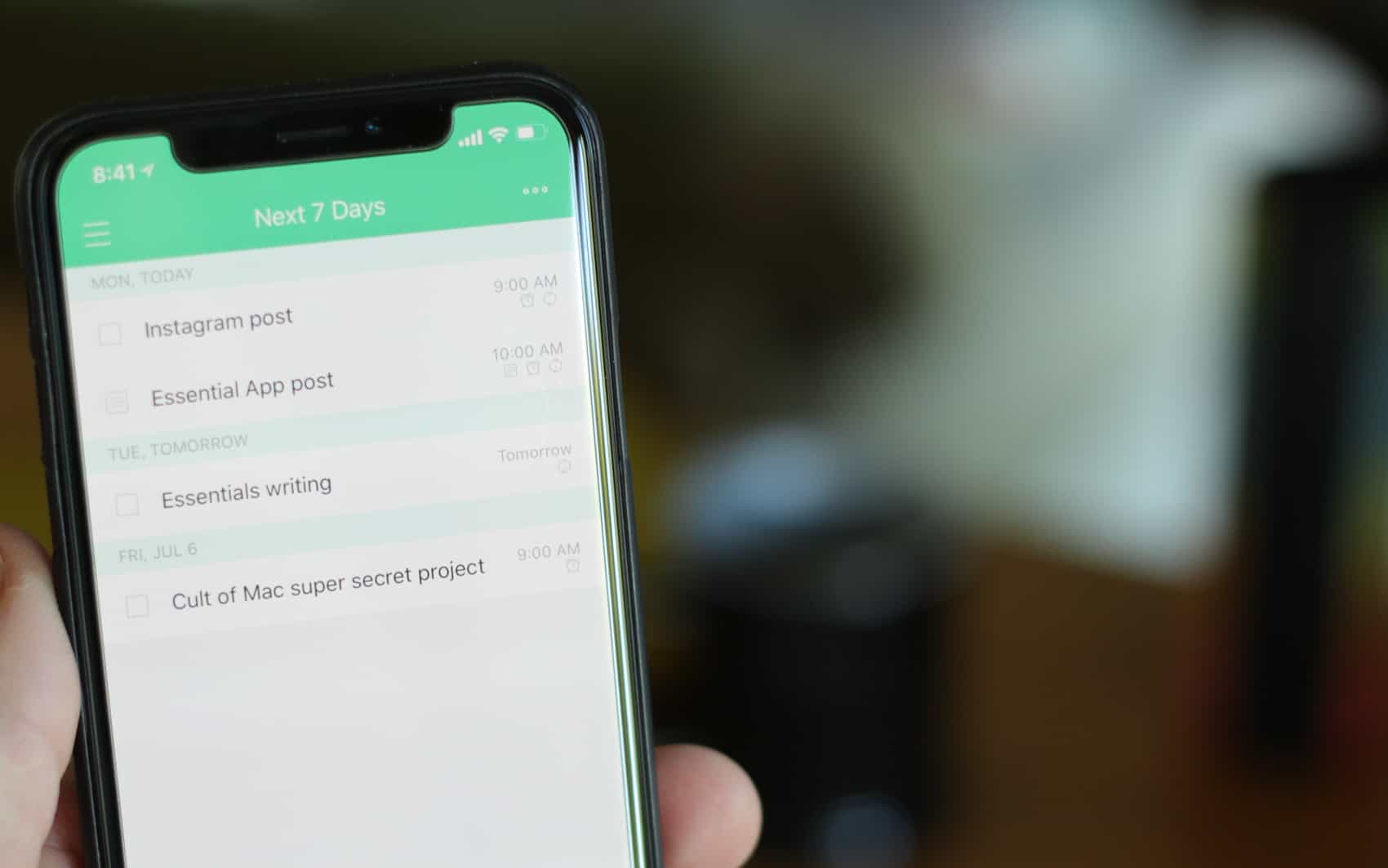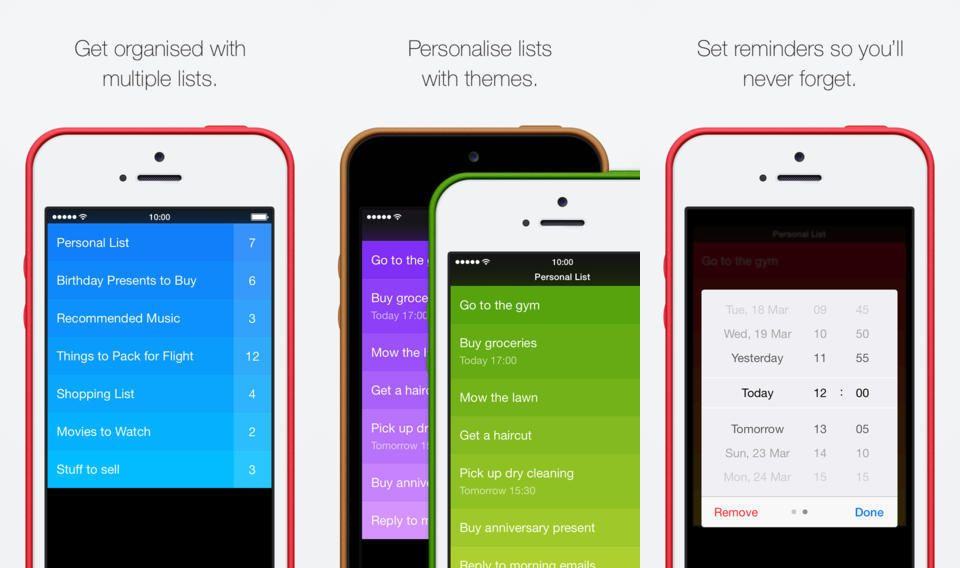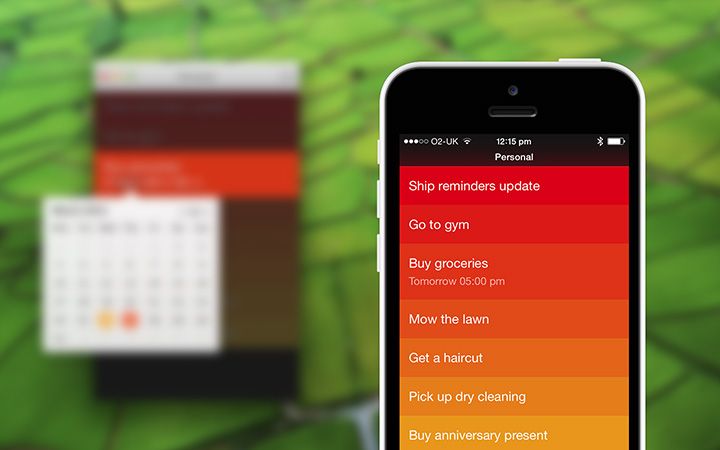
Wonderful Day is a different sort of one-dollar reminders app. It’s there to remind you of the things you’d like to get done, not the things you have to do. Although it sports an attractive visual design, it suffers from a handful of crucial failings that make it less useful than it could be.
So long, Scott Forstall. Don’t let your crappy skeuomorphic designs hit your ass on the way out.
Skeuomorphism, or the tendency to deliberately make something new look like something old and familiar. Some people love it, some people hate it and think it’s tacky.
No matter how you feel, his love for skeuomorphism is one of many reasons that former iOS chief Scott Forstall was fired yesterday. Replacing him is Apple’s Senior VP of Design, Jonathan Ive, who will lead a new Human Interface Group in Apple… and whom reportedly loathes skeuomorphism with every fiber of his being.
All that fake leather stitching, those hideous textures, those bizarre font choices in iOS’s stock apps? If Ive gets his way – and we think he will — they’re all about to change.
Here are the eight skeuomorphic apps in iOS 6 we hope Jony Ive is going to change in iOS 7, along with some third-party apps we hope he takes inspiration from.
While most of Apple’s stock iOS apps are pretty handy, there are a few that the large majority of us probably never open. I’m talking about apps like Stocks, Voice Memos, and Weather (which always seems to be inaccurate in the U.K.). Unfortunately, the Cupertino company doesn’t allow us to remove these, so the only way to do it was to jailbreak. Until now.
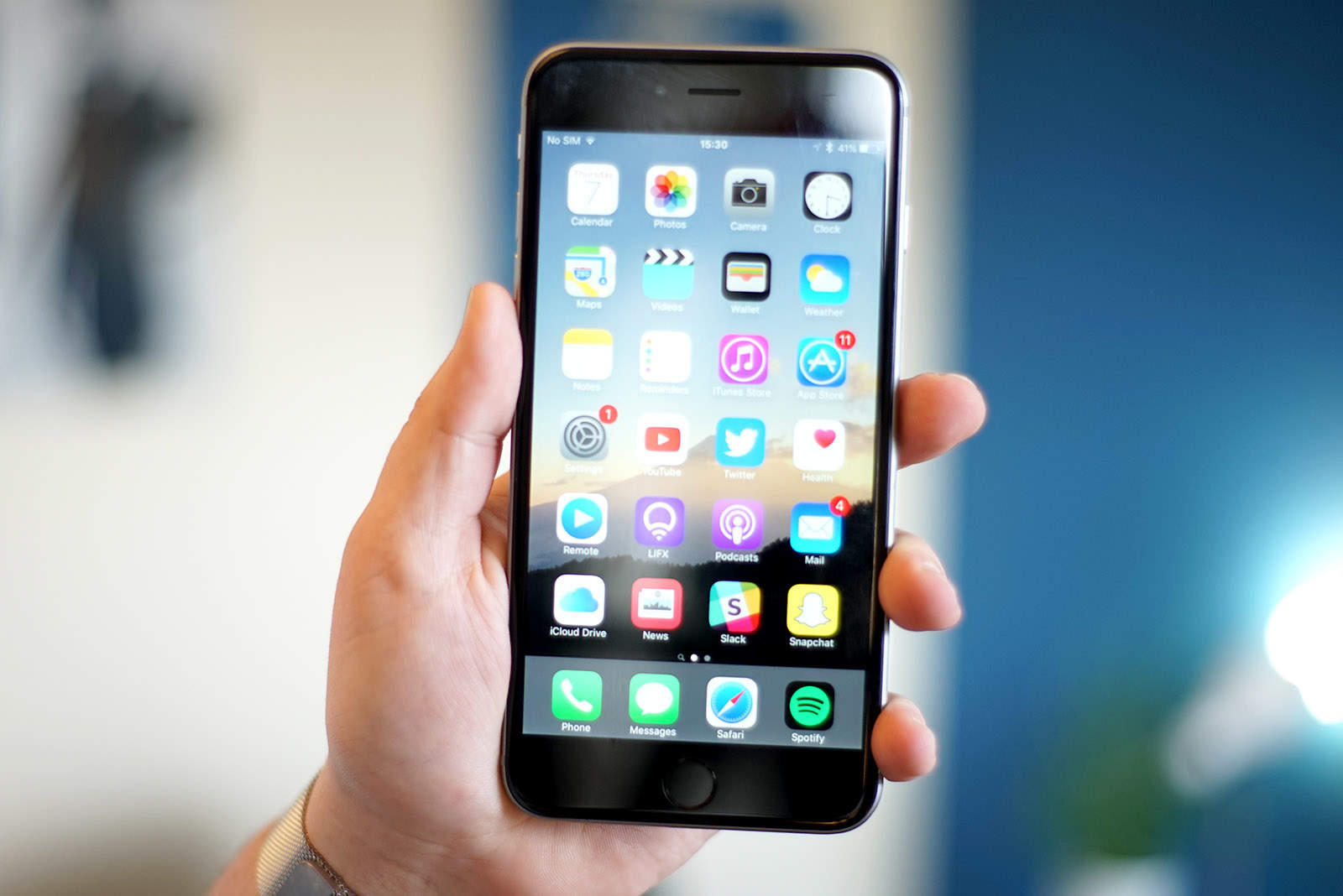
Thanks to a nifty new web app, you can temporarily remove stock iOS icons from your device without jailbreaking. Here’s how.
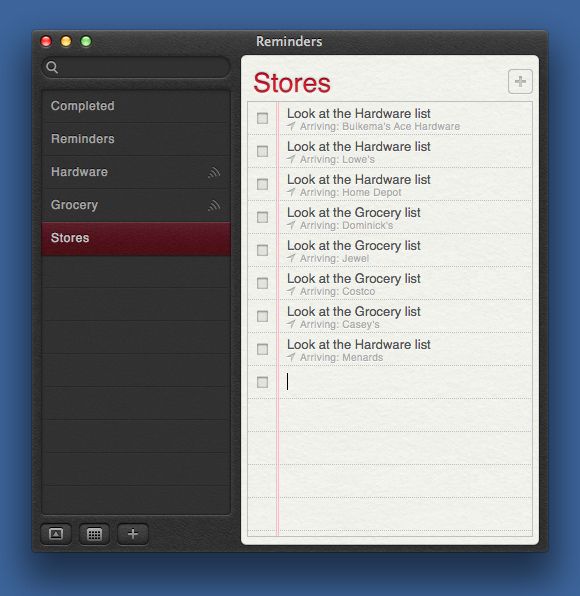
Got a birthday wish list you’d like to share with significant others, making sure they are never wanting for just the right gift to give you for the next celebration? How about a grocery list that you can add to secure in the knowledge that your husband or wife will know to stop and get garlic at the store on the way home from work? Or even a shared task list for your work teammates, guaranteeing that you can hold them responsible for stuff on “the list?”
Sounds pretty handy, right? Well, you can set this up using Reminders on the Mac, an app that comes with OS X Mountain Lion and syncs via iCloud to iPhones, iPads and iPod touches, as well as with iCloud.com Here’s how to set it up.
A wonderful new news app from Reuters kicks off this week’s must-have apps list, providing you with an “unprecedented photography experience” that allows you to immerse yourself in the biggest news stories from around the world. Also included in the roundup is a terrific app for making mobile websites from your iPhone, a new weather app, and more.
Checkmark, the supper-slick location-aware reminders app for the iPhone, has gotten a feature bump in its newest update that almost (almost!) makes it a new app.
And if you don’t already have Checkmark, then shame on you — the $2 app not only makes location-based reminders on your iPhone way easier and way better than the built in reminders, but it also works on your iPad.
Users of OS X Mountain Lion have been able to share reminders with other users since the new OS was released, but now Apple is giving iCloud.com users the ability to share their reminders even when they’re not on a Mac.
An update to iCloud’s Reminders app has added the Shared Reminders ability for users, making iOS 6 the only Reminders portal that can’t share reminders with other users.
Lots of folks might like to remember to follow up on specific emails. I know my life is full of email that, honestly, I don’t care much about, but really need to get back to at a certain point. Or that one email that needs a return reply but gets forgotten in the deluge of other, equally important emails during the day.
Unfortunately, there’s no “official” way to do this in Mail. There should be, of course, but there isn’t. Outlook has this functionality within a contextual menu, and there is a service for Gmail that lets you do something similar, but Apple’s Mail does not.
Luckily with a little ingenuity, we can get around this missing feature in Mail.
While the App Store has listed Things as an “amazing app” for iPhone 5 for the past week or so, the app didn’t actually support the new handset’s larger display. But it does now, thanks to a brand new update, which also delivers the ability to create new to-dos using Siri.
Do you find yourself getting lost in activities on your computer, forgetting to check the time, missing appointments, even? If you get lost in a video game or Facebook surfing session often, you might consider having your Mac announce the time out loud, like a town crier in the days of old.
All it takes is a quick trip into the System Preferences. That, and the ability to have the sound up on your Mac while you’re working at it. Otherwise, if a Mac speaks the time in a speaker-off situation, does it really exist? Wait. Scratch that.