All items tagged with "iTunes"

Apple Unexplainably Bans Gift Sharing In Line Messaging App

linestickershop

Asian messaging service Line, which has been a big success on iOS, turned over $58 million in revenue during the first quarter of 2013 with its new monetization model. But it’s just been dealt a massive blow by Apple.

The Cupertino company has unexplainably forced Line to remove its gift sharing feature, which allowed users to send stickers priced around $1.99 to their friends.

Read the rest of this post »

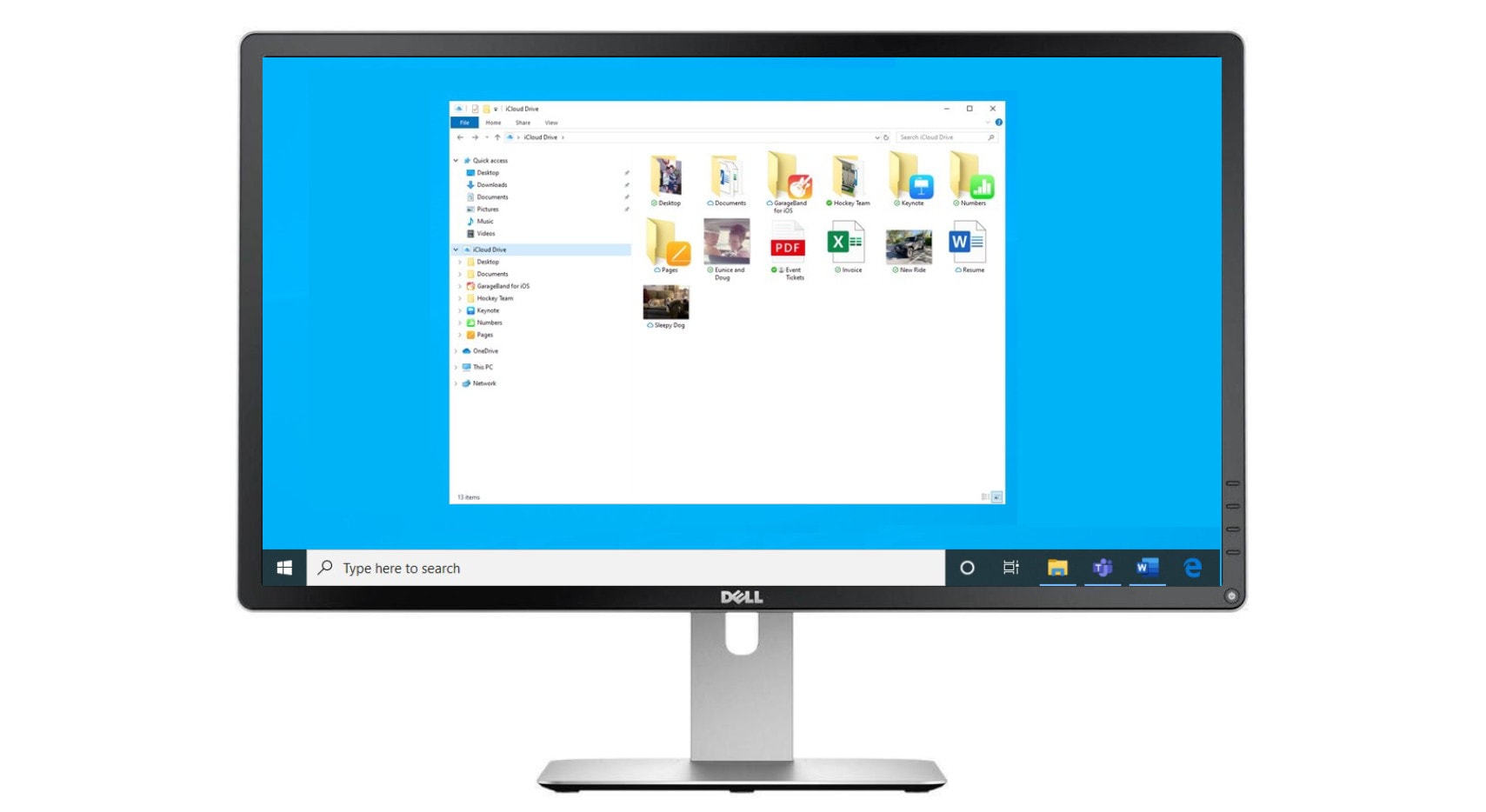
Microsoft Is Becoming Increasingly Desperate For Apple To Make iTunes For Windows 8

windows8itunes

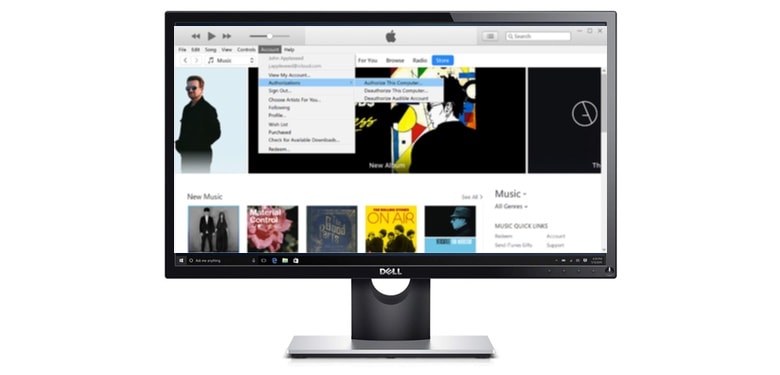
There’s no denying that iTunes for Windows is one of the most important projects Apple has ever done. It allowed Apple to sell iPods, then iPhones, and then iPads (as well as billions of dollars worth of movies, books and music) to owners of Windows PCs at a time when the iOS ecosystem was much more tethered to the desktop than it is today.

But iTunes on Windows isn’t quite as important as it used to be, especially now that the iPad is king and Windows 8 is here, which has cratered PC sales thanks to the general confusion around its new “Metro” UI.

Any surprise, then, that Microsoft’s having a hard time convincing Apple to update iTunes for Windows 8?

Read the rest of this post »

Netflix For iOS Update Makes Binging On Your Favorite TV Series Even Easier

netflixappselection

Netflix is one of the greatest tools ever invented for absolutely destroying your weekend with laziness. All you got to do is pull up one of your favorite TV series and watch the entire thing in one glorious weekend of binge TV viewing.

A new update for the Netflix iOS app just hit the App Store and it’s going to make binging even easier, thanks to to the added “post-play” feature that will start up the next episode after one ends. Other features included in the update are a recommendation feature after you’ve finished a movie and enhanced second screen options.

Here are the release notes:

Read the rest of this post »

How To Get The iTunes 11 MiniPlayer On Your iOS Device [Jailbreak]

IMG_0224

iTunes 11 has a nifty MiniPlayer that lets you quickly access music controls and queue up more tunes on OS X. The point of the MiniPlayer is that it stays out of your way, but also readily available anywhere on your Mac’s screen.

Since we don’t have desktop-like widget functionality in iOS, something like a MiniPlayer can’t float between apps. But thanks to jailbreaking, you can get a slick, iTunes-inspired MiniPlayer on your jailbroken iPhone or iPad.

Read the rest of this post »

Mastering iTunes: Use A Password To Protect Shared Music and Movies [OS X Tips]

Password iTunes Sharing

If you share your songs and movies via iTunes on your home network, you might not want just any old people to access your shared media or playlists, even if you let them onto your Wi-Fi. While iTunes lets you share all the types of media it can serve up, maybe your kids or office mates don’t need to listen to those hardcore rap tunes.

It’s fairly easy to protect your shared items with a password, using the iTunes Preferences. Here’s how to do just that.

Read the rest of this post »

Subscribe to the Cultcast

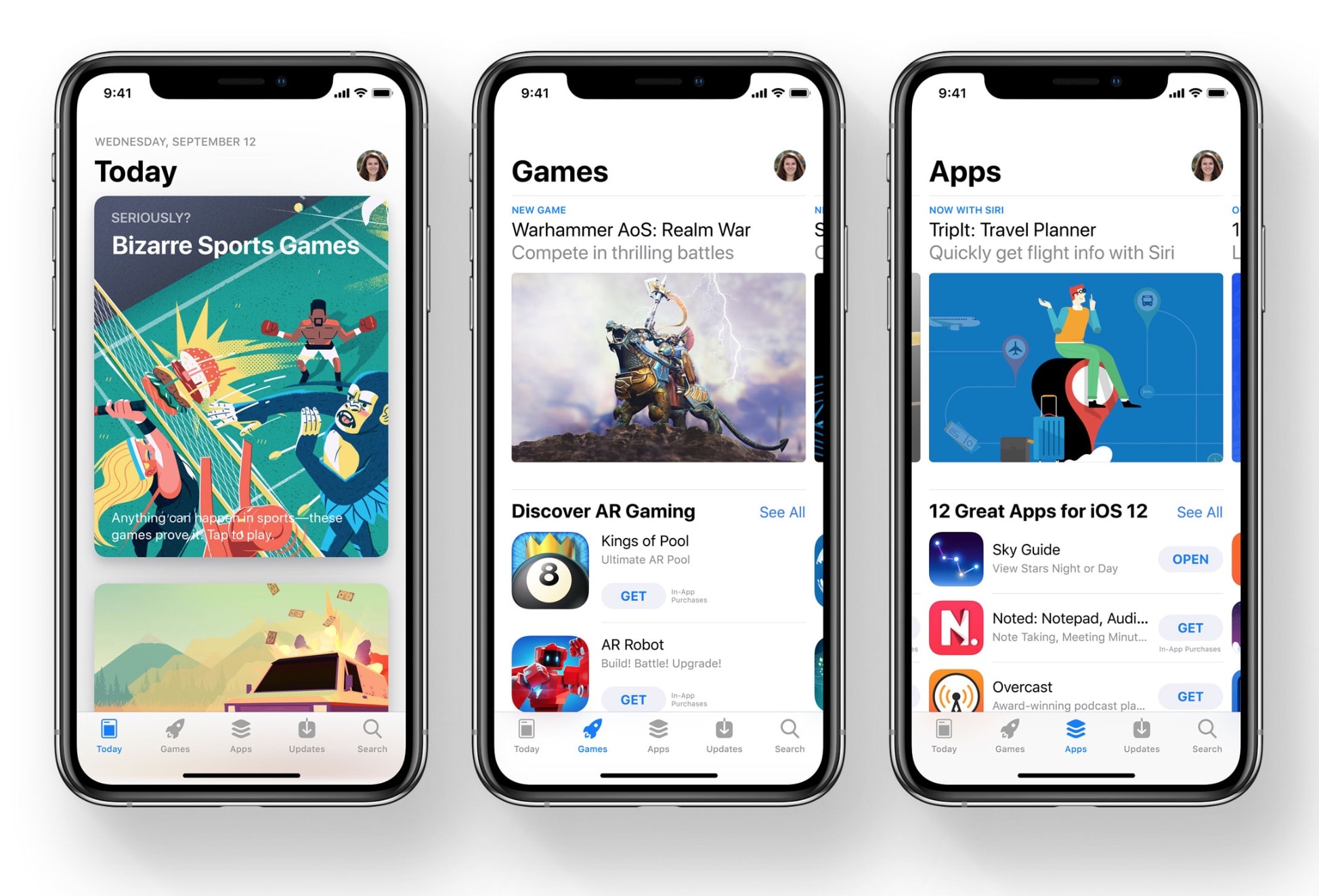
The App Store Is About To Hit 50 Billion Downloads So Apple’s Giving Away $10,000

appstorecountdown

Apple has started a new contest to promote the supremacy of the App Store. Apple is giving away a $10,000 iTunes giftcard to whomever downloads the 50 billionth app from the App Store.

Apple had a similar contest last year  for the 25th billion app downloaded from the App Store. Apple’s also going to give out 50 iTunes giftcards worth $500 each to the next 50 people would download apps right after the 50 billionth. 

Read the rest of this post »

Mastering iTunes: Customize What You See In The Sidebar [OS X Tips]

iTunes Prefs

If you’ve only recently upgraded to iTunes 11, you might be wondering where some of the features you relied on are? If you’re looking for Podcasts or Radio in the Sidebar, you might not see them right off. Luckily, the fix is fairly easy, and it’s also a great way to customize what you do see there, letting you get rid of things like iTunes U, Ringtones, and other stuff that you may not even have an interest in.

Here’s how.

Read the rest of this post »

Mastering iTunes: Make A Visual Party Playlist With Album Artwork Screensaver [OS X Tips]

iTunes Artwork Screensaver

One of the trickier things about creating a playlist for any party is making sure you have the right music for the people you’ve invited. Sometimes, though, you might want to give this entire nerve-wracking process a miss, and let the guests at your house choose the music from all the songs and artists you have in iTunes on your Mac.

Here’s how to do just that, using nothing more than your Mac and the iTunes Album Artwork screensaver.

Read the rest of this post »

Vine Will Now Let You Use The iPhone’s Front-Facing Camera To Record Selfies

vineappupdate

Ever tried to record a selfie on Vine? Normally, it’s been a pain in the ass ever since the app came out, because you couldn’t use your iPhone’s front-facing camera, but times are a changin’ as the app is now ready to help you record all your vain selfies from the comfort of your front-facing camera.

The days of awkwardly clutching your iPhone infront of you while pressing the record button on the other side are over. A new version of Vine just hit the App Store and it includes the ability to use the front-facing camera on your iPhone. Oh, and you can finally mention people in posts and comments now too.

The free update for Vine 1.1 is available in the App Store now.

Mastering iTunes: Build A Better Smart Playlist [OS X Tips]

Multiple Artist iTunes Smart Playlist

Smart Playlists are fantastic, and they really do work to help you listen to the kind of music you’re in the mood for, using a variety of user-controlled criteria. You can create a Smart Playlist for any given Artist in your iTunes library fairly easily.

But what if you want a playlist that includes more than one Artist? Well, that’s pretty simple, too.

Read the rest of this post »