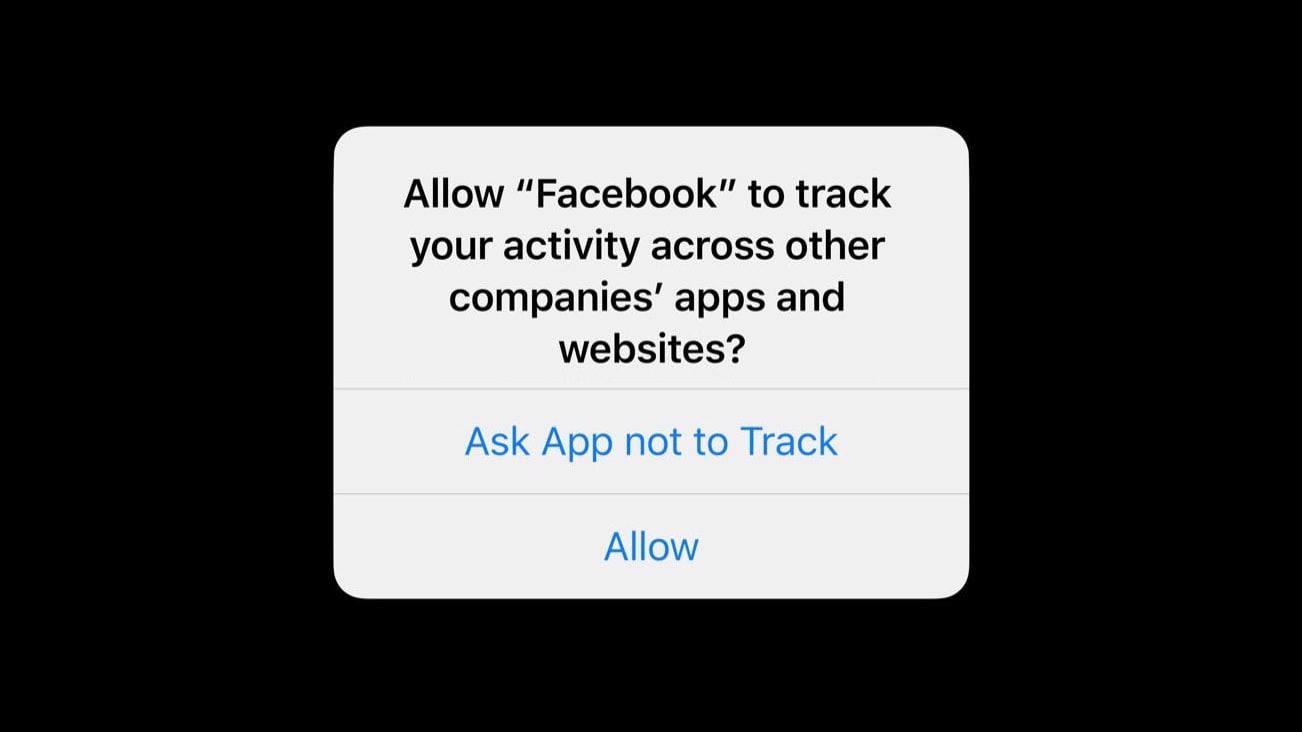
Turns out the answer to this question was “do not track” 80% of the time. Photo: Apple/Cult of Mac
A tweak to iOS privacy settings made in 2021 has already cost Facebook $8.1 billion, and the social-networking company’s losses will increase by another $12.8 billion in 2022, according to an industry report.
Forcing applications to ask permission before tracking their users’ online activity hurt other companies, too. But nowhere near as much as Facebook.
If you operate a WordPress site, you can hide your email address from bots with this plugin. Photo: Cult of Mac Deals
Posting your email on your own website shouldn’t lead to an inbox full of spam. Luckily, there’s a middle ground between giving your audience no way to reach you and handing bots and malware everything to use against you.
The Email Protection WordPress Plugin hides your email from web crawlers that log and use your information, but still makes it easy for your readers to contact you. For a limited time, this one-time purchase is on sale for just $9.99 (regularly $37).
Tim Cook delivered a keynote address at the International Association of Privacy Professionals Global Privacy Summit on Tuesday. Photo: IAPP
Apple CEO Tim Cook called privacy a key battle of our time during a speech Tuesday. He extolled Apple’s commitment to protecting its users’ data and condemned regulations that would force Cupertino to accept app sideloading on iPhones.
“We are deeply concerned about regulations that would undermine privacy and security in service of some other aim,” he said, referring to legislation that would force Apple to allow apps for its devices to bypass the App Store.
Cook made the comments during a wide-ranging keynote address at the International Association of Privacy Professionals Global Privacy Summit in Washington, D.C.
Read more about what he said and watch video of his speech below.
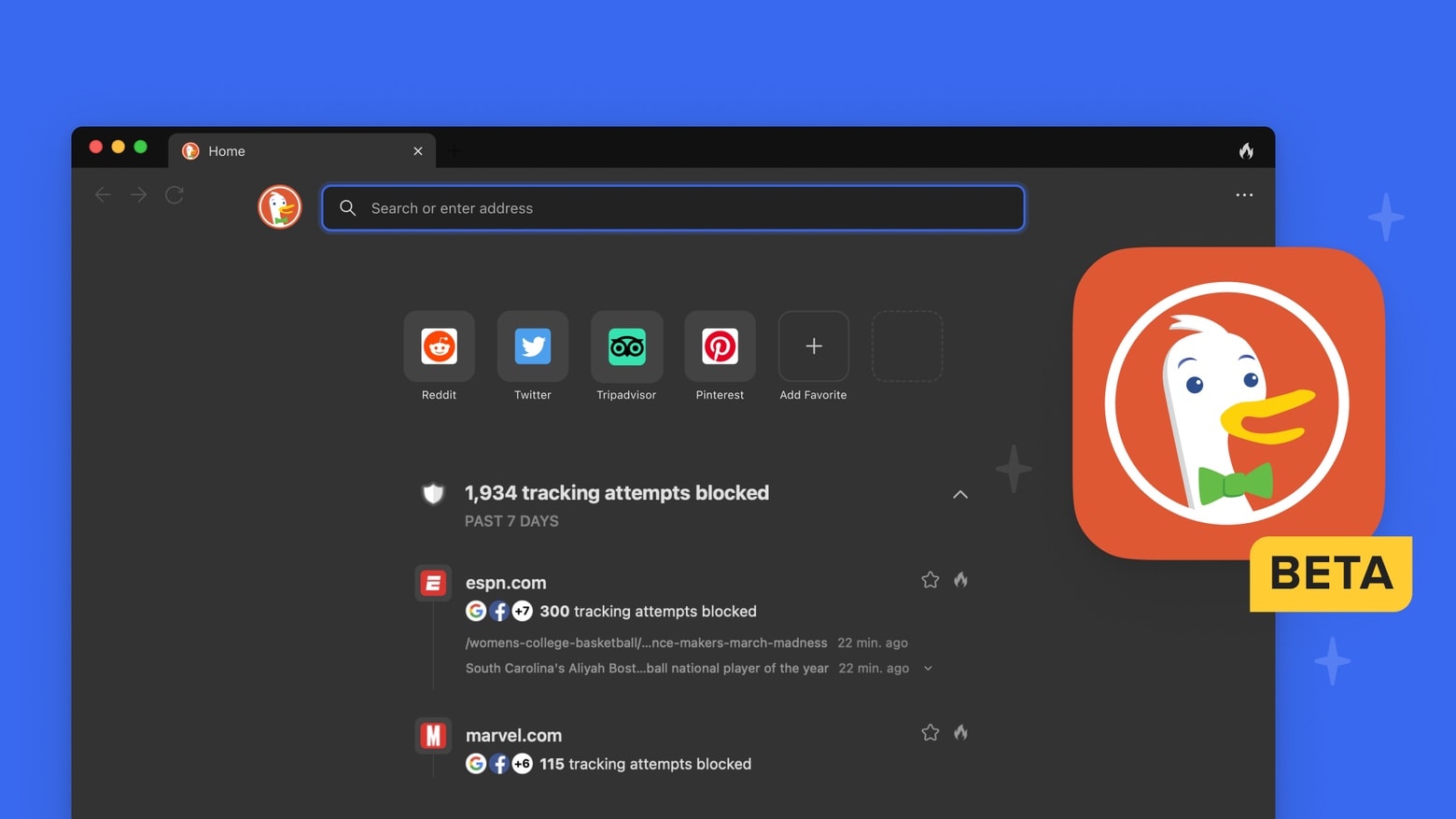
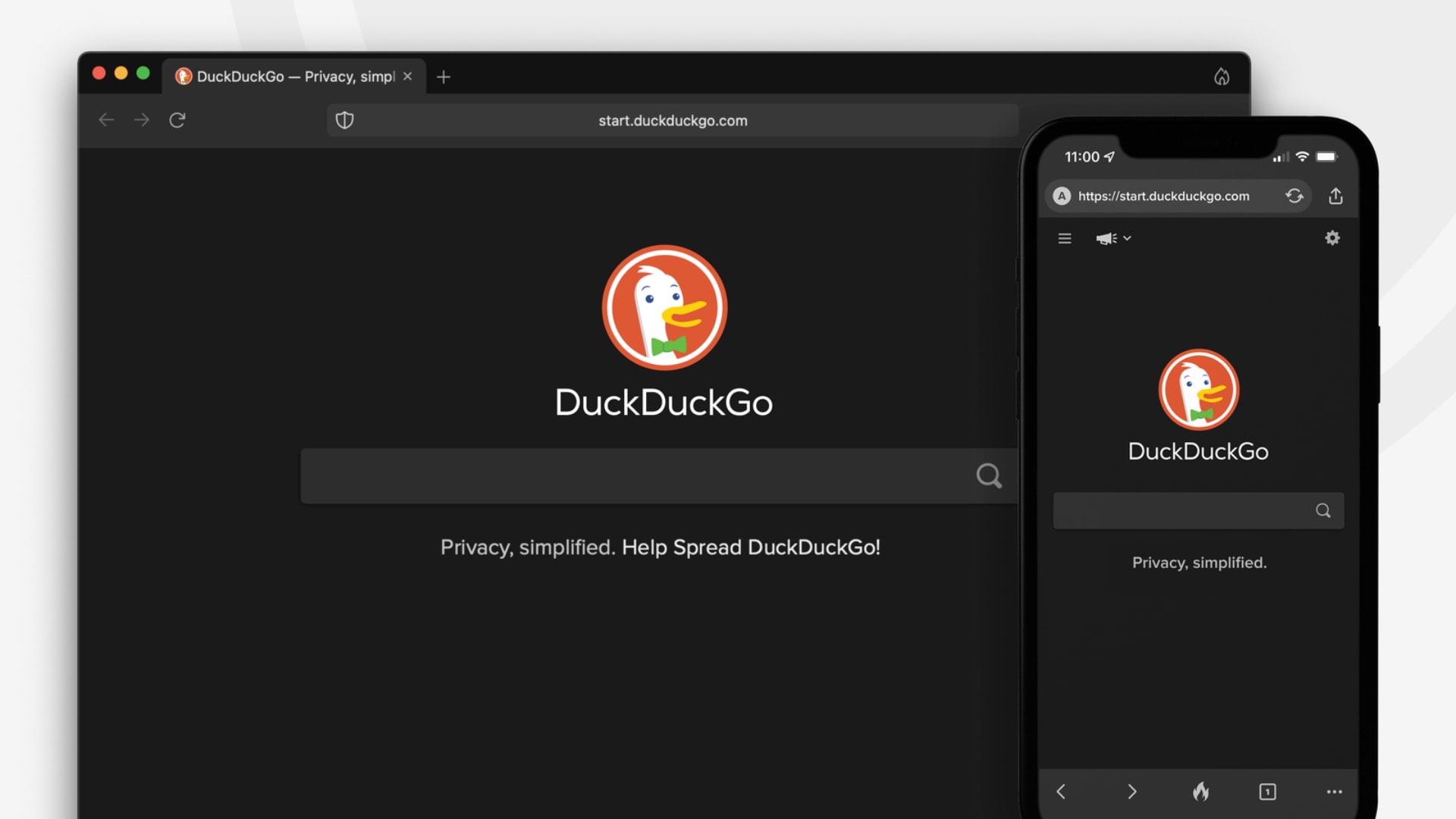
DuckDuckGo is not just for iPhone and iPad any more. Photo: DuckDuckGo
DuckDuckGo for Mac launched as a public beta on Tuesday. The free web browser makes privacy settings the default, and offers private search, tracker blocking and website encryption.
Apple's decision to drop out of the privacy trade group comes ahead of Tim Cook headlining a global privacy summit. Photo: Fortune Global Forum/Flickr CC
Apple dropped out of a privacy trade group that pushes increasingly “industry-friendly data privacy laws.” The move comes ahead of Apple CEO Tim Cook headlining the International Association of Privacy Professionals Global Privacy Summit next Tuesday.
Cupertino confirmed it will leave the trade group, known as the State Privacy and Security Coalition, through a spokesperson following an initial report about it in Politico.
Facebook is expected to lose $10 billion to Apple's changes this year alone. Photo: Thought Catalog/Unsplash CC
Facebook parent company Meta is still bemoaning App Tracking Transparency, the “harmful” feature Apple introduced last year in iOS 14.5 to bolster the privacy of iPhone and iPad users.
The change is “making it harder and more expensive” for businesses to reach their customers, Meta said as advertisers reportedly slash their spending on Facebook and Instagram and turn to rivals like Amazon and Google instead.
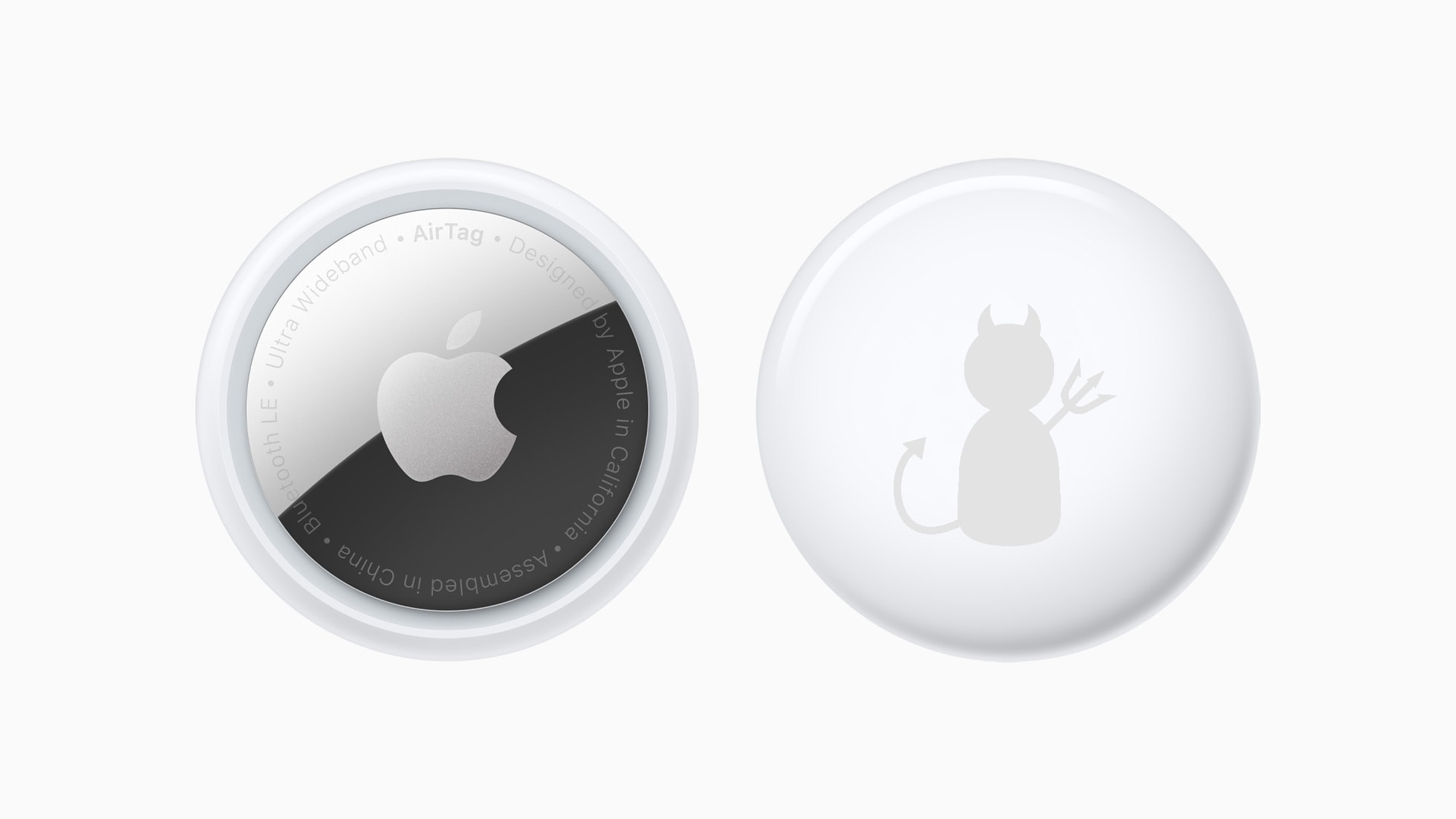
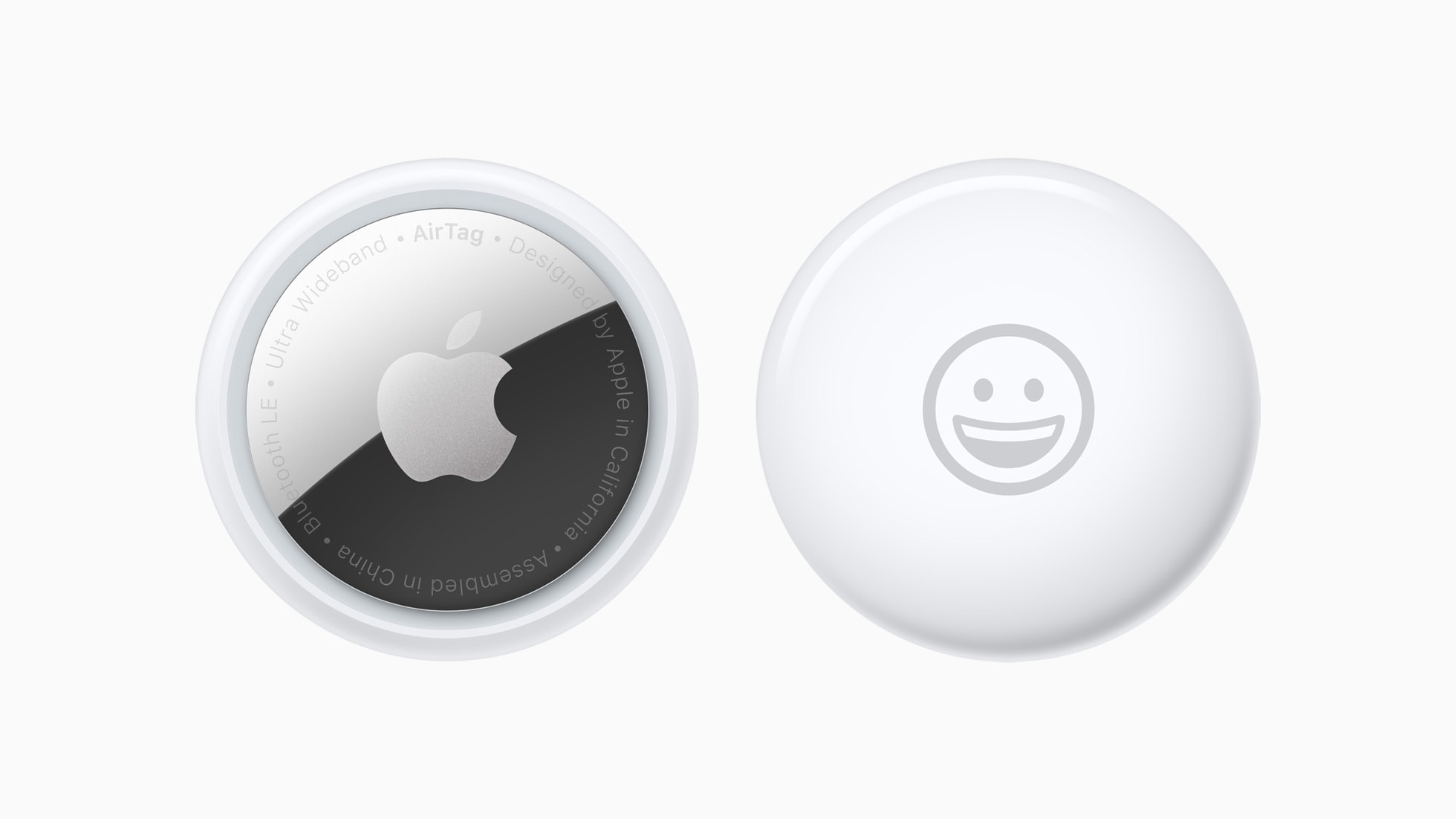
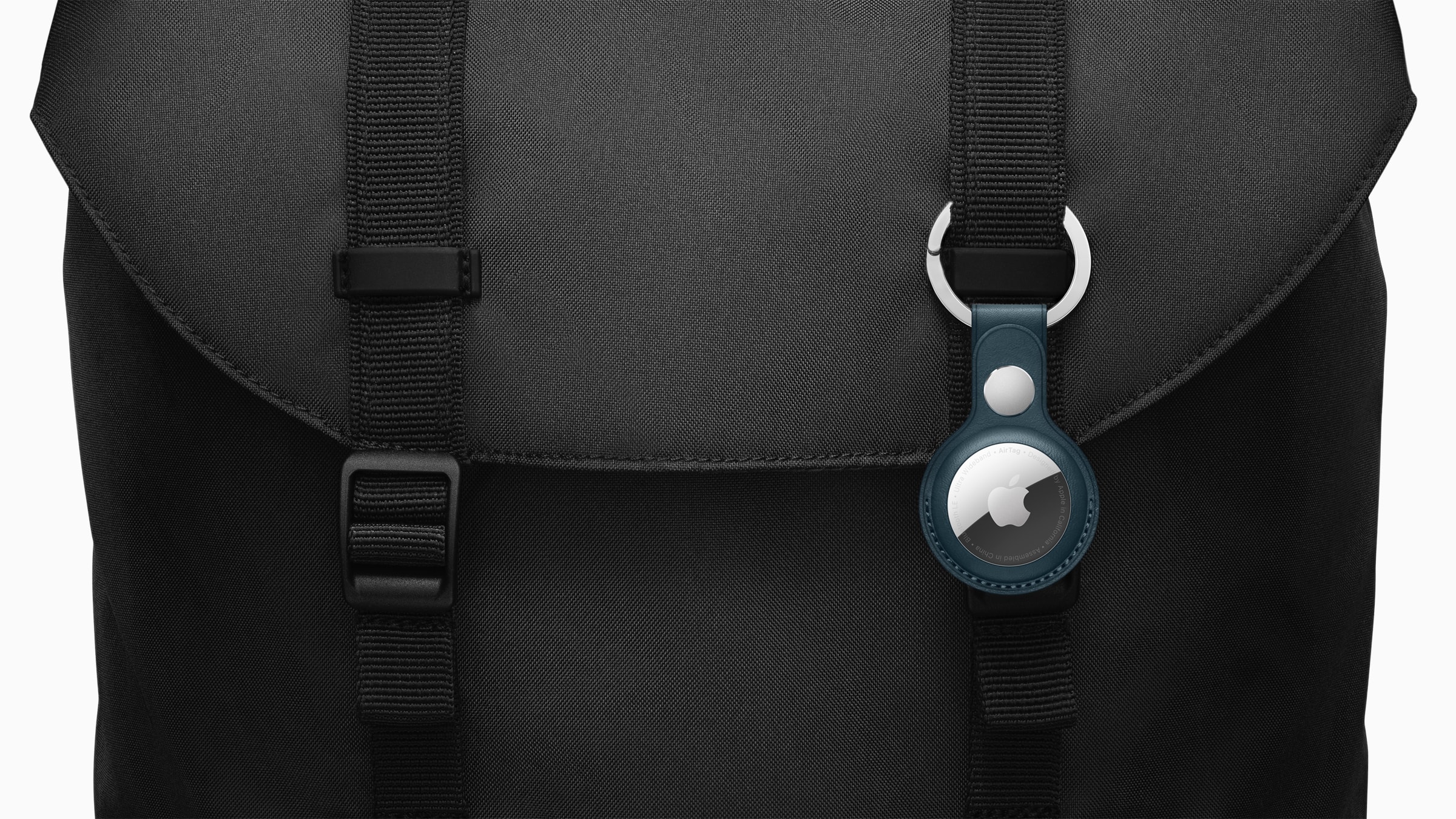
Creeps love AirTag. But there are changes Apple could make so it would be much less useful for criminals. Photo: Apple/Cult of Mac
New York’s attorney general issued a warning Wednesday about AirTags being used to secretly track people. And this is only the latest in a growing controversy over misuse of Apple’s tracking tags.
Perhaps Apple should drop the item tracker completely. At the very least, the functionality needs to be scaled way back.
Zoom issued a quick fix for its native macOS app over the weekend to address a concerning bug that left microphones active when they shouldn’t have been.
It comes after many Mac users complained the app was still listening in after calls had ended. It is the second time Zoom has attempted to eliminate this issue, so here’s to hoping this update actually does its job.
A New York Times reporter found that AirTag tracking and privacy alerts can work better than other trackers. Photo: Apple
Just a day after Apple touted its beefed-up privacy precautions for AirTags — in the wake of criminal incidents involving the tracking devices — an article in The New York Times on Friday showed their superiority to Tile and GPS trackers.
A reporter tracked her husband using all three kinds of devices. She found the AirTags not only better at tracking him in an urban area, but also better at tipping him off to the tracking.
An increasing number of Mac users say Zoom is using their machine’s microphone even when the app is not in use.
Zoom rolled out an update last December for its native Mac app that supposedly resolved “an issue regarding the microphone light indicator being triggered when not in a meeting.” But it doesn’t appear to have worked.
AirTags seemed so innocent and helpful at first. Photo: Apple
Apple said in a statement Thursday it will update AirTags item trackers with new privacy warnings, better warning sounds and smarter Find My tracking. The efforts comes as the company tries to improve security in the wake of criminal activity involving the devices, such as theft and stalking.
To make sure your AirTag has the latest security improvements, check for theAirTag update regularly.
Facebook parent company Meta has warned investors that it will lose around $10 billion in 2022 as a result of Apple’s bolstered privacy protections.
The company has been whinging about the improvements, which include App Tracking Transparency, since they were introduced in iOS 14. Its shares dipped more than 20% on Wednesday after it reported its latest disappointing earnings.
All its privacy features will be enabled by default. Image: DuckDuckGo
DuckDuckGo, the search engine that prides itself on protecting your privacy, is building its very own web browser for Mac. It promises to be simple and fast, with robust privacy features enabled by default.
The browser will feature DuckDuckGo’s popular “Fire Button,” which quickly wipes all your private data in just one click. It also will be built to use native browser technologies, rather than relying on third-party engines.
UPDATE 12/16: Apple has told The Verge that its CSAM photo-scanning plan is still on hold, and that plans to roll it out later haven’t changed.
Apple has quietly removed all references to its controversial plan to scan iCloud Photos libraries for child sexual abuse material from its website. Back in August, Cupertino announced its intention to trawl through users’ pictures to detect CSAM material.
However, after encountering significant criticism from experts, rights groups and even its own employees, Apple shelved the feature. The company said in September that it had “decided to take additional time” to collect input and make improvements to the feature. But it’s now unclear whether it will go ahead with CSAM photo scanning at all.
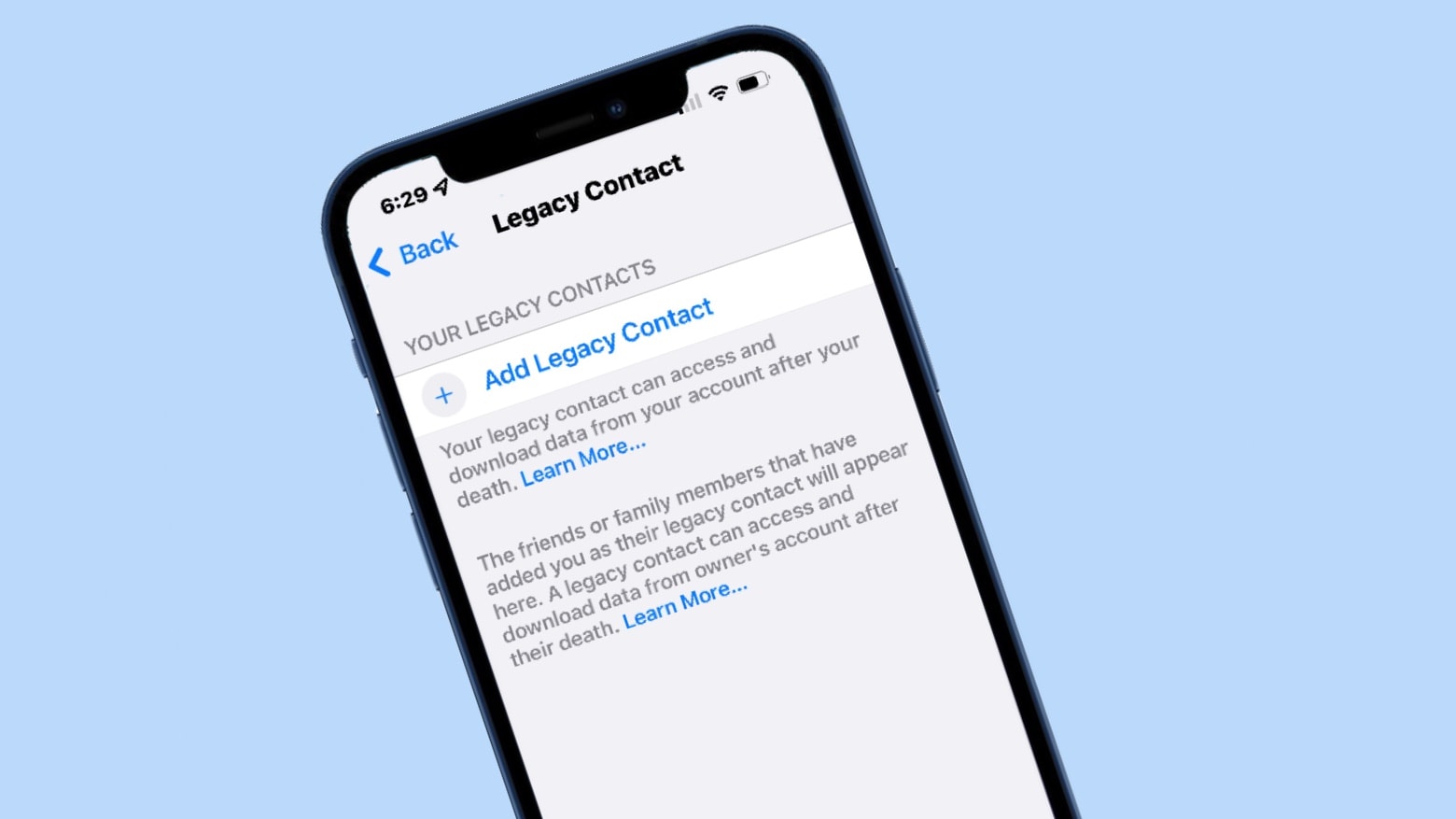
Legacy Contacts are among the features debuting in iOS 15.2 and iPadOS 15.2. Photo: Cult of Mac
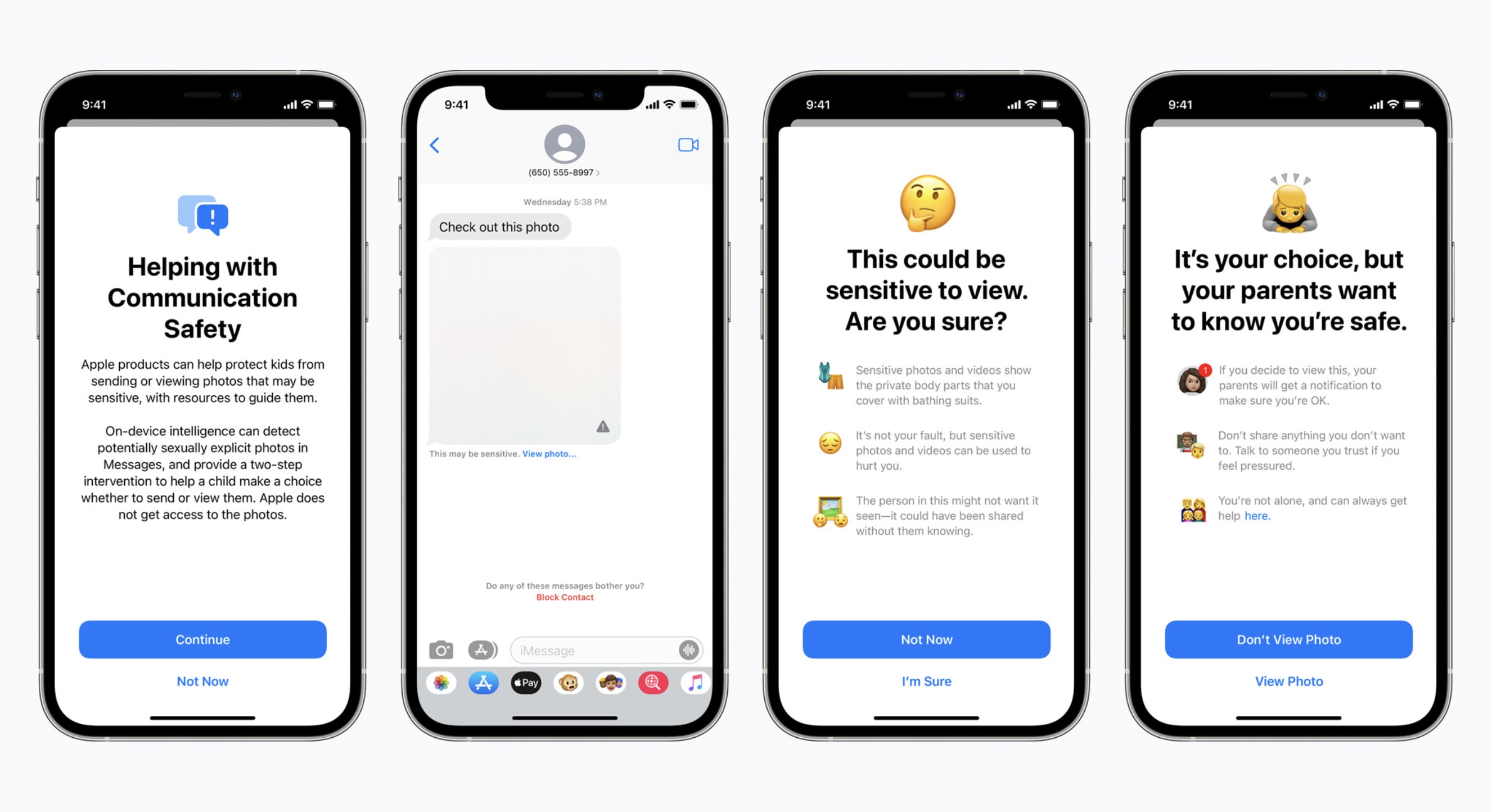
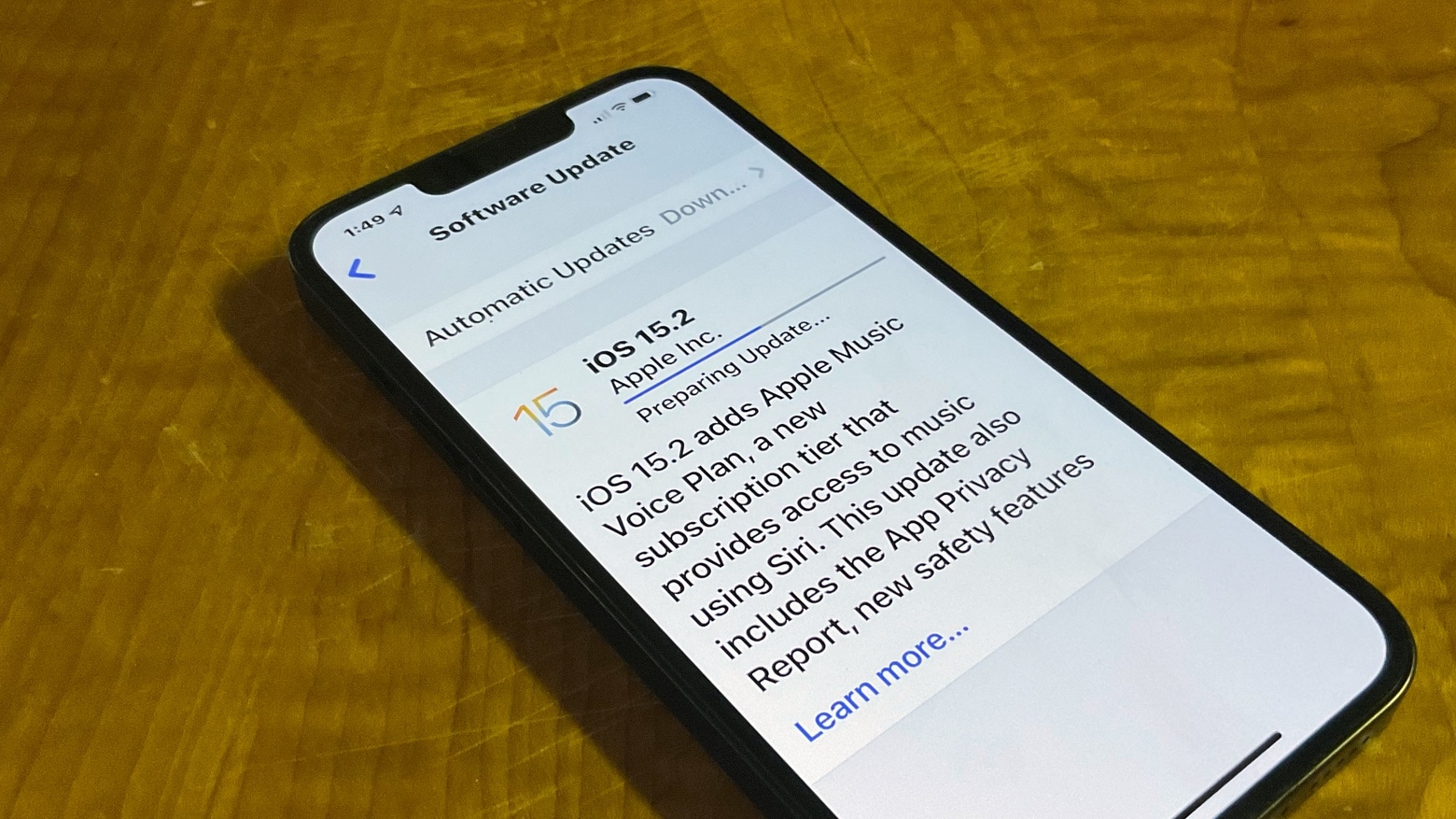
iPhone users can now upgrade to iOS 15.2. The update adds a cheaper Apple Music option, plus there’s a new App Privacy Report, and parents will be alerted if their children send or receive nudes.
iPadOS 15.2 is also available with these same updates. And there’s overlap with the just-released watchOS 8.3 and macOS Monterey 12.1.
Don't let Verizon keep tabs on everything you do. Image: Verizon/Cult of Mac
If you use an iPhone on Verizon, there’s a good chance your carrier has been tracking everything you do when you’re connected to its cellular network. This includes the websites you visit, the apps you use, your location and more.
It’s all part Verizon’s “Custom Experience” and “Custom Experience Plus” programs, which are designed to “personalize” the carrier’s communications with its customers. In other words, it’s to build a profile about you so Verizon can better serve you targeted ads. (According to Verizon’s typo-riddled website, “The Custom Experience programs help us personalize communications, recommandations [sic] and offers to make them more relevant to you.”
There’s nothing Apple can do to stop this — despite its new privacy protections baked into iOS — because its tracking does not require an app installed on your iPhone. But there is something you can do to prevent it. We’ll show you how.
Devs can start testing iOS 15.2. The full release is expected by mid-December. Photo: Ed Hardy/Cult of Mac
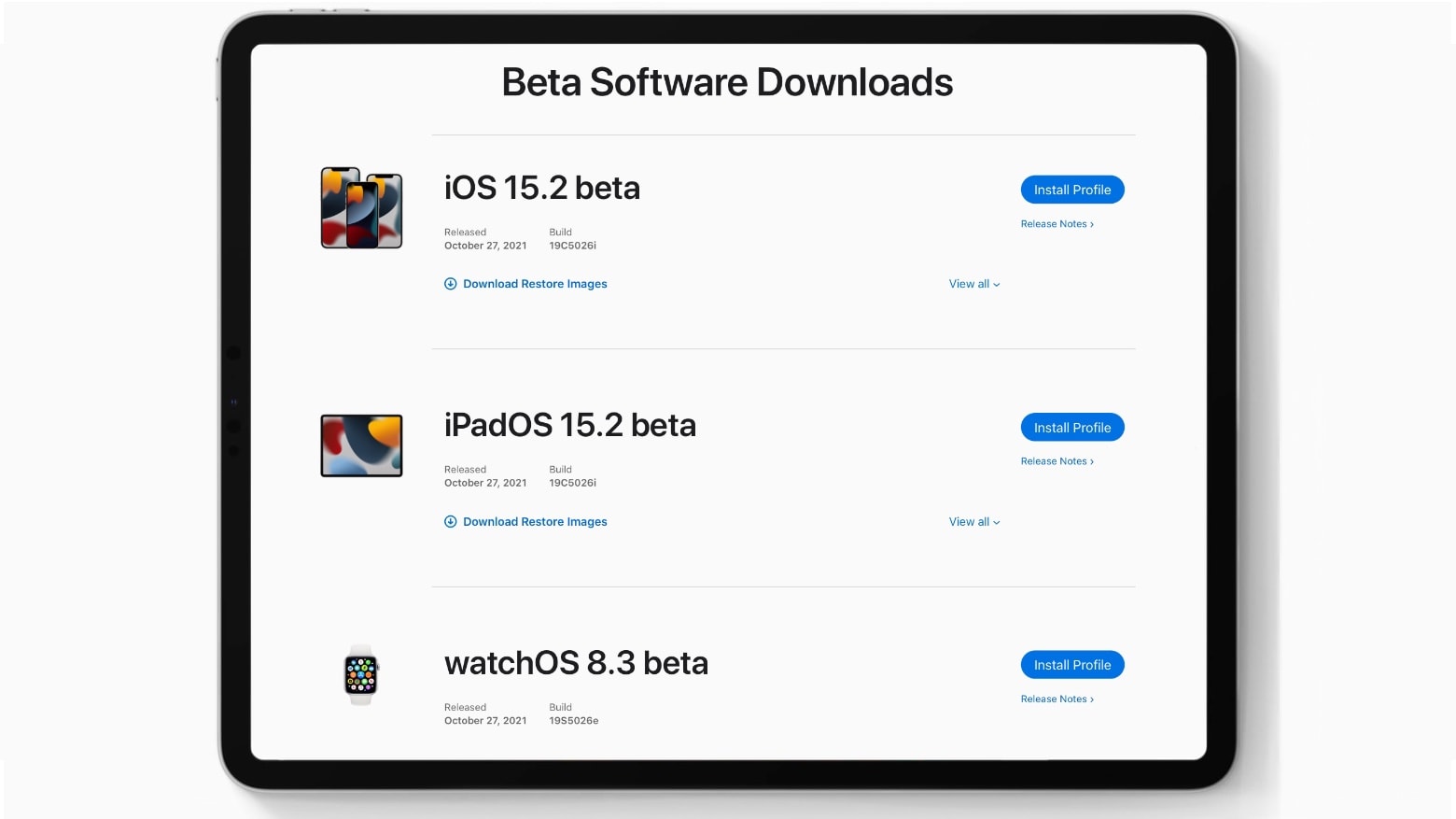
Apple seeded the iOS 15.2 release candidate to developers on Tuesday, along with the iPad equivalent. When released to the public, iPhones will alert parents if their children send or receive nudes, there’s a new App Privacy Report, and users will be able to look for AirTags that might be tracking them.
The macOS 12.1 RC and watchOS 8.3 RC also went to devs on Tuesday.
Developers can start testing iOS 15.2 beta 1, iPadOS 15.2 beta 1 and watchOS 8.3 beta 1 on Wednesday. Photo: Ed Hardy/Cult of Mac
iOS 15.2 beta 1 and iPadOS 15.2 beta 1 have been seeded to developers. When available to everyone, the updates will bring an App Privacy Report for tracking what third-party application are doing. It’ll show users, each app’s sensor, data and internet usage in a simple chart.
This service will get your private info off the internet. Photo: Cult of Mac Deals
Whether you like it or not, your personal information is somewhere on the internet. If you’ve signed up for a subscription on a website, entered your birthday into a streaming service, or given your email to a grocery store, then someone has your information. Not to mention what’s on social media.
There’s also a good chance they’re selling your data. It’s almost impossible to scrub yourself from the internet, but as privacy concerns grow, so does the technology available to protect yourself. Optery Data Broker Removal is the best way you’re going to find to remove your sensitive personal information from the internet. Right now you can get one year of Optery’s Core Plan for $49, or an Ultimate Plan for $199.
Most streaming services are watching you while you watch them. Photo: Apple
Almost every video streaming service except Apple TV+ is selling your data to third-party companies and tracking your viewing habits for targeted ads. A new report from Common Sense Media exposes the loose privacy policies employed by most streaming providers, including Amazon and Netflix.
“Many viewers know that free streaming apps are most likely selling their personal information, but most viewers may not know that most paid sub‐ scription streaming apps are also selling users’ data,” warns the report.
WhatsApp says no one — not even WhatsApp — can read your messages. Image: Killian Bell/Cult of Mac
WhatsApp promises to protect every one of its 2 billion users with end-to-end encryption that ensures their messages cannot be seen by anyone outside of the original conversation. But does it live up to that promise?
A new report alleges that the Facebook-owned messaging platform uses artificial intelligence and more than 1,000 contract workers to examine “millions of pieces of users’ content” using “special Facebook software.”
That’s despite Facebook CEO Mark Zuckerberg telling the U.S. Senate in 2018 that “we don’t see any of the content in WhatsApp.”
Apple will take time to "collect input and make improvements." Photo: Kevin Dooley/Flickr CC
Apple on Friday confirmed it has delayed controversial plans to start scanning user photos for child sexual abuse material, aka CSAM.
The feature was originally scheduled to roll out later this year. Apple now says it will take time to “collect input and make improvements” before deploying the changes. However, the feature is far from canceled altogether.
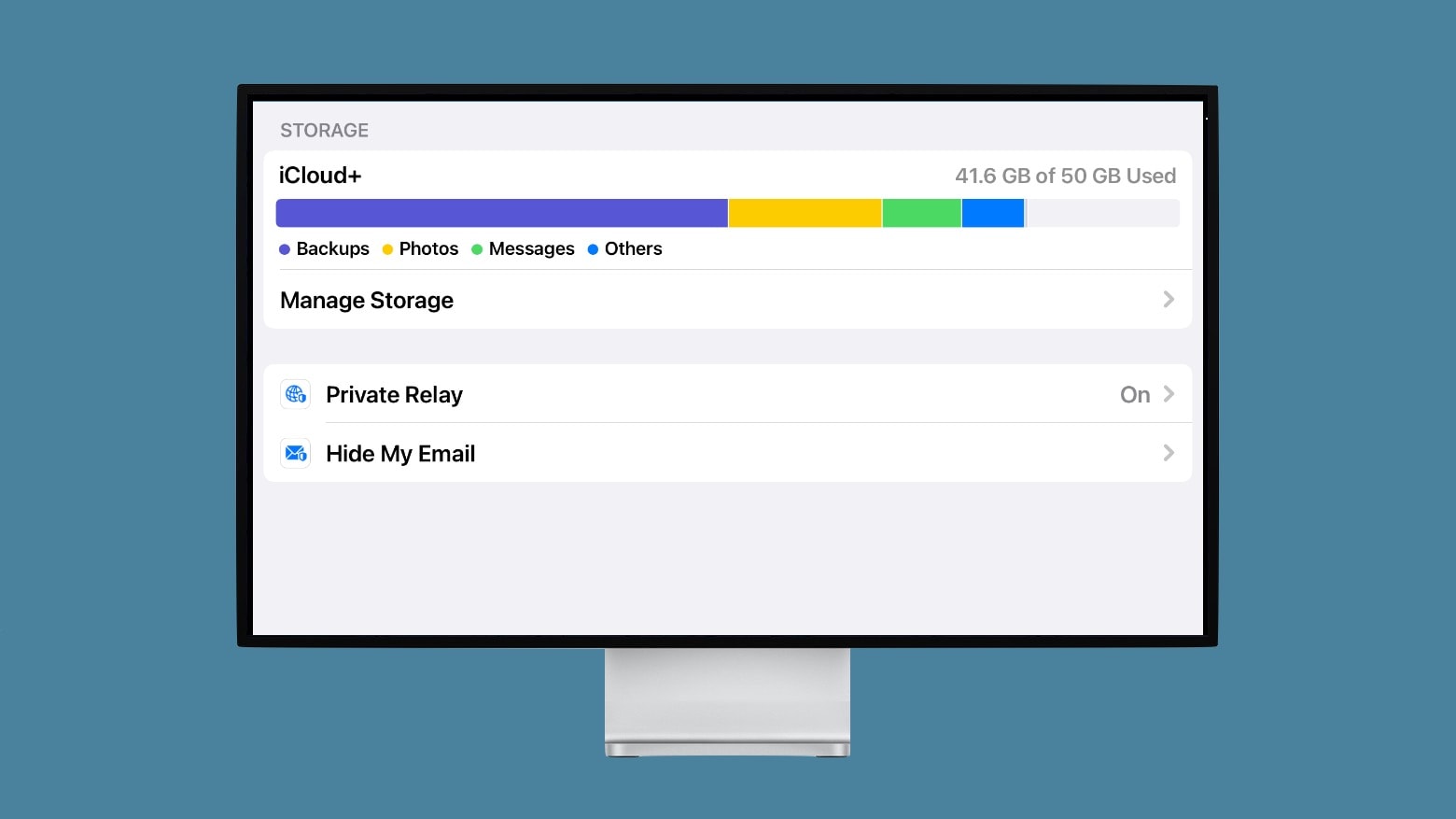
Private Relay protects your online privacy. It’s the best part of Apple’s new iCloud+. Photo: Ed Hardy/Cult of Mac
A major new privacy feature of iOS 15 won‘t be ready when the update goes out to iPhones. iCloud Private Relay will mask users’ IP addresses so they can’t be tracked. But it needs additional time for beta testing.
The largest campaign so far against Apple's new child safety features. Photo: Benjamin Balázs
An international coalition of more than 90 policy and rights groups is urging Apple to drop plans to scan user photos for child abuse material (CSAM).
In an open letter addressed to Apple CEO Tim Cook, published on Thursday, the coalition said it is concerned the feature “will be used to censor protected speech, threaten the privacy and security of people around the world, and have disastrous consequences for children.”
It is offering funding and free access to its iPhone virtualization platform. Photo: Corellium
Security research firm Corellium on Monday revealed its new Open Security Initiative, which will support independent research into the privacy and security of mobile apps and devices. Its first target is Apple’s controversial CSAM scanning feature, set to roll out to iPhone users later this year.
Corellium said it applauds Apple’s commitment to holding itself accountable, and it believes its platform of virtual iOS devices is best for supporting any testing efforts. It hopes that researchers will use it to uncover “errors in any component” of Apple’s feature, which could be used to “subvert the system as a whole, and consequently violate iPhone users’ privacy and security.”