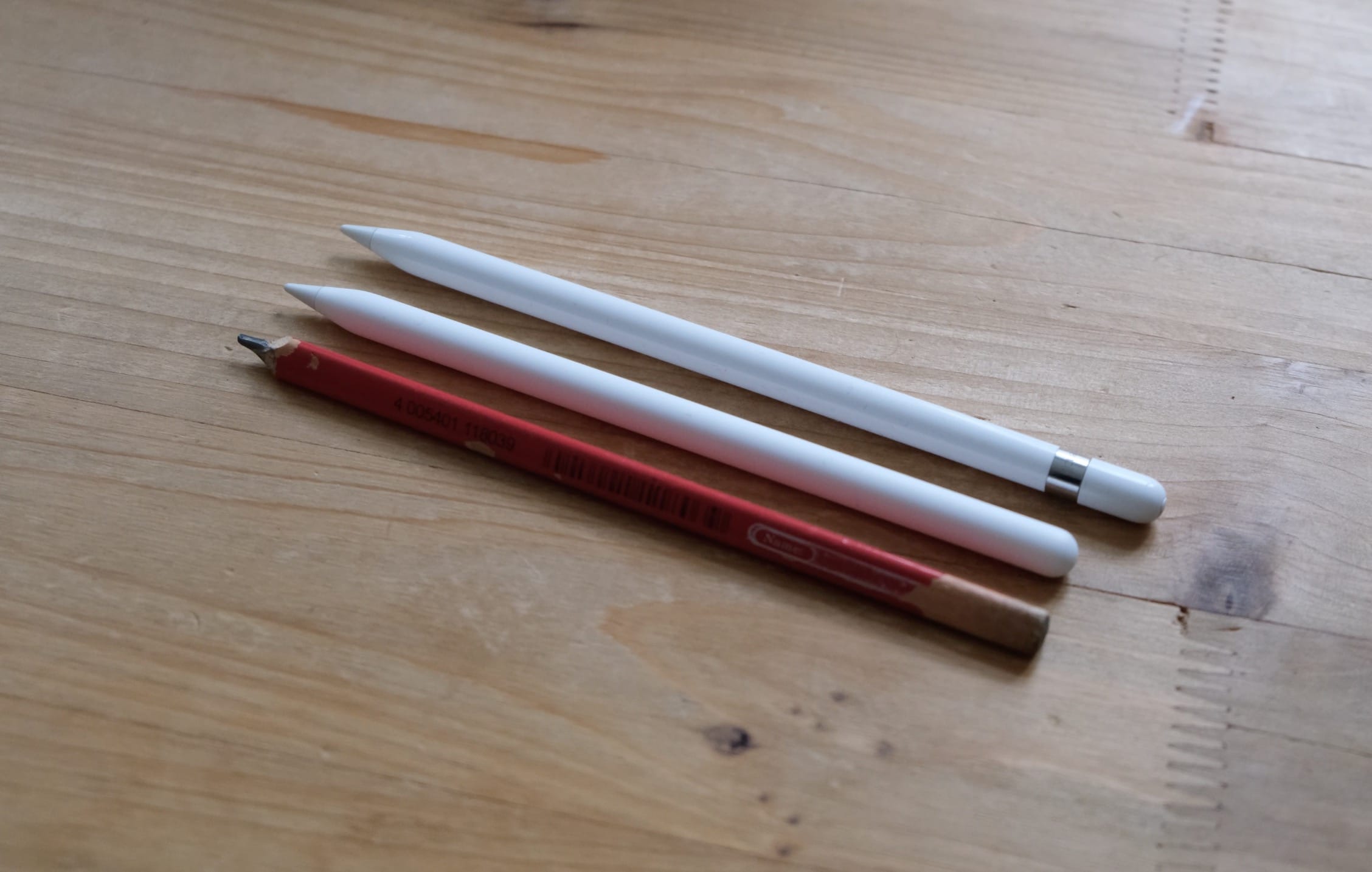
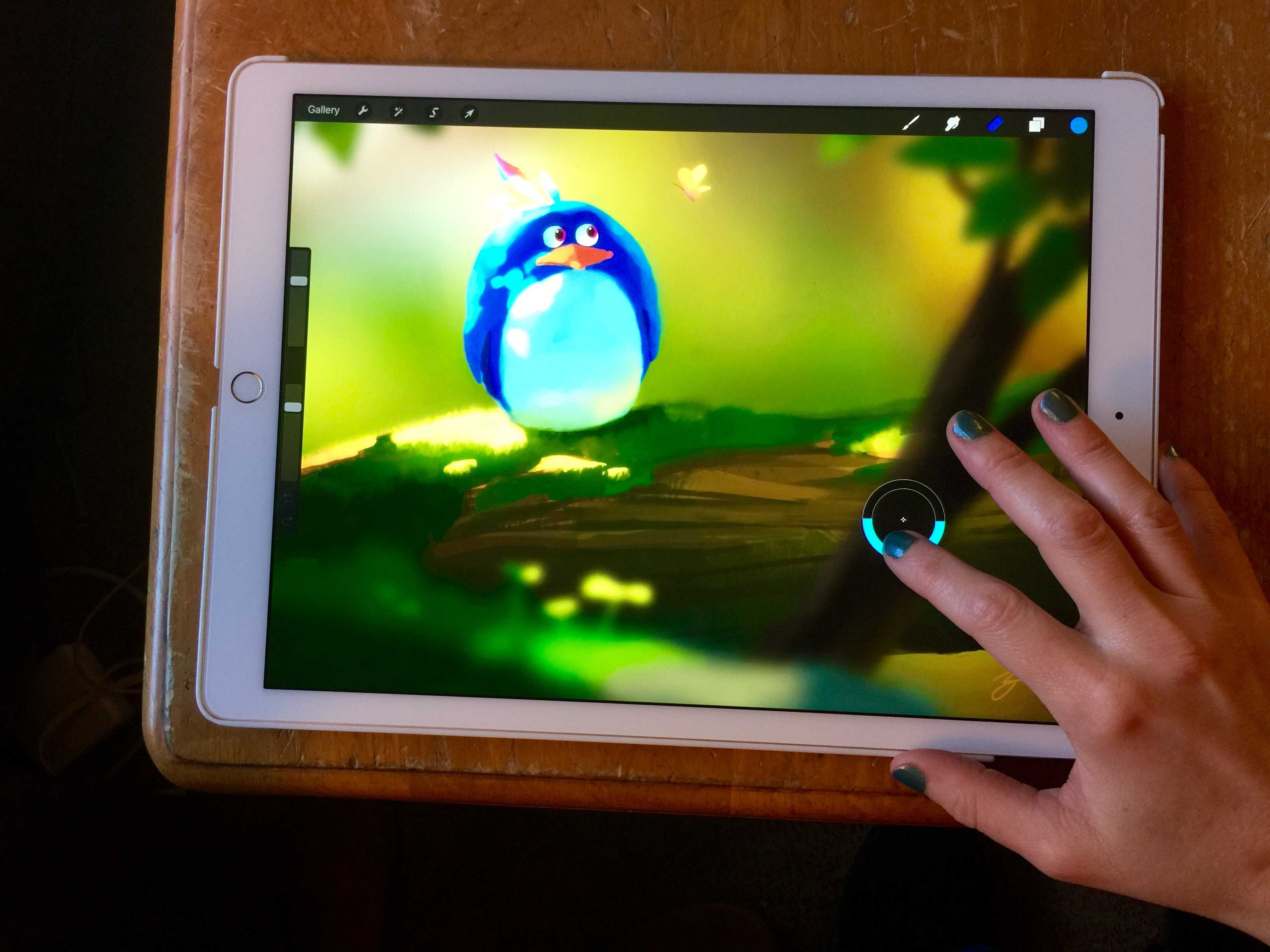
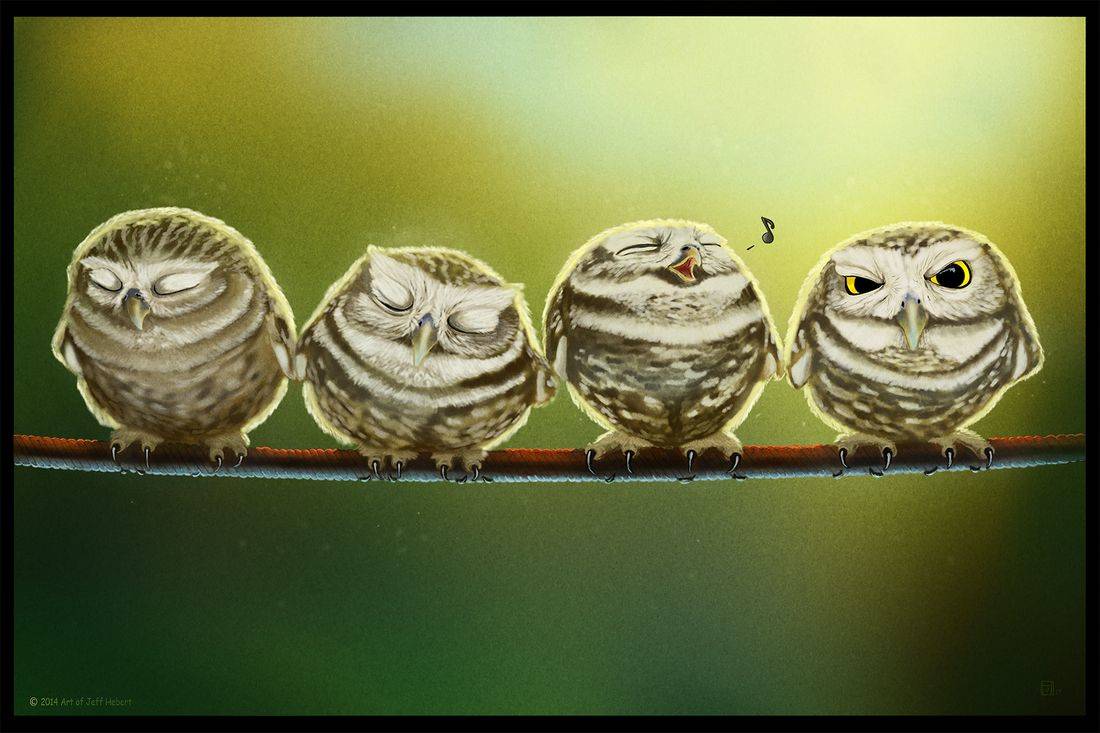
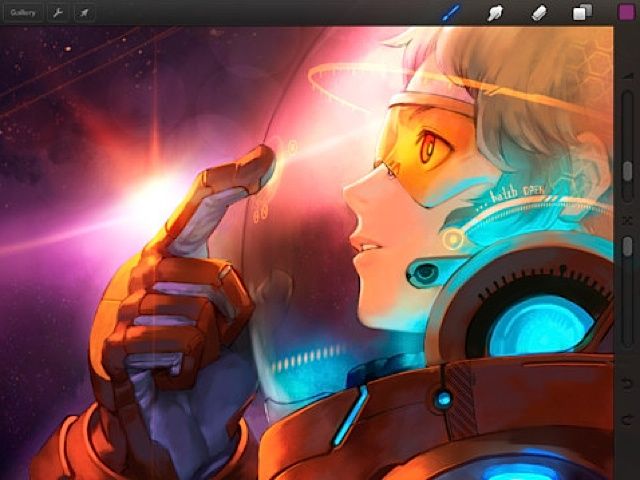
It’s amazing what can be created with an iPad, Apple Pencil and Procreate. Photo: Apple/Greg Joswiak/Cult of Mac
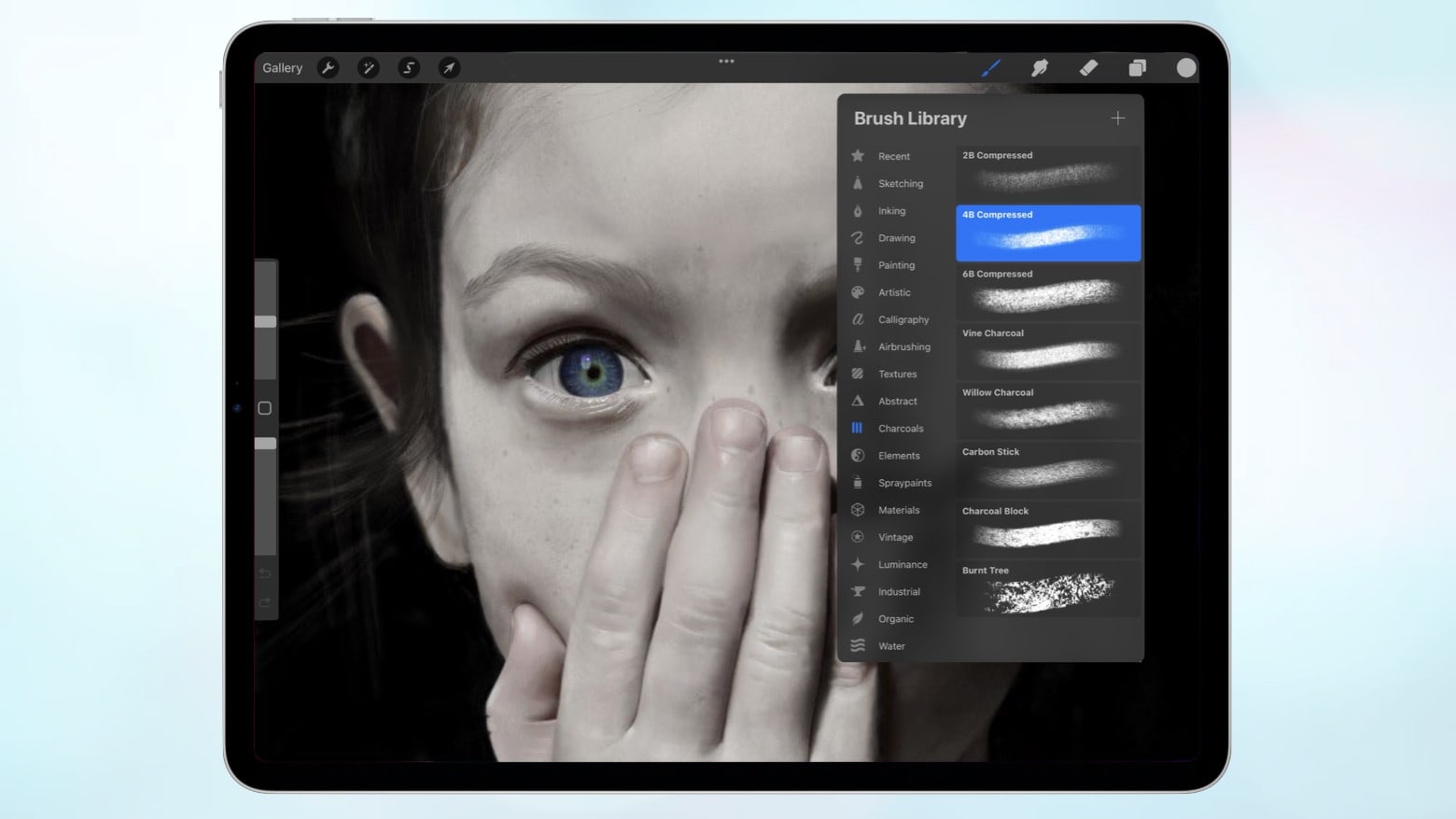
Greg “Joz” Joswiak, Apple’s marketing chief, shared an image of a surprised young girl today. It looks like a photo, but the image was instead drawn by an Apple employee using an iPad Pro and Apple Pencil.
Check Joswiak‘s post for the full image. And never doubt that iPad is a serious tool for creating amazing art.
Chicago-based artist Belinda Kuo mainly uses an iPad Air, Apple Pencil and the Procreate app in her work. Photo: Apple
In the latest installment of a series in which Apple showcases artists and professionals using its devices, Chicago-based lettering artist Belinda Kou explained how an iPad Air diverted her from studies in biopsychology to an art career.
Go from a virtual canvas to painting 3D objects with Procreate 5.2. Photo: Savage Interactive
Procreate 5.2 will let iPad users paint in 3D and then view their creations with augmented reality. That’s a significant step beyond traditional 2D creation.
And Savage Interactive says its digital tool will be up to four times faster on the 2021 iPad Pro thanks to the M1 processor.
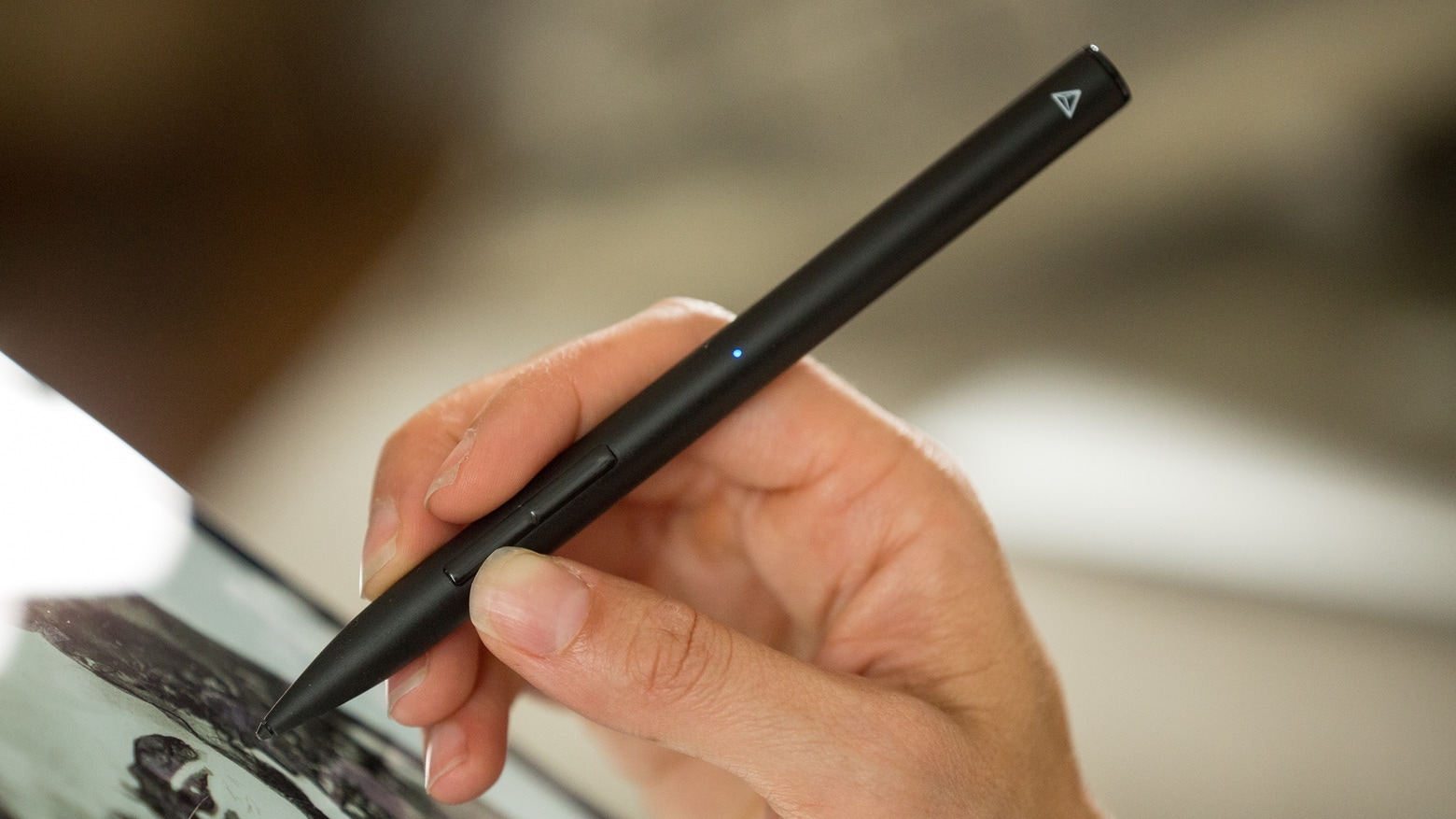
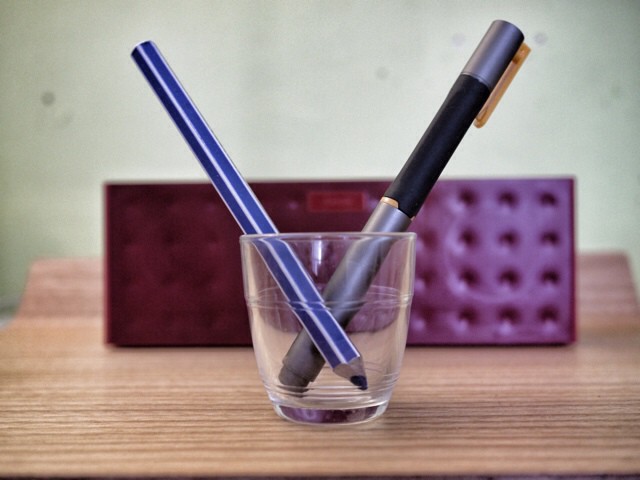
The Adonit Note+ iPad stylus is designed for artists and note takers. Photo: Adonit
Adonit’s second-generation iPad stylus offers many features not in the original, including including tilt detection and pressure sensitivity. The Note+ also adds shortcut buttons for quick access to erase, redo, or other functions.
It has nearly the same feature set as the Apple Pencil while costing significantly less.
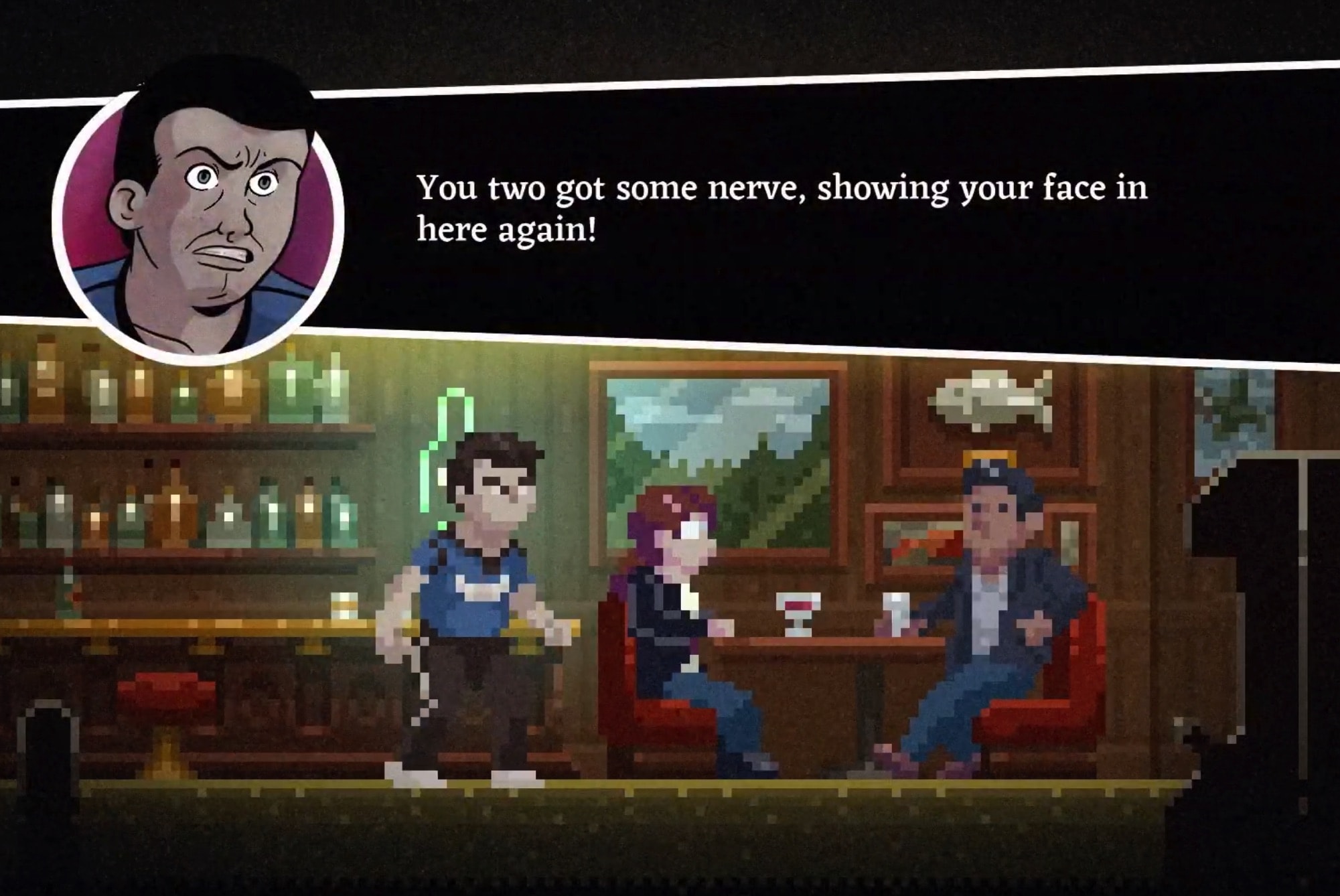
Got to love that pixel art! Photo: Benjamin Rivers Inc.
Worse Than Death, the new game created by horror title Home creator Benjamin Rivers, has a release date in the App Store.
The pixel art action-adventure game, which combines puzzle solving and exploration with plenty of scares will debut on June 26. Check out the trailer below.
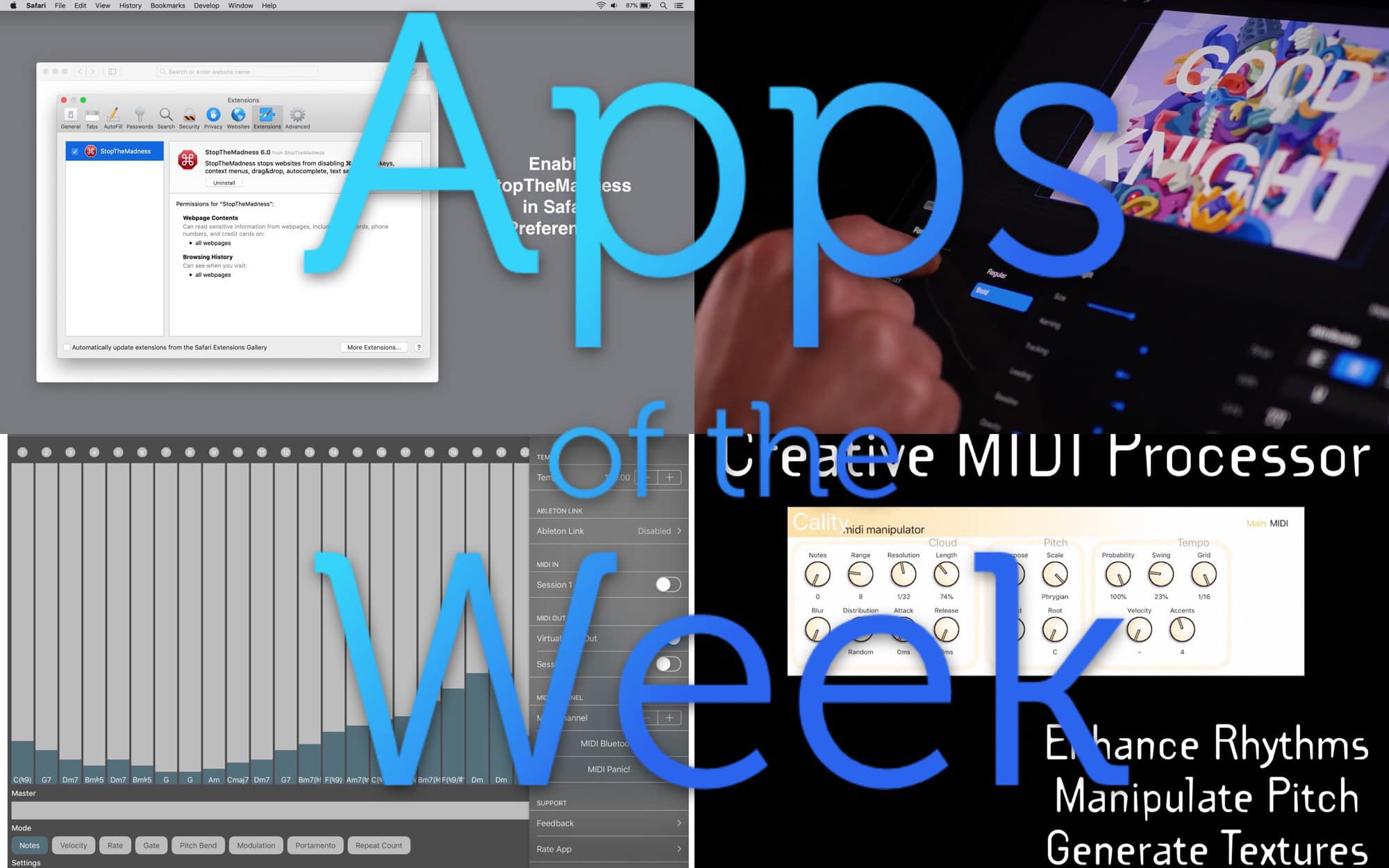
Music, gift cards, text, and privacy — what a mix we have this week. Photo: Cult of Mac
This week we check out yet more amazing music-mangling apps, check in with web browser savior StopTheMadness, and find out how to buy gift cards from anywhere, at any time.
Like everything else, the new Apple Pencil is better. Photo: Andrea Nepori
The Apple Pencil 2 is way better than version 1.0. It’s always charged. It’s always there on the side of your iPad, ready to use. And now that it supports tap gestures, it’s also a lot more powerful. But it doesn’t stop there.
Check out these excellent Apple Pencil 2 tips and tricks to take your Apple stylus usage to the next level.
Drawing skills let you create in any medium. Photo: Andrea Nepori
Today’s how-to is a little different. I won’t be recommending special apps for learning how to draw, or even AR apps that help you trace pictures onto real paper. Instead, I’m going to give you a few tips that will help you draw what you see in front of you, whether you’re using a pencil and paper, brush and canvas, or iPad Pro and Apple Pencil.
But first, there’s good news and bad news. The good news is that you already know how to draw — you just need to learn how to look. The bad news is that the only way to improve is to practice. A lot. There’s no shortcut. You just have to do a lot of drawing. And if you’re spending long hours sketching on your iPad, having a reliable round charger can keep your device powered up effortlessly—check out this deal on the INIU Leopard 100W GaN Wall Charger.
Check out this week’s best new and updated apps. Photo: Cult of Mac
This week we chill out with the retro-tastic Mellowsound synth, check out the essential new QWERTY keyboard support for GarageBand, explore a huge update to everyone’s favorite painting app, Procreate, and more.
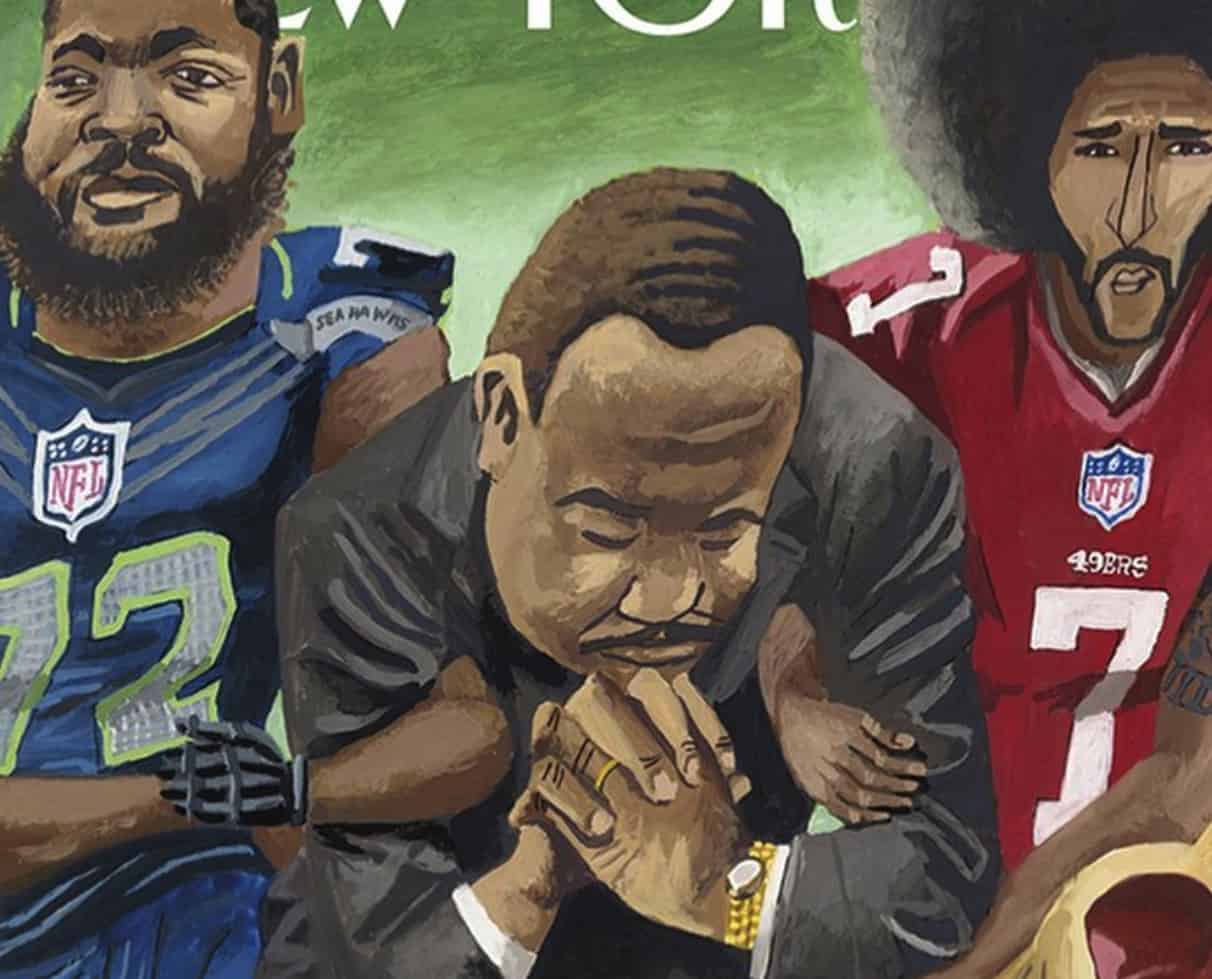
Mark Ulriksen has been a celebrated magazine artist for years. Photo: New Yorker
New Yorker cover artist Mark Ulriksen went from “technologically illiterate” to loving working on his iPad Pro, a new profile article reveals.
Ulriksen painted by hand using acryclic and gouache paint until last October when he splashed out on a fancy new iPad Pro, Apple Pencil and copy of the app Procreate.
Las Vegas’ massive CES expo monopolized the tech world’s attentions this week, but that doesn’t mean there weren’t some great things happening in the App Store, too.
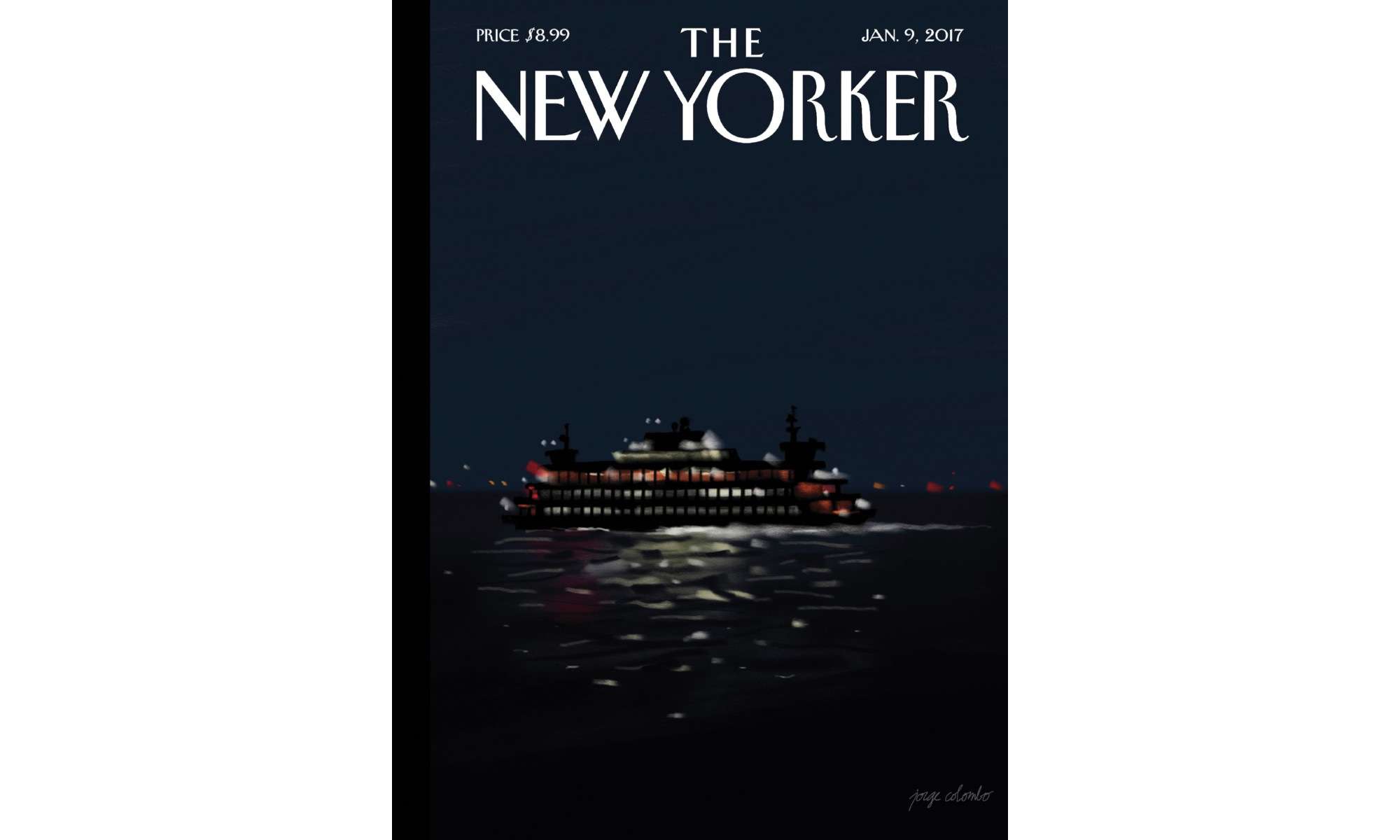
Jorge Colombo drew the New Yorker cover on iPad Pro. Photo: The New Yorker
Want proof you can get “real” work done on the iPad Pro? Look no further than the latest cover of The New Yorker.
Long-time art editor Jorge Colombo drew the latest cover using the 12.9-inch iPad Pro, Apple Pencil and the app Procreate. It’s not the first time art created on the iPad has been featured by the popular magazine, but it’s certainly the best looking one yet.
Even better, you can watch Colombo draw the cover.
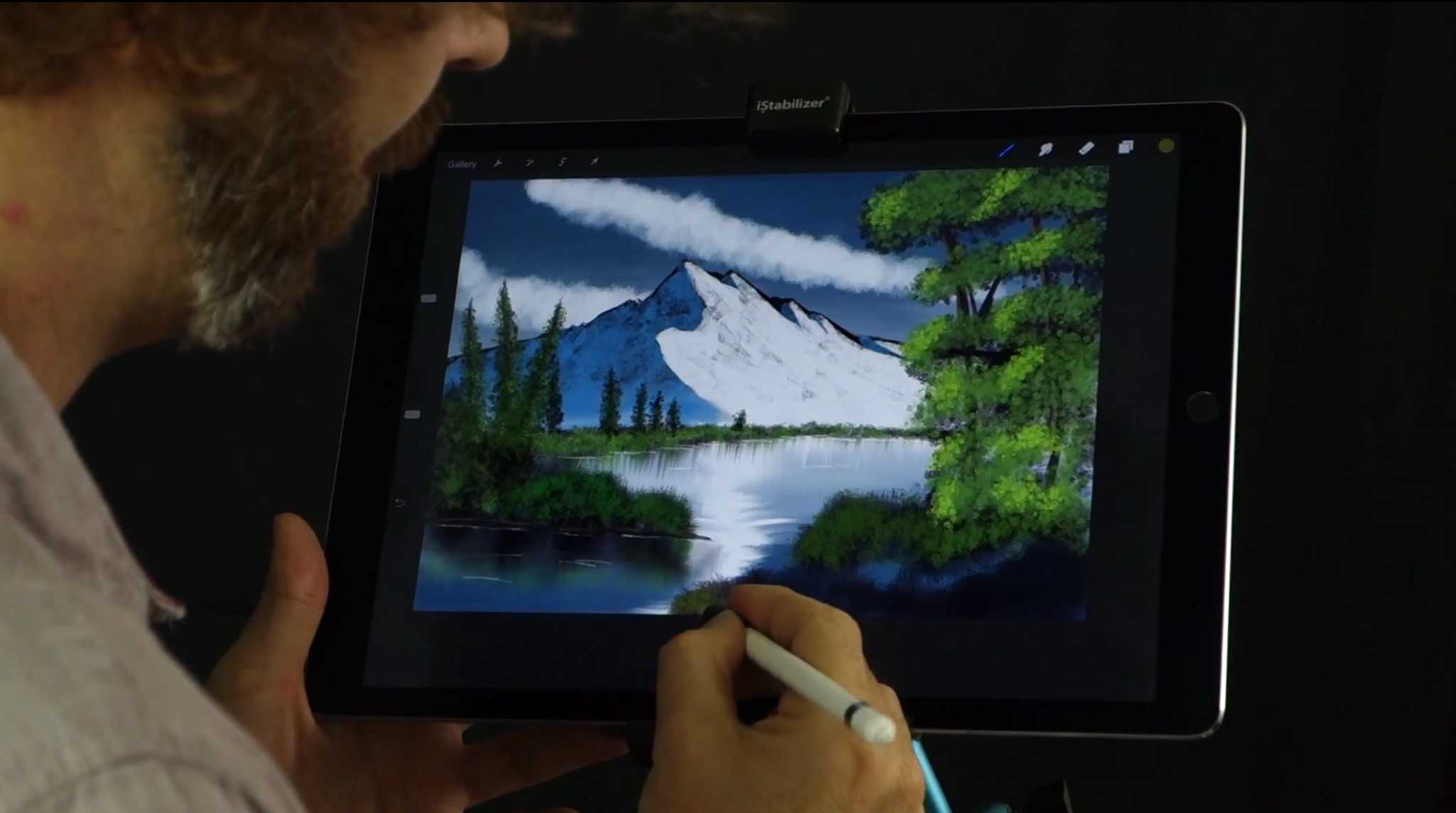
Welcome to the world of happy little digital trees. Photo: iPhonedo (via YouTube)
A tribute to late public-television legend Bob Ross shows you the joy of painting on the iPad Pro, and it’s not so much about happy little trees as it is really thinking about those bushes.
YouTube user iPhonedo, who may want to rethink his wig choices, gives a Rossian demonstration of basic techniques using the iPad Pro and Apple Pencil to create beautiful landscapes. It’s about planning layers, thinking about light, and bushes. We can’t impress upon you enough how important bushes are. Bushes are so important that the video gets kinda weird.
Erase with the touch of your finger. Photo: Rob LeFebvre/Cult of Mac
The iPad Pro has become a huge favorite of illustrators and artists all over the place, and as these talented individuals get their Apple Pencils, they’re starting to see the joy of drawing directly on Apple’s massive and powerful tablet.
Thing is, the Apple Pencil doesn’t have an eraser on the end of it, unlike competitor artistic styluses (including 53’s own Pencil stylus, which features a big, soft eraser on the end opposite the drawing part).
Luckily, if you’re using an app like Savage Interactive’s Procreate, you can tweak things to make your finger do the magic eraser job.
We've got lots of creative apps in the hopper this week, from the comic-book-artist-friendly Procreate 2.1 to the art-sharing app August. There's also stuff for metadata-hungry photographers, as well as a note-card app for screenwriters. Get to work.
Early doodles on the iPad looked a lot like this generation’s Etch-a-Sketch.
But in just a few years, after celebrated artists such as David Hockney have shown their iPad works in galleries, Apple’s revolutionary device has come into its own as a canvas.
The eclectic group of works above are finalists in the second annual Mobile Digital Art Exhibition (aka MDAC Summit 2014), an upcoming art-packed weekend of workshops and a celebration of digital art in Palo Alto, a stone’s throw from Apple headquarters. Take a gander and vote on them by July 31 for the People’s Choice Award.
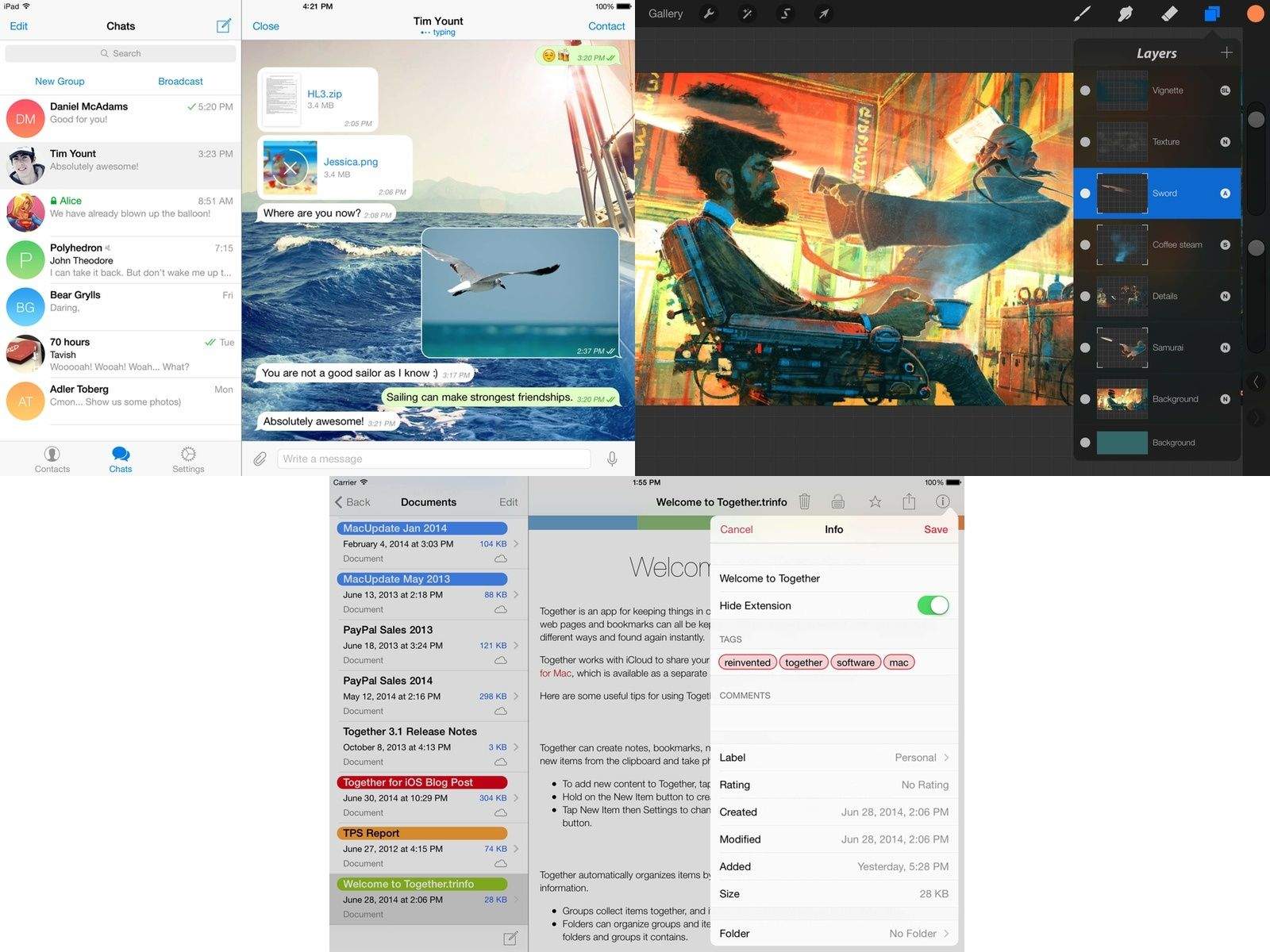
Procreate is pretty much my favorite drawing and painting app for the iPad, and v2.0 blows the metaphorical, Cockney-accented doors off the previous version. Yes, it’s now iOS 7-ready, but it’s also now an absurdly powerful images editor, with a whole new interface design to boot.
If your iPad doodles are a little primitive, there are a few apps that can get you canvasing the art greats from Caravaggio to Picasso and creating some deft original strokes of your own.
So says Sumit Vishwakarma in a talk for Macworld/iWorld 2013, adding that if you’re willing to forgo one cinnamon latte at Starbuck’s, that money spent in apps will take your work to the next level.
Vishwakarma is an iPad art advocate whose work has been featured at the first Mobile Art Festival in Los Angeles, the Apple flagship store in San Francisco, and the Mobile Creativity & Innovation Symposium. He also teaches free workshops to promote iPad art and animation to kids, teens and adults.
HEX3's JaJa is one of the first pressure-sensitive styluses on the market, and it is also the most unique. Instead of using low-power Bluetooth 4 to talk to your iPad, it uses high-frequency sound. This not only lets it work with the iPad 1 (or any capacitive-screened device whether iOS or Android), but means that the battery lasts for weeks.
I have been testing one out for a month or so now, and some big apps have now added support. So how does it do?
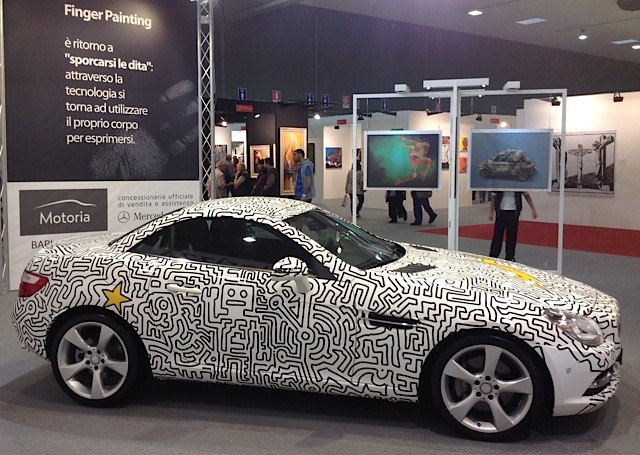
The fingerpainted car on display at Expo Arte in Italy. Courtesy Matthew Watkins. The signature of the artist on the customized skin. Courtesy Matthew Watkins.
Procreate piles on the new features, and yet remains lag-free and easy to use
Procreate, the already excellent iPad drawing app, has been updated to play nice with the iPad 3’s Retina Display. But to dwell on that would be to ignore the massive changes that have gone into this version. Make no mistake: This might be labelled v1.6, but it is much more like a v2.0.