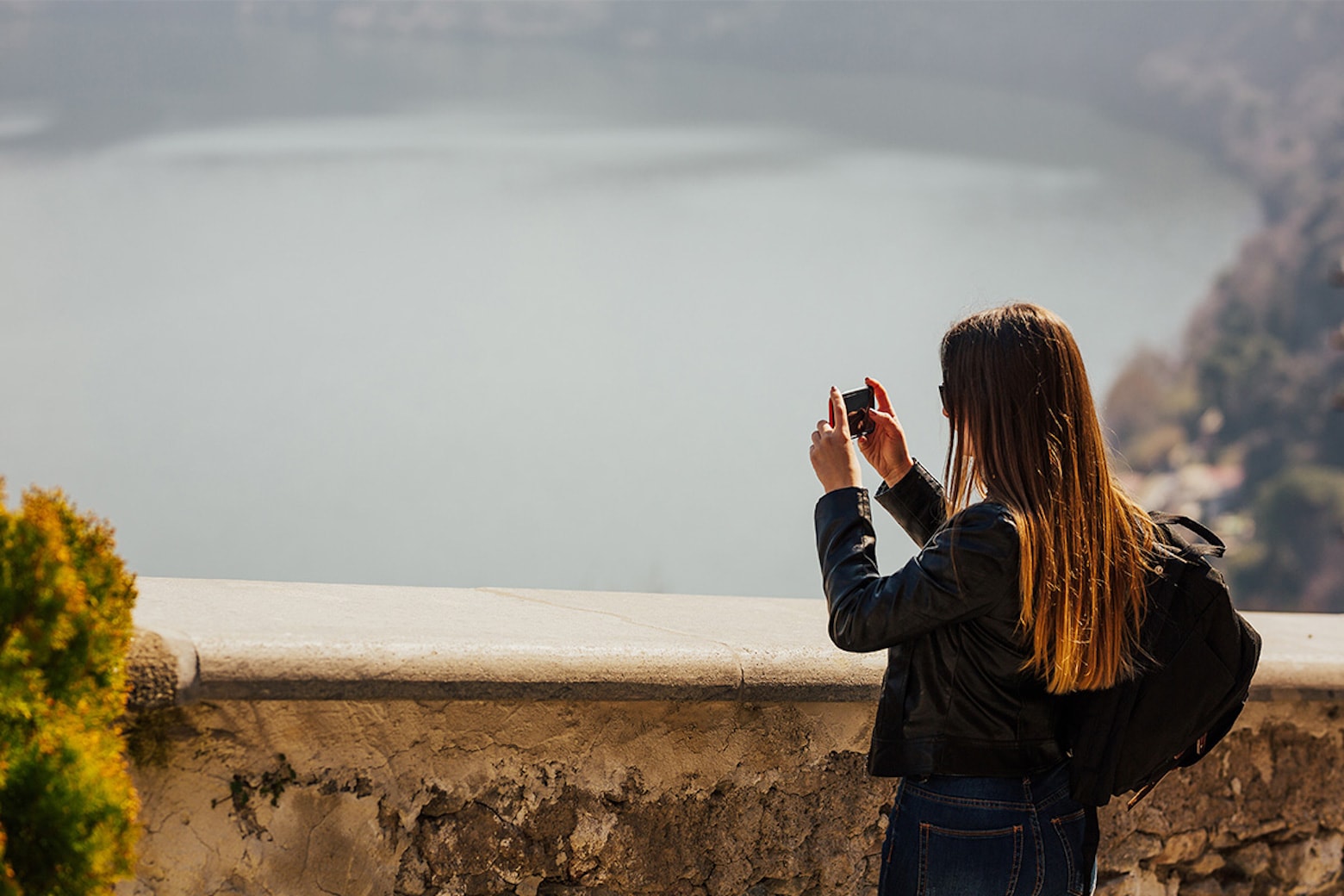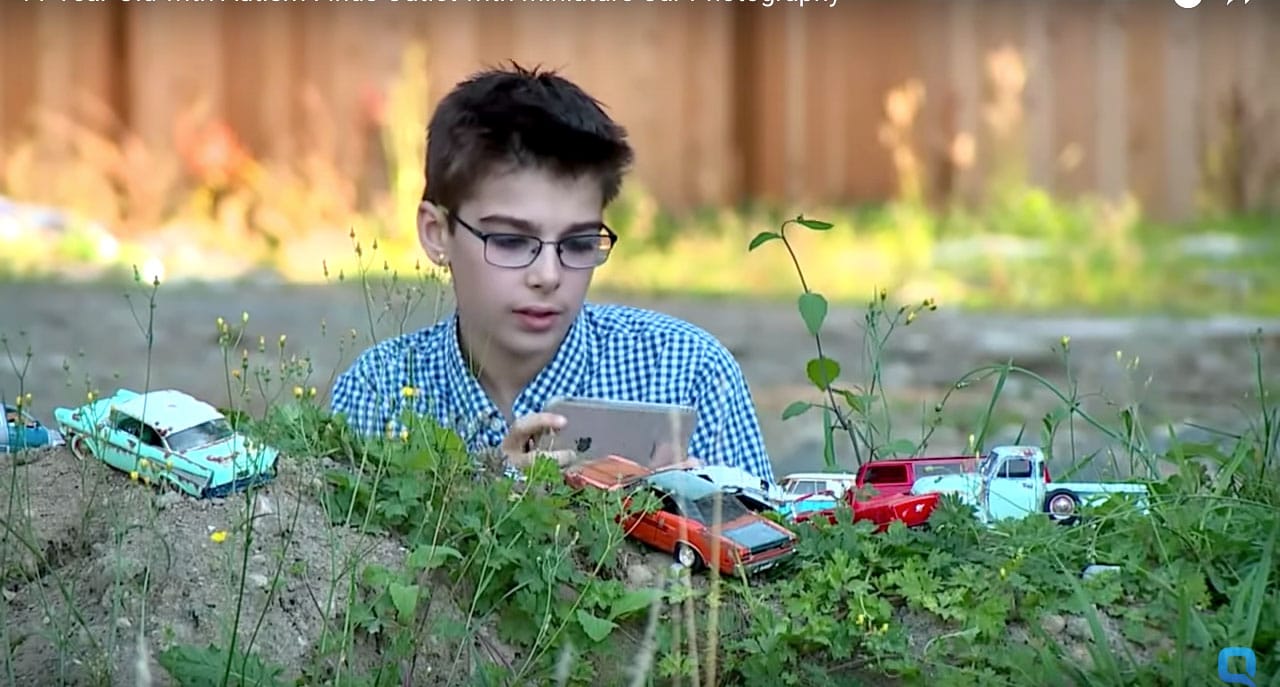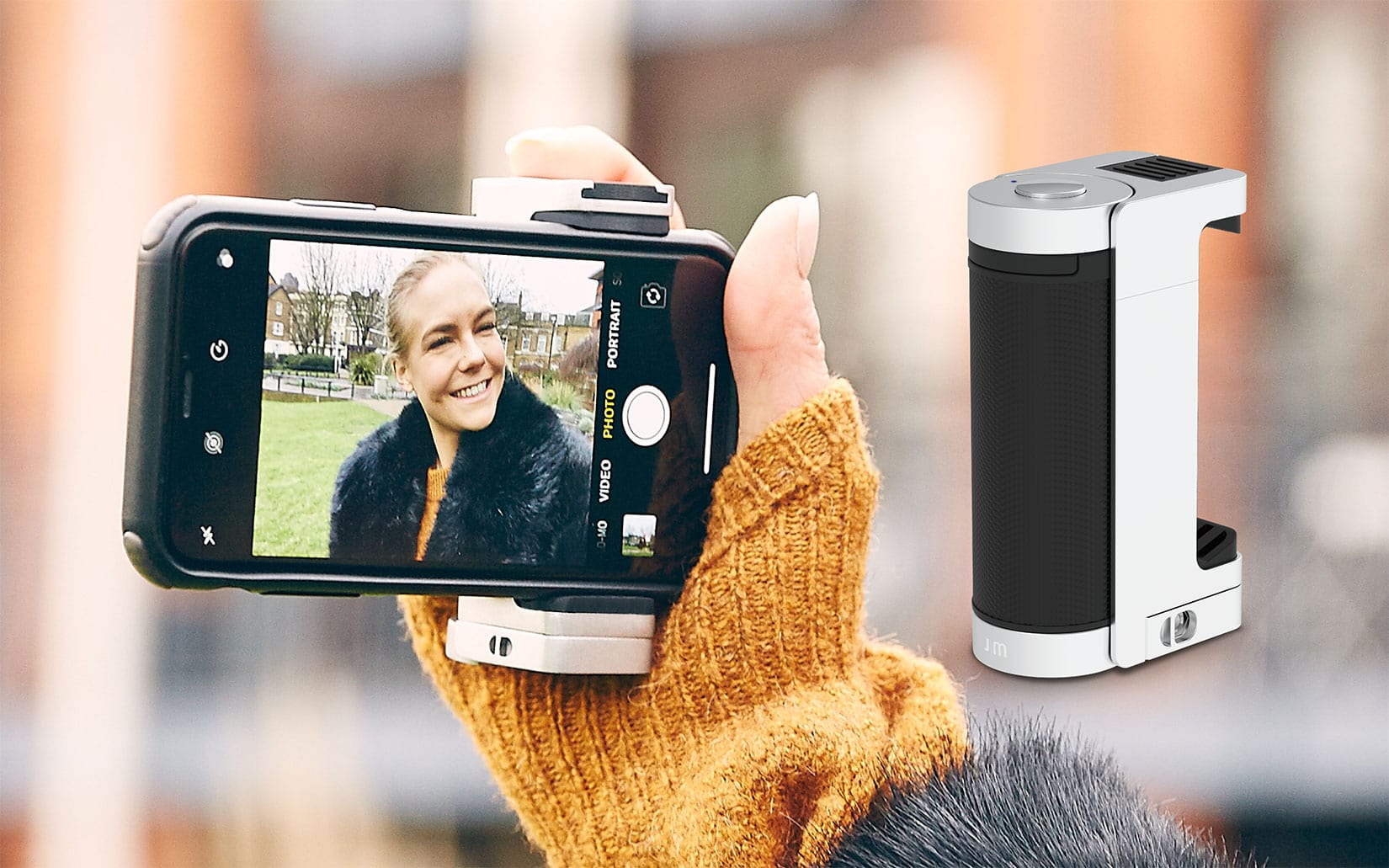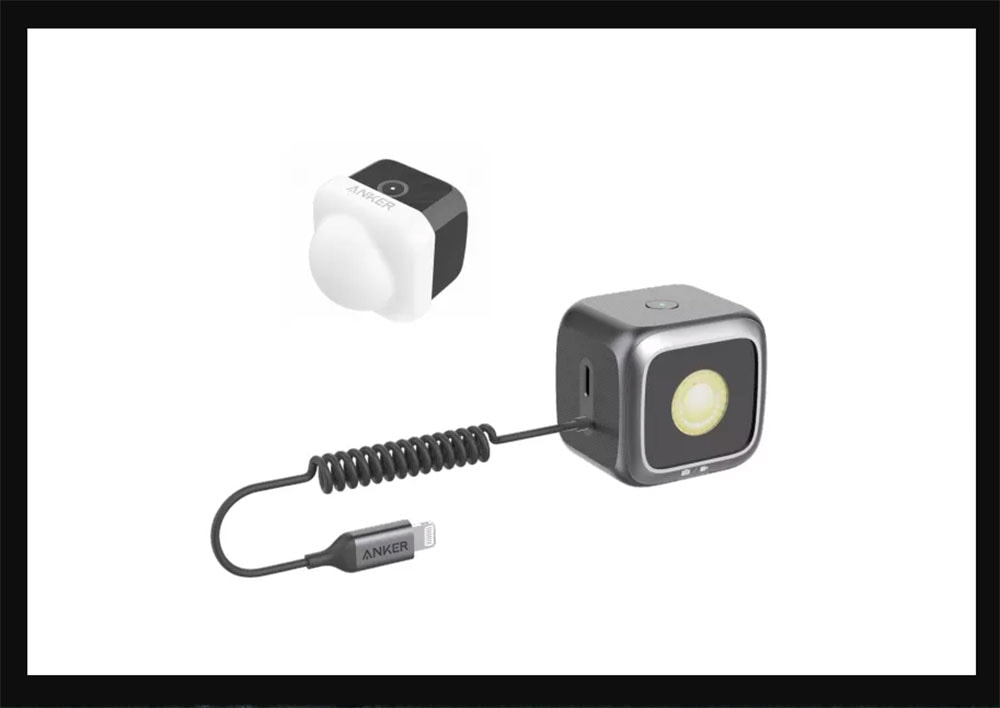
@Peter Ellenby, shot with an iPhone 4 and Hipstamatic’s “WMag Freepak” lens.
September is back-to-fashion month, when glossy magazines bulge at the seams with their biggest issues of the year.
To celebrate its fashion-packed September issue, W magazine partnered with Hipstamatic for a new lens called “WMag Freepak,” offered free to download in-app until September 2, and launched a contest that will earn the winner a chance to shoot for the magazine.
Photographer Peter Ellenby, a self-taught shutterbug who has lived in San Francisco, shooting bands, events, portraits and fashion since 1994, took the WMag lens on a trial run for pics that will appear in an upcoming edition of Hipstamatic’s iPad magazine Snap.
Here are his tips for photographing fashion, including why you should save money on a studio but always accessorize your shots with a touch of crazy.
Gray, a street photographer whose work you can check out under the handle “rugfoot” on Twitter, Flickr and Instagram, just wrapped up the first course in iPhoneography at the photography department of Kensington & Chelsea College in London; the next two sessions of the five-week course start April 26 and May 31.
He shared with Cult of Mac the required app downloads for the class and the four most common mistakes iPhone photo students make.
Like many of us, Travis Jensen spends his lunch hour taking iPhone pics.
Unlike most of us, however, his moody urban landscapes and punchy black-and-white portraits have been the object of two photo books, shot with fellow street photography veteran Brad Evans, Tenderloin U.S.A. and the #iSnapSF Field Journal.
If you live in a city, the people that you meet when walking down the street are often great photo subjects.
But if you, like me, have a hard time getting decent shots with your iPhone of the woman with the cascade of facial tattoos you pass every day on your way to work, check out a free workshop at San Francisco’s Apple store this Sunday.
Brad Evans and Travis Jensen will teach you how to add some street cred to your everyday iPhone photos. They’re a pair of veteran urban shutterbugs who teamed up for #iSnapSF Field Journal, which showcases 42 images from thousands snapped on the streets of San Francisco using the iPhone 4 and the Hipstamatic app. (If you can’t catch the workshop, stay tuned for Cult of Mac’s interview with Jensen for some great iPhone photography tips.)
LAS VEGAS, CES 2012 — Four times bigger than last year, and now filling about half the massive north hall of the Las Vegas Convention Center, the iLounge is home to an enormous plethora of iDevice accessories. I weaved and wandered through lanes of the iLounge pondering the products I was seeing, and out of all of what I found filling the massive space, these were the trends that stood out.
So by now you may have heard that Nikon’s flagship pro D-SLR, the D4, is real and will be on the floors of CES. The new features of this new drool-worthy machine are numerous, but one that immediately caught my eye was its ability to be controlled remotely by an iPhone or iPad — wow! I don’t think anyone saw that coming.
As a photographer and podcaster, I’m a big Joby fan. Their tripods are generally high quality, incredibly flexible, and as functional as they are fun. The Joby GorillaMobile Tripod for the iPhone 4/4S ($40) is definitely worthy of much the same praise, but an issue I have with its build quality and price leave me with a raised eyebrow.
Lookin' good in 3D? A sample from the Snapily app.
Personally, my favorite thing to do after having any picture taken is seek out the “delete” button. (Even if that entails arm wrestling the well-meaning friend to get at it.)
But you may embrace the idea of having your nose or midsection appear in all its glorious 3D in a photo – if so, a new iPhone app called Snappily 3D is for you.
For $1.99, it promises to bring photos from your iPhone 4 or iPad 2 into a new dimension. Snapily walks you through the shooting process and you can view the pic in 2D or gyroscope and anaglyph mode if you want to check them out with your 3D specs.
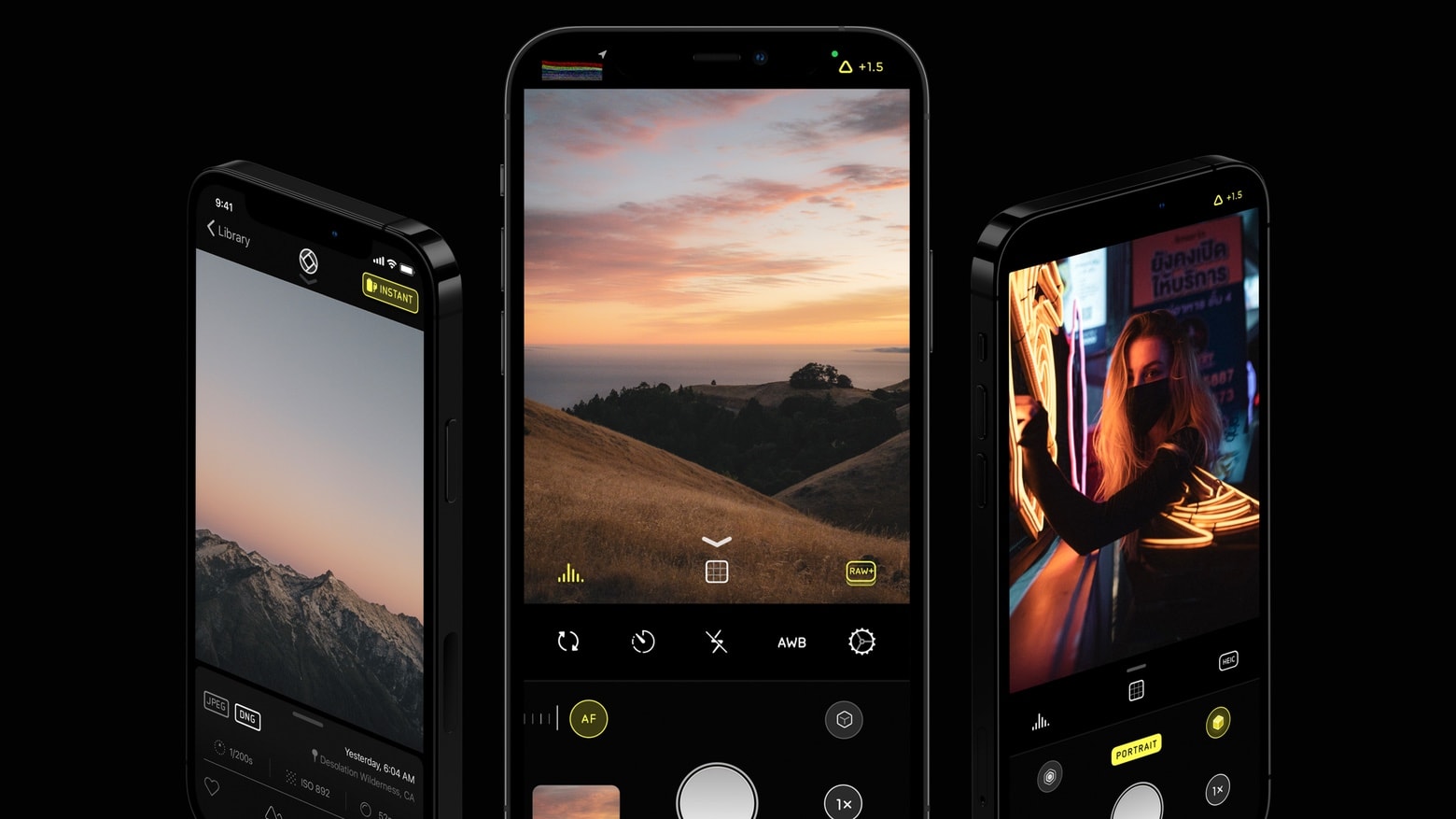
Snap your Halloween party pics right by taking photobooth-style shots from your iPhone with Hipstamatic’s Incredibooth — offered free over the weekend.
I don’t know how many times I’ve seen a famous photographer say something like “it’s not your equipment, it’s how you use it”; but they love to trot out that phrase like a dog breeder trotting out a prize poodle. And of course, they’re right. In fact, one of the most important — if not the most important — feature is that the camera is actually around for you to take the shot with — or you’ll miss the moment. The second? That the damn thing doesn’t require much fumbling around with to operate.
The iPhone has never had any problem with the first one. And today, bam — Apple has just taken care of the second. In fact, the camera tweaks in iOS 5 should make the iPhone the most-used camera ever. Here’re the much-needed improvements, in order of grooviness.